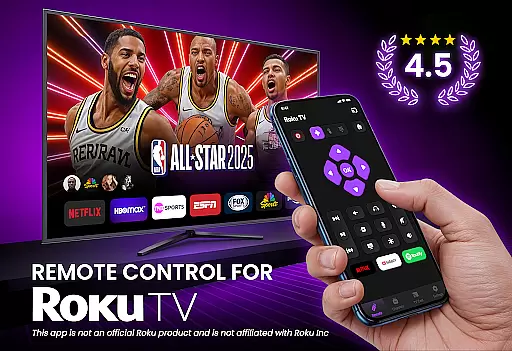
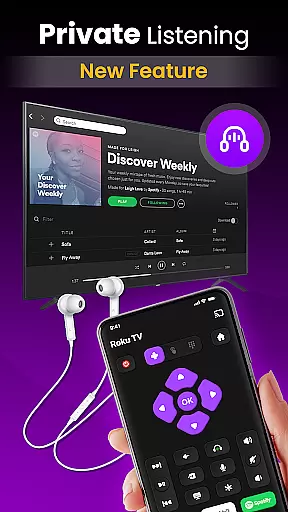
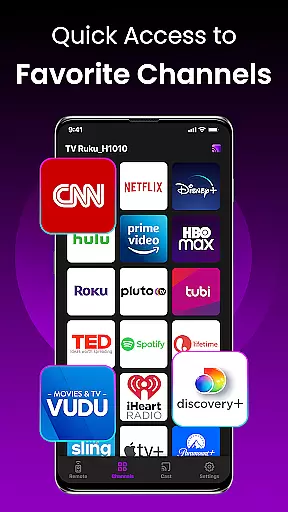
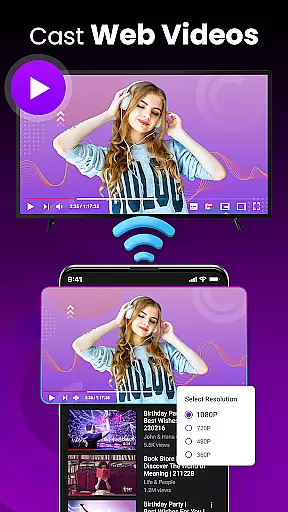
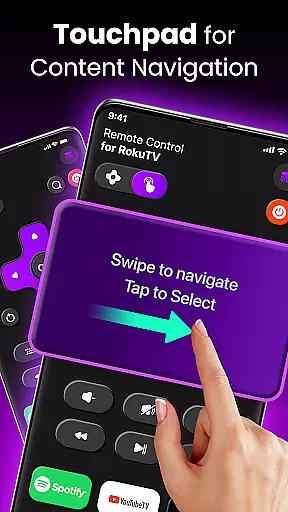
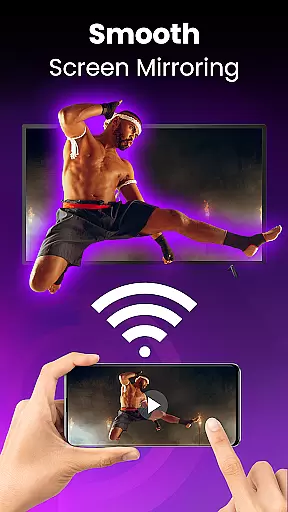
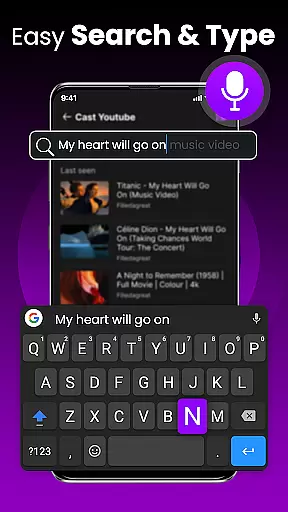
TV Remote Control for RokuTV is a mobile app designed to replace traditional TV remotes. This Android app offers users the ability to control their RokuTV devices directly from their smartphones. With an intuitive interface, the app provides seamless navigation through various functions such as changing channels, adjusting volume, and accessing streaming services. The app experience is enhanced by its minimalistic design which ensures ease of use.
The primary purpose of this app is to simplify the way users interact with their RokuTV. Core features include voice search functionality, access to popular streaming apps, and customizable buttons. Users can also create personalized shortcuts for their favorite channels. By integrating advanced connectivity options, the app ensures a reliable and responsive control solution making it a valuable app-based solution for RokuTV owners.
This app is ideal for individuals who own a RokuTV and prefer using their smartphones as a remote control. It caters to tech-savvy users who appreciate convenience and modern technology solutions. The target audience spans across various age groups but primarily includes adults aged 18 to 50 who are comfortable with mobile apps. Those who frequently lose their physical remotes or desire advanced features will find this app particularly beneficial.
Specific use cases include situations where the traditional remote is misplaced or out of batteries. Additionally, users hosting movie nights can impress guests by controlling the TV with their phones. The app features come in handy during presentations allowing presenters to adjust settings without interrupting their flow. Overall, anyone seeking an efficient app-based solution for managing their RokuTV will benefit from this tool.
Choosing TV Remote Control for RokuTV means opting for a seamless and modern app experience. The key benefits include eliminating the need for multiple remotes and providing quick access to streaming services. Users gain the advantage of voice commands which simplify searching for content. Customizable buttons allow for tailored shortcuts enhancing overall usability. These features collectively contribute to a superior app experience compared to traditional remote controls.
The app solves common problems such as lost remotes and limited functionality by offering a comprehensive control center on users' smartphones. What sets it apart from alternatives is its reliability and user-friendly interface. Regular updates ensure compatibility with new RokuTV models and features. By addressing pain points like battery changes and complex button layouts, this Android app stands out as a practical choice for RokuTV owners seeking convenience and efficiency.
Intuitive user interface
Voice command support
Customizable shortcuts
Reliable connectivity
Regular feature updates
Requires smartphone
Occasional connection issues
Limited to RokuTV
No physical buttons
Battery drain on phone

 4.50
4.50 4.50
4.50
Canon PRINT is a companion app for your Canon printer.
4.60
Quickly check the frequency of the Earth
4.30
Create your own custom widget with endless possibilities
3.90
Pro Emulator is an easy to use game console emulator for a range of consoles.
4.40
Clean up large files and similar photos, fast and easy to use
4.40
Protect your device with antivirus, storage cleanup, and system monitoring
4.70
A clean app.
4.50
Support Fossify apps with a warm thank you!
5.00
Connect wirelessly to your computer to watch movies, browse the web, play games
5.00
Enjoy smooth gameplay with Game Booster
4.90
Bedrock Together: Join any bedrock server on Xbox/PS
4.80
FV File Manager Pro, Fast and powerful file manager for Android
4.60 4.50
4.50
Fluid navigation gestures for all of us!
4.30
Just one-tap to easy translate in any language after calls within seconds.
4.20
An open-source APK explorer for Android!
4.10
PDF Reader - Document Viewer: Read, Manage & Organize Your Documents
3.10


User Reviews