
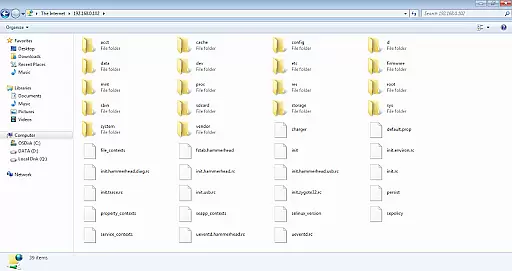
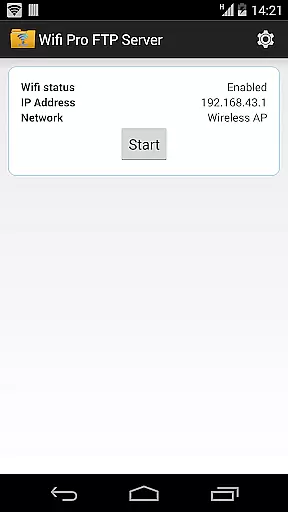
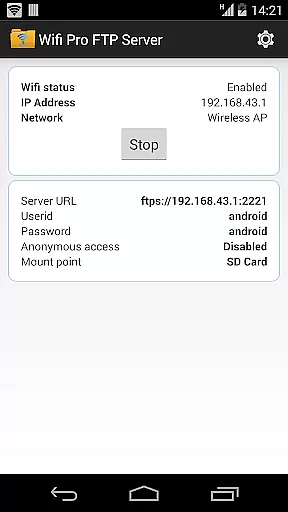
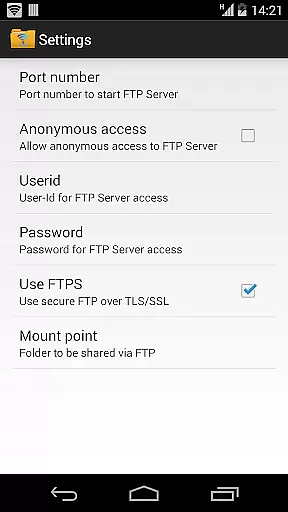
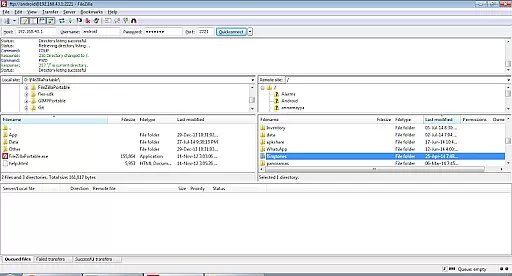
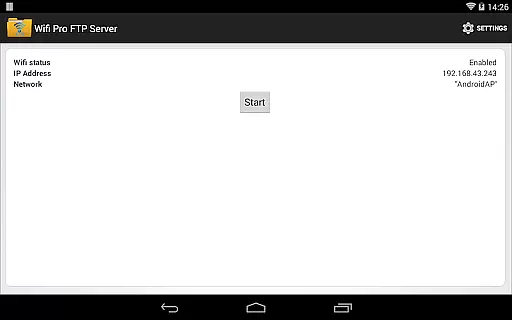
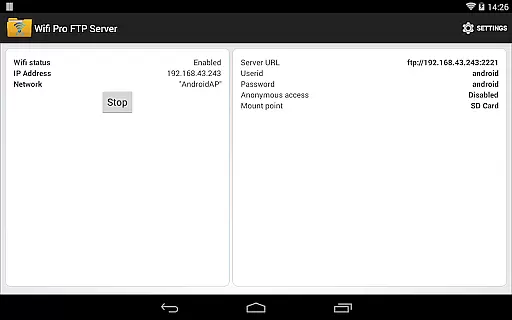
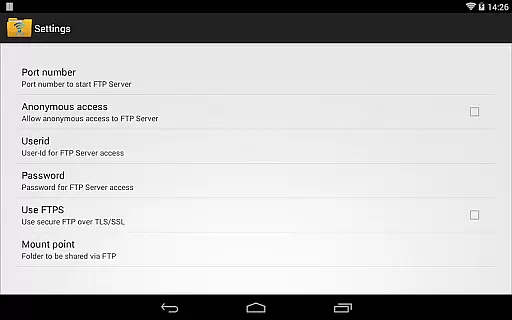
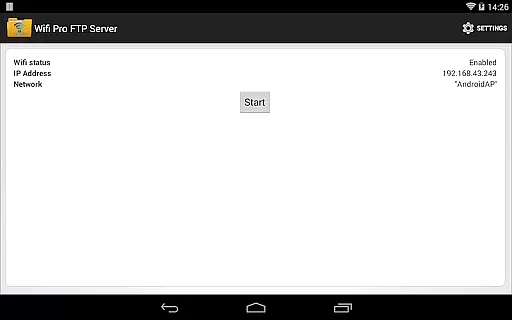
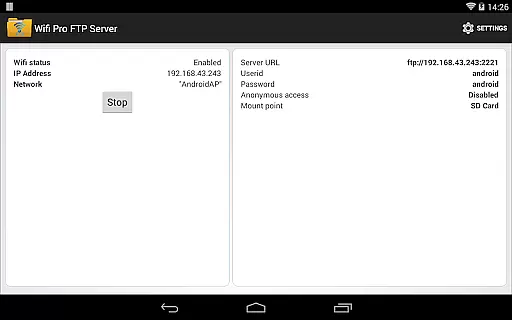
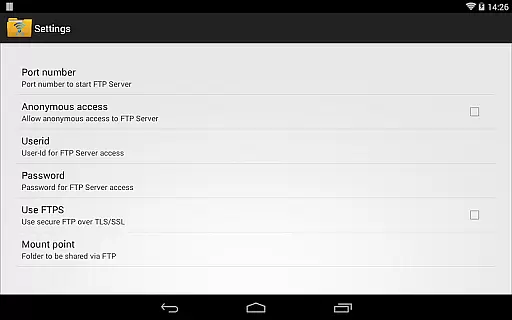
WiFi Pro FTP Server is a mobile app designed to turn an Android device into a portable file server. This app allows users to wirelessly transfer files between their phone and computer or other devices over the same Wi-Fi network. With its user-friendly interface, even those unfamiliar with networking can easily set up and manage their file-sharing environment.
The primary purpose of this app is to simplify file management without relying on cables or cloud services. Key features include support for multiple file formats, background operation, and secure access controls. Users can share documents, photos, videos, and more while maintaining control over who accesses their content. The app experience emphasizes convenience and efficiency in everyday tasks.
This app is ideal for professionals and students who frequently need to transfer files between devices without depending on physical storage or internet-based solutions. It caters to individuals aged 18-45 who value productivity tools that enhance workflow efficiency. Tech-savvy users will appreciate its advanced settings while casual users benefit from its simplicity.
Common use cases include transferring work documents during meetings, backing up photos from a phone to a laptop, or sharing large video files within a local network. The app's ability to operate offline makes it suitable for environments where internet connectivity is limited or unreliable. Its focus on security also appeals to users concerned about unauthorized access.
WiFi Pro FTP Server stands out due to its combination of ease-of-use and robust functionality. The app features are tailored to meet both basic and advanced needs, offering flexibility for diverse users. Unlike many alternatives, it does not require an active internet connection, ensuring privacy and reliability. The absence of ads enhances the overall app experience, making it appealing to those seeking uninterrupted workflows.
What sets this app apart is its lightweight design and minimal battery consumption. Competitors often burden devices with heavy resource demands, but WiFi Pro FTP Server maintains efficiency. Additionally, regular updates ensure compatibility with new Android versions and address user feedback. These factors make it a dependable app-based solution for personal and professional file management.
Easy-to-use interface
Fast file transfers
Secure access options
Lightweight performance
Offline functionality
Limited remote access
No cloud integration
Basic UI design
Occasional connectivity issues
Few customization options

Universal TV remote control all TVs, Roku, LG, Samsung, Fire, Vizio, Sony, TCL.
 4.40
4.40
eXtended Permission Manager - a small app to manage permissions and AppOps
4.50
An open-source APK explorer for Android!
4.10
Amateur Radio app for APRS: Track friends, exchange messages, get tactical info.
3.90
Small and simple app to Verify Root Access and BusyBox Install!
4.70
A simple app to back up and restore SMS & MMS messages and call logs.
4.10
Button mapper, mouse toggle, sleep timer and a lot of another features
4.50
Creation, Learning, Entertainment & More — The All-in-One AI Search Engine
4.70
The ideal app to be the digital eye of your family
3.40
Enjoy smooth gameplay with Game Booster
4.90
Extremely fast, secure, and protects your privacy
4.80
Learn the vast amount of system information about device and monitor it's state
4.70
NFC Tools can read and write NFC tags.
4.70
App to pay for FUTO Keyboard
4.60
Mirror your screen to Chromecast and Android TV - Super fast and simple
4.60
An easy-to-use calculator designed to save time calculating and bending conduit
4.30
Quickly & easily calculate the spacing of handrail balusters
4.20
Effortlessly run ADB commands directly on your device without a PC.
4.20
Clean the junk files on your device
3.40


User Reviews