
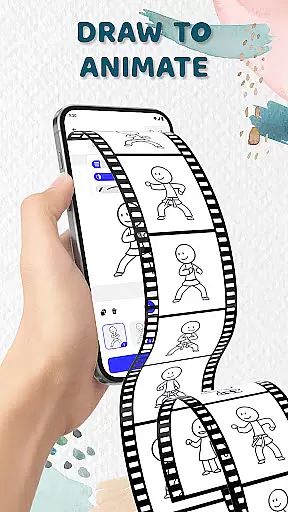
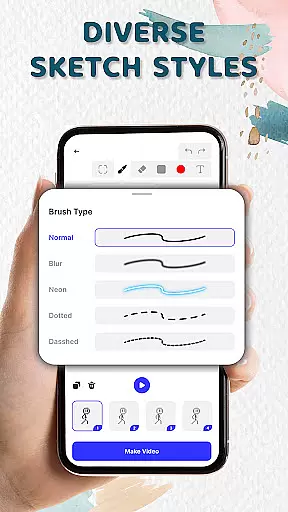
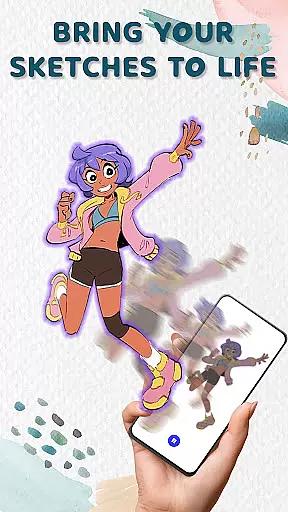
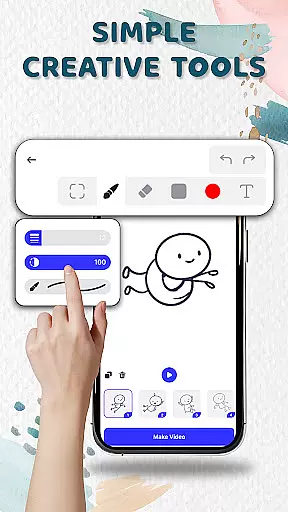
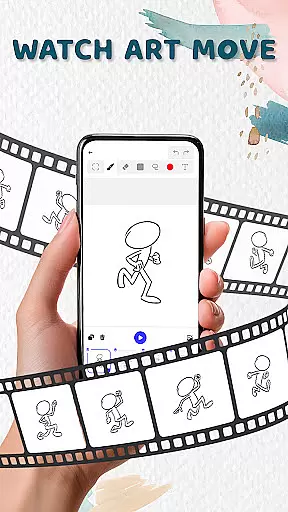
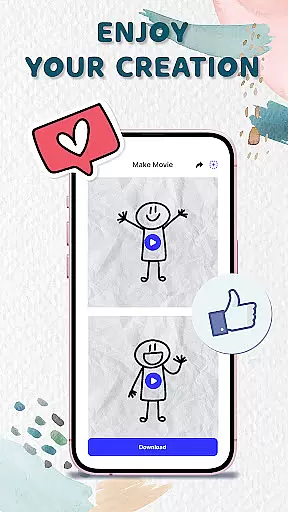
Animation Draw is a creative mobile app designed for artists and animators who want to bring their ideas to life. This Android app provides an intuitive platform for designing frame-by-frame animations, making it accessible even to beginners. The app experience focuses on delivering professional-grade tools while maintaining ease of use.
The primary purpose of Animation Draw is to enable users to create high-quality animations directly on their devices. Core features include layer support, a variety of brushes, and customizable frame rates. These tools collectively ensure that the app-based solution caters to both casual doodlers and serious animators looking for precision and flexibility.
Animation Draw targets aspiring animators, art students, and professional designers seeking a portable yet powerful tool. The app appeals to users aged 16 and above who have an interest in digital art or animation. It is particularly useful for those familiar with basic design principles but also accommodates complete beginners.
Common use cases include creating short animated clips for social media, practicing character animation techniques, and developing storyboards for larger projects. Artists can use this app during commutes or while traveling, ensuring they never miss a moment of inspiration. The app experience is tailored to provide a seamless workflow for various creative needs.
Animation Draw stands out due to its balance of advanced features and user-friendly design. The app offers tools typically found in desktop software, such as layer management and customizable brushes, all optimized for mobile use. This makes it an ideal choice for creators who need flexibility without compromising quality.
The app solves common issues like limited portability and complex interfaces by providing a streamlined experience. Its offline functionality and cloud sync further enhance accessibility. Compared to alternatives, Animation Draw delivers a more polished app experience with regular updates and responsive customer support, ensuring long-term reliability.
Intuitive interface design
Powerful animation tools
Regular feature updates
Offline project support
Active user community
Occasional performance lag
Limited export formats
Subscription fees apply
Learning curve for beginners
Ads in free version

Vidu is an AI video generator made for creators and aspiring makers.
 3.30
3.30
Learn how to draw with step-by-step tutorials, fun lessons & multiplayer drawing
4.70
Art of Combination Wear OS Watch faces
4.2
See Color, Paint Color
4.90
AR Anime Drawing: How to draw anime with AR drawing & sketching apps!
4.00
A luxurious gold watch face for an elegant and refined look.
4.2
Just trace a projected picture on paper and color! Draw & Paint with AR drawing
4.40
Sketch and paint on your device with the feel and freedom of drawing on paper
4.00
An intuitive, high-performance painting app that lets you focus on creating
4.40
Mobile pixel art editor. Simple. Fast. Portable.
4.80
Unleash your drawing and painting potential
4.50
The perfect place to start sketching! Use Sketchbook to draw and paint sketches.
4.50
Draw, make movies & animate cartoons easily with our 2D animation maker app
4.40
Beauty Camera - Selfie Camera is the ultimate beauty camera and selfie app
4.30
Get creative and make art with your Sesame Friends!
4.00
Paint with oils and sketch with natural tools on a realistic virtual canvas.
3.80
Create sweet, cool and unique couple avatars easily, in just a few steps!
3.40
Create stunning video, photo & magic from text with FlixAI GPT video generator.
3.10
Inky runs Inkscape on Android devices and Chromebooks
2.90


User Reviews