
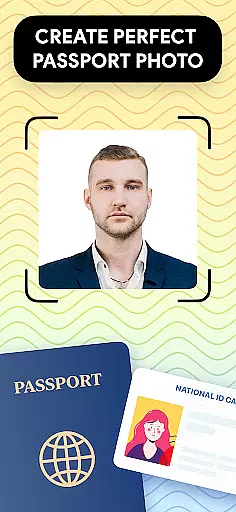
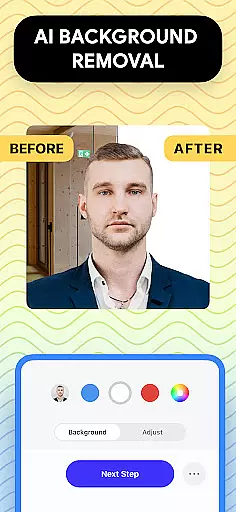
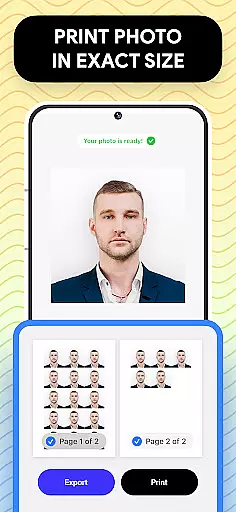
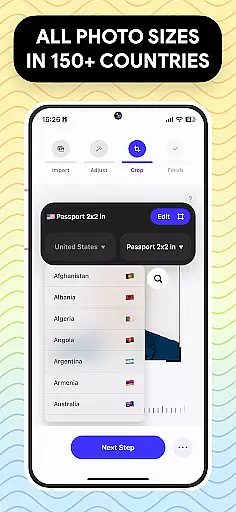
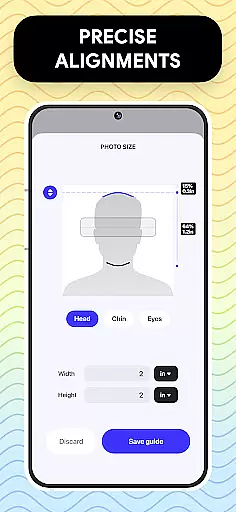
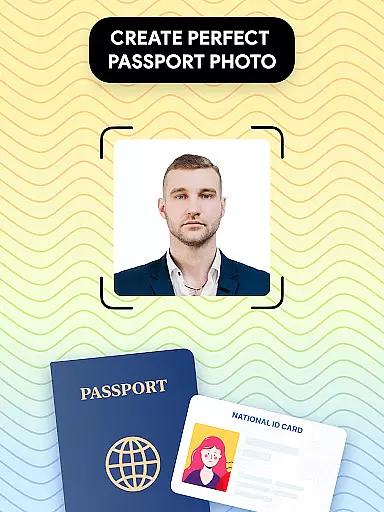
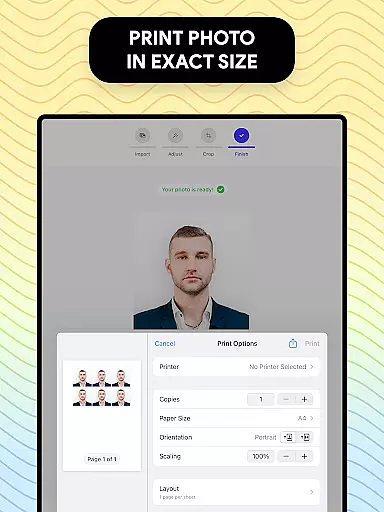
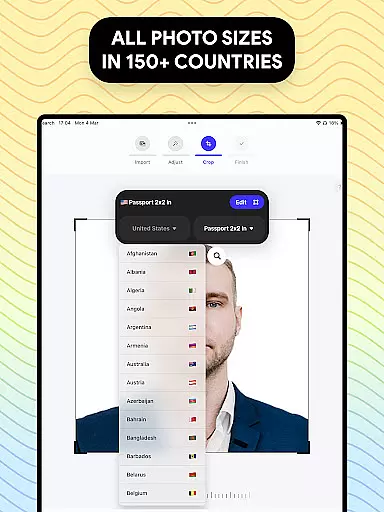
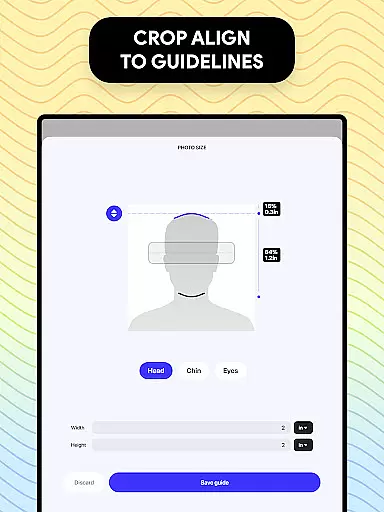
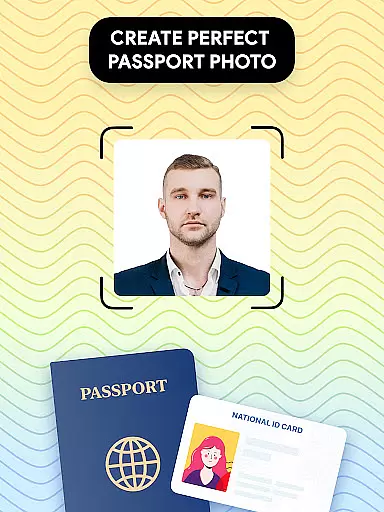
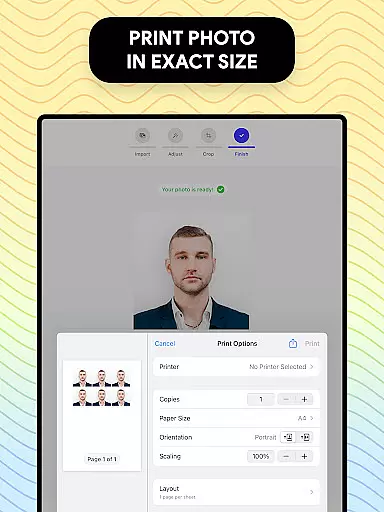
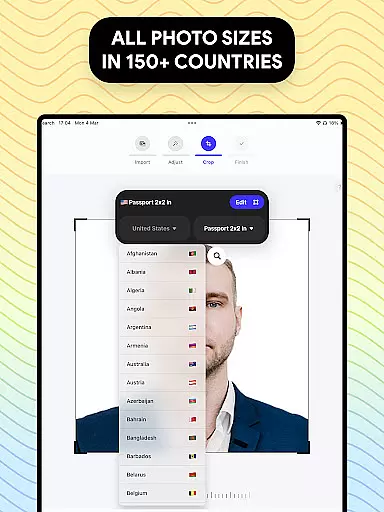
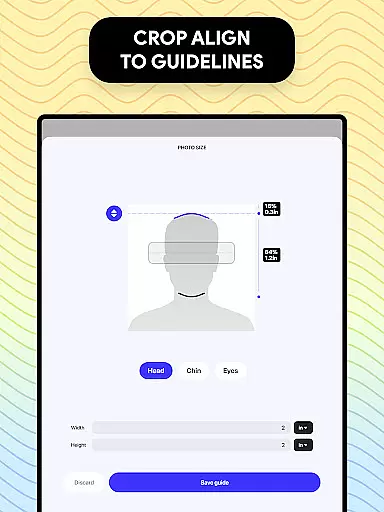
Passport Photo is a mobile app designed to simplify the process of creating passport-sized photos. This Android app allows users to capture, edit, and print professional-quality photos that meet specific requirements for official documents. With an intuitive interface and precise editing tools, it ensures accuracy in dimensions and resolution.
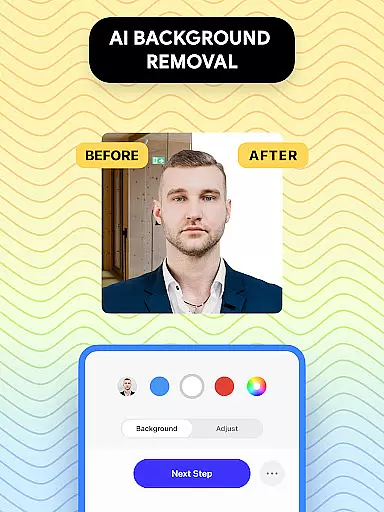
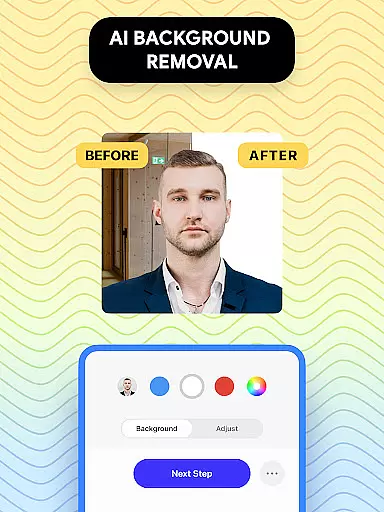
The primary purpose of this app is to provide a convenient app-based solution for individuals who need passport photos quickly. It supports various document types, including visas and IDs, while offering features like background adjustments and facial recognition. The app experience is enhanced by its ability to save templates for future use, making it reliable for recurring needs.
This app is ideal for individuals aged 18 to 65 who frequently require passport photos for official documents such as visas or identification cards. It appeals particularly to travelers, students applying for study permits, and professionals handling immigration paperwork. The app's straightforward design makes it accessible even to those with minimal technical expertise.
Usage scenarios include preparing photos for government offices, visa applications, or renewing IDs from home. For instance, someone moving abroad might use this app to create multiple copies of their photo with different specifications. Similarly, families can benefit during urgent situations where visiting a photo studio is impractical. Its versatility positions it as a go-to app-based solution for personal and professional needs.
Passport Photo stands out due to its comprehensive set of app features tailored specifically for creating official document photos. Users gain access to advanced editing tools that ensure compliance with international standards, eliminating the risk of rejection. Additionally, the app provides step-by-step guidance, which simplifies the entire process even for beginners.
What sets this app apart is its focus on solving common pain points associated with traditional photo methods. By offering customizable templates and real-time previews, it addresses issues related to incorrect sizing or poor quality. Furthermore, its offline functionality ensures usability without internet access, enhancing reliability. These aspects contribute to a superior app experience compared to alternatives in the Art & Design category.
Easy-to-use interface
Wide range of templates
Fast processing speed
Accurate facial recognition
Export high-quality images
Limited free exports
Premium subscription required
Occasional glitches reported
Learning curve for new users
Ads in free version

Create color palette from Image, RGB & RYB Color wheel harmonies, Color Scheme
 4.50
4.50
Draw beautiful mandala's very easily
4.60
AI Art Generator transforms your words into AI generated art & paintings.
3.70
Turn your drawings into flipbook-style animations with simple creative tools
4.60
Image resizer to resize, crop, rotate, flip, change dpi photo or picture in bulk
4.60
Android 14 style widgets and wallpapers app.
4.0
Sketch and paint on your device with the feel and freedom of drawing on paper
4.00
Explore future self face age filter & remove background image for a unique look.
3.50
AI-powered photo & video creation—fast, fun, and effortless with Quick Actions
4.60
Learn how to draw with step-by-step tutorials, fun lessons & multiplayer drawing
4.70
Draw on screen: FP sDraw is a simple and lightweight drawing app
4.70
Minecraft & Roblox Clothes
4.70
Photo stitcher for automatically screenshot stitching into a long screenshot
4.70
Discover Cartoon Dream : Unleash Your Creativity with CuttingEdge AI
4.50
Draw Trace image sketch by, AR art projector app, Easy to trace any image.
4.50
Unleash the artist in you with our AR drawing and tracing tool for photo drawing
4.10
Art of Combination Wear OS Watch faces (for Wear OS 5+ devices)
3.90
Turning simple sketches into captivating tales filled with life and motion
3.90
Art of Combination Wear OS Watch Faces
4.0


User Reviews