
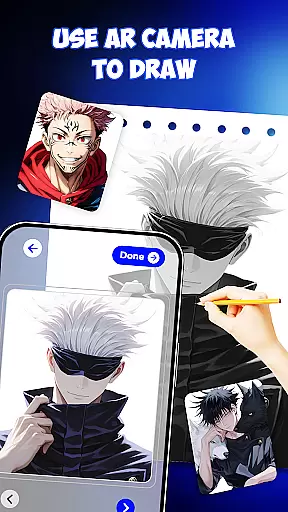
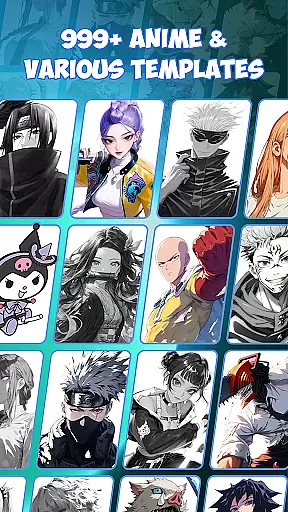
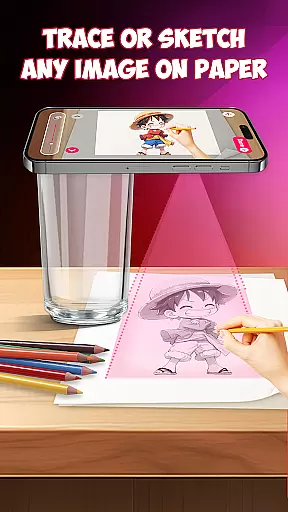
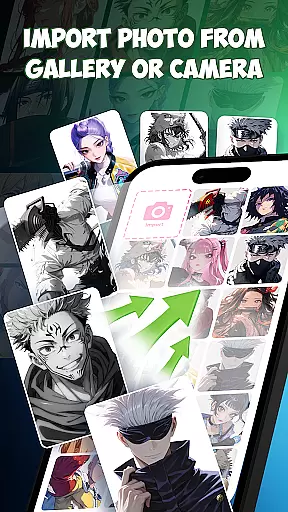
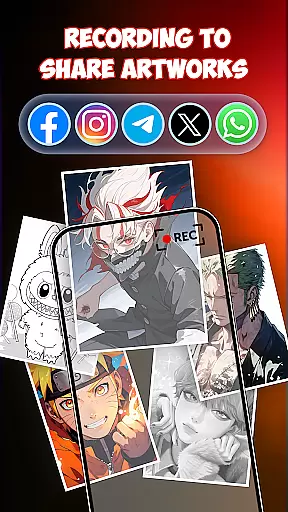
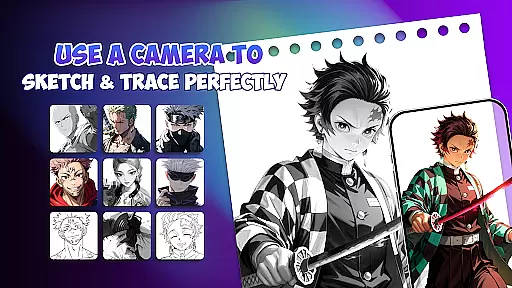
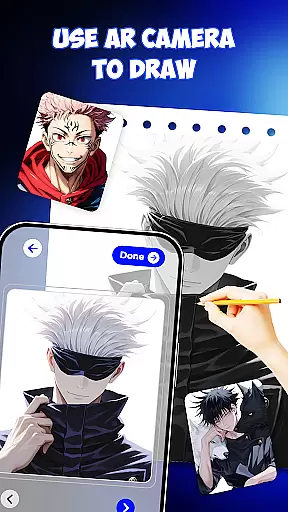
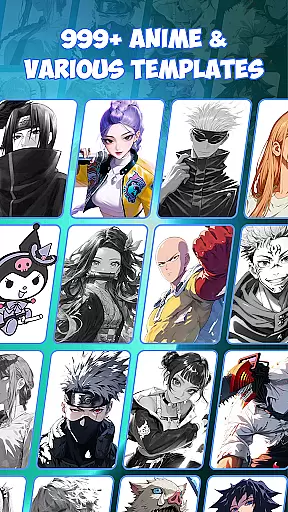
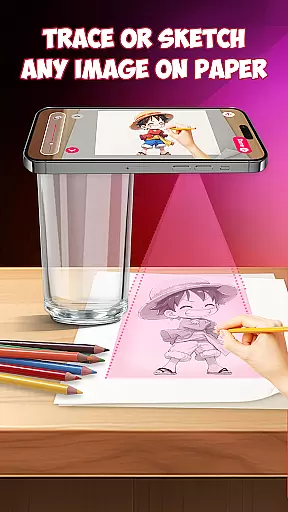
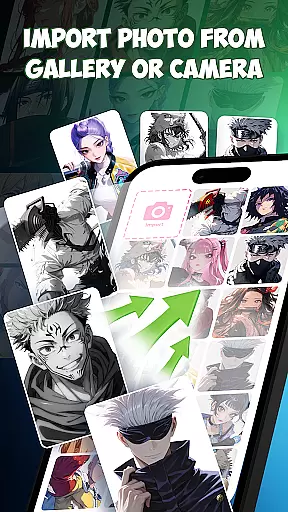
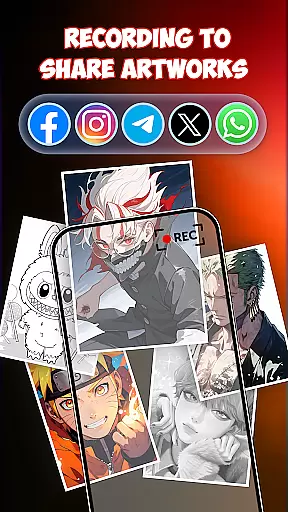
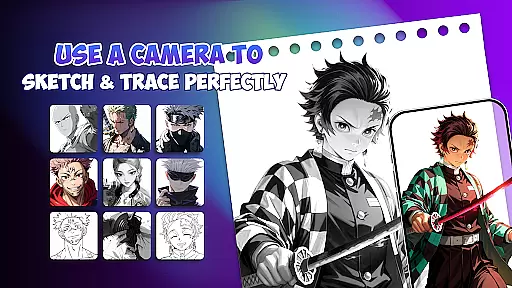
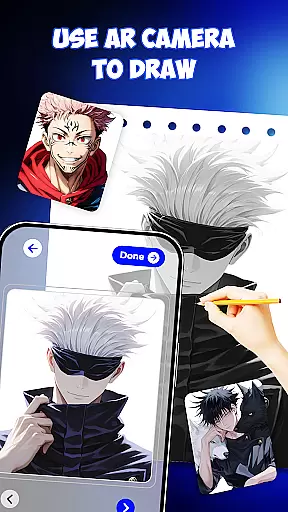
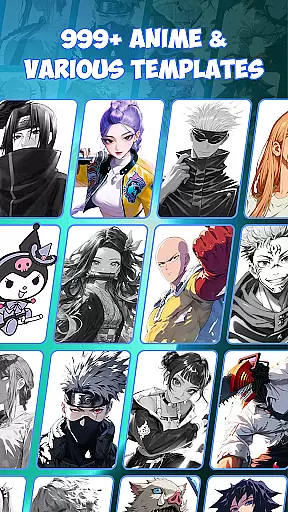
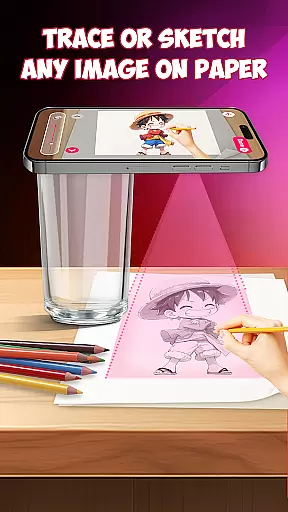
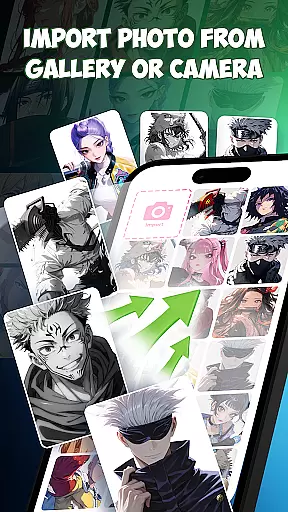
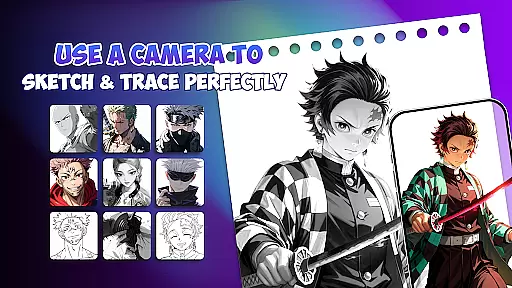
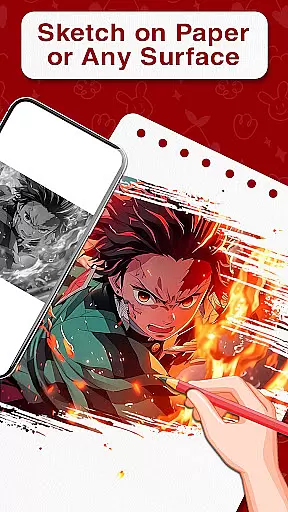
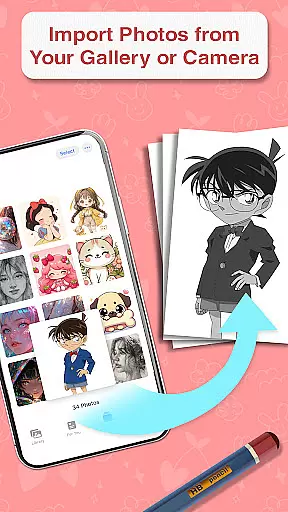
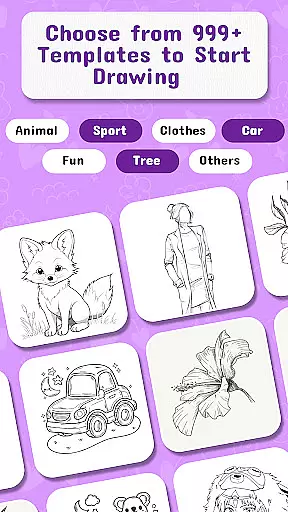
Draw Anime is a mobile app designed for users who want to create anime-style artwork on their Android devices. This app provides an accessible platform for both beginners and experienced artists to explore the world of anime drawing. With its intuitive interface and specialized tools, it simplifies the process of creating detailed anime characters and scenes.
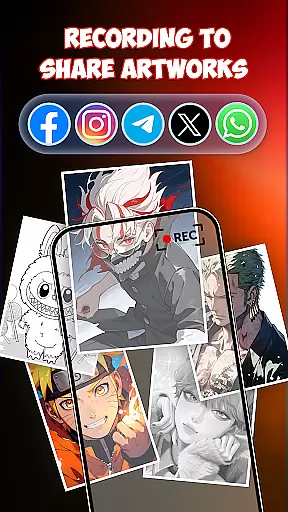
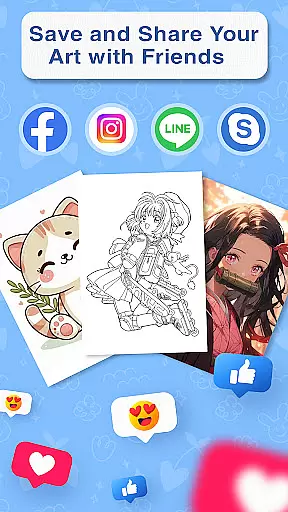
The main purpose of Draw Anime is to offer a comprehensive set of drawing tools tailored specifically for anime art. The app features brushes, layers, and color palettes optimized for this art style. Users can experiment with different styles, save their work, and share it with others. The app experience is enhanced by tutorials that guide users through various techniques, making it easier to master the skills needed for anime art.
Draw Anime is ideal for aspiring artists and seasoned creators who have an interest in anime-style artwork. It appeals to a wide age range, from teenagers exploring digital art to adults honing their skills. Fans of anime and manga will find this app particularly useful as it caters directly to their preferred art style.
This app-based solution works well for users who need flexibility in their creative process. Artists can sketch ideas on the go or develop detailed pieces at home. Educators teaching anime art might also use this app as part of their curriculum. The ability to save progress locally or in the cloud makes it suitable for various scenarios, whether for personal projects or professional development.
Draw Anime stands out due to its specialized focus on anime art, offering tools that are fine-tuned for this specific style. The app experience is enhanced by features like customizable brushes and advanced layer management, which are crucial for creating detailed anime artwork. These capabilities ensure that users can achieve professional-quality results even on a mobile app.
One key advantage is the availability of offline mode, which allows users to draw without needing constant internet access. Additionally, the inclusion of tutorials addresses the needs of beginners while still offering advanced tools for experts. Compared to general drawing apps, Draw Anime's targeted approach makes it a better choice for those committed to mastering anime art. Regular updates and active community support further enhance its value.
Specialized anime brushes
User-friendly interface
Offline drawing support
Active community forums
Frequent feature updates
Limited photo editing
Occasional app crashes
Steep learning curve
Premium feature costs
Ads in free version

Download now for a stylish and functional timepiece
 4.0
4.0
Learn how to draw with step-by-step tutorials, fun lessons & multiplayer drawing
4.70
Easy 3D drawing design maker & creator. Model designing, Sculpting. Create&paint
4.00
Remove Background, Magic Eraser, Photo Enhancer, Story Templates, Collage Maker
4.30
Your Essential Color Theory Guide: Red, Yellow, Blue (RYB)
4.2
Nano Banana AI Image Generator, Anime Filter, AI Portrait, AI Photo Generator
4.30
Image resizer to resize, crop, rotate, flip, change dpi photo or picture in bulk
4.60
Resize photos and print photos in exact size with our powerful photo printer!
3.80
Retouch photos. Create or edit images. Endless capabilities.
2.70
Novices can also easily complete diamond painting masters
4.70
Minecraft & Roblox Clothes
4.70
Draw beautiful mandala's very easily
4.60
The perfect place to start sketching! Use Sketchbook to draw and paint sketches.
4.50
Kling AI is an image and video generation and editing studio powered by AI.
4.50
Customizable Outlined Fonts. Watch Face Format. Battery friendly Digital Clock.
4.20
Get creative and make art with your Sesame Friends!
4.00
Vidu is an AI video generator made for creators and aspiring makers.
3.30
Sketch, trace and master AR drawing with awesome anime art!
3.30
Art of Combination Wear OS Watch faces (for Wear OS 5+ devices)
3.00


User Reviews