
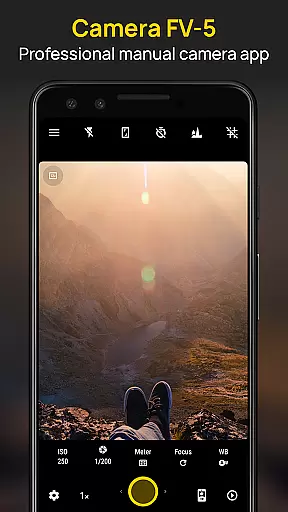
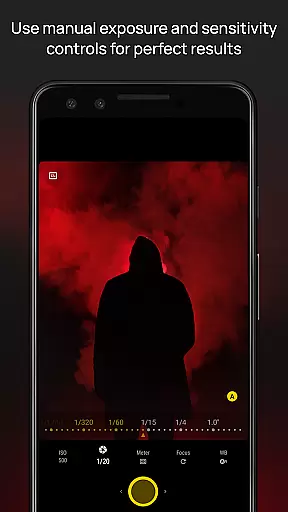
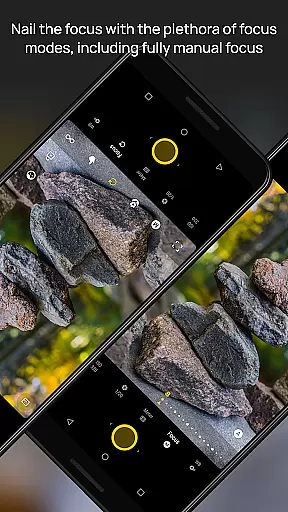
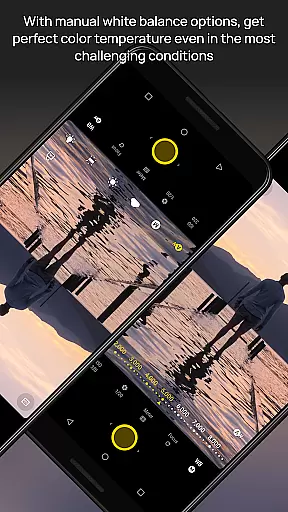
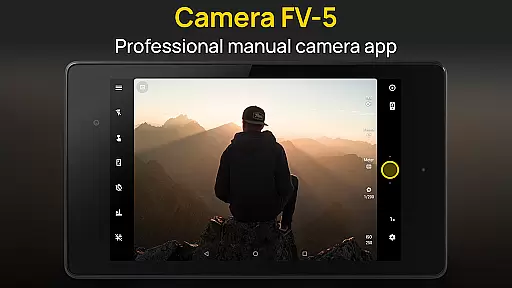
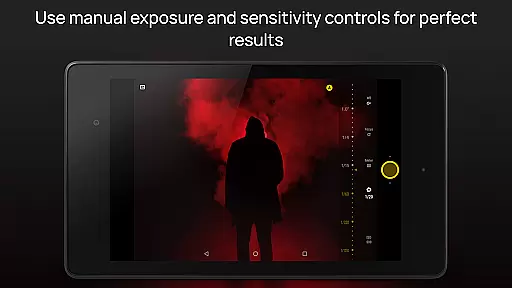
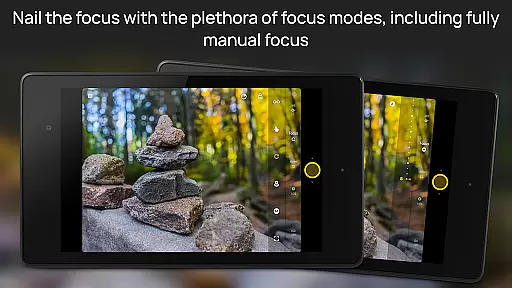
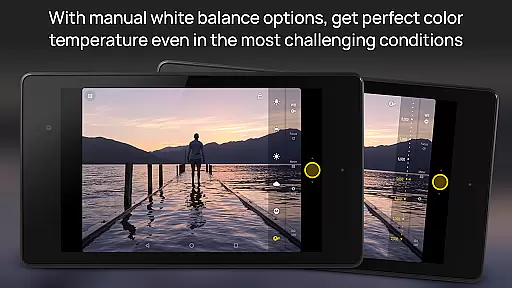
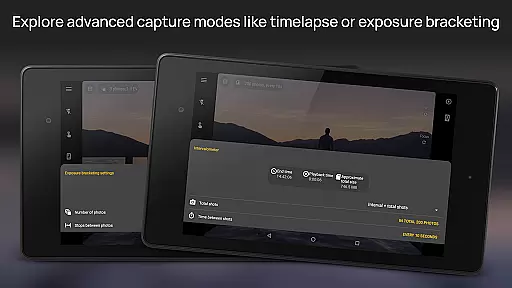
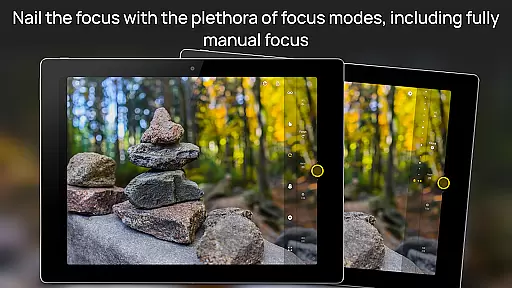
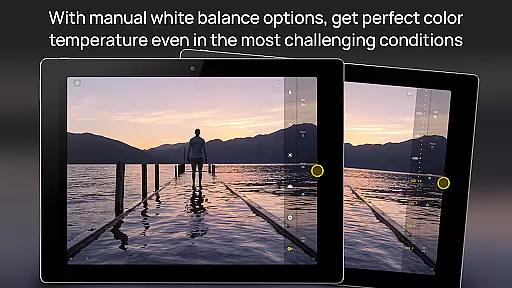
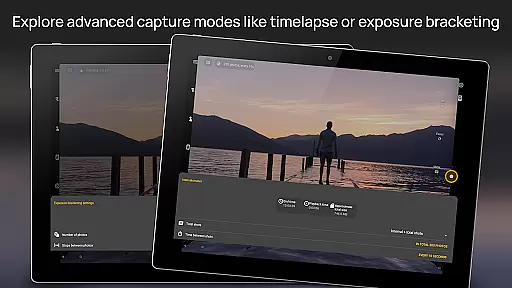
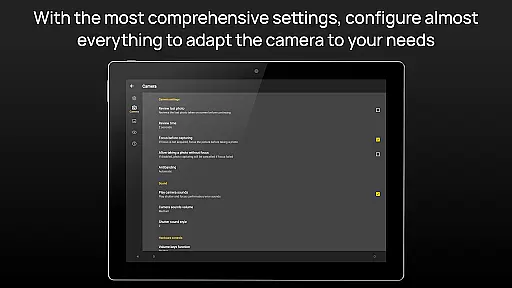
Camera FV-5 is a mobile app designed for photography enthusiasts who demand professional-level control over their smartphone camera. This Android app transforms a phone's built-in camera into a powerful DSLR-like tool by offering advanced manual settings. With its focus on precision and customization, the app appeals to users seeking an enhanced app experience in photography.
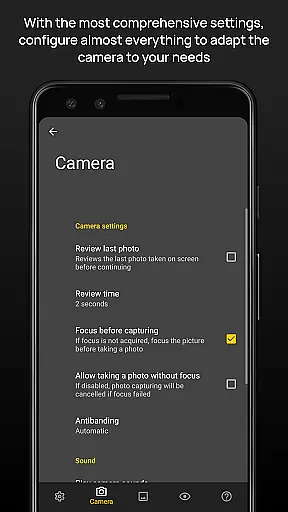
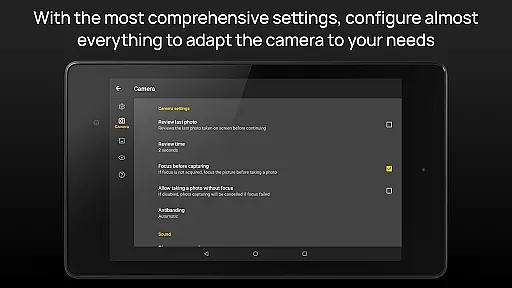
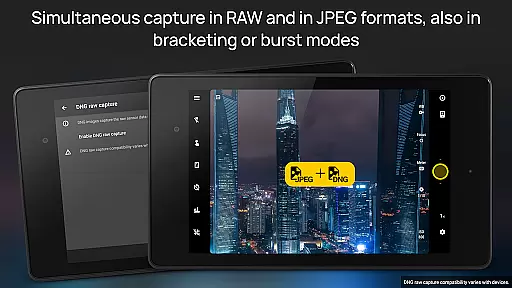
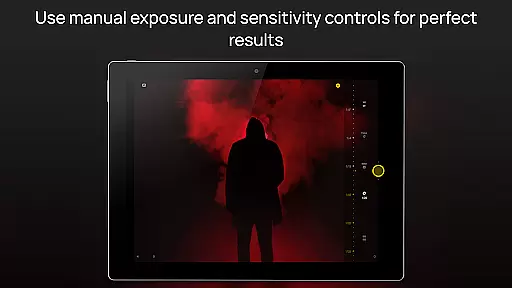
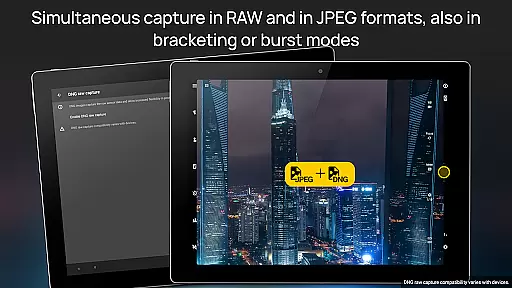
The primary purpose of Camera FV-5 is to provide users with full control over camera parameters such as exposure, ISO, focus, and white balance. It supports DSLR-style photo capturing and offers features like adjustable exposure compensation and RAW image support. These capabilities make it ideal for users aiming to elevate their mobile photography skills while maintaining creative freedom.
Camera FV-5 caters primarily to photography enthusiasts and semi-professionals seeking a robust app-based solution for mobile photography. The target audience includes individuals familiar with DSLR cameras and manual settings, typically aged 20 to 45. Users who value creative control and technical precision in their photography will find this app particularly beneficial.
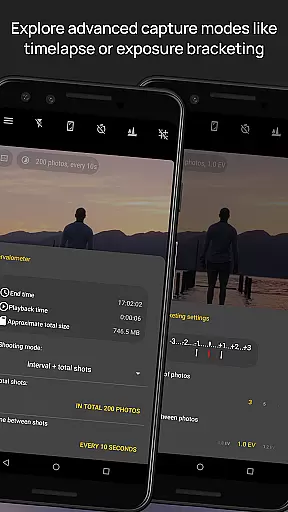
This app is ideal for scenarios where users need to capture high-quality images in challenging lighting conditions. For example, photographers covering events may rely on its manual settings to adapt to dynamic environments. Additionally, hobbyists experimenting with techniques like long exposure or time-lapse photography will appreciate the app's advanced tools. Its offline functionality ensures usability even without an internet connection.
Camera FV-5 stands out due to its comprehensive set of manual controls that replicate the functionality of professional-grade cameras. The app experience is tailored for users who want to push the limits of mobile photography by leveraging advanced settings. Unlike many automated camera apps, this Android app empowers users with precise control over every aspect of their photos.
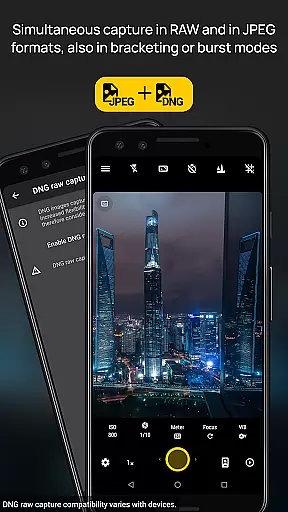
The app solves common pain points in mobile photography, such as limited creative control and subpar image quality. By supporting RAW image formats, it enables detailed post-processing, which is crucial for professional results. Furthermore, its consistent updates and active developer support ensure compatibility with new devices and operating systems, making it a reliable choice among competing photography apps.
Full manual controls
RAW image support
Time-lapse functionality
Active community support
Regular feature updates
Steep learning curve
No beginner mode
Limited filters
Paid version only
Occasional bugs

Gallery show photo, video, slideshow, is perfect 3D effect private photo albums.
 4.80
4.80
All-in-One Editor & AI Photo Enhancer, Collage, Cartoonify, Funny Stickers & BGS
4.10
Gallery Slideshow is slideshow maker app for slideshow from your gallery photos.
3.90
GCamera allows all GCam features on all phone models! Better photos with GCamera
3.30
Smart, light, and fast photo and video gallery
4.30
Turn photos into cartoons & avatars! - Photo Editor, Cartoon Face!
3.90
live datamoshing
4.00
The original Rarevision VHS look seen everywhere!
4.70
Try an anime version, cartoon yourself, and generate AI hug or aging videos!
3.70
Pro version: AR sun/moon tracker for any date. Tool for photographers & planners
4.90
Photo editor: AI filters, photo enhancer, pic collage maker, AI art generator.
4.80
See your baby AI baby face generator AI baby maker Face generator babymaker fun!
4.70
Edit like a pro with Hypic. Apply filters, AI effects, & magic touch.
4.40
A reflected light meter with spot metering and incident light metering.
4.40
[3DSteroid Pro] is a stereoscopic application for Android.
4.30
Create AI Photos, Improve and restore quality of blurry, old or damaged pics.
4.20
Hair color changer, AI haircut app, fun hair editor and buzz cut filter for all!
3.80
Raw Image Viewer. Gallery with support of raw images (.cr3, .cr2, .nef, .raf).
2.00
Remote control the phone camera shutter from your smartwatch and take a picture
1.60


User Reviews