
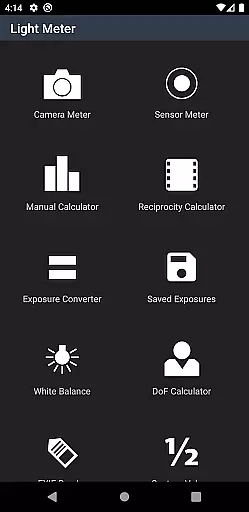
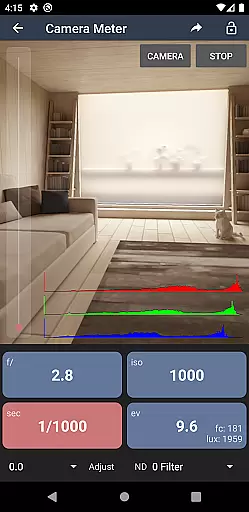
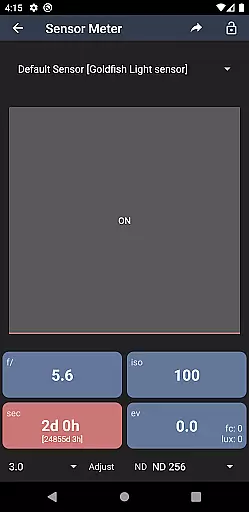
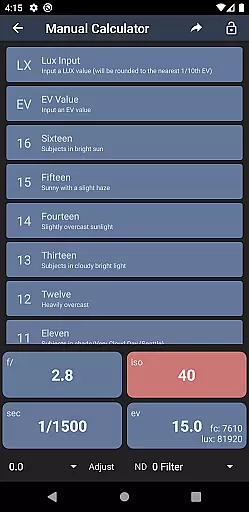
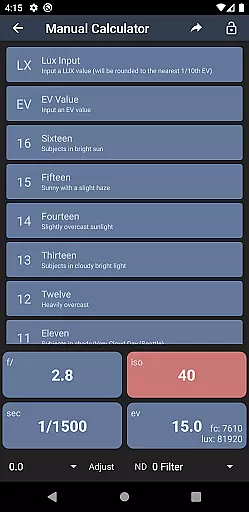
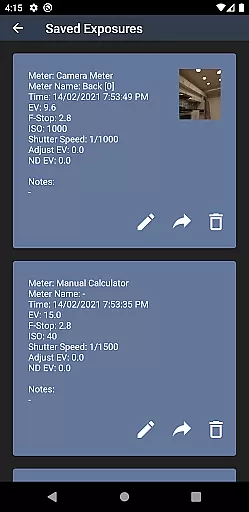
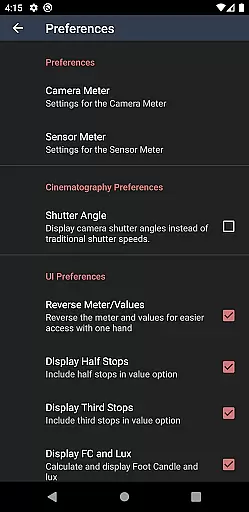
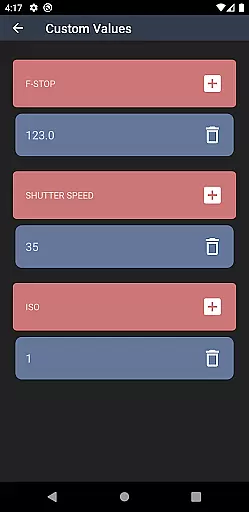
Light Meter is a mobile app designed for photographers who need precise light measurements on the go. This Android app transforms a smartphone into a professional light meter, providing accurate readings for optimal exposure settings. The app's interface is intuitive and caters to both amateur and professional photographers.
The primary purpose of Light Meter is to assist users in capturing perfectly exposed photos under various lighting conditions. It offers advanced features such as spot metering, incident light measurement, and customizable ISO settings. With its ability to provide real-time data, this app-based solution ensures that photographers can adjust their camera settings accurately without carrying additional equipment.
Light Meter is ideal for photographers who require reliable exposure readings without the need for bulky equipment. It appeals to a wide range of users from beginners learning the fundamentals of photography to seasoned professionals needing a portable solution. The app is particularly beneficial for those working in dynamic environments where lighting conditions change frequently.
Photographers can use this app in various scenarios such as outdoor shoots, studio sessions, or events where lighting may be unpredictable. It serves as a handy tool for adjusting camera settings quickly and efficiently. Whether capturing landscapes, portraits, or action shots, Light Meter provides the necessary data to achieve the desired exposure. Its portability and ease of use make it an essential companion for any photo shoot.
Choosing Light Meter means gaining access to a reliable and versatile tool that enhances the photography experience. The app's ability to deliver accurate readings across different environments ensures consistent results. By offering advanced features typically found in standalone devices, it eliminates the need for additional gear, making it a cost-effective app-based solution.
This app solves the problem of achieving correct exposure in challenging lighting situations. Its real-time data capabilities allow users to make immediate adjustments, saving time during shoots. Compared to alternatives, Light Meter stands out due to its comprehensive feature set and compatibility with various camera models. Regular updates ensure the app remains up-to-date with the latest technology, providing users with a dependable tool for all their photography needs.
Accurate light readings
Easy-to-use interface
Customizable settings
Real-time data updates
Portable and convenient
Requires manual input
Limited low-light performance
Phone hardware dependency
No automatic sync
Subscription fees apply

Photo editor: face & body editor, beauty cam, filters and quality enhancer.
 4.00
4.00
Photo Album Watch Face shows your favorite pictures as a Watchface.
1.90
What celebrity do you look like? Celebs will find your celebrity match!
4.10
Edit like a pro with Hypic. Apply filters, AI effects, & magic touch.
4.40
Pet Camera
3.70
GCamera allows all GCam features on all phone models! Better photos with GCamera
3.30
Turn photos into cartoons & avatars! - Photo Editor, Cartoon Face!
3.90
Professional camera app that brings DSLR manual photography controls to Android.
4.20
The original Rarevision VHS look seen everywhere!
4.70
Your personal guide to the sun and moon. Plan ahead, visualize and predict!
4.70
Viewfinder, Light meter, Reciprocity failure time, DOF & Bellows Extension
4.60
Add Watermark - Sign your pictures with a text or logo. Effective, quick, easy!
4.50
AI photo enhancer with Sora 2! Enhance, descratch, and colorize your old photos.
4.50
Effortlessly organize, view and share your photos & videos with Gallery app!
4.40
Create AI Photos, Improve and restore quality of blurry, old or damaged pics.
4.20
live datamoshing
4.00
Astrophotography with your smartphone, photo live stacking and much more!
3.90
USB Storage Access for Photos, Videos, Music and Documents
3.80
Hair color changer, AI haircut app, fun hair editor and buzz cut filter for all!
3.80


User Reviews