
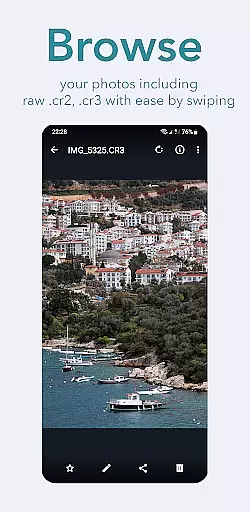
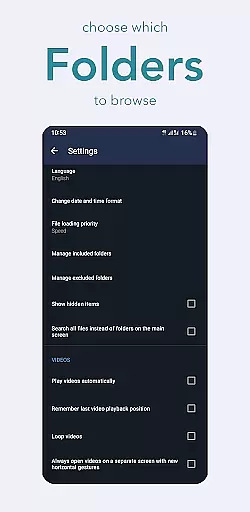
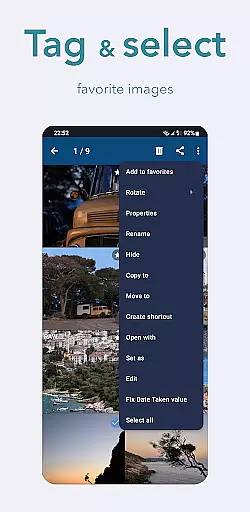
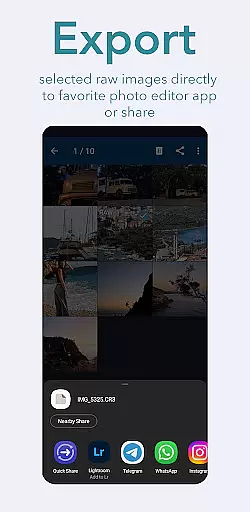
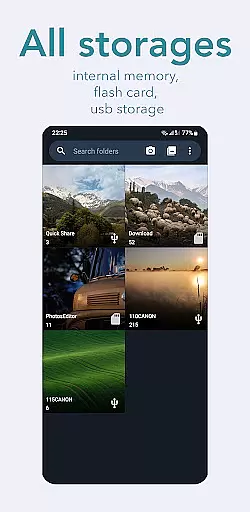
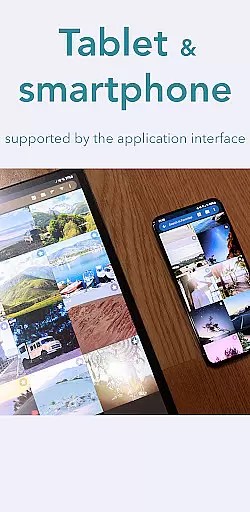
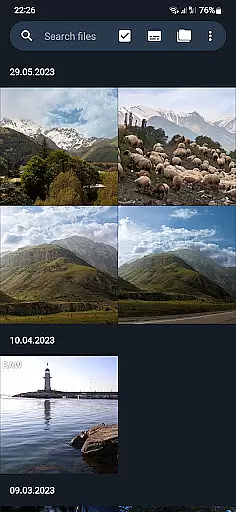
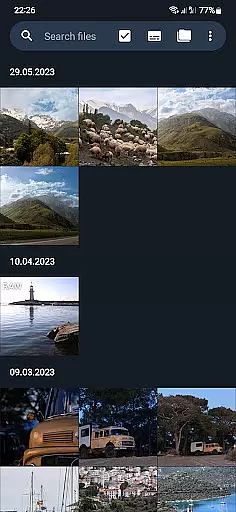
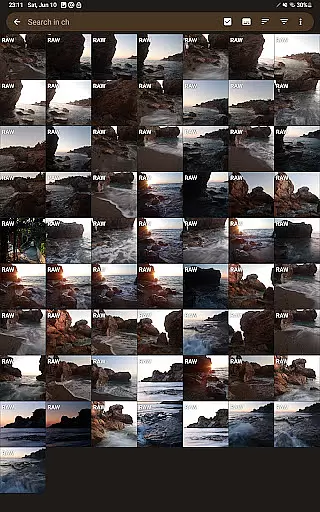
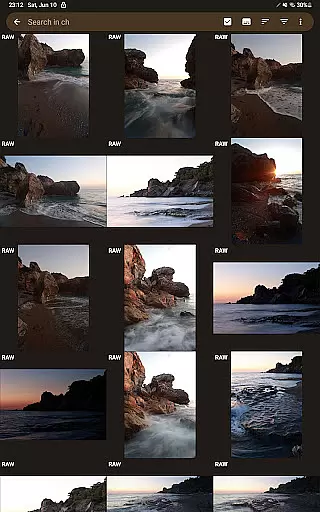
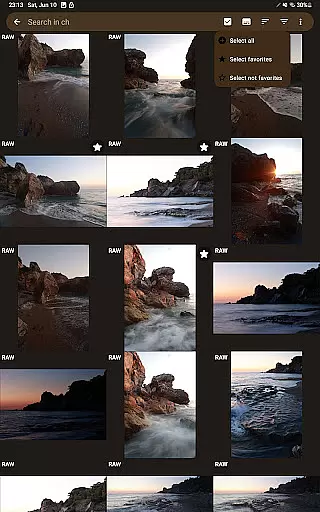
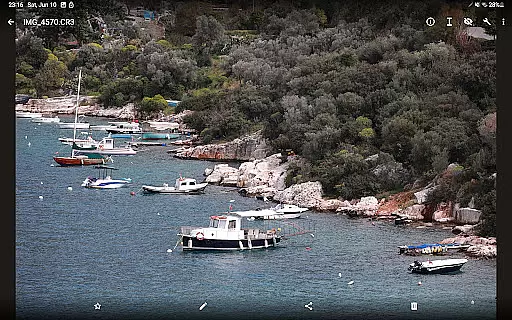
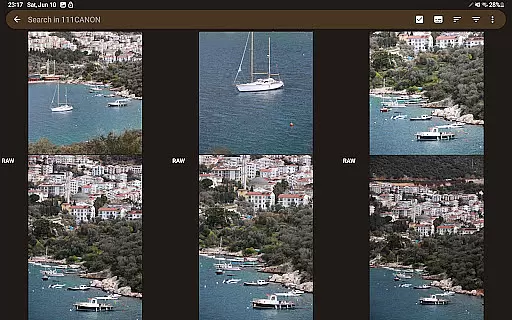
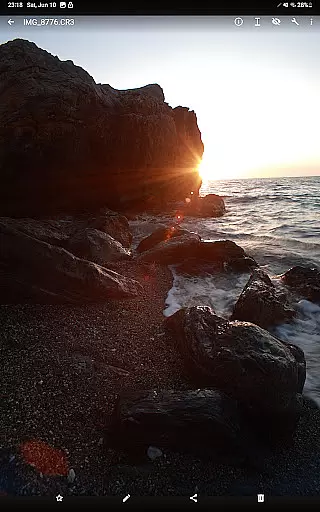
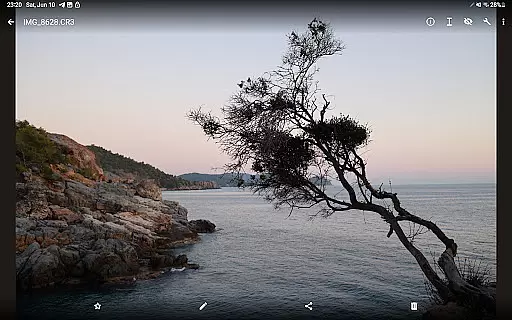

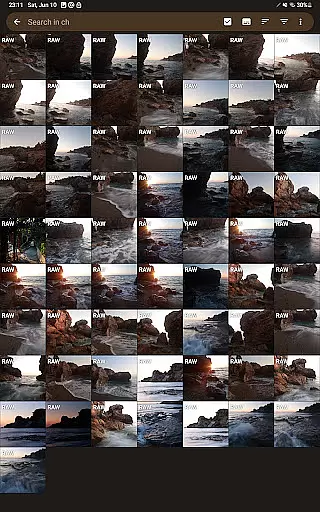
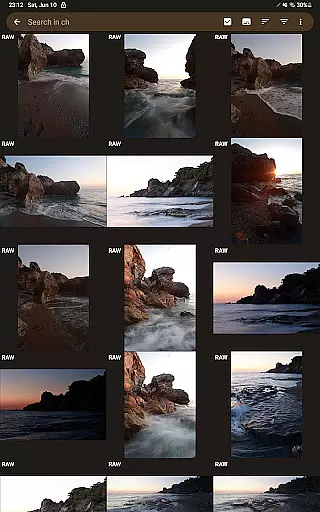
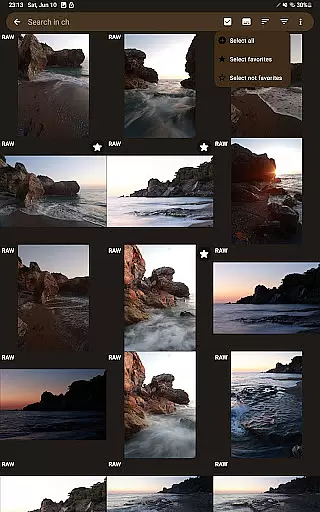
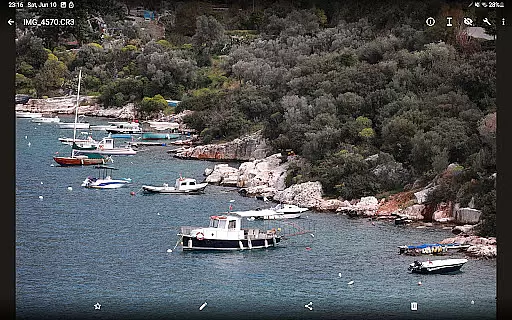
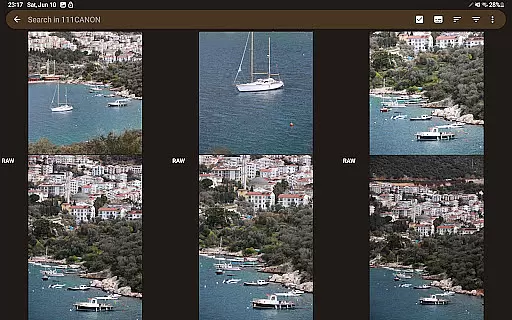
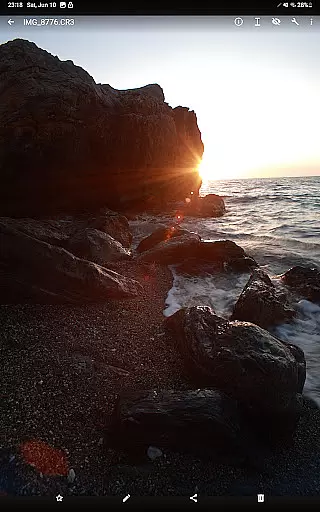
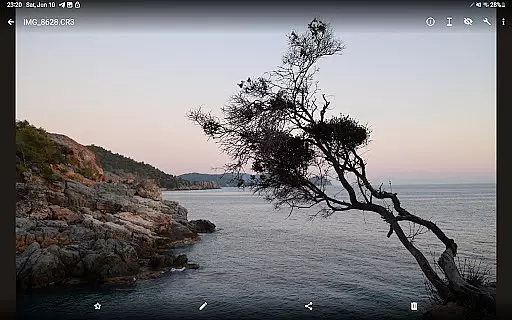

GalleryRAW is a photography-focused mobile app designed to enhance the way users manage and edit their photos. This Android app offers a clean interface that simplifies photo organization while providing advanced editing tools for enthusiasts. With its focus on high-quality image processing, GalleryRAW ensures every photo looks professional and polished.
The primary purpose of this app is to provide users with an app-based solution for storing, organizing, and editing images without compromising quality. It supports RAW file formats, making it ideal for photographers who demand precision in post-processing. The app experience is further enriched by features like cloud backup and customizable filters.
This app is perfect for amateur and professional photographers seeking a reliable app-based solution for managing their photo libraries. Users aged 18 to 45 who are tech-savvy and passionate about photography will benefit most from its advanced features. Additionally, those familiar with mobile apps that support RAW files will find GalleryRAW particularly appealing.
Practical use cases include organizing travel photos during vacations or editing event shots on-the-go. Photographers can also rely on this app for quick touch-ups before sharing images on social media platforms. Its intuitive design makes it suitable even for beginners looking to explore more sophisticated photography tools.
GalleryRAW stands out due to its ability to handle RAW files efficiently, offering unparalleled control over photo edits. The app features such as batch processing and customizable filters cater specifically to photographers' needs, ensuring both convenience and precision. By combining powerful functionality with an accessible interface, it delivers an exceptional app experience.
What sets this app apart is its seamless integration of professional-grade tools within a user-friendly environment. Unlike many alternatives, GalleryRAW prioritizes performance without overwhelming users. Whether someone requires detailed post-processing capabilities or simply wants to organize their gallery effectively, this Android app provides a comprehensive solution tailored to diverse requirements.
Supports RAW files
Intuitive interface
Fast cloud backup
Regular updates
Free version available
Premium features costly
Occasional bugs
Limited video support
Ads in free version
Learning curve for new users

Effortlessly organize, view and share your photos & videos with Gallery app!
 4.40
4.40
All-in-One Editor & AI Photo Enhancer, Collage, Cartoonify, Funny Stickers & BGS
4.10
Create AI Photos, Improve and restore quality of blurry, old or damaged pics.
4.20
Superimpose one photo on top of another using the original Superimpose app!
3.20
AI Photo Editor with 100+ Filters, Effects! Remove BG, Retouch & Photo Enhancer.
4.80
AI-powered video creator by MiniMax - Where ideas meet cinema
4.20
Your personal guide to the sun and moon. Plan ahead, visualize and predict!
4.70
Professional camera app that brings DSLR manual photography controls to Android.
4.20
Unlock the full potential of your DJI drone with Litchi
4.50
Create funny photos and videos with the popular Time Warp Scan filter.
4.90
See your baby AI baby face generator AI baby maker Face generator babymaker fun!
4.70
Easily view, share, delete photos with Gallery.
4.70
Movie camera, supports pro recording settings for filming. Try it and be amazed!
4.50
AI photo enhancer with Sora 2! Enhance, descratch, and colorize your old photos.
4.50
[3DSteroid Pro] is a stereoscopic application for Android.
4.30
Turn your phone into a professional camera - full DSLR manual photography
4.30
Smart, light, and fast photo and video gallery
4.30
Hair color changer, AI haircut app, fun hair editor and buzz cut filter for all!
3.80
Pet Camera
3.70


User Reviews