
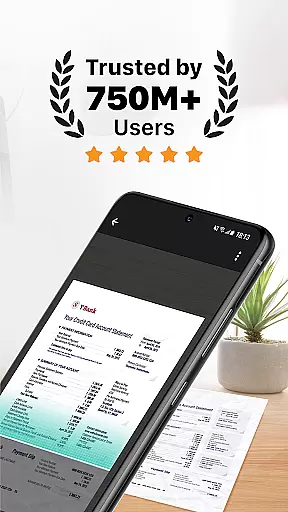
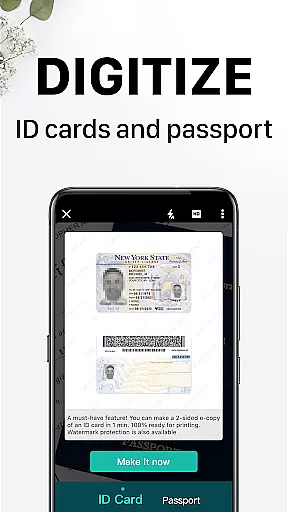
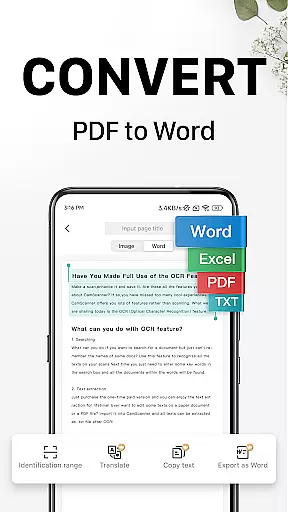
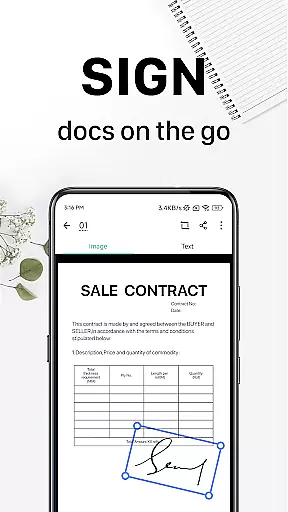
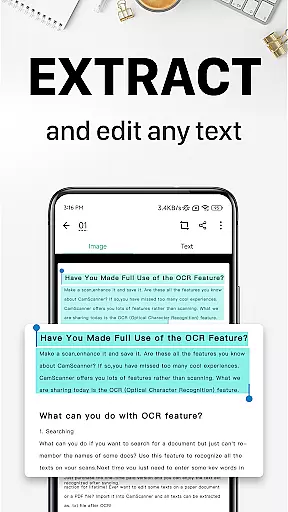
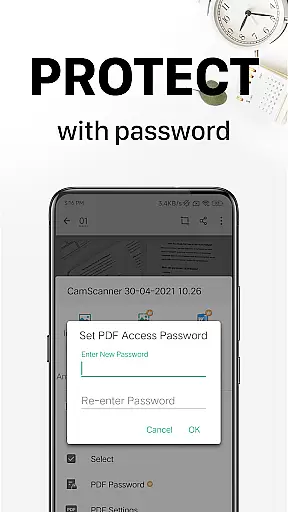
CamScanner is a productivity-focused mobile app designed to transform Android devices into portable scanners. This app allows users to digitize documents by capturing high-quality scans using their phone's camera. With an intuitive interface and powerful processing capabilities, it simplifies the task of document management for personal and professional use.
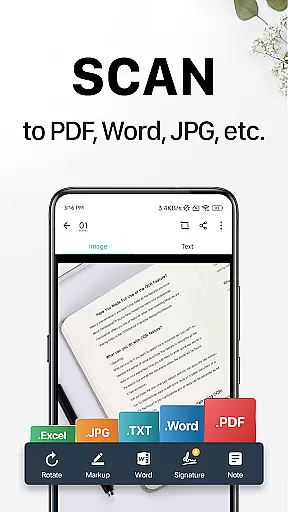
The primary purpose of CamScanner is to provide an efficient way to scan, store, and share documents in various formats. Its core features include automatic edge detection, image enhancement, OCR text recognition, and cloud integration. These tools ensure that scanned files are clear, editable, and easily accessible across multiple devices, making it a reliable app-based solution for individuals and businesses alike.
CamScanner is ideal for students, professionals, and small business owners who frequently deal with physical documents. The app appeals to individuals aged 18-45 seeking a reliable Android app for document digitization. Frequent travelers and remote workers also benefit from its portability and offline functionality.
Common use cases include scanning lecture notes or contracts, creating digital copies of receipts, and organizing personal records. For example, a student can scan handwritten notes to share with classmates while a business owner might use it to archive invoices securely. The app experience caters to both casual users and power users requiring advanced app features like OCR and cloud storage.
CamScanner stands out due to its combination of user-friendly design and advanced functionality. The app offers unmatched convenience by enabling users to scan documents anytime without needing additional hardware. Its OCR feature adds significant value by allowing text extraction from images, which enhances productivity for tasks such as research or report writing.
Compared to similar apps, CamScanner provides superior image quality and versatile export options. It solves common pain points like poor scan accuracy and limited file format support. Additionally, regular updates ensure compatibility with the latest devices and operating systems. These factors make it a preferred choice among users looking for a comprehensive app-based solution in the productivity category.
High-quality scans every time
Accurate OCR text recognition
User-friendly interface design
Reliable cloud backup system
Fast batch scanning capability
Premium features require subscription
Occasional ads in free version
Large file sizes after scanning
Limited free cloud storage space
Advanced tools have learning curve

 4.20
4.20
A Revolutionary All-in-One Artificial Intelligence Tools
3.80
Wake up & get tasks done! Add alarms & reminders on the Clock Launcher.
4.00
Direct Chat without saving contacts & Dual WA Account on Single Device
4.70
Cloud storage, automatic phone backup, and more.
4.10
Great calculator for Android named one of USA TODAY's "25 Essential Apps".
4.90
Secure your apps with lock screens, use custom themes and different features.
4.40
Understand anything with a personalized AI research assistant
4.80
Note taking, handwriting, record audio, PDF annotation, planner & journal
4.20
Simple notepad & memo. Take notes, to-do list, shopping list with reminders.
4.80
The long-awaited modern gallery app for your Nextcloud server
4.70
aCalendar+ makes your day, week and month
4.70
Absolutely the best CNC machinist speed and feed calculator around. fswizard.com
4.60
App Lock with fingerprint, password: Lock apps & hide photos with lock screens
4.60
A lightweight JSON & XML files creator, editor and viewer (Premium Version)
4.40
Professional calendar app for Google Calendar, MS Outlook & Exchange
4.20
Intelligent AI Assistant
4.10
Experience and share your SolidWorks designs on your Android® phone and tablet.
2.50
The upgraded version of Name Wheel with AI and the power to add your own wheels.
4.3


User Reviews