
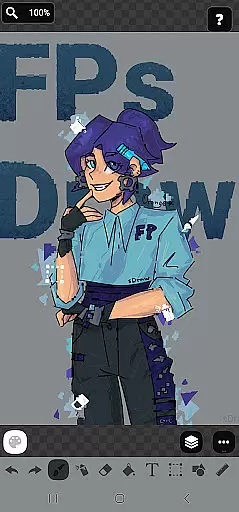
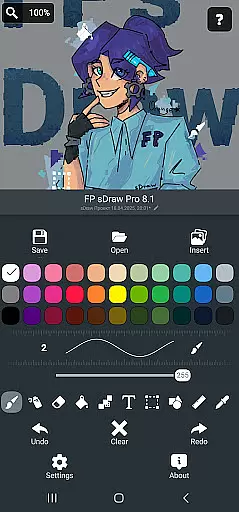
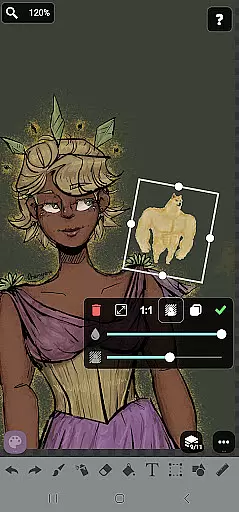
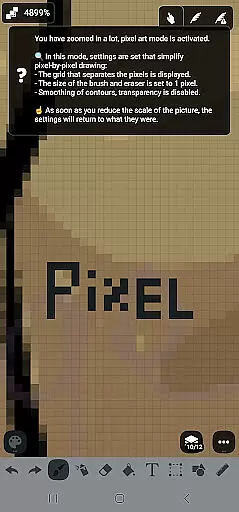
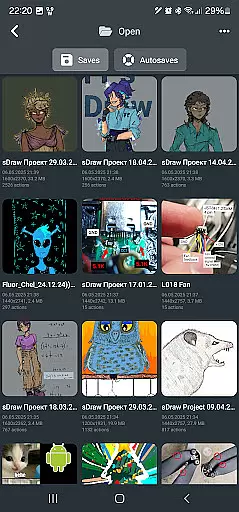
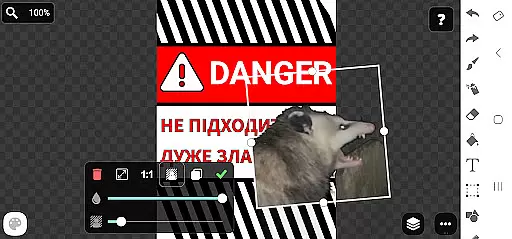
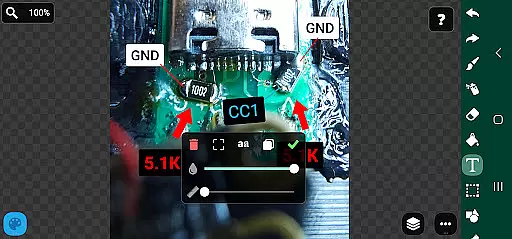
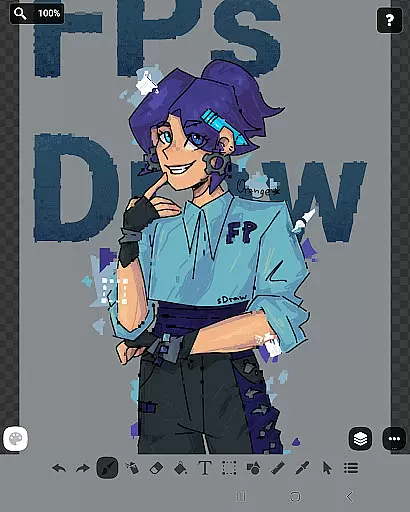
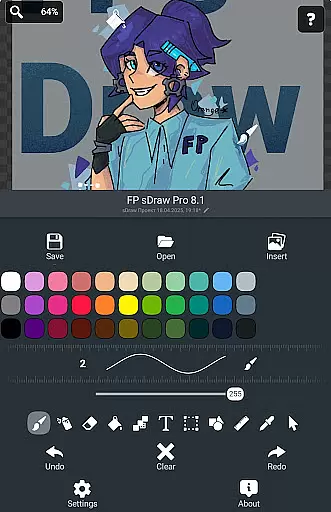
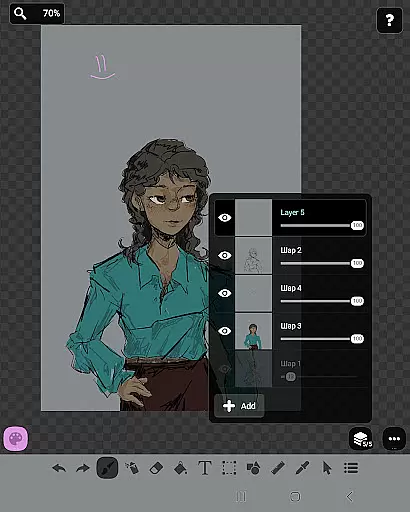
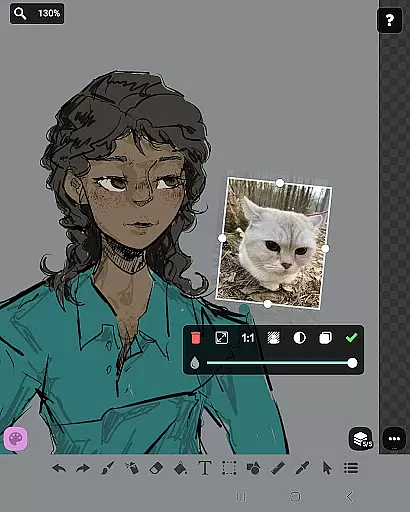
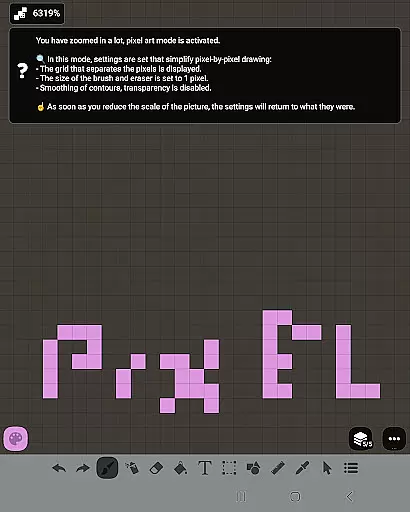
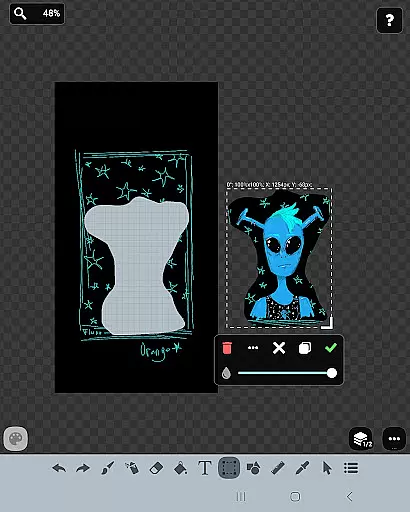
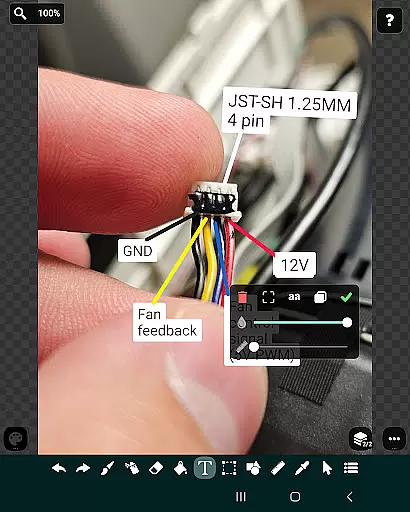
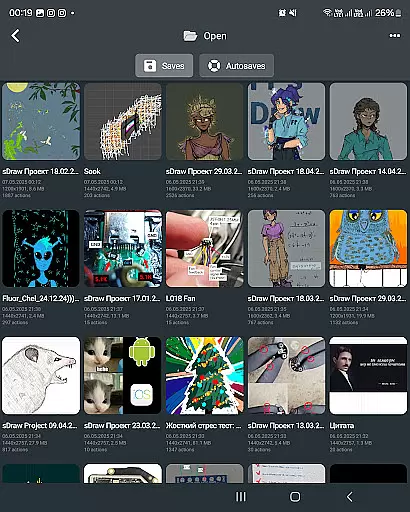
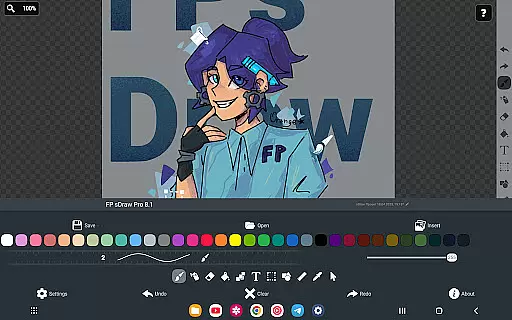
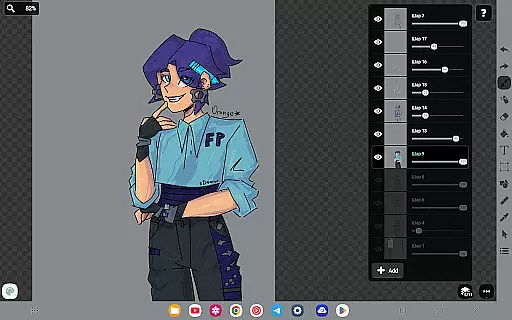
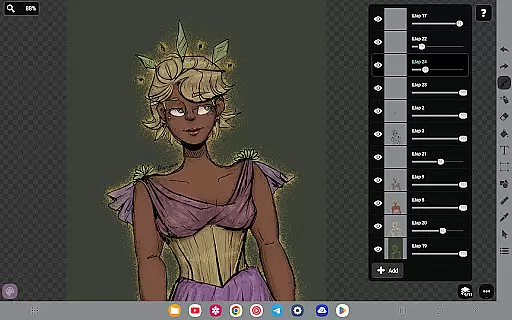
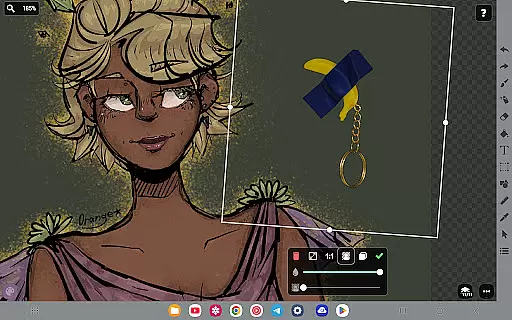
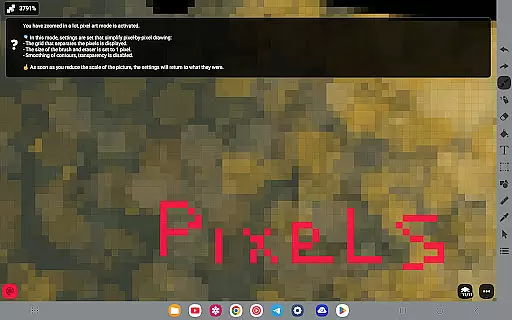
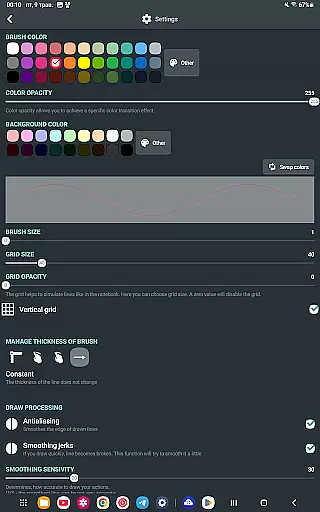
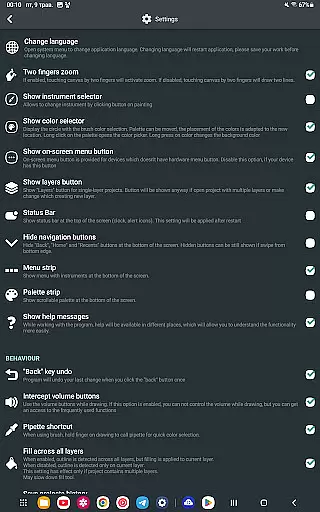
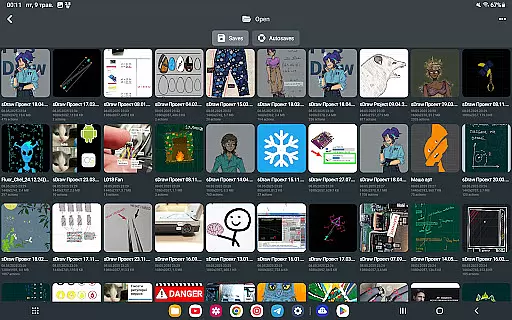
FP sDraw Pro is a premium mobile app designed for digital artists and designers who need advanced tools for sketching and illustration. This Android app provides a comprehensive suite of features that cater to both beginners and professionals in the art and design field. With its intuitive interface and customizable options, users can create detailed artwork directly on their devices.
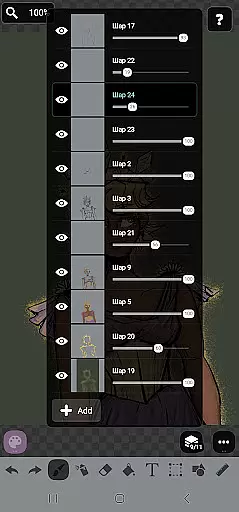
The primary purpose of FP sDraw Pro is to offer an app-based solution for digital drawing needs. The app includes layers, brushes, and color palettes that enhance the creative process. Users can export their work in various formats, making it versatile for different project requirements. The app experience is smooth, ensuring that artists can focus on their creations without technical interruptions.
FP sDraw Pro is ideal for digital artists, illustrators, and graphic designers who seek a robust app-based solution for their creative projects. The target audience ranges from students learning digital art to seasoned professionals needing reliable tools. Individuals who value precision and versatility in their mobile app will find this app particularly beneficial.
Common use cases include creating concept art, storyboarding, and digital painting. Artists working on the go appreciate the ability to save progress locally and continue later on another device. Designers also benefit from the app's compatibility with other software, allowing seamless integration into existing workflows. The app experience supports both casual doodling and intricate professional designs.
FP sDraw Pro stands out due to its combination of powerful features and ease of use. The app offers a level of customization that few competitors provide, ensuring that every artist can adapt the interface to their liking. Its offline functionality makes it a reliable choice for creators who travel or work in areas with limited connectivity. These advantages contribute to a superior app experience.
This app solves common frustrations like limited brush variety and low-resolution outputs by providing high-quality tools and export options. Compared to alternatives, FP sDraw Pro delivers consistent performance and frequent updates that address user feedback. Artists choose this app because it empowers them to bring their ideas to life efficiently while maintaining professional standards in every project.
Extensive brush library
Layer management system
User-friendly interface
High-res export options
Regular feature updates
Steep learning curve
Premium price point
Limited free resources
Occasional lag issues
No cloud sync feature

AI Assistant, powered by ChatGPT GPT-4 & GPT-4o. Your intelligent companion.
 3.50
3.50
The perfect place to start sketching! Use Sketchbook to draw and paint sketches.
4.50
Design unique, funny and adorable cat stickers that reflect your own style!
3.80
Your AI soulmate — meaningful chats, and unique emotional moments
4.70
Art of Combination Wear OS Watch Faces
3.30
Android 14 style widgets and wallpapers app.
4.0
Experience next-gen icons with a modern liquid glass look.
3.60
Just trace a projected picture on paper and color! Draw & Paint with AR drawing
4.40
Unleash your inner artist! Sketchar: AR Drawing for Limitless Creativity
4.40
Passport size photo maker, create ID photo and visa photo in seconds
4.80
Get an overview over all your embroidery threads, projects and more.
4.60
Painting, drawing, & sketching
4.50
Create and Design Custom Logos in Seconds with AI-Powered Tools!
4.40
Customizable Outlined Fonts. Watch Face Format. Battery friendly Digital Clock.
4.20
Text to Image, Image to Video & AI Chat
4.20
AR Anime Drawing: How to draw anime with AR drawing & sketching apps!
4.00
AI Face Swap, Video Effects Editor, Realtime Morph, Funny Video FX,AI Filters
3.70
Retouch photos. Create or edit images. Endless capabilities.
2.70
Art of Combination Wear OS Watch faces
4.5


User Reviews