
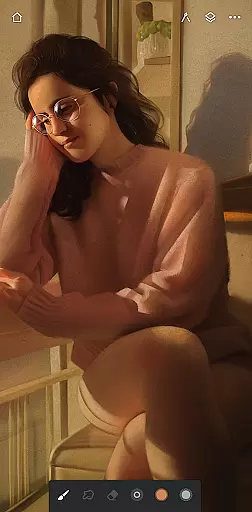
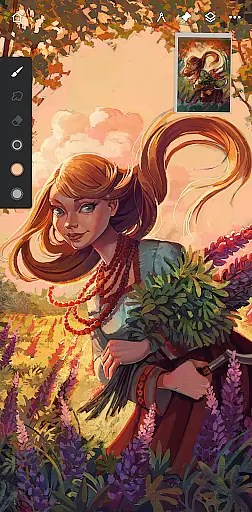
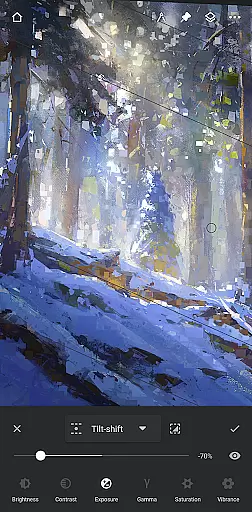
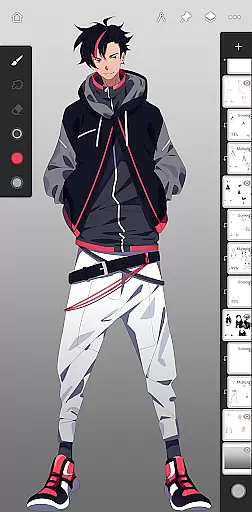
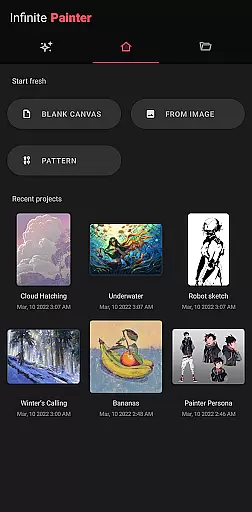
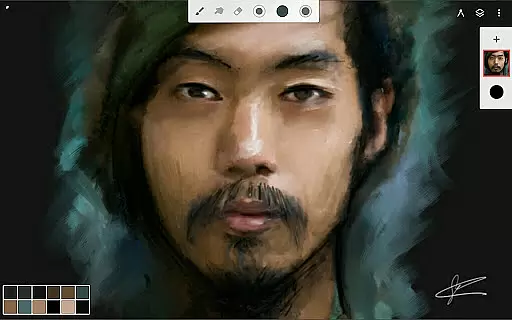
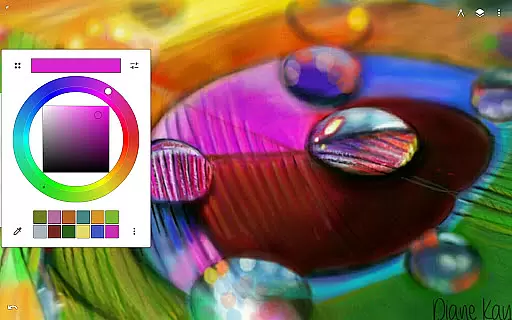
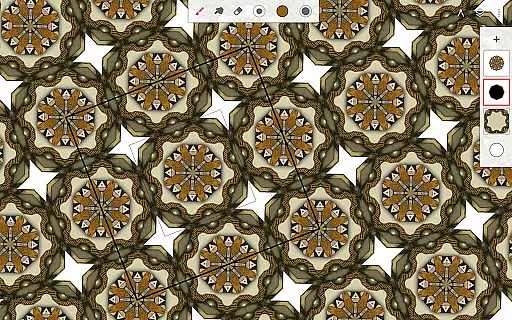
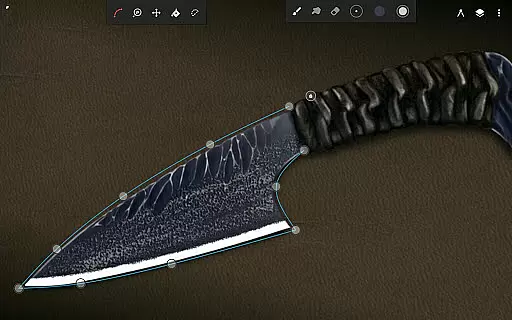
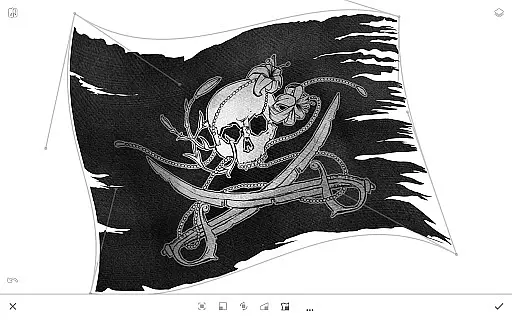
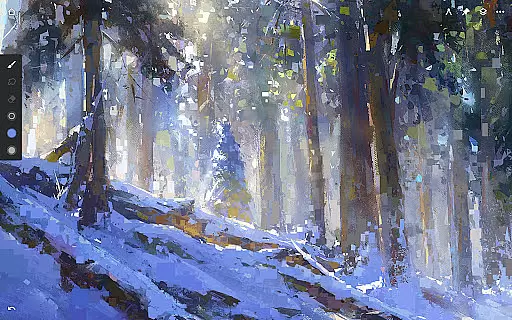
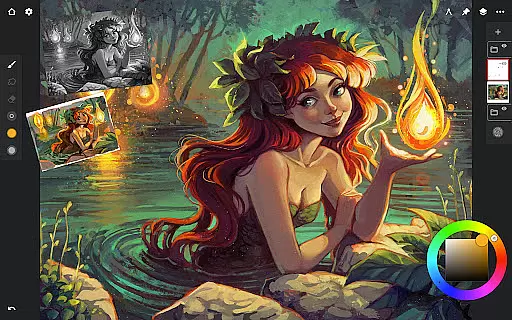
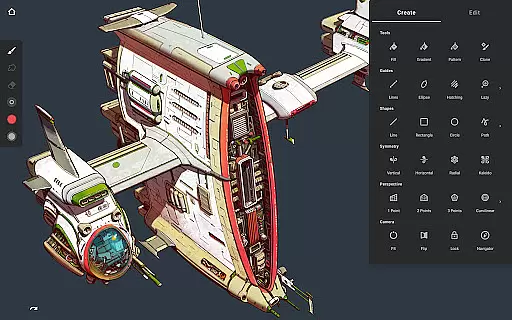
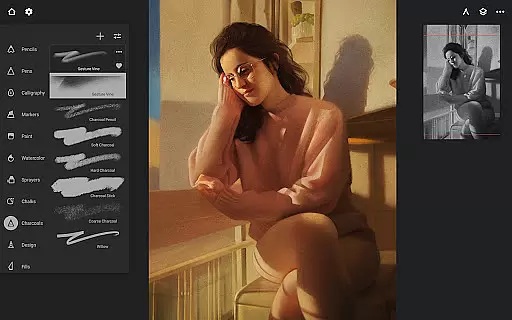
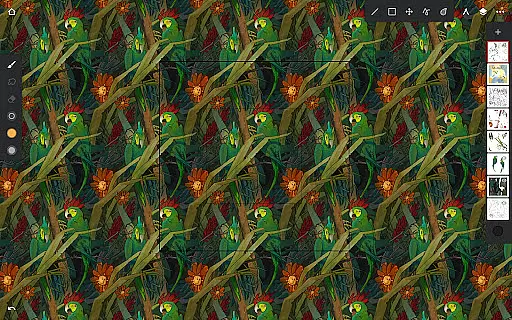
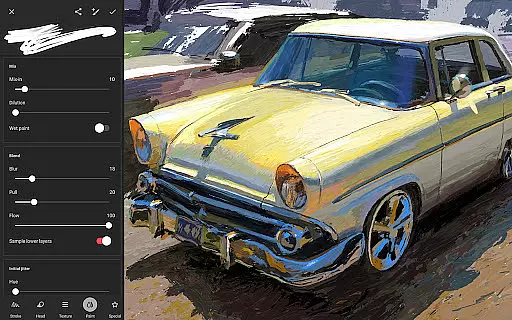
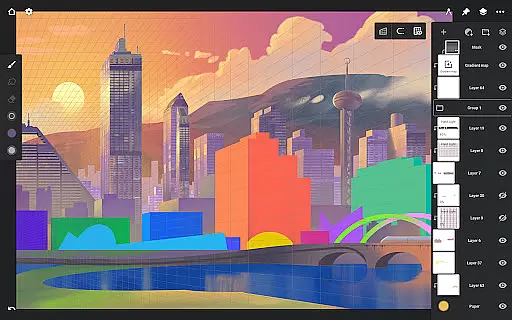
Infinite Painter is a mobile app designed for artists and creative enthusiasts who need a versatile digital canvas. This Android app offers a wide range of brushes, realistic color mixing, and layers to create stunning artwork on the go. With its intuitive interface, users can easily access professional-grade tools without needing extensive technical knowledge.
The app's primary purpose is to provide an all-in-one art studio experience in a mobile format. It supports high-resolution canvases, various import and export options, and advanced features like perspective guides and symmetry tools. Artists can rely on this app-based solution to produce detailed sketches, vibrant paintings, or polished illustrations directly from their devices.
This app is ideal for aspiring and professional artists seeking a portable yet powerful art studio. Users aged 16 and above, particularly those with an interest in digital painting or illustration, will benefit most from its robust app features. Design students and hobbyists exploring creative techniques may also find it valuable.
Artists can use this app to sketch ideas during commutes, create finished pieces for clients, or experiment with new styles without the cost of physical materials. The app experience shines when used on tablets with stylus support, making it a go-to app-based solution for creatives who need flexibility and functionality in one package.
Infinite Painter stands out by offering a comprehensive set of tools that cater to both beginners and professionals. Its realistic brush engines and precise control over settings allow users to achieve results comparable to traditional media. The app solves common pain points like limited workspace and expensive supplies by consolidating everything into a single platform.
What makes this app different is its attention to detail in replicating real-world art techniques digitally. Unlike many alternatives, it provides advanced features such as customizable grids and 3D modeling integration. These capabilities ensure that users can tackle any project, whether it's concept art, storyboarding, or fine art, with confidence and efficiency.
Extensive brush library
Intuitive user interface
High-resolution support
Realistic color blending
Regular updates
Occasional lag on older devices
Subscription required for full features
Learning curve for beginners
Limited free content
Large file size

AI generated images & photos, turn your words into drawing, painting & pictures.
 4.30
4.30
Art of Combination Wear OS Watch faces (for Wear OS 5+ devices)
3.00
Meet the magic aı 3d photo generator and smart AI video generator app.
3.20
Remove Background, Magic Eraser, Photo Enhancer, Story Templates, Collage Maker
4.30
Draw on screen: FP sDraw is a simple and lightweight drawing app
4.70
Photo editor for art, avatars, filters & fun transformations.
4.60
Your AI soulmate — meaningful chats, and unique emotional moments
4.70
Get an overview over all your embroidery threads, projects and more.
4.60
Art of Combination Wear OS Watch faces (for Wear OS 5+ devices)
3.90
Mobile pixel art editor. Simple. Fast. Portable.
4.80
Learn how to draw with step-by-step tutorials, fun lessons & multiplayer drawing
4.70
Digital, Abstract, Classic - all types of color wheels in one app!
4.60
Turn your drawings into flipbook-style animations with simple creative tools
4.60
The perfect place to start sketching! Use Sketchbook to draw and paint sketches.
4.50
Easy 3D drawing design maker & creator. Model designing, Sculpting. Create&paint
4.00
Sketch and paint on your device with the feel and freedom of drawing on paper
4.00
Pose and morph realistic male and female models! 3D poser app
3.00
Premium version of Shimeji-ee app with no ads & no limit active shimeji
4.3
Download now for a stylish and functional timepiece
4.0


User Reviews