
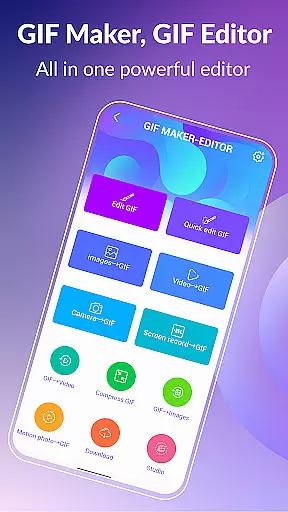
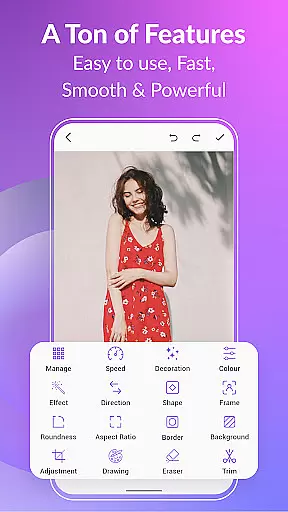
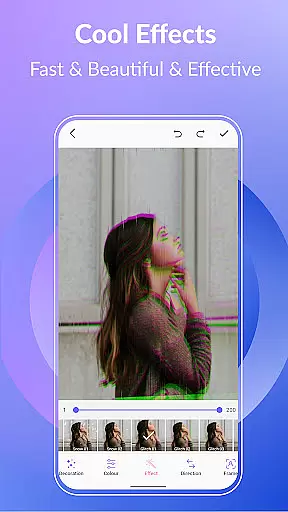
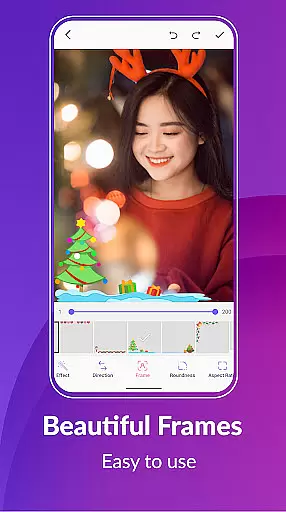
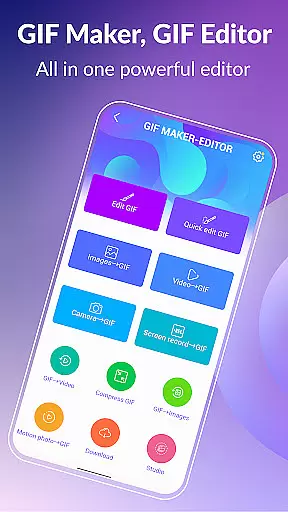
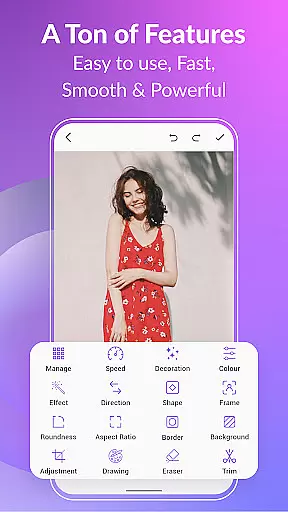
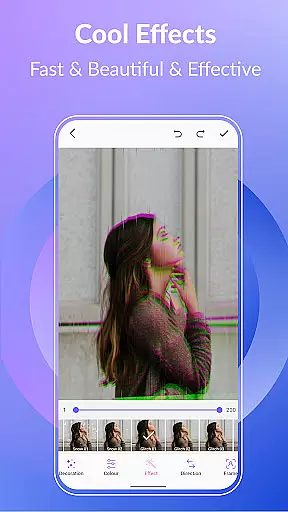
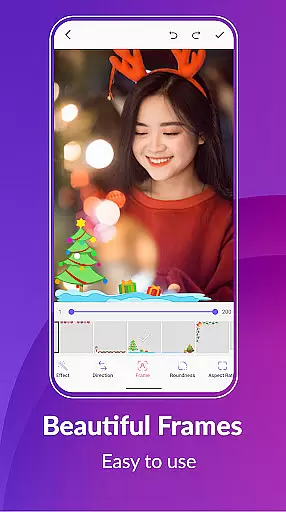
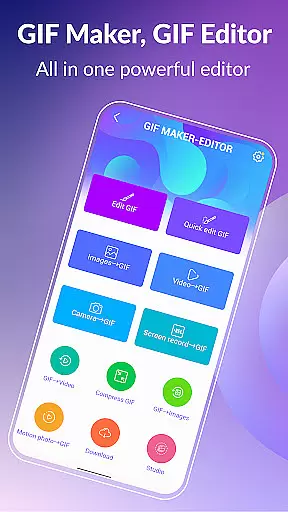
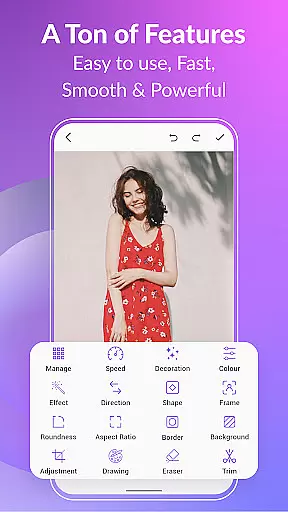

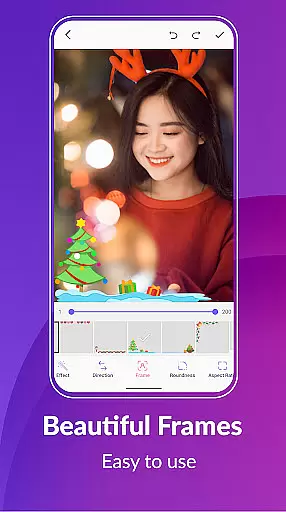
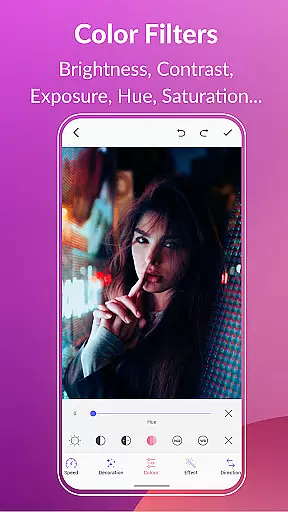
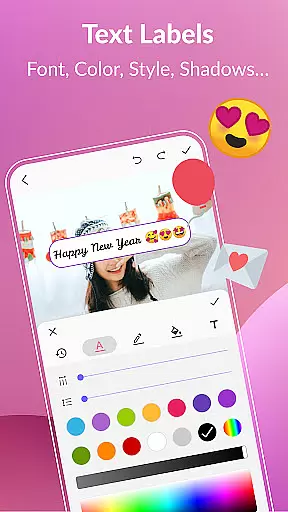
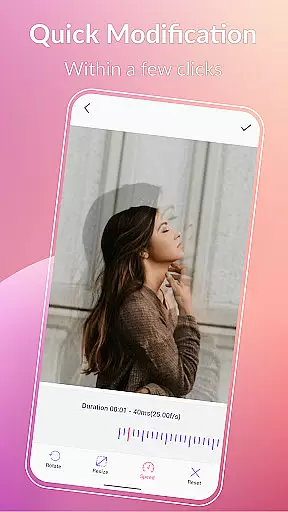
GIF Maker, GIF Editor Pro is a mobile app designed to help users create and edit animated GIFs with ease. This Android app offers tools for converting videos to GIFs, editing existing GIFs, and adding effects. With its user-friendly interface, the app experience ensures that even beginners can achieve professional results.
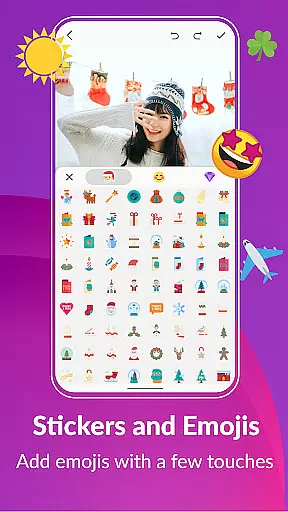
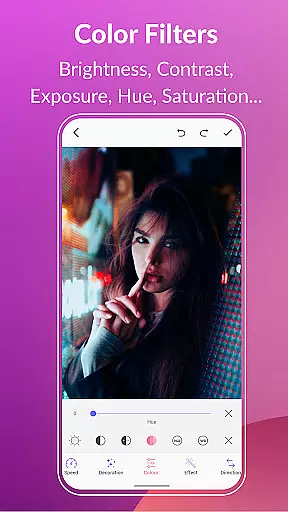
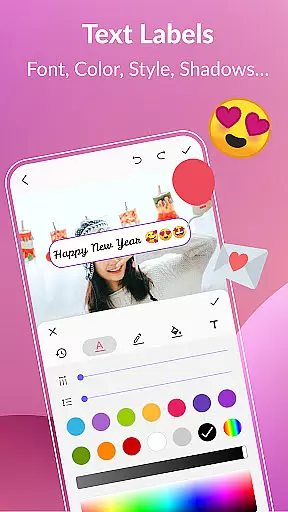
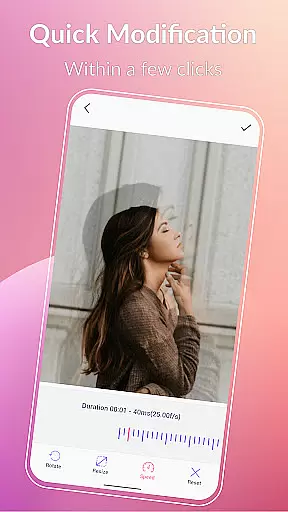
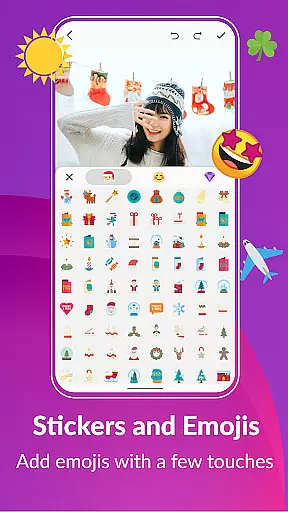
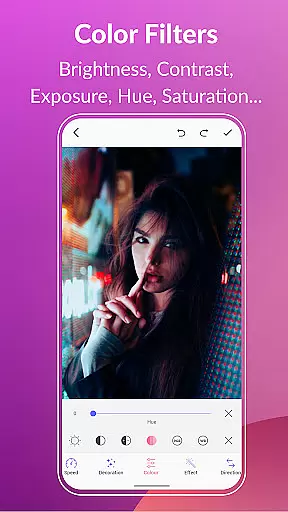
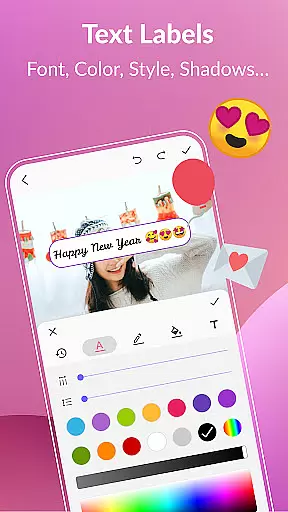
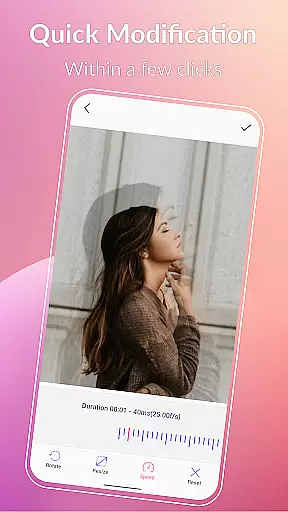
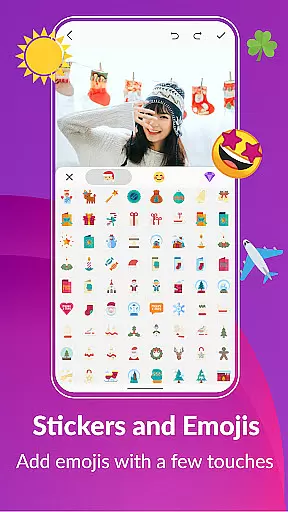
The primary purpose of this app is to provide an all-in-one solution for GIF creation and enhancement. Users can trim video clips, adjust frame rates, and apply filters to produce high-quality GIFs. The app features also include options for resizing, cropping, and adding text or stickers, making it a versatile app-based solution for creative projects.
This app is ideal for content creators, social media managers, and casual users who frequently work with GIFs. It appeals to individuals aged 18-45 who are active on platforms like Instagram, Twitter, and TikTok. The app experience is particularly beneficial for those seeking quick and creative ways to engage their audience.
Specific use cases include creating GIFs for marketing campaigns, enhancing personal blogs, or generating fun animations for social interactions. For instance, a marketer might use this mobile app to design eye-catching GIFs for email newsletters. Similarly, a blogger could leverage its features to add dynamic visuals to their posts, ensuring their content stands out in crowded digital spaces.
GIF Maker, GIF Editor Pro stands out due to its comprehensive feature set and ease of use. The app provides users with advanced tools while maintaining an accessible interface, ensuring both novices and professionals can achieve desired results. Its ability to handle multiple file formats and export high-quality GIFs adds significant value to any creative workflow.
The app solves common pain points such as limited editing capabilities and poor output resolution found in other apps. By offering unique features like drag-and-drop functionality and local draft saving, it enhances productivity. Furthermore, regular updates ensure compatibility with the latest Android versions, making it a reliable app-based solution for long-term use.
Easy-to-use interface
High-quality GIF exports
Wide range of editing tools
Regular feature updates
Offline functionality available
Occasional performance lag
Premium features require payment
Limited free export resolutions
Ads appear in the free version
Learning curve for advanced tools

All-in-One Editor & AI Photo Enhancer, Collage, Cartoonify, Funny Stickers & BGS
 4.10
4.10
Create & Edit with AI: AI Remove, Enhance, Retouch, Filter
4.10
Create collages easily! Nice pic collage maker & background eraser for Instagram
4.50
Over 800 film simulation recipes for Fujifilm. Black Friday Offer!
4.0
GCamera allows all GCam features on all phone models! Better photos with GCamera
3.30
Hair color changer, AI haircut app, fun hair editor and buzz cut filter for all!
3.80
Turn photos into cartoons & avatars! - Photo Editor, Cartoon Face!
3.90
Remote control the phone camera shutter from your smartwatch and take a picture
1.60
Edit photos with the picture generator: PS2 & AI Clay filters, cartoon effects.
4.50
Gallery show photo, video, slideshow, is perfect 3D effect private photo albums.
4.80
Cartoon and artistic effects for your photos and videos
4.70
The original Rarevision VHS look seen everywhere!
4.70
Natural Beauty, Selfie Retouch
4.30
Smart, light, and fast photo and video gallery
4.30
Create AI Photos, Improve and restore quality of blurry, old or damaged pics.
4.20
Photobooth mini FULL app will allow you to add more fun to your parties
4.00
Gallery Slideshow is slideshow maker app for slideshow from your gallery photos.
3.90
Application for remote controlling DSLR
3.00
Raw Image Viewer. Gallery with support of raw images (.cr3, .cr2, .nef, .raf).
2.00


User Reviews