
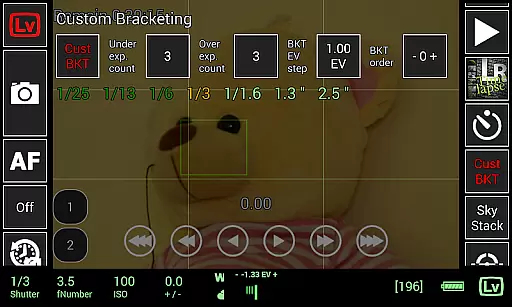
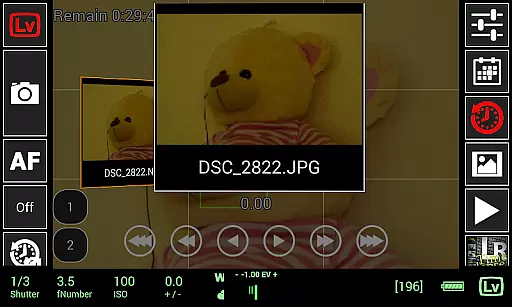
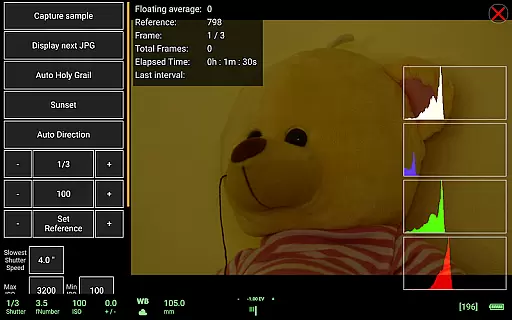
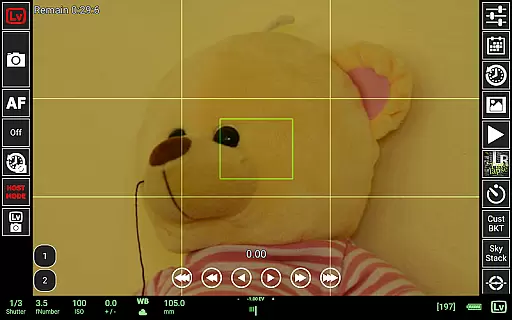
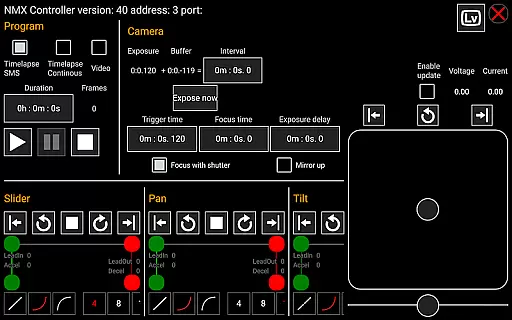
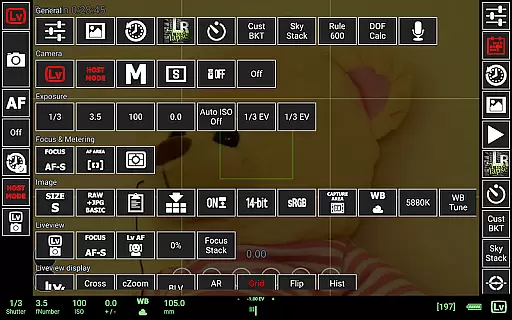
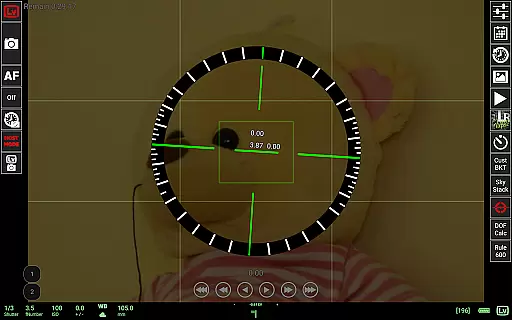
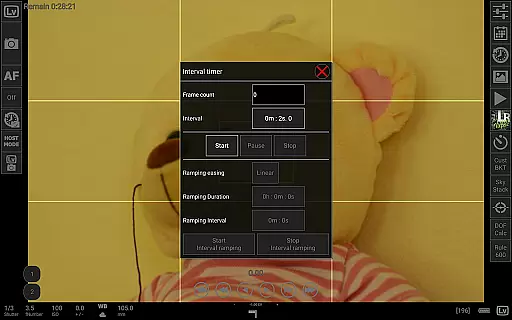
qDslrDashboard is a mobile app designed for photography enthusiasts who want to control their DSLR cameras remotely. This Android app allows users to adjust camera settings and capture photos directly from their smartphones. The app establishes a connection via USB or Wi-Fi, providing flexibility in different shooting environments.
The primary purpose of qDslrDashboard is to enhance the photography experience by offering advanced controls and real-time previews. It supports a wide range of camera models and provides features such as live view, focus adjustment, and exposure settings. These capabilities make it an essential tool for both amateur and professional photographers.
This app is ideal for photography enthusiasts and professionals who require precise control over their DSLR cameras. It caters to users aged 18 to 60 who are tech-savvy and familiar with photography concepts. The app-based solution appeals to those who frequently shoot in challenging environments where direct camera access is difficult.
qDslrDashboard is particularly useful in studio settings where remote adjustments are crucial. It also benefits wildlife photographers who need to capture images without disturbing their subjects. Additionally, the app serves event photographers who require quick setting changes during shoots. Its versatility makes it suitable for various scenarios including astrophotography and macro photography.
qDslrDashboard stands out due to its comprehensive set of app features tailored for photographers. The ability to control multiple camera settings remotely enhances efficiency and creativity. Users can achieve consistent results with minimal physical interaction, which is particularly beneficial in controlled environments.
The app solves common issues faced by photographers such as limited accessibility and inconvenient camera placements. By offering a reliable connection and responsive controls, it ensures a smooth photography workflow. Compared to similar apps, qDslrDashboard provides broader compatibility and more frequent updates, making it a preferred choice among professionals.
Wide camera compatibility
Real-time photo previews
Intuitive user interface
Regular feature updates
Flexible connectivity options
Occasional connection issues
Limited beginner guidance
Advanced features require learning
Some functions need premium access
Performance varies by device

A collection of tools and reference tables for DPs, ACs, DITs and Operators.
 4.70
4.70
Long exposure camera with computational photography
2.60
Search, tag and rate your way to an organized image gallery
4.40
Safe & smart flight with Go Fly drone controller for 40+ drone camera, zone map
4.50
Viewfinder, Light meter, Reciprocity failure time, DOF & Bellows Extension
4.60
Turn your phone into a professional camera - full DSLR manual photography
4.30
Easily create custom gifts, cards, photo books & more on the Shutterfly app!
4.60
Your personal guide to the sun and moon. Plan ahead, visualize and predict!
4.70
Discover & download millions of art for The Frame TV or Hisense CanvasTV
4.60
Cartoon and artistic effects for your photos and videos
4.70
See your baby AI baby face generator AI baby maker Face generator babymaker fun!
4.70
Enhance, upscale, and transform your images — on your device, without limits
4.70
Transform photos into videos! Create realistic or anime-style images easily!
4.50
Luminar: Photo Editor - easy picture editing with AI
4.20
A light meter for true photographers.
4.20
Professional quality photo edits with the new Snapseed.
4.00
Pet Camera
3.70
Raw Image Viewer. Gallery with support of raw images (.cr3, .cr2, .nef, .raf).
2.00
Remote control the phone camera shutter from your smartwatch and take a picture
1.60


User Reviews