
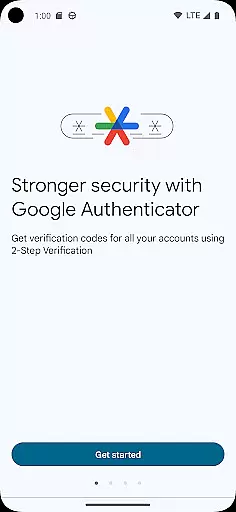
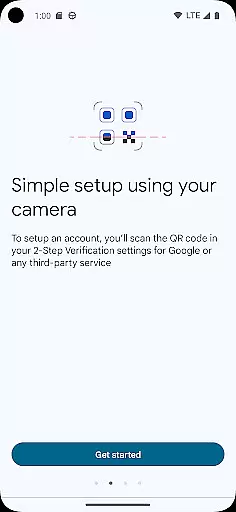
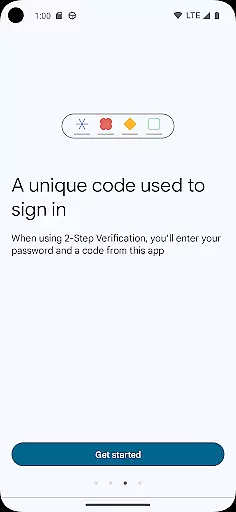
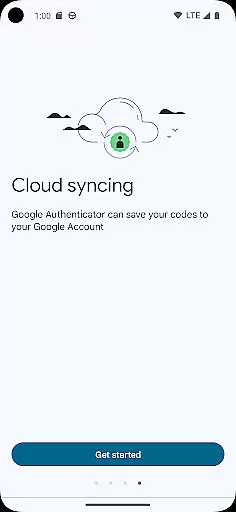
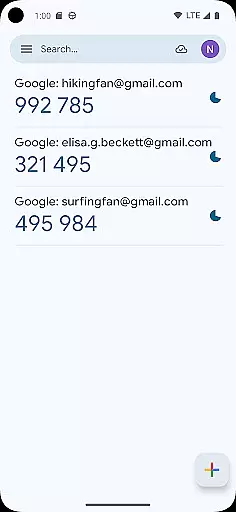
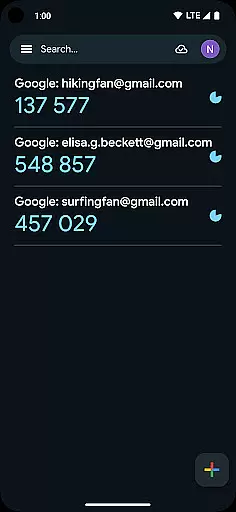
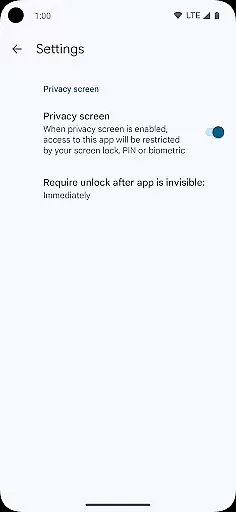
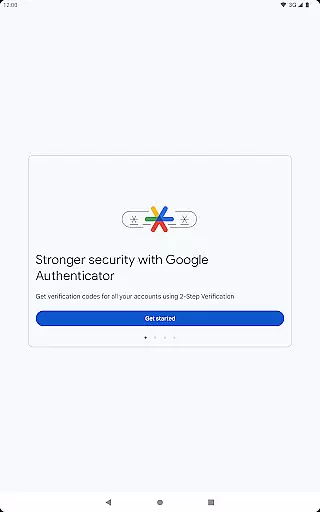
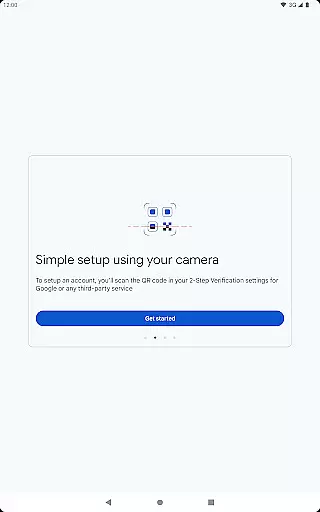
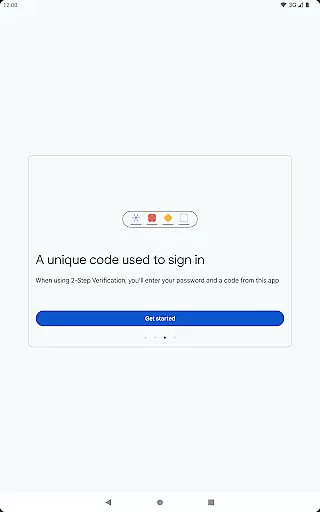
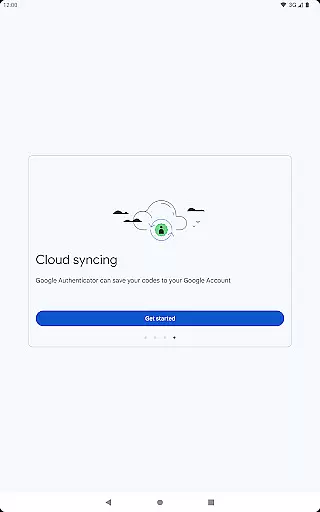

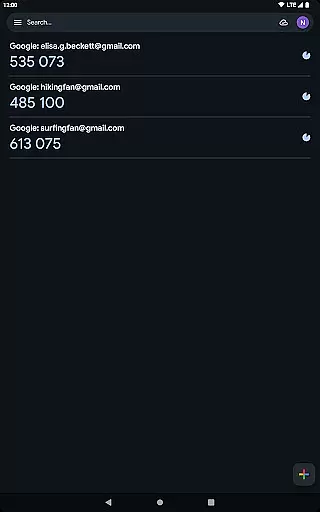
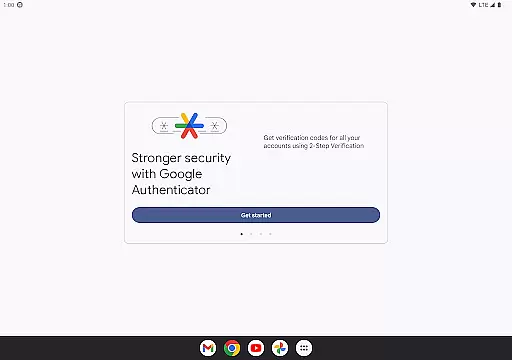
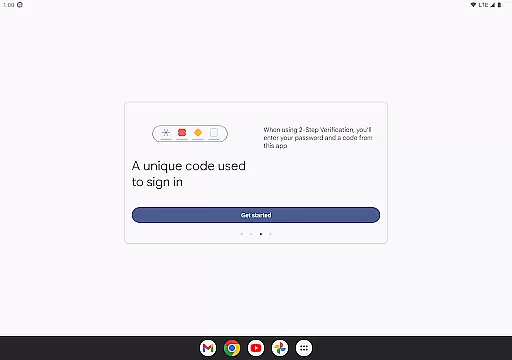
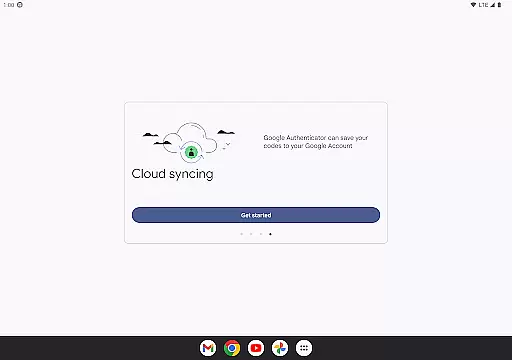
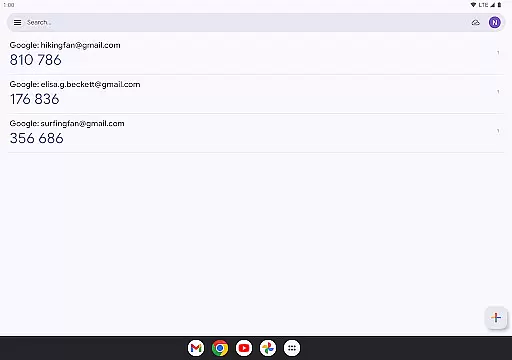
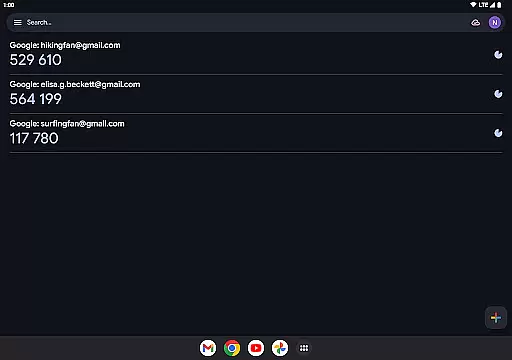
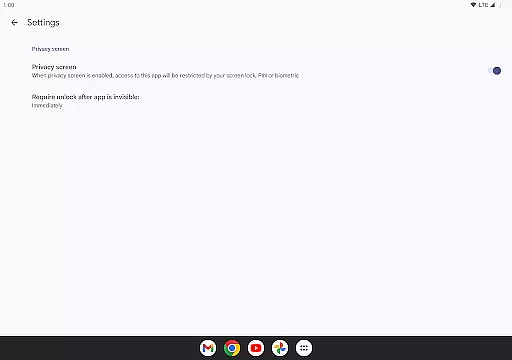
Google Authenticator is a mobile app designed to enhance account security through two-factor authentication. This Android app generates time-based or counter-based codes that users can input alongside their passwords. The app experience focuses on simplicity and reliability, ensuring that even those unfamiliar with advanced security protocols can protect their accounts effectively.
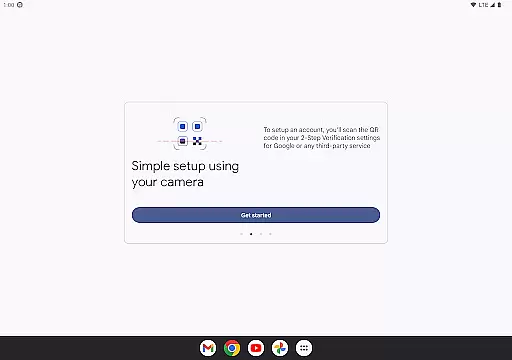
The primary purpose of this app is to provide an additional layer of security for online accounts. By integrating with various services, it ensures that unauthorized access is minimized. Users can easily set up the app by scanning QR codes or entering manual keys. Its core functionality lies in generating unique passcodes every 30 seconds, making it difficult for potential attackers to gain access without physical possession of the user's device.
This app is ideal for individuals who prioritize digital security and want to safeguard their online accounts from unauthorized access. It appeals to tech-savvy users as well as beginners looking to adopt stronger security practices. The target audience includes professionals managing sensitive data, frequent online shoppers, and anyone using email or social media platforms regularly.
Specific use cases include securing email accounts, protecting e-commerce profiles, and adding an extra layer of safety to banking apps. For example, someone logging into their work email remotely would benefit from the added security provided by Google Authenticator. Similarly, users accessing cloud storage services or team collaboration tools can ensure their data remains protected even if their password is compromised.
Choosing Google Authenticator provides peace of mind through its robust security features. The app offers a seamless way to implement two-factor authentication across multiple platforms, reducing the risk of unauthorized access significantly. Its straightforward design ensures that users do not need technical expertise to utilize its full potential, making it accessible to a broad audience.
This app solves the problem of weak password protection by introducing a dynamic second layer of verification. Unlike other similar solutions, it operates offline, meaning users can generate codes even without an internet connection. Regular updates and compatibility with numerous services make it a versatile choice. Additionally, its integration with Google services ensures a smooth user experience while maintaining high-security standards.
Enhanced account security
Easy setup process
Wide service compatibility
Offline functionality
Regular updates
No built-in backup initially
Limited customization options
Manual key entry required sometimes
QR code scanning issues
Device loss risks

Just swipe the edge to do something!
 4.40
4.40
VESC Tool can monitor and configure VESC-compatible devices over BLE and Wifi
4.20
Small and simple app to Verify Root Access and BusyBox Install!
4.70
Bedrock Together: Join any bedrock server on Xbox/PS
4.80
Undelete and recover your lost or deleted files with DiskDigger!
3.40
Planner and Tracker for Stardew Valley
4.60
NFC Tools can read and write NFC tags.
4.70
Remote Play with FSR upscaling, low latency & full controller support
4.80
A clean app.
4.50
Monitor car performance in real time and troubleshoot malfunctions.
4.80
ADB support Android 4.X-Android 13(Support wireless pair mode).No root required!
4.70 4.50
4.50
Button mapper, mouse toggle, sleep timer and a lot of another features
4.50
Effortlessly run ADB commands directly on your device without a PC.
4.20
1-Click close all background apps on Android TV
3.90
Unleash gamepad precision for ultimate mobile gaming dominance.
3.90
Create your own custom widget with endless possibilities
3.90
Smart and comfortable browsing experience.
3.80
Save any video in HD - paste the link, download fast and watch offline.
4.3


User Reviews