
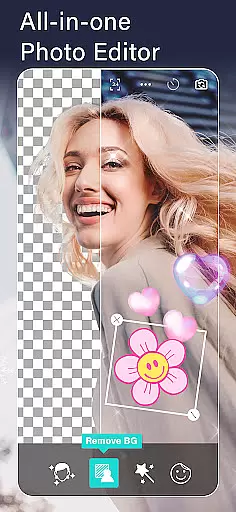
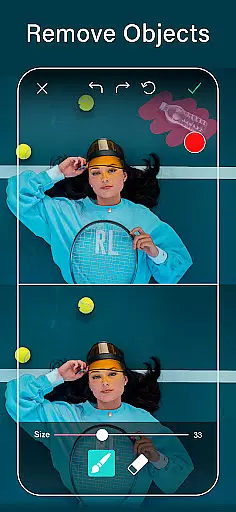
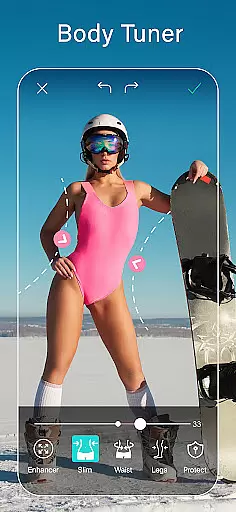
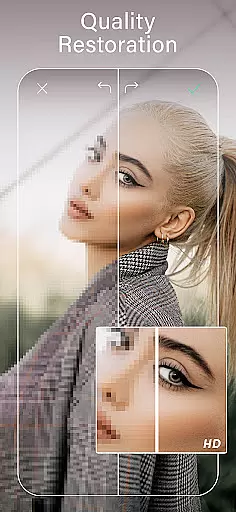
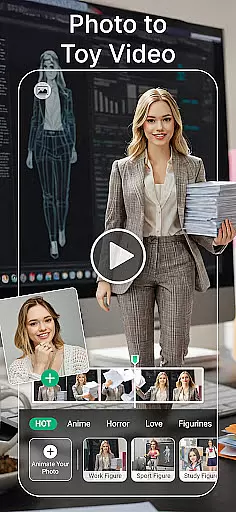
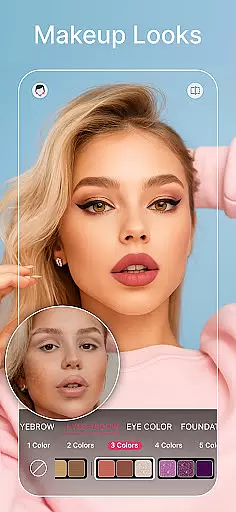
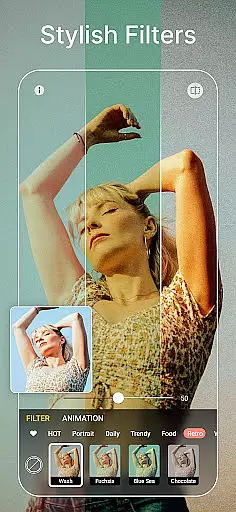
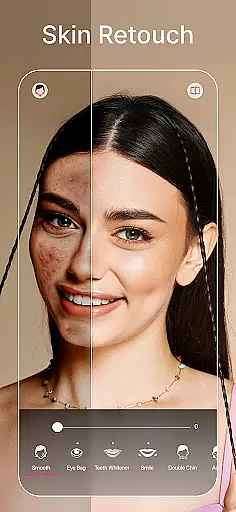
YouCam Perfect is a mobile app designed for photo editing enthusiasts who want professional-grade tools on their Android devices. This app offers a wide range of features to enhance photos, remove unwanted objects, and apply artistic effects with ease. Its user-friendly interface ensures that even beginners can achieve polished results without extensive technical knowledge.
The primary purpose of YouCam Perfect is to provide users with an accessible yet powerful photo editing solution. With its advanced retouching options, collage maker, and real-time filters, the app caters to those looking to elevate their photography game. Users can expect high-quality output while enjoying a seamless app experience tailored for creative expression.
YouCam Perfect is ideal for individuals aged 16 to 45 who have a keen interest in photography and visual storytelling. The app appeals to both amateur photographers seeking quick fixes and more experienced users looking for detailed editing capabilities. It also suits social media influencers who need a reliable app-based solution for enhancing their content before posting.
Common use cases include editing vacation photos to share on Instagram, creating personalized collages for special occasions, or refining portraits for professional portfolios. The app's versatility makes it suitable for everyday scenarios like family gatherings as well as specific needs such as marketing materials design. Its intuitive controls ensure users of all skill levels can achieve satisfying results.
YouCam Perfect stands out due to its combination of powerful editing tools and ease of use. The app provides features typically found in desktop software, making it a convenient choice for users who want to edit photos on the go. Its ability to deliver professional-quality results without requiring extensive training gives it a competitive edge over similar apps in the photography category.
The app solves common pain points such as object removal, uneven lighting, and skin imperfections by offering precise tools that are simple to operate. What sets it apart is the balance between functionality and accessibility. While other apps may focus solely on basic adjustments or overwhelm users with complex options, YouCam Perfect offers a streamlined yet comprehensive suite of app features that cater to diverse editing needs.
Intuitive user interface
Wide range of editing tools
High-quality photo output
Regular feature updates
Cross-platform compatibility
Premium subscription required
Occasional performance lag
Limited free features
Large file size
Steep learning curve

Search, tag and rate your way to an organized image gallery
 4.40
4.40
Viewfinder, Light meter, Reciprocity failure time, DOF & Bellows Extension
4.60
Automatically backup your photos and videos to computer, NAS and Cloud services
4.60
Movie camera, supports pro recording settings for filming. Try it and be amazed!
4.50
A reflected light meter with spot metering and incident light metering.
4.40
Collage your moments in one tap: 1000+ layouts, filters, stickers, and texts.
4.90
Enhance, retouch & create your story - Share the moment with Photoshop Express.
4.60
Use AI Video Generator to turn your words to ai generated videos.
4.50
Turn photos into cartoons & avatars! - Photo Editor, Cartoon Face!
3.90
A collection of tools and reference tables for DPs, ACs, DITs and Operators.
4.70
Easily create custom gifts, cards, photo books & more on the Shutterfly app!
4.60
PhotoSync Bundle Add-On License. Enables all features and services in PhotoSync.
4.60
Safe & smart flight with Go Fly drone controller for 40+ drone camera, zone map
4.50
Photo editor & gallery. Crop pictures & edit photos offline, no wifi!
4.50
Professional photography on your mobile phone
4.20
Luminar: Photo Editor - easy picture editing with AI
4.20
Remote control the phone camera shutter from your smartwatch and take a picture
1.60
Over 800 film simulation recipes for Fujifilm. Black Friday Offer!
4.0
Snap photos remotely using your Garmin watch as the camera trigger
4.5


User Reviews