
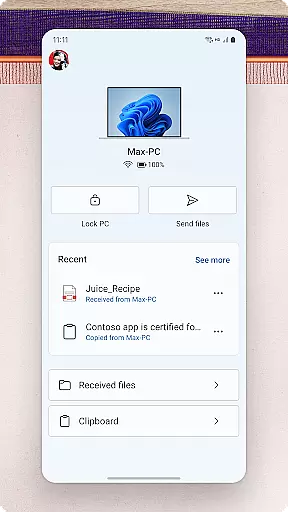
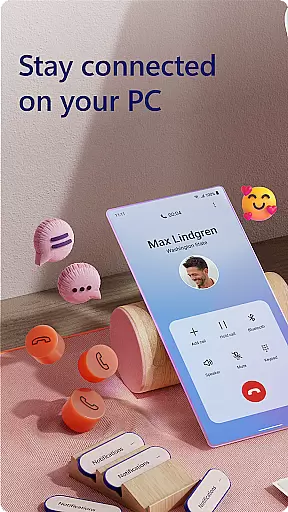
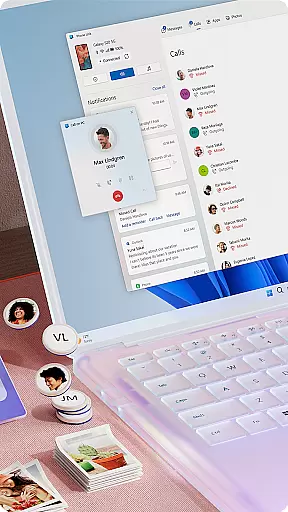
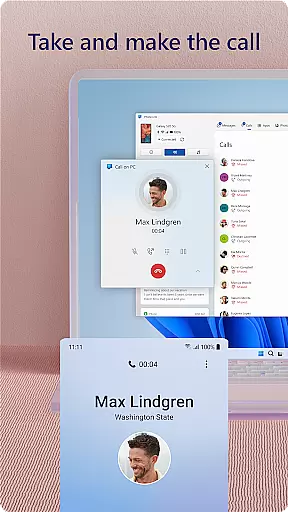
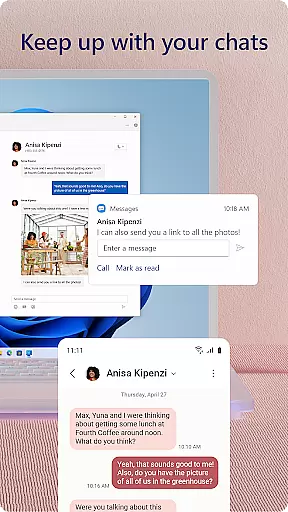
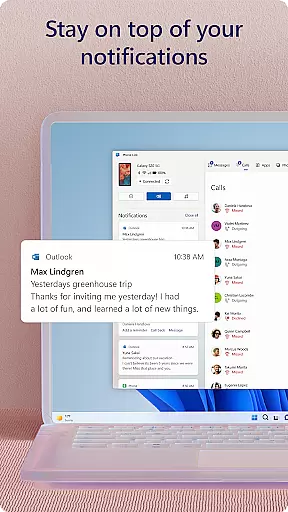
Link to Windows is a productivity-focused mobile app designed to seamlessly connect Android devices with Windows computers. This app allows users to sync notifications, messages, and other essential phone activities directly to their PC. The integration simplifies multitasking for individuals who rely on both Android and Windows ecosystems in their daily routines.
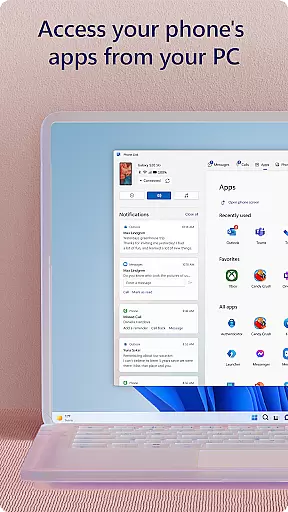
The primary purpose of this app is to enhance the app experience by bridging mobile and desktop environments. Core functionalities include mirroring phone notifications on the PC, managing SMS texts from the computer, and accessing phone apps remotely. These features make it an efficient app-based solution for streamlining workflows and staying connected across devices.
This app is ideal for professionals and students who frequently use both Android mobile devices and Windows PCs. It caters to individuals aged 18 to 45 who prioritize efficiency and organization in their digital workflows. Users seeking an integrated app experience will find this tool particularly valuable.
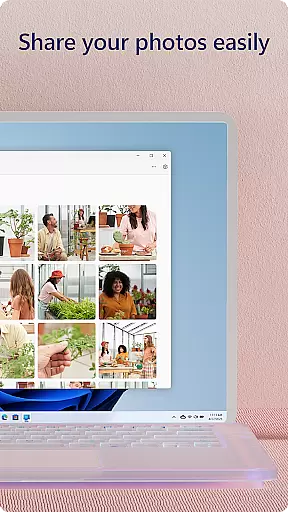
Common scenarios include responding to urgent text messages during work meetings or transferring files between devices without cables. Students can also benefit by managing assignments and communication while using their PCs. The app's ability to streamline connectivity makes it a versatile app-based solution for multitaskers.
Link to Windows stands out due to its ability to consolidate digital activities into a unified workspace. By integrating mobile notifications and messaging into the desktop environment, it reduces the need to switch between devices constantly. This functionality enhances focus and saves time, making it a practical choice for busy individuals.
The app solves the problem of fragmented device management by offering a centralized platform for communication and file sharing. Its compatibility with Android and Windows ecosystems ensures reliability and ease of use. Compared to similar tools, Link to Windows provides a more polished and responsive app experience, ensuring consistent performance for productivity-driven users.
Seamless cross-device integration
User-friendly interface design
Real-time notification syncing
Efficient SMS management from PC
Customizable notification settings
Limited to Android and Windows
Occasional connection issues
Requires Microsoft account setup
Higher battery consumption
No iOS compatibility available

Wake up & get tasks done! Add alarms & reminders on the Clock Launcher.
 4.00
4.00
A lightweight JSON & XML files creator, editor and viewer (Premium Version)
4.40
Secure, fast, open-source, Remote Desktop Client for Windows and Linux with SSH
4.60
IP Camera Viewer - Android TV : RTSP Surveillance camera viewer for Android TV
4.5
Pwnagotchi companion app
4.20
Secure, open-source, SPICE and SSH Remote Desktop for QEMU KVM virtual machines
4.00
Great calculator for Android named one of USA TODAY's "25 Essential Apps".
4.90
A simple Whisper AI keyboard for reliable speech transcription and rewording
4.60
Understand anything with a personalized AI research assistant
4.80
Simple notepad & memo. Take notes, to-do list, shopping list with reminders.
4.80
The AI assistant that thinks with you - write, code, and solve complex tasks
4.60
Planet Free VPN - The best Fast Unlimited and Secure VPN Without Logs
4.50
Experience Reading - Night Mode for Documents
4.40
Docker, Kubernetes management over Portainer Mobile
4.40
Cloud storage, automatic phone backup, and more.
4.10
All in one sketching tool. Technical and General drawing. Online Maps support.
3.70
Experience and share your SolidWorks designs on your Android® phone and tablet.
2.50
Ads Free App! Editor, Hide File, Copy, Move, Delete and Rename.. all facility av
1.70
Create study competitions, track your hours, and stay consistent with friends
4.0


User Reviews