
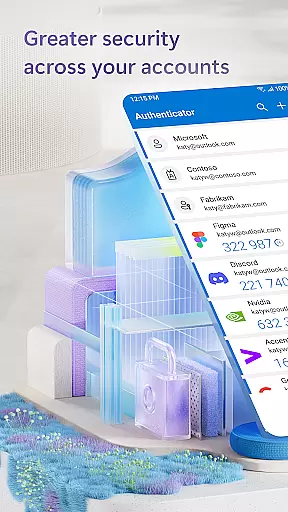
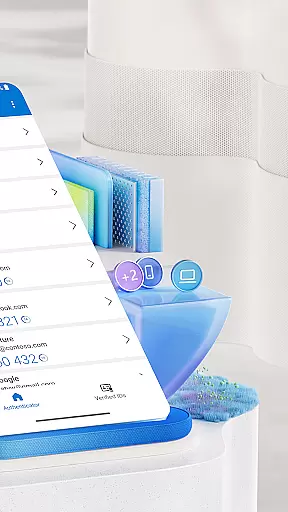
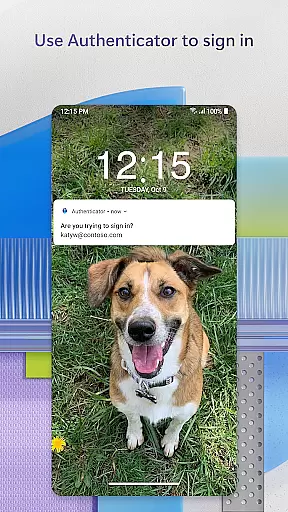
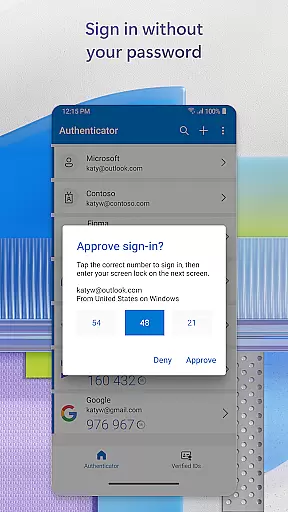
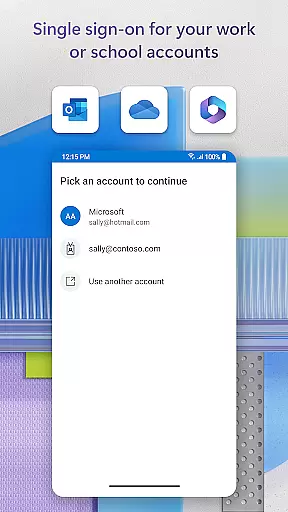
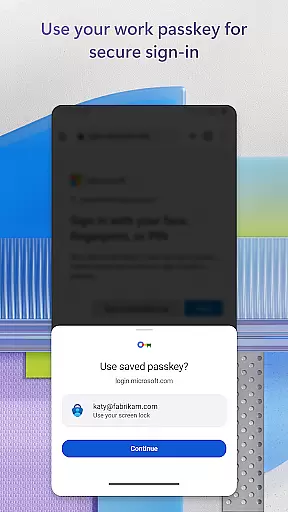
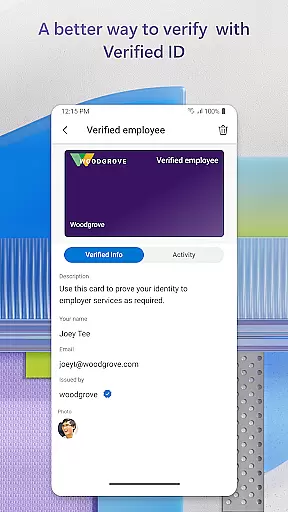
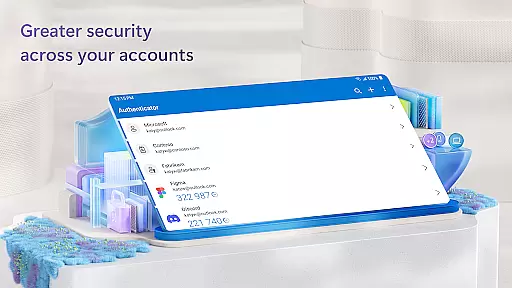
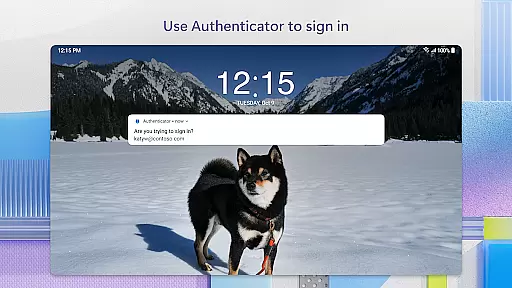
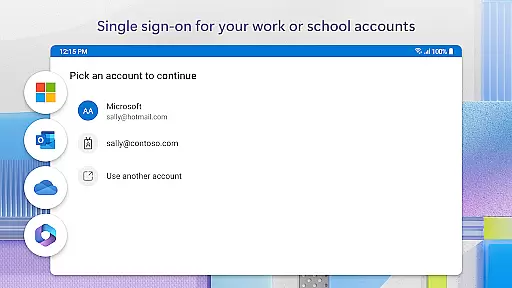
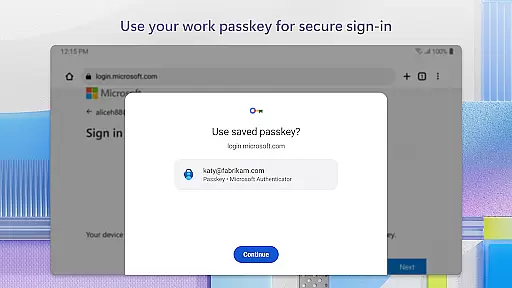
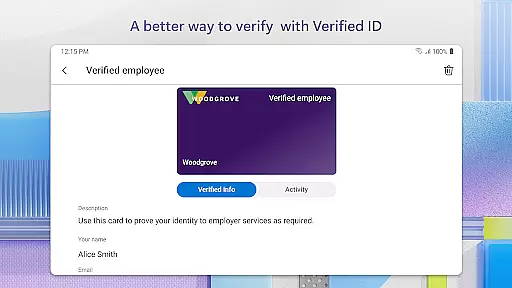
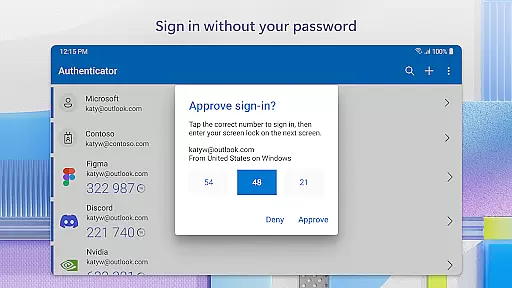
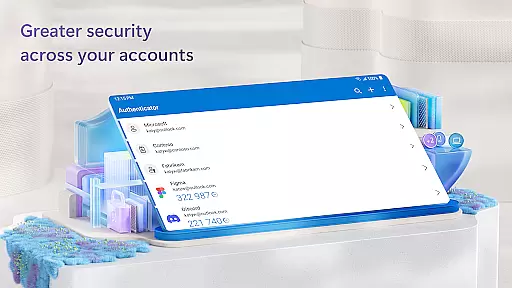
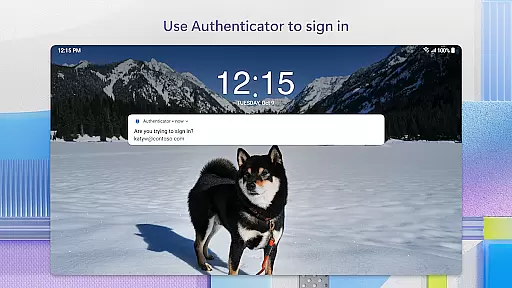
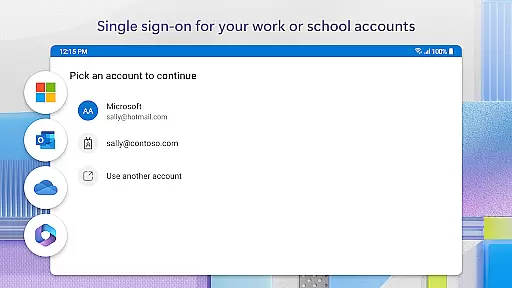
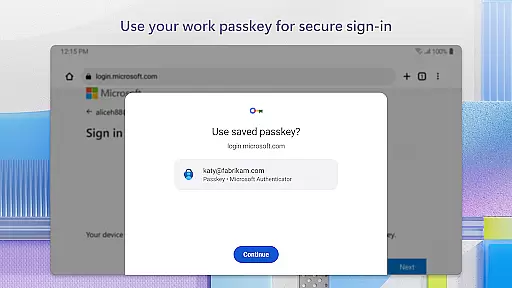
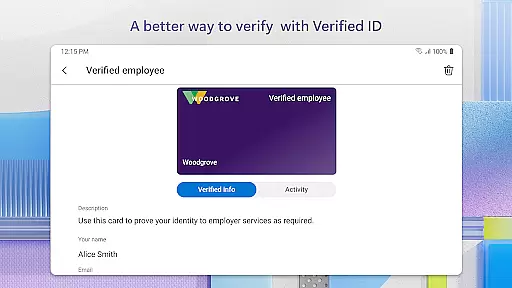
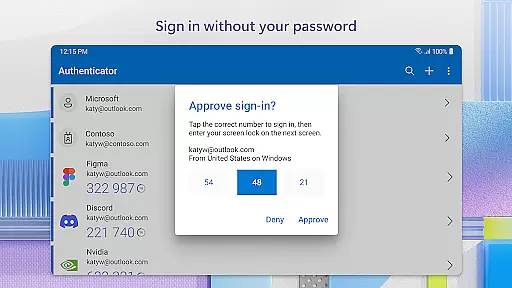
Microsoft Authenticator is a mobile app designed to enhance account security through two-factor authentication. This Android app provides users with a reliable way to protect their online accounts by generating time-based codes and approving login requests. The app experience centers around simplicity and security, ensuring that even non-technical users can easily set up and manage their credentials.
The primary purpose of Microsoft Authenticator is to safeguard user accounts from unauthorized access. It achieves this by offering features such as multi-factor authentication, secure sign-in options, and seamless integration with Microsoft services. Users can also back up and recover their accounts securely, making it an essential tool for anyone relying on cloud-based solutions.
This app is ideal for business professionals and individuals who prioritize account security. It appeals to users ranging from young adults managing personal accounts to IT administrators securing enterprise systems. Those who rely on Microsoft services will find the app particularly useful due to its deep integration with those platforms.
Specific use cases include remote workers logging into corporate networks, students accessing educational portals, and frequent online shoppers seeking to protect payment information. The app's ability to streamline secure access across devices makes it suitable for anyone looking to enhance their digital safety without compromising convenience.
Microsoft Authenticator stands out due to its robust security features and ease of use. The app offers a comprehensive solution for protecting sensitive data while maintaining accessibility. Its value proposition lies in providing peace of mind through advanced authentication methods that are simple enough for everyday use.
What sets this app apart is its seamless integration with Microsoft's ecosystem, making it an app-based solution tailored for both casual users and enterprises. By addressing common pain points like forgotten passwords and phishing attacks, it ensures a smoother and safer login process. Regular updates further enhance reliability, keeping pace with evolving security standards.
Strong security protocols
User-friendly interface
Seamless Microsoft integration
Regular feature updates
Free to download and use
Limited third-party support
Requires stable internet
Occasional sync delays
No standalone desktop app
Backup requires cloud access

ANDROID'S TOP MOBILE OFFICE - Word, Excel, PowerPoint and PDF at your fingertips
 4.50
4.50
VSD Viewer - Visio Drawings Viewer for Android Preview VSD, VDX, VSDX drawings
4.10
Earn crypto with secure cloud mining. Monitor, track & withdraw easily
4.40
FaxCover - Create fax cover pages. Works with any app or fax machine.
4.90
Earn free swag, G-Cards & food • Enter sweepstakes • Find stores • So much more.
4.70
Get instant construction estimates: accurate home repair & material calculator.
4.70
All your team communication in one place
4.70
We are a dynamic team of creatives people of design, marketing, web & apps
3.00
Roadie connects people with stuff to send with drivers already going that way.
3.50
USPS Mobile®Access USPS.com’s most popular tools on-the-go.
4.70
Use Generative Summary to understand your rental or insurance docs in seconds.
4.70
We help people get jobs
4.70
Manage work life on the go
4.50
Collaborate seamlessly with Google Chat, part of Google Workspace
4.50
The app that lets you deliver with Amazon.
4.50
The All-in-One File Manager for Phone, TV, Watch, Cars, XR / VR, Chromebook
4.10
viewing and sharing of PDFs
3.60
Delivery Track App - Tracking with Fedex, USPS, UPS, DHL. Monitor your Orders.
3.20
Completed Course Lectures on how to use IBM Maximo in Maintenance issues
4.0


User Reviews