
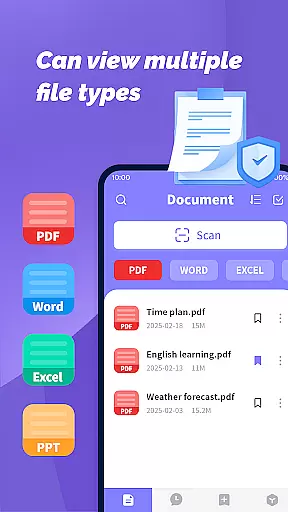
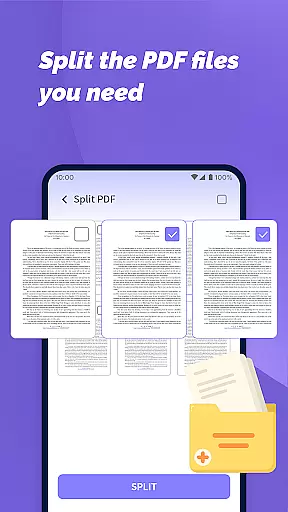
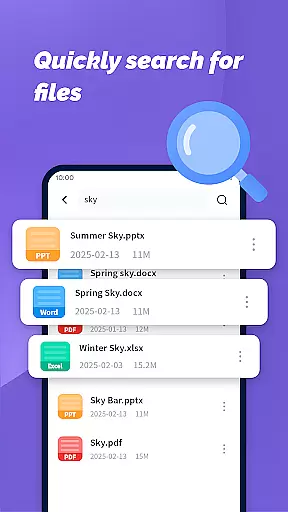
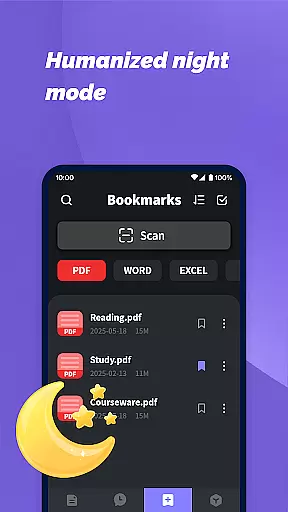
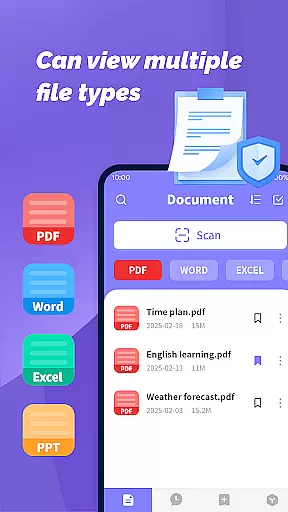
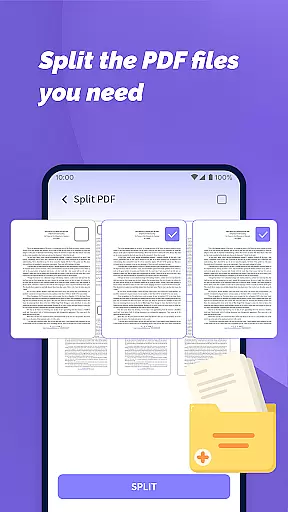
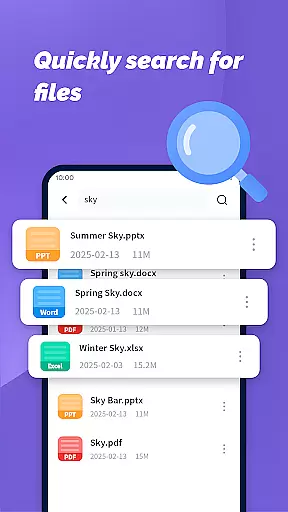
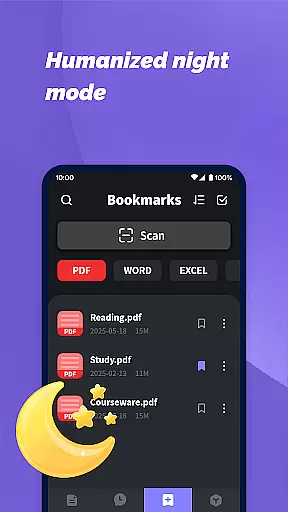
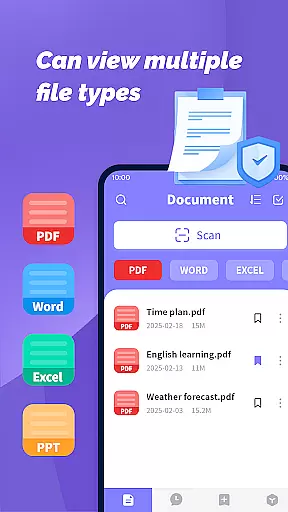
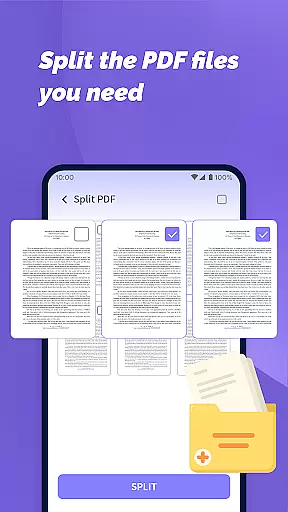
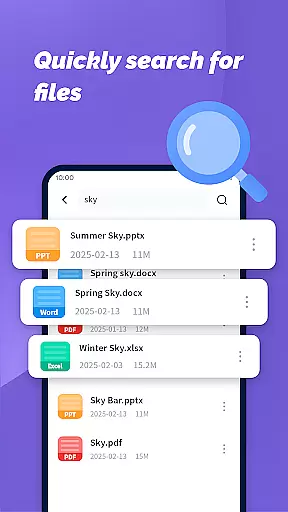
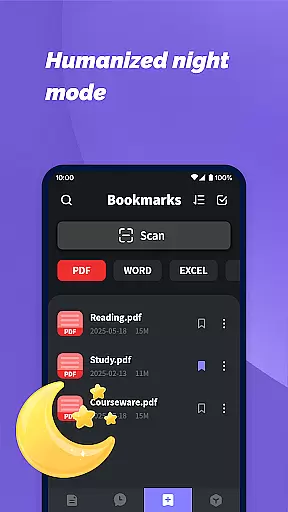
PDF File Plus is a productivity-focused mobile app designed to simplify the management and editing of PDF files. This Android app provides users with tools to view, annotate, merge, split, and convert PDF documents efficiently. Its intuitive interface ensures that even those unfamiliar with complex software can navigate its features effortlessly.
The primary purpose of this app is to enhance document workflows by offering a comprehensive suite of PDF-related functions. Users can add watermarks, extract pages, compress file sizes, and secure documents with passwords. These capabilities make it an ideal app-based solution for students, professionals, and businesses seeking to streamline their document-handling tasks.
This app is particularly suited for students, remote workers, and small business owners who frequently handle PDF documents. It appeals to individuals aged 18-45 who need a reliable app experience for organizing academic papers, managing contracts, or sharing reports. The app's versatility makes it a go-to choice for tech-savvy users as well as beginners.
Specific use cases include preparing presentations with branded watermarks, combining multiple invoices into one file for easy sharing, or converting scanned documents into editable formats. For instance, a freelancer might use this app to edit contracts on-the-go while a student could merge lecture notes into a single PDF file. These practical applications highlight its value as a productivity tool.
PDF File Plus stands out due to its combination of powerful features and user-friendly design. The app offers a complete set of tools that cater to both basic and advanced PDF needs, ensuring users do not have to switch between multiple apps. With regular updates and responsive customer support, the app maintains high standards of performance and reliability.
One key advantage is its ability to solve common pain points such as slow rendering speeds and limited functionality in similar apps. By providing offline access to most features, it ensures uninterrupted productivity regardless of internet connectivity. Additionally, its competitive edge lies in frequent feature updates based on user feedback, making it a dynamic app-based solution tailored to real-world requirements.
Intuitive user interface
Fast file processing
Regular feature updates
Offline functionality
Wide format compatibility
Occasional ads in free version
Limited advanced editing tools
Subscription required for premium features
Large file size may slow older devices
Learning curve for new users

Native client for Forgejo and Gitea
 5.00
5.00
We're working to become the best machining app on the market! www.cncdirt.com
4.80
Fill, sign & send docs, forms, agreements & contracts via electronic signature.
4.50
Font maker keyboard with your own handwriting
4.10
Translate text/voice/photos in 150+ languages. Offline & fast translator app.
4.50
Access, manage and transfer files on Android, PC, Mac, NAS and cloud storages.
4.30
Ultimate Virtual AI Character for immersive Roleplay Chat. Perfect Companion
3.90
AT&T Internet customers can use this app to personalize their Wi-Fi network.
4.40
Put a lock on your cloud: Take the security of your data into your own hands
3.70
Great calculator for Android named one of USA TODAY's "25 Essential Apps".
4.90
App lock - lock apps with fingerprint, password, pin or pattern, protect privacy
4.70
Absolutely the best CNC machinist speed and feed calculator around. fswizard.com
4.60
Calendar 2023 widget for Android. Appointment scheduler, planner, and reminder
4.60
Tally and goal counter for Wear OS & mobile
4.50
CalenGoo is a very flexible and feature-rich calendar app
4.40
Todo reminder
4.10
Experience real multitasking on your Android!
4.00
Unlock AutoNotification
4.00
All in one sketching tool. Technical and General drawing. Online Maps support.
3.70


User Reviews