
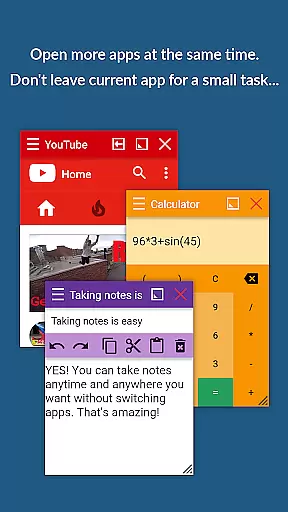
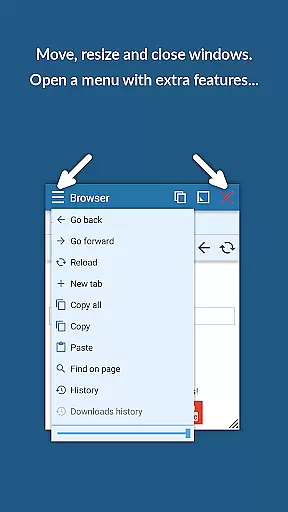
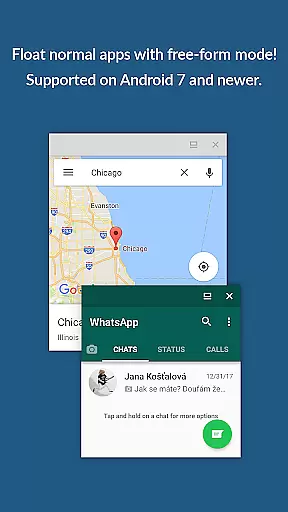
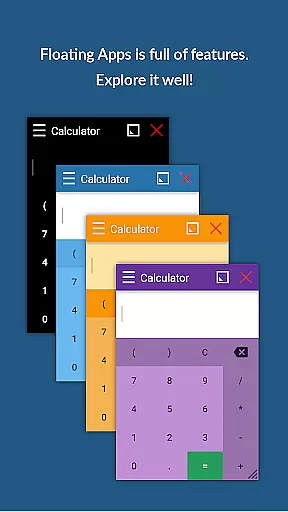
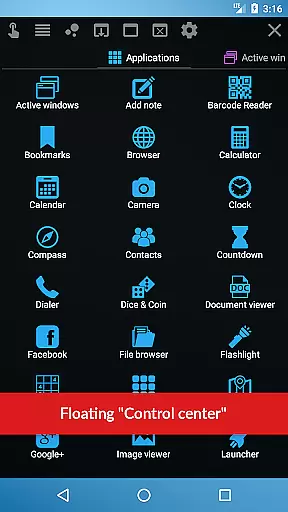
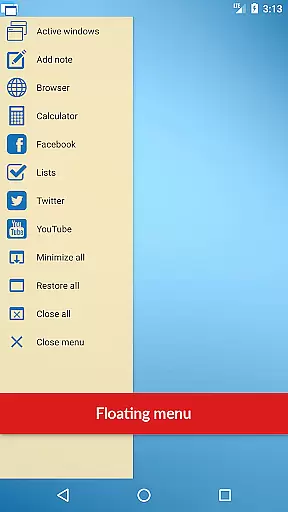
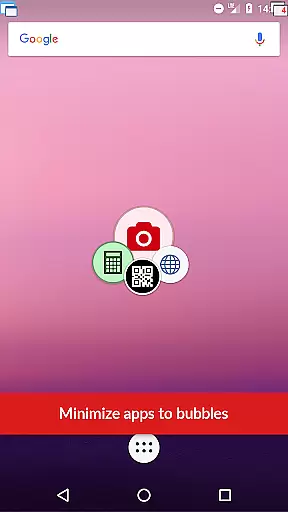
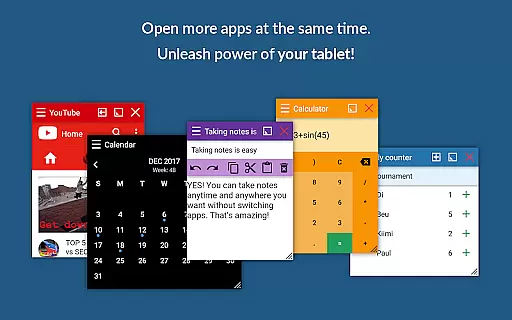
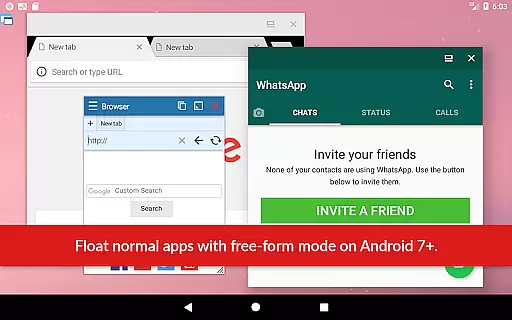
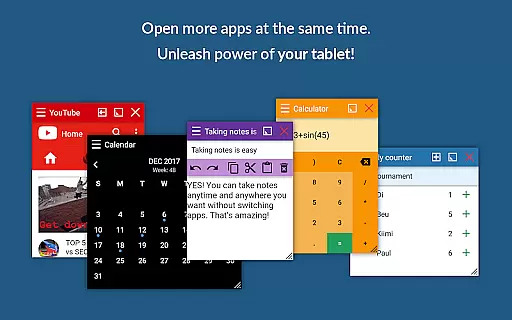
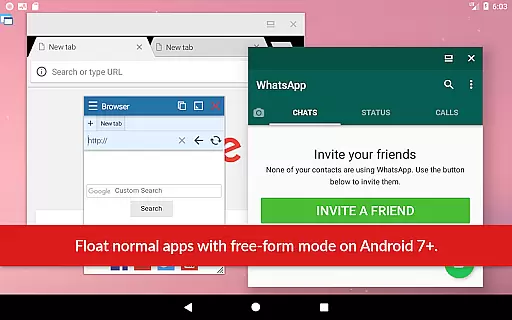
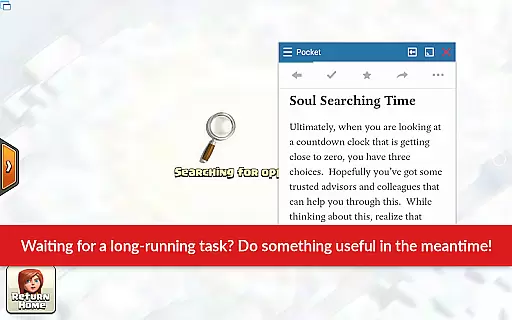
Floating Apps is a productivity-focused mobile app designed to enhance multitasking on Android devices. This app allows users to run multiple apps simultaneously in floating windows, mimicking the functionality of a desktop environment. With its intuitive interface and customizable features, it provides an efficient way to manage tasks without switching between full-screen apps.
The primary purpose of Floating Apps is to streamline workflows by offering tools such as floating notifications, file managers, and customizable widgets. Users can access essential functions without minimizing their current app, making it ideal for those who need quick access to information while working on other tasks. Its compatibility with various Android devices ensures a seamless app experience.
Floating Apps is particularly suited for busy professionals, students, and tech-savvy individuals seeking to maximize their device's potential. The target audience includes multitaskers who frequently juggle between apps for work or study. Additionally, users who prefer a desktop-like experience on their mobile devices will find this app highly beneficial.
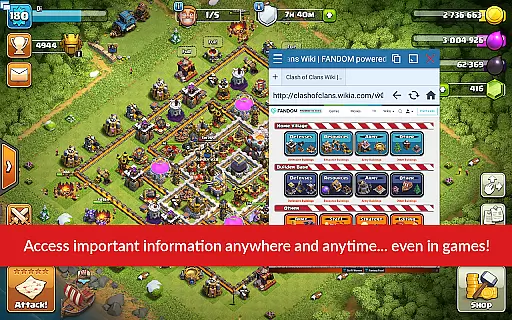
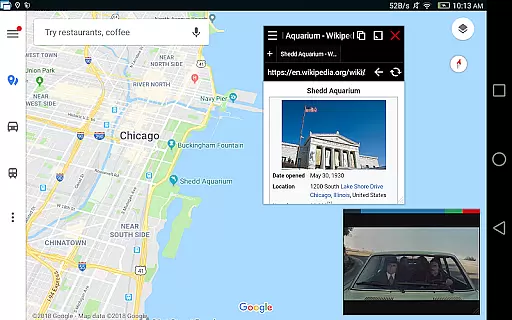
Ideal scenarios include responding to messages during video conferences, referencing notes while writing emails, or organizing files while browsing the web. The app-based solution caters to those needing efficiency and flexibility in their daily routines. Whether managing projects or handling personal tasks, Floating Apps offers practical utility for Android users.
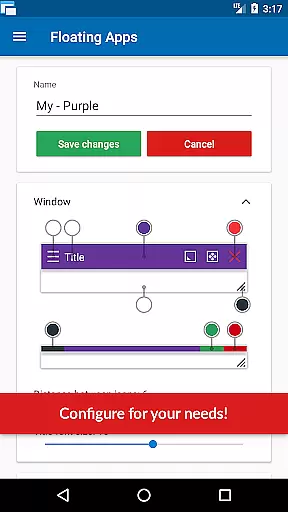
Floating Apps stands out due to its ability to transform the Android multitasking experience. By enabling users to interact with multiple apps simultaneously, it significantly reduces time spent navigating between screens. The app's customizable floating widgets and resizable windows empower users to tailor the interface to their specific needs, enhancing overall productivity.
What sets Floating Apps apart from alternatives is its focus on usability and versatility. Unlike many productivity apps that offer limited functionality, this app integrates seamlessly with third-party tools and supports offline use. These features address common pain points such as app-switching fatigue and connectivity issues, making it a reliable choice for anyone seeking an efficient app experience.
Enhances multitasking efficiency
Customizable floating widgets
Supports offline functionality
Integrates with third-party apps
User-friendly interface design
Occasional performance lag
Limited free version features
Requires learning curve
Drains device battery faster
Not compatible with all devices

A Revolutionary All-in-One Artificial Intelligence Tools
 3.80
3.80
Seamlessly integrate data and reports to build your presentation to impress
4.80
Planet Free VPN - The best Fast Unlimited and Secure VPN Without Logs
4.50
All document reader, all in one file viewer read PDF, DOCX, XLS, PPT, TXT files.
4.60
Calendar 2023 widget for Android. Appointment scheduler, planner, and reminder
4.60
Share files & memories safely. Keep your photos and videos secure.
4.40
Seamlessly read, manage, and organize all your PDF files solution in one place
4.40
Browse and view your photos and videos from the phone with photo & video hide.
4.10
Note taking, handwriting, record audio, PDF annotation, planner & journal
4.20
Scientific calculator for Android - looks and operates like the real thing!
4.90
Stay on top of your to-dos with Google Tasks, part of Google Workspace.
4.60
Functional QR scanner and barcode reader that requires little storage space.
4.60
This small app MUST BE INSTALLED after purchase, else license won't work
4.40
Intelligent AI Assistant
4.10
Unlock AutoNotification
4.00
Create and edit presentations with Google Slides, part of Google Workspace.
4.00
Remotely view listen control and record cameras.
3.70
Code on-the-go with VScode for Android. Edit,debug and collaborate from mobile!!
3.10
Easiest event planning, volunteer signups & parent teacher conference scheduling
2.20


User Reviews