
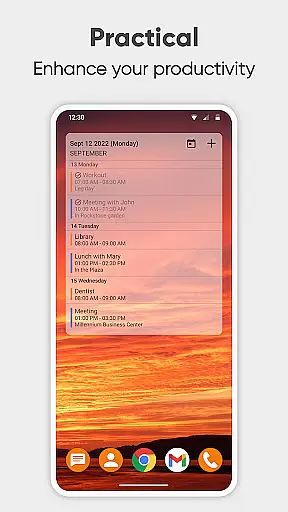
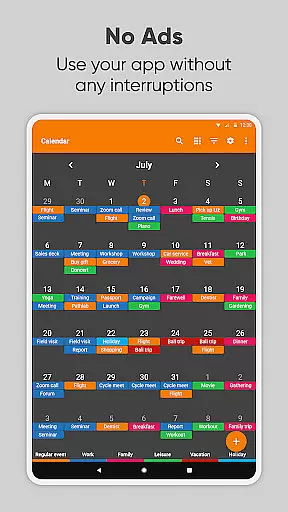
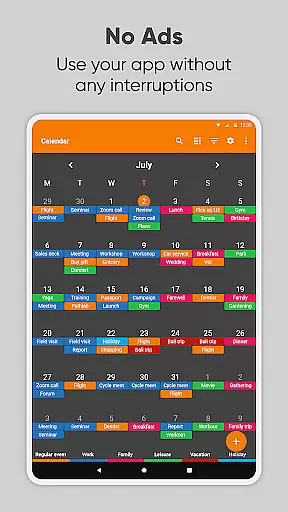
Simple Calendar Pro is a productivity-focused mobile app designed to streamline scheduling and time management. As an Android app, it offers a clean and minimalistic interface that emphasizes usability and efficiency. The app experience centers around providing users with a straightforward way to organize their daily tasks and appointments without unnecessary distractions.
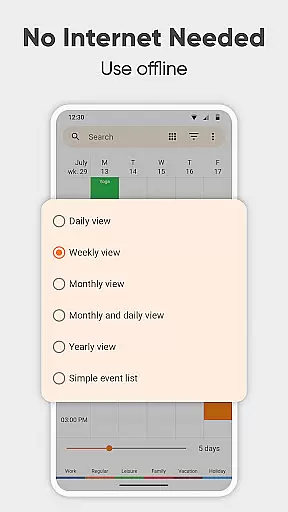
The primary purpose of this app is to help users manage their schedules effectively while maintaining simplicity. Core features include offline functionality, customizable widgets, reminders, and integration with other calendar services. With its focus on accessibility and ease of use, the app ensures that even those unfamiliar with advanced calendar tools can benefit from its capabilities.
This app is ideal for individuals seeking a no-frills, efficient mobile app to manage their schedules. It caters particularly to busy professionals, students, and anyone who values simplicity in their Android app selection. Users who prefer minimalistic design and need an app-based solution for organizing their day-to-day activities will find this tool especially beneficial.
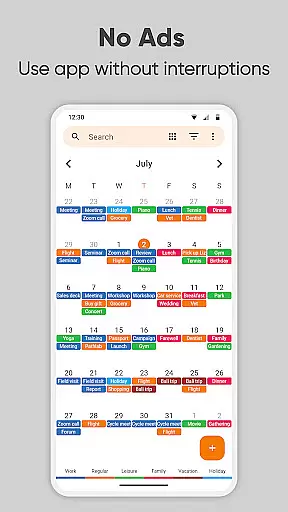
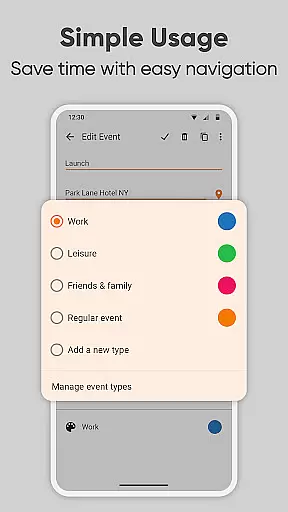
Specific use cases include setting up work meetings, tracking academic deadlines, or managing personal appointments. For example, a professional might rely on the app's reminders to stay punctual for meetings while using color-coded events to prioritize tasks. Similarly, students can utilize recurring events to schedule study sessions efficiently. Its offline functionality makes it reliable in areas with limited connectivity.
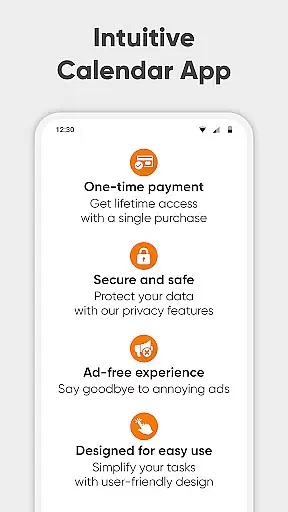
Simple Calendar Pro stands out due to its commitment to simplicity and functionality. The app provides significant value by eliminating cluttered interfaces and focusing solely on essential tools. This approach results in a fast and responsive app experience that appeals to users tired of overly complex alternatives. Additionally, its privacy-focused design ensures that all data remains secure on the user's device.
The app solves common pain points such as complicated navigation and excessive permissions often found in other calendar apps. By offering customizable widgets and seamless integration with existing calendars, it enhances accessibility without compromising performance. Furthermore, regular updates ensure that new app features are introduced based on community feedback. These factors make it a compelling choice among productivity-focused Android apps.
Lightweight and fast
Intuitive interface design
No ads or interruptions
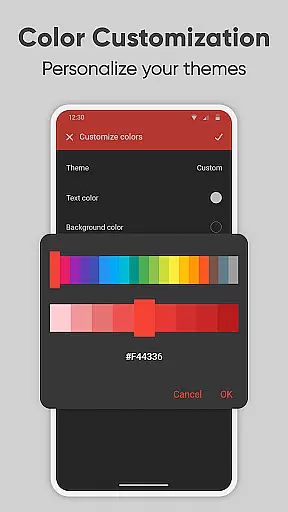
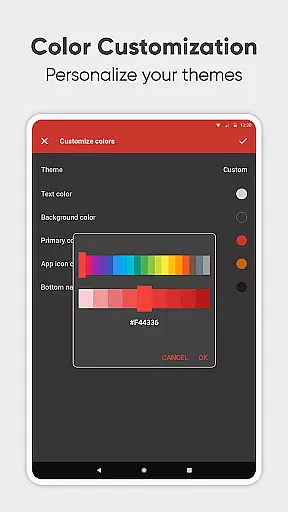
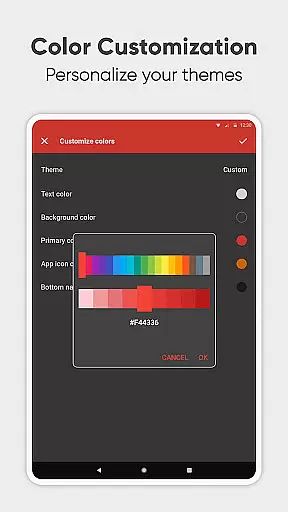
Highly customizable options
Strong focus on privacy
Limited advanced features
No built-in email client
Basic visual themes only
Small learning curve for widgets
Offline-only sync option

The long-awaited modern gallery app for your Nextcloud server
 4.70
4.70
Native client for Forgejo and Gitea
5.00
Docker, Kubernetes management over Portainer Mobile
4.40
A Pixel Art watchface inspired by other iconic 90s designs for Wear OS devices!
4.40
Quickly and easily keep track of your work shifts
4.70
This small app MUST BE INSTALLED after purchase, else license won't work
4.40
Share files & memories safely. Keep your photos and videos secure.
4.40
AT&T Internet customers can use this app to personalize their Wi-Fi network.
4.40
Browse and view your photos and videos from the phone with photo & video hide.
4.10
Seamlessly integrate data and reports to build your presentation to impress
4.80
We're working to become the best machining app on the market! www.cncdirt.com
4.80
QuickBooks Workforce lets teams view pay info and track time in one place.
4.70
aCalendar+ makes your day, week and month
4.70
Client for Nextcloud Deck
4.60
Subscribe to Webcal & .ics calendars and keep them up-to-date!
4.50
Tally and goal counter for Wear OS & mobile
4.50
Experience real multitasking on your Android!
4.00
Find and delete junk files & block unwanted notifications & manage files
3.70
Easiest event planning, volunteer signups & parent teacher conference scheduling
2.20


User Reviews