
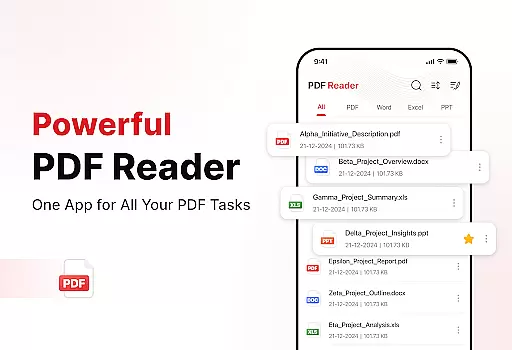
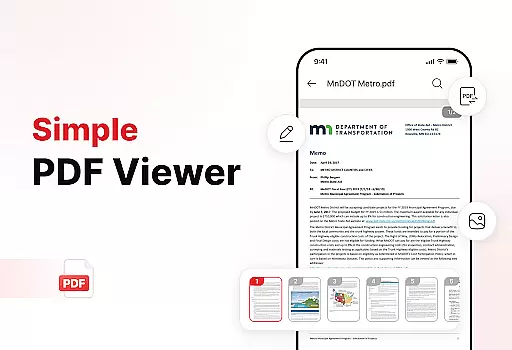
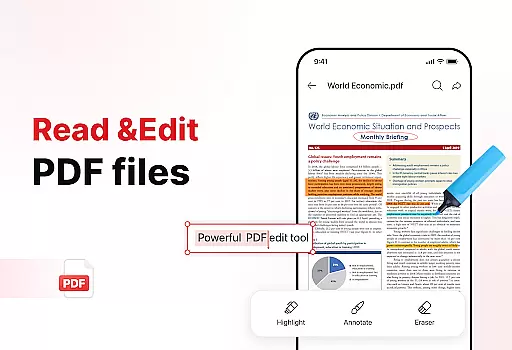
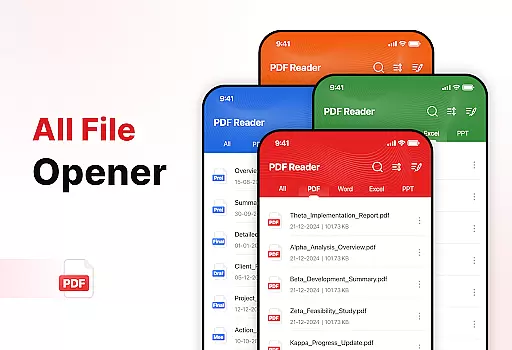
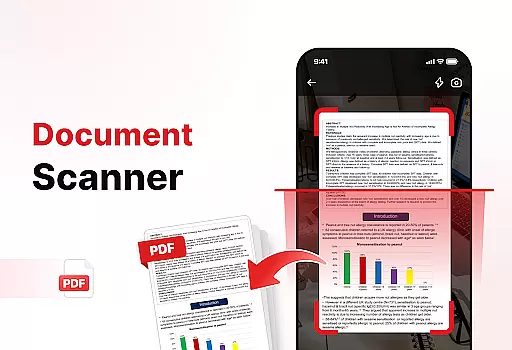
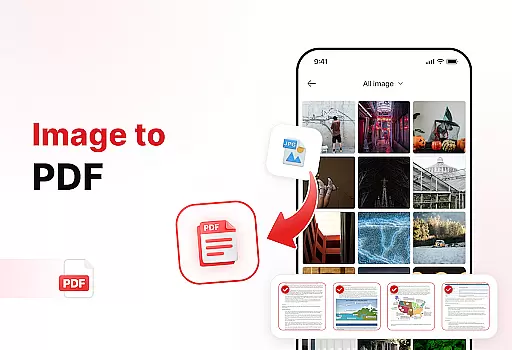
PDF Reader - Edit & View is a productivity-focused mobile app designed to simplify the way users interact with PDF files. This Android app allows users to view, edit, and manage PDF documents with ease. Its intuitive interface ensures that even those who are not tech-savvy can navigate through its features effortlessly. The app supports a variety of functions such as text editing, annotation, and file conversion.
The primary purpose of this app is to provide a reliable app-based solution for individuals and professionals who frequently work with PDFs. Core features include options for merging multiple files, adding signatures, and securing documents with passwords. With its focus on enhancing the app experience, PDF Reader - Edit & View ensures that users can accomplish their tasks efficiently without compromising on quality or performance.
This app is ideal for students, professionals, and small business owners who regularly handle PDF documents. It caters to individuals seeking an efficient app-based solution to streamline their document management tasks. Users who value productivity and need a reliable mobile app will find this tool particularly beneficial. The app's straightforward design makes it suitable for all age groups.
Common scenarios include editing lecture notes for students, preparing business proposals for professionals, or managing invoices for entrepreneurs. The ability to add signatures and secure files with passwords makes it a versatile choice for legal and financial sectors. Whether working offline or syncing files across devices, this app provides practical solutions for everyday challenges.
PDF Reader - Edit & View stands out due to its comprehensive app features and user-friendly design. The app offers a balanced combination of advanced tools and simplicity, ensuring that users can complete tasks without unnecessary complexity. Its ability to handle multiple file formats and provide robust security options adds significant value to its overall proposition.
One of the key reasons to choose this app is its focus on solving real-world problems efficiently. Users can merge files, add annotations, and secure documents without switching between multiple apps. Compared to similar Android apps, this app provides a more streamlined app experience while maintaining high performance and reliability. Frequent updates ensure that the app remains compatible with the latest operating systems.
Easy-to-use interface
Fast file processing
Regular feature updates
Secure encryption options
Cross-device file sync
Limited free features
Occasional ads in free version
Advanced tools require subscription
Large file size
Offline mode has restrictions

The long-awaited modern gallery app for your Nextcloud server
 4.70
4.70
Automates browsing any website and notifies you of important changes or events
4.30
The upgraded version of Name Wheel with AI and the power to add your own wheels.
4.3
We're working to become the best machining app on the market! www.cncdirt.com
4.80
IP Camera Viewer - Android TV : RTSP Surveillance camera viewer for Android TV
4.3
App lock - lock apps with fingerprint, password, pin or pattern, protect privacy
4.70
Enjoy classic gameplay with customizable features and retro-style graphics.
4.30
Access, manage and transfer files on Android, PC, Mac, NAS and cloud storages.
4.30
AI Chatbot and AI writing assistant powered by ChatGPT.
4.60
Seamlessly integrate data and reports to build your presentation to impress
4.80
The AI assistant that thinks with you - write, code, and solve complex tasks
4.60
To do list widget with a notebook organizer, checklist, simple shopping list
4.60
Lightweight PDF, Word, Excel reader.
4.60
This small app MUST BE INSTALLED after purchase, else license won't work
4.40
Total remote control for your Android device, PC and cloud services (IFTTT)!
4.20
Ultimate Virtual AI Character for immersive Roleplay Chat. Perfect Companion
3.90
A Revolutionary All-in-One Artificial Intelligence Tools
3.80
All in one sketching tool. Technical and General drawing. Online Maps support.
3.70
A simple, portable logger for POTA, SOTA, Field Day, and more
4.3


User Reviews