
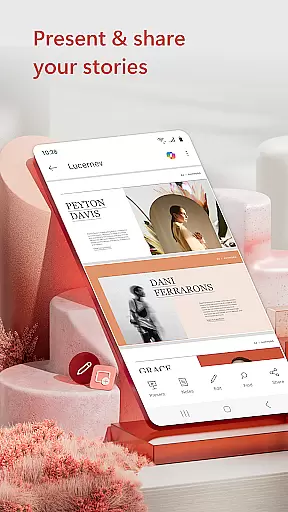
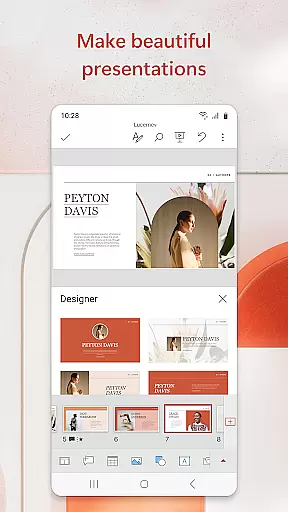
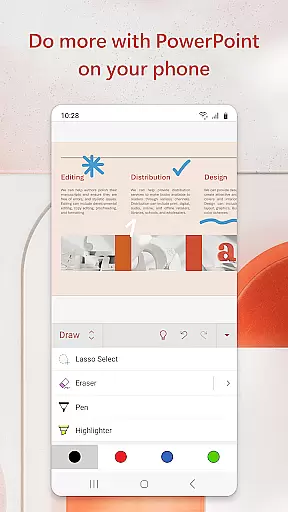
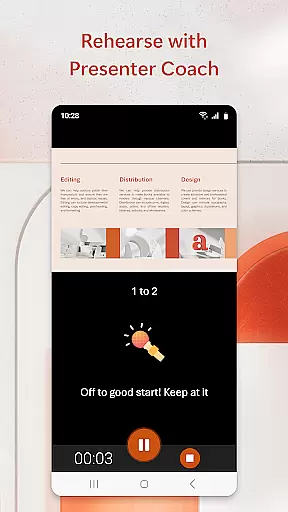
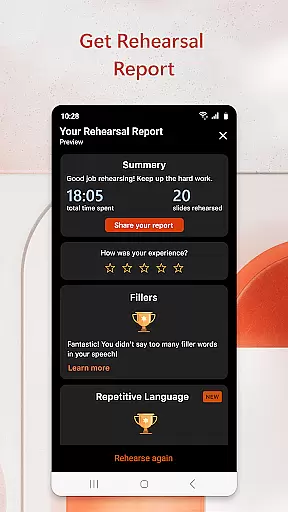
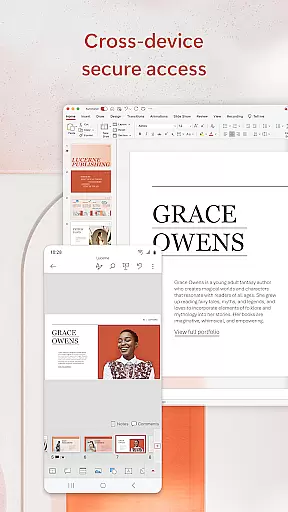
Microsoft PowerPoint is a productivity mobile app designed to create and edit professional presentations on Android devices. As part of the Microsoft Office suite, this app allows users to build slideshows with rich formatting, images, and animations. The app experience is enhanced by seamless integration with cloud storage services, enabling access to files from anywhere.
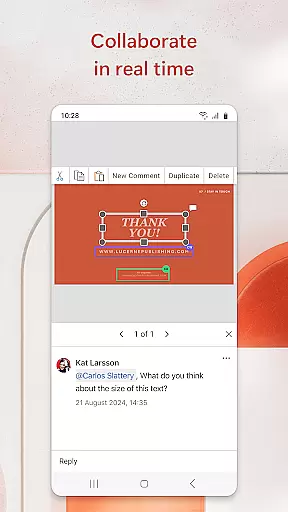
The primary purpose of this app is to provide flexibility for users who need to design or review presentations while on the go. With features like real-time collaboration and offline editing, it ensures that teams can work together efficiently. The app-based solution supports various templates and transitions, making it suitable for both casual users and business professionals.
This app is ideal for students, educators, and business professionals who frequently work on presentations. It caters to individuals aged 18 to 50 who require a reliable tool for creating polished slideshows. Users who value cross-platform compatibility and cloud-based access will find this app particularly beneficial.
Common use cases include preparing academic projects, delivering business pitches, or conducting training sessions. For example, a student might use it to design a class presentation, while a corporate employee could rely on it for client proposals. Its intuitive interface makes it accessible even to those with minimal prior experience in designing presentations.
Microsoft PowerPoint stands out due to its robust feature set and seamless integration with other Microsoft products. The app offers a familiar interface, reducing the learning curve for new users. Additionally, its cloud-based functionality ensures that files are always up-to-date across devices, enhancing productivity for teams working remotely.
One key advantage is its ability to solve common pain points such as file synchronization issues and limited offline capabilities. Compared to alternative solutions, this app provides superior design tools and collaboration features. The combination of advanced formatting options and ease of use makes it a top choice for anyone seeking a reliable app-based solution for presentations.
Seamless cloud integration
User-friendly interface
Extensive template library
Real-time collaboration tools
Offline editing support
Occasional sync delays
Limited free features
Subscription required
High storage usage
Complex animations

AI Video AI Image Private LLM AI Browser Llama Gemma Ollama Connect LLM Studio
 4.1
4.1
Professional calendar app for Google Calendar, MS Outlook & Exchange
4.20
IP Camera Viewer - Android TV : RTSP Surveillance camera viewer for Android TV
4.3
Fill, sign & send docs, forms, agreements & contracts via electronic signature.
4.50
All document reader, all in one file viewer read PDF, DOCX, XLS, PPT, TXT files.
4.60
A Pixel Art watchface inspired by other iconic 90s designs for Wear OS devices!
4.40
Experience and share your SolidWorks designs on your Android® phone and tablet.
2.50
This small app MUST BE INSTALLED after purchase, else license won't work
4.40
Scan paperwork into PDF/JPG, generate your own e-signature and send fax or email
4.70
We're working to become the best machining app on the market! www.cncdirt.com
4.80
App lock - lock apps with fingerprint, password, pin or pattern, protect privacy
4.70
Client for Nextcloud Deck
4.60
Functional QR scanner and barcode reader that requires little storage space.
4.60
Translate text/voice/photos in 150+ languages. Offline & fast translator app.
4.50
Automates browsing any website and notifies you of important changes or events
4.30
Create and edit presentations with Google Slides, part of Google Workspace.
4.00
⏰ Finally a timer app which can run multiple timers simultaneously on your watch
3.90
All in one sketching tool. Technical and General drawing. Online Maps support.
3.70
Simple and reliable communication between inmates, friends and family
3.20


User Reviews