
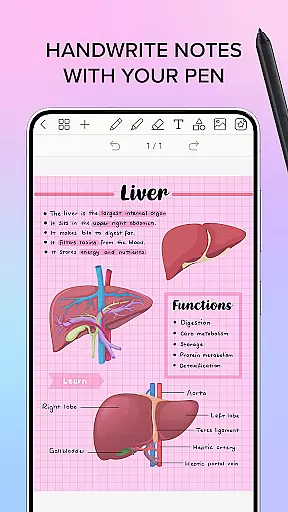
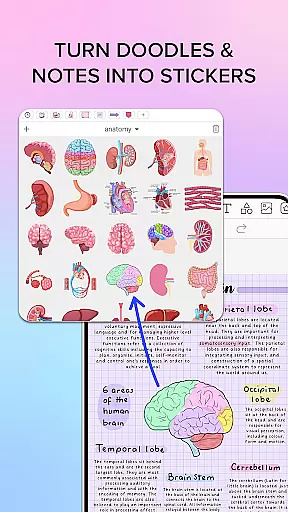
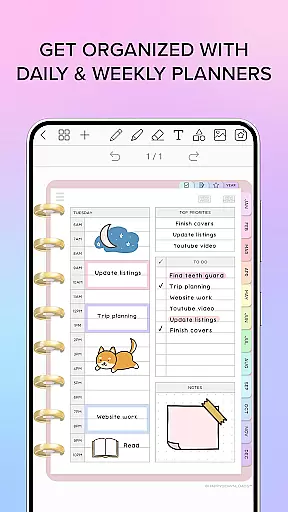
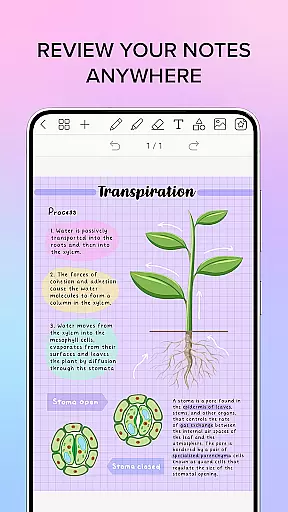
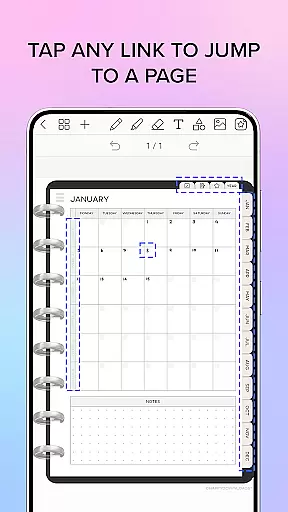
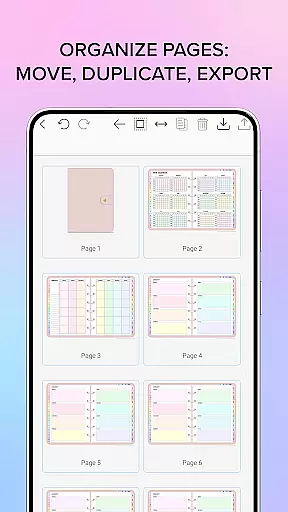
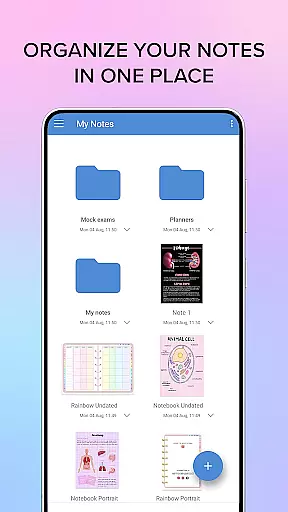
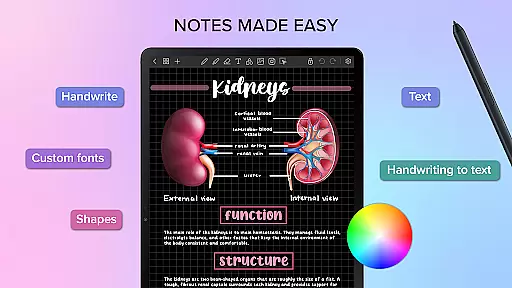
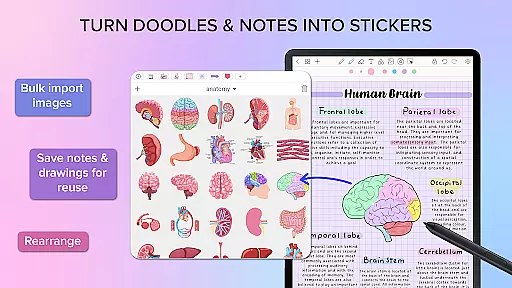
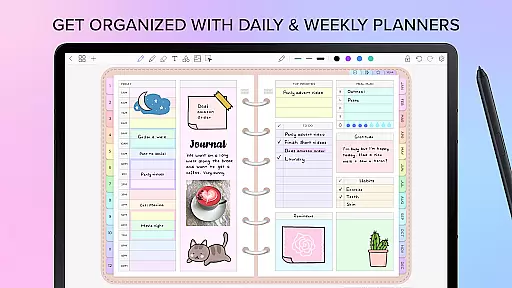
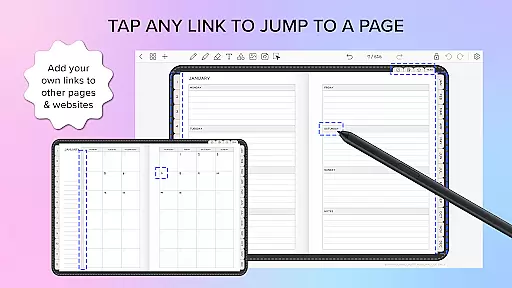
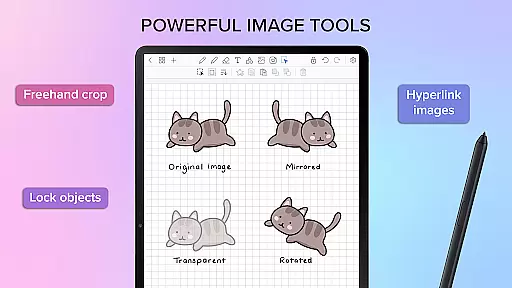
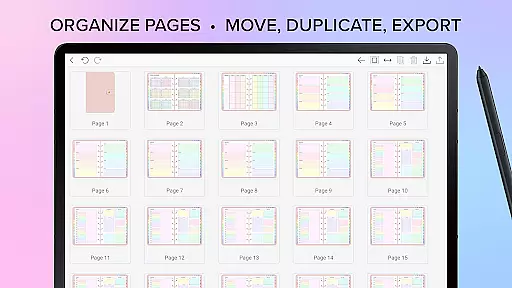
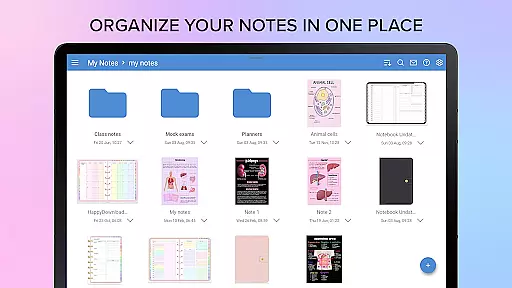
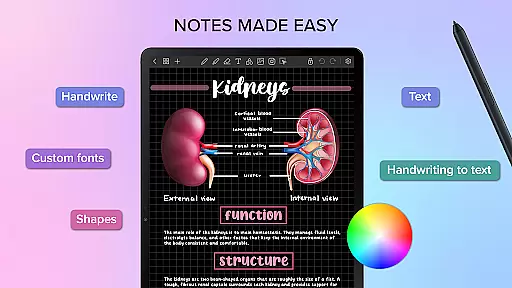
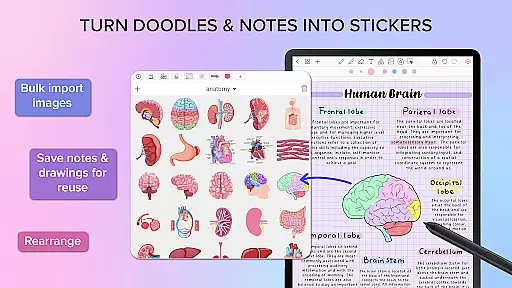
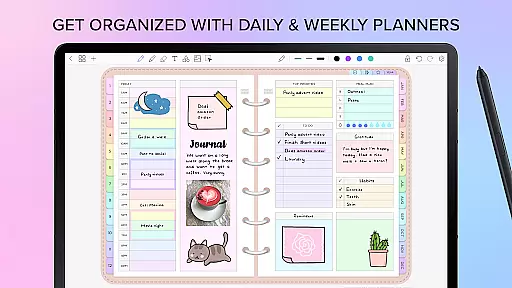
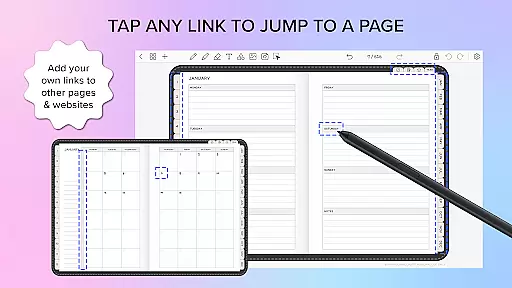
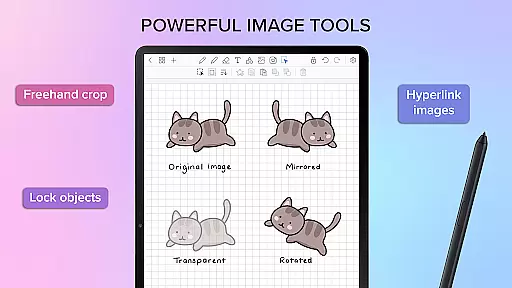
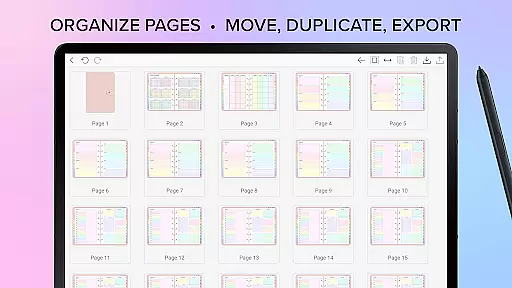
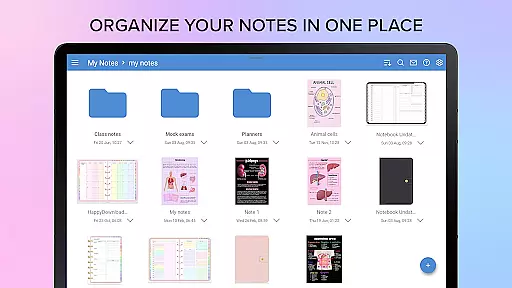
Penly is a productivity-focused mobile app designed to help users organize their tasks and notes efficiently. This Android app offers a streamlined digital workspace where users can write, draw, and annotate with ease. Its user-friendly interface ensures that even those new to digital note-taking can adapt quickly. The app experience centers around simplicity and functionality.
The primary purpose of Penly is to provide an app-based solution for individuals who prefer handwritten notes but want the convenience of digital storage. It supports features like customizable notebooks, PDF annotation, and quick search functions. With its focus on enhancing personal and professional productivity, this app caters to students, professionals, and anyone seeking an organized digital life.
Penly is ideal for students, professionals, and creatives who rely on handwritten notes but desire the flexibility of digital organization. The target audience includes individuals aged 18 to 45 who value productivity and seek an app-based solution to streamline their workflow. Users who appreciate design aesthetics will also find this app appealing due to its stylish notebook options.
This app is particularly useful in scenarios where handwritten input is preferred over typing. For instance, students can use it to take lecture notes and annotate study materials. Professionals may utilize it during meetings to jot down ideas or sketch diagrams. Artists and designers benefit from the drawing tools, which allow them to create digital sketches. Overall, Penly serves as a versatile tool for anyone seeking efficient note-taking combined with visual creativity.
Penly stands out by offering a unique combination of digital convenience and the tactile feel of traditional note-taking. The app's ability to replicate the sensation of writing on paper enhances the overall app experience. Its customizable notebooks and diverse pen styles cater to individual preferences, making it a personalized productivity tool. Unlike many other apps, Penly focuses on delivering both functionality and aesthetic appeal.
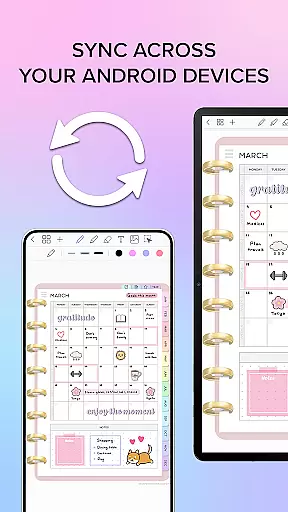
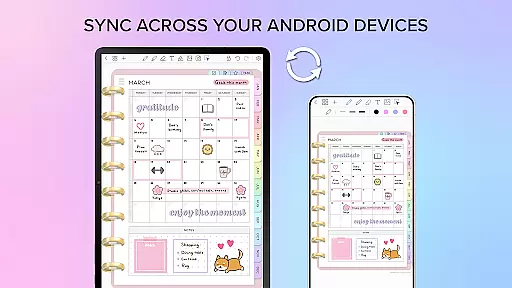
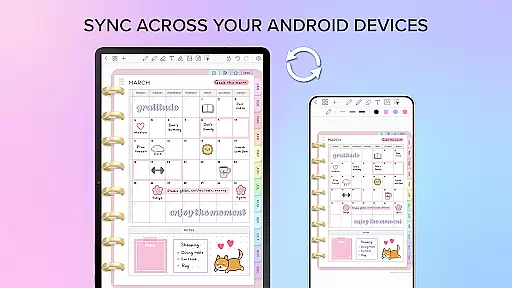
Users choose Penly because it solves common issues associated with digital note-taking, such as lack of personalization and difficulty in organizing content. The app-based solution provides robust organizational features like tagging, folder systems, and quick search capabilities. Additionally, its cross-device synchronization ensures that all notes are accessible regardless of location. Compared to alternatives, Penly's attention to detail in replicating realistic handwriting sets it apart as a superior choice for those seeking efficiency and style.
Intuitive user interface
Realistic pen simulation
Customizable notebook options
Efficient organization tools
Reliable cloud sync
Limited free features
Occasional sync delays
No collaboration tools
Subscription required
High storage usage

Seamlessly integrate data and reports to build your presentation to impress
 4.80
4.80
Native client for Forgejo and Gitea
5.00
Wake up & get tasks done! Add alarms & reminders on the Clock Launcher.
4.00
Direct Chat without saving contacts & Dual WA Account on Single Device
4.70
Enjoy classic gameplay with customizable features and retro-style graphics.
4.30
* block pre-roll ads, pop-up and forced redirect ads * Samsung certification app
4.00
Great calculator for Android named one of USA TODAY's "25 Essential Apps".
4.90
Secure your apps with lock screens, use custom themes and different features.
4.40
Ultimate Virtual AI Character for immersive Roleplay Chat. Perfect Companion
3.90
Android Wallet Password Manager
4.80
We're working to become the best machining app on the market! www.cncdirt.com
4.80
Functional QR scanner and barcode reader that requires little storage space.
4.60
Planet Free VPN - The best Fast Unlimited and Secure VPN Without Logs
4.50
Send files, sync SMS, notifications & clipboard across devices via local network
4.40
CalenGoo is a very flexible and feature-rich calendar app
4.40
A Pixel Art watchface inspired by other iconic 90s designs for Wear OS devices!
4.40
Create and edit presentations with Google Slides, part of Google Workspace.
4.00
Smart PDF reader & editor to view, organize and manage PDF documents easily.
3.70
Find and delete junk files & block unwanted notifications & manage files
3.70


User Reviews