
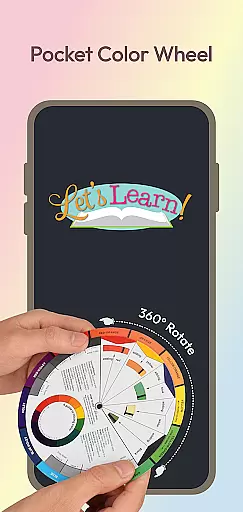
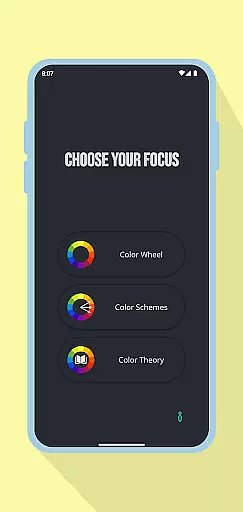
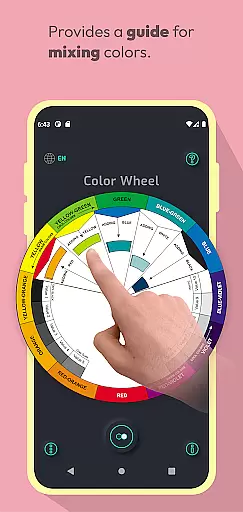
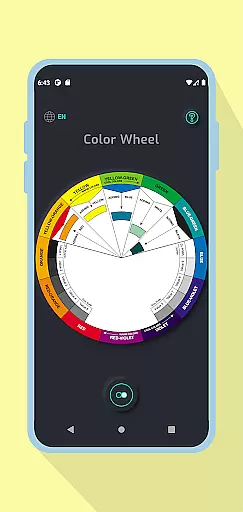
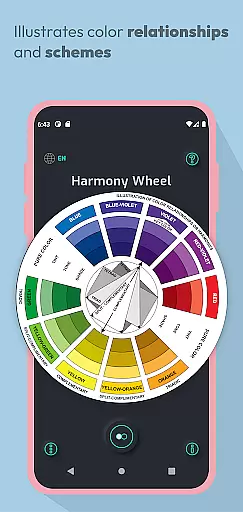
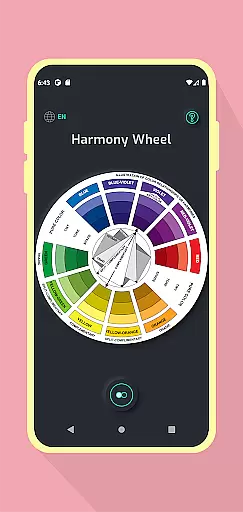
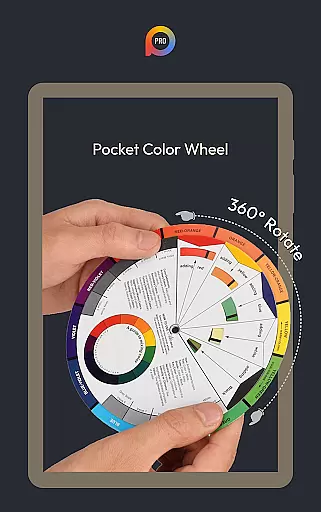
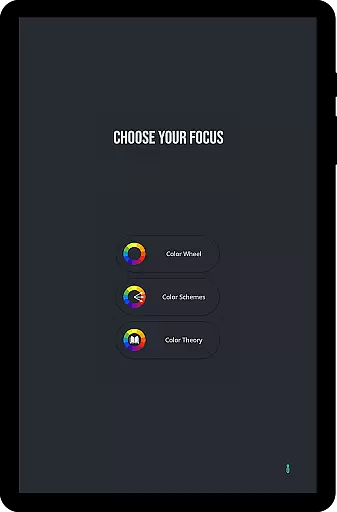
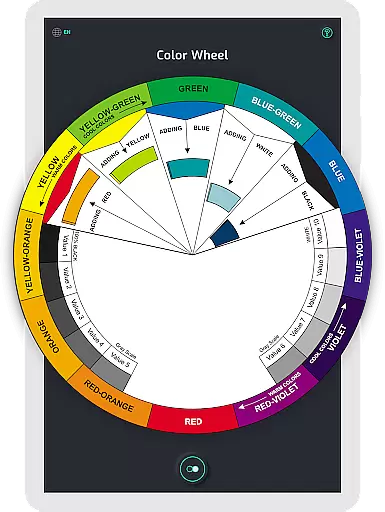
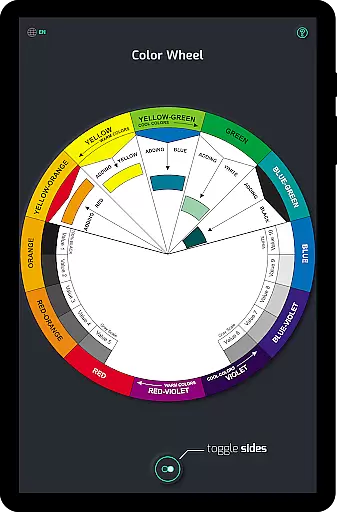
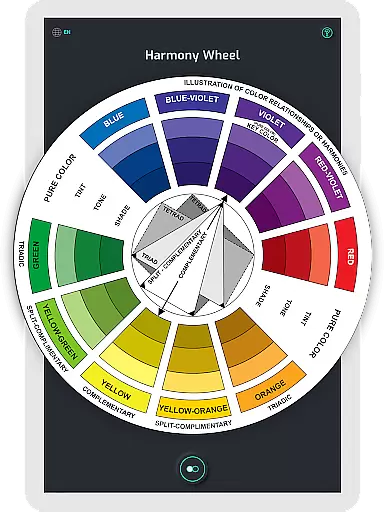
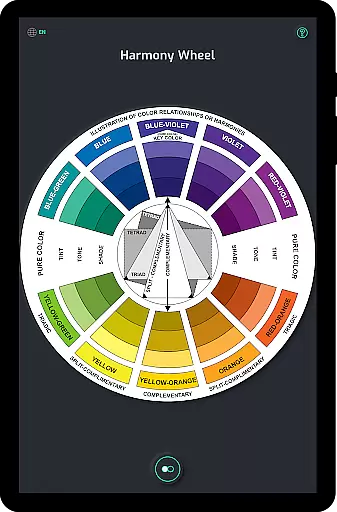
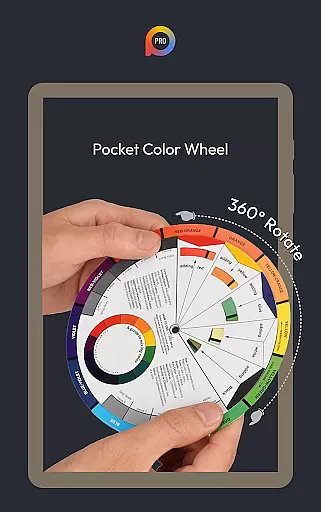
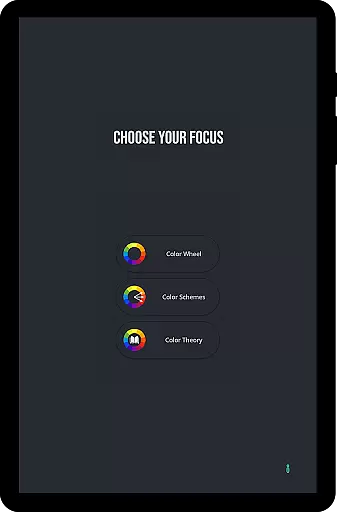
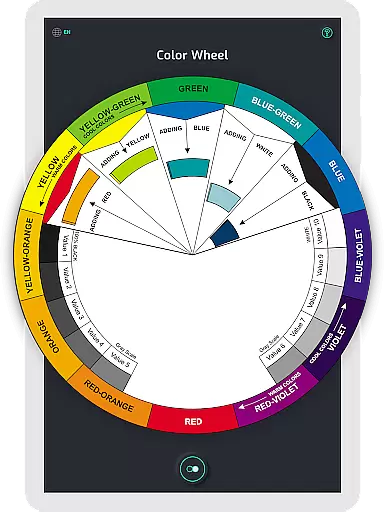
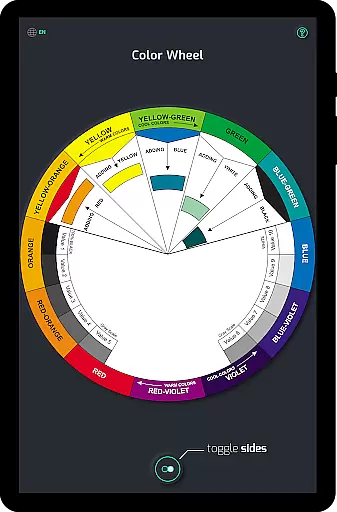
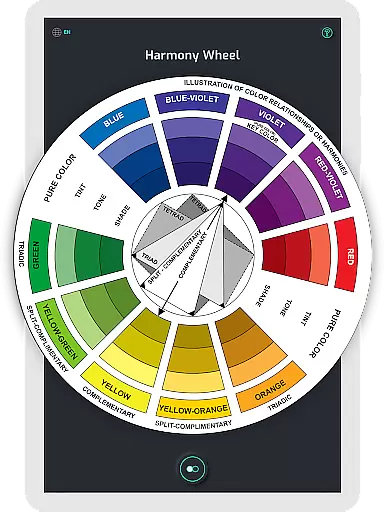
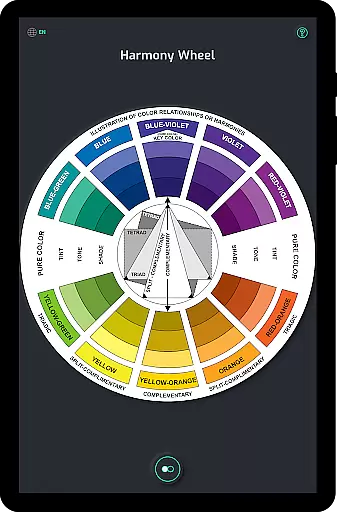
Pocket Color Wheel Pro is a mobile app designed for artists and designers who need a reliable tool to explore color combinations. This Android app provides an intuitive interface that allows users to experiment with different color schemes and palettes. The app experience is enhanced by its simplicity and focus on functionality, making it easy to integrate into any creative workflow.
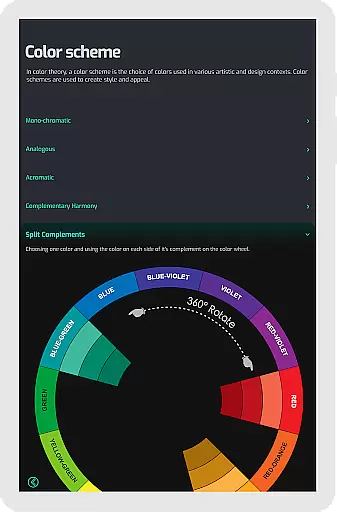
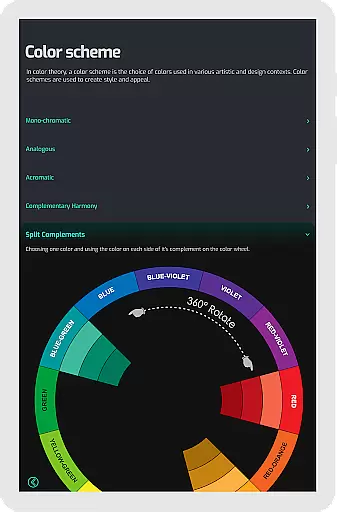
The primary purpose of Pocket Color Wheel Pro is to assist users in understanding color theory and applying it effectively. Core features include a dynamic color wheel, customizable palettes, and the ability to save and export color schemes. These tools help users create harmonious designs while offering insights into how colors interact with one another.
This app is ideal for graphic designers, illustrators, and artists who work extensively with color. It appeals to both beginners learning the basics of color theory and professionals seeking advanced tools. Users aged 18 to 45 are most likely to benefit from this app's capabilities, particularly those involved in creative industries.
Specific use cases include designing logos, creating digital art, or planning interior decor projects. For example, a designer can use the app to test color schemes before finalizing a brand identity. Similarly, artists can experiment with palettes to ensure their work conveys the desired mood. The app experience supports creativity across various mediums.
Pocket Color Wheel Pro stands out due to its combination of simplicity and powerful features. The app offers tools that cater to both novice and experienced users, ensuring accessibility without compromising depth. Its value lies in helping users make informed decisions about color choices, which is crucial for successful design projects.
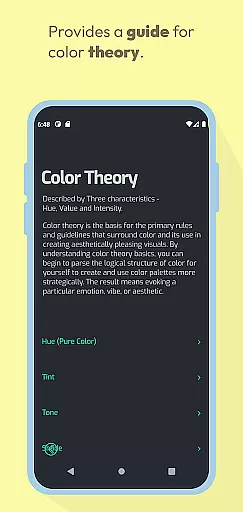
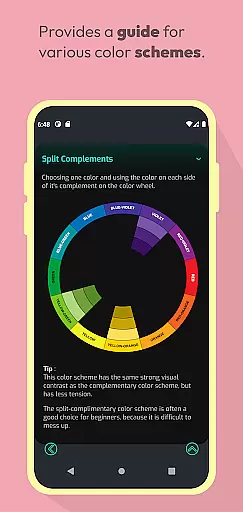
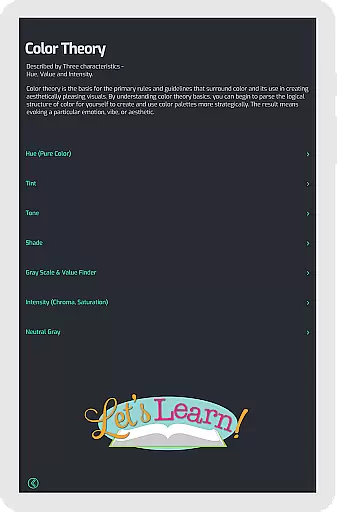
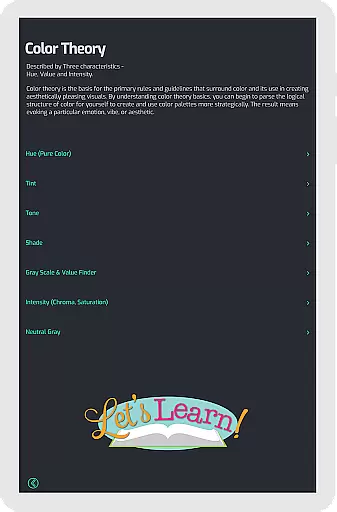
What sets this app apart is its offline functionality and detailed educational content. While other apps may provide basic color wheels, Pocket Color Wheel Pro includes explanations of color theory and advanced harmony options. This makes it not just a utility but also an educational resource, enhancing the overall app experience for its users.
Intuitive user interface
Comprehensive color models
Offline functionality
Custom palette creation
Educational content included
Limited free features
Occasional performance lag
Small screen compatibility issues
No cloud sync option
Basic UI design

Transform photos into amazing monochrome dither art with professional algorithms
 4.0
4.0
Digital illustration drawing & painting pad app to paint Anime and Manga art
4.50
Draw on screen: FP sDraw is a simple and lightweight drawing app
4.70
Paint with oils and sketch with natural tools on a realistic virtual canvas.
3.80
Photo editor for art, avatars, filters & fun transformations.
4.60
AI Tattoo Generator: Create Tattoo Designs & Get Ideas! Ink & Stencil Maker
4.50
Explore future self face age filter & remove background image for a unique look.
3.50
An intuitive, high-performance painting app that lets you focus on creating
4.40
AI-powered photo & video creation—fast, fun, and effortless with Quick Actions
4.60
Mobile pixel art editor. Simple. Fast. Portable.
4.80
Your AI soulmate — meaningful chats, and unique emotional moments
4.70
Create neon drawing with magic doodle and fun doodle art effects!
4.50
The perfect place to start sketching! Use Sketchbook to draw and paint sketches.
4.50
Draw Trace image sketch by, AR art projector app, Easy to trace any image.
4.50
Share the joy of painting with ibis Paint! Drawing anime and manga art.
4.50
Remove Background, Magic Eraser, Photo Enhancer, Story Templates, Collage Maker
4.30
Unleash Your Creativity with Draw Cartoon - AR Drawing App
4.10
Resize photos and print photos in exact size with our powerful photo printer!
3.80
Inky runs Inkscape on Android devices and Chromebooks
2.90


User Reviews