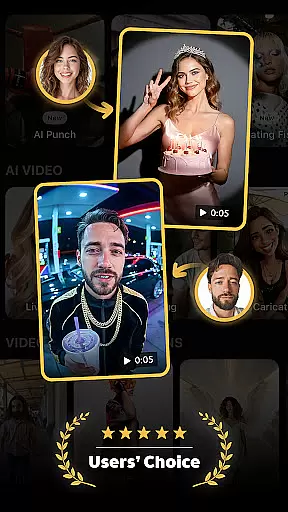
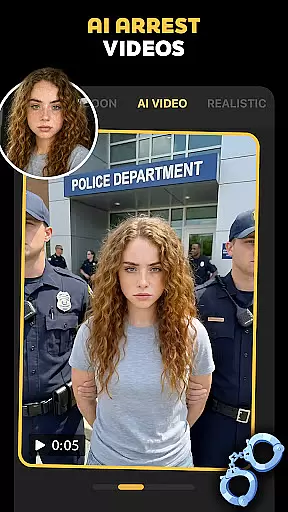
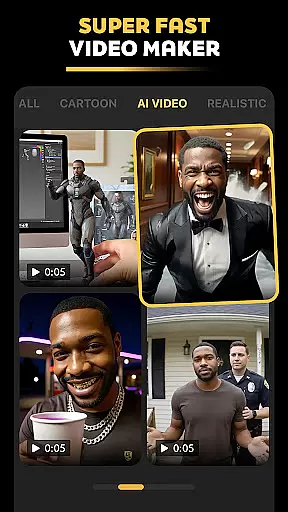
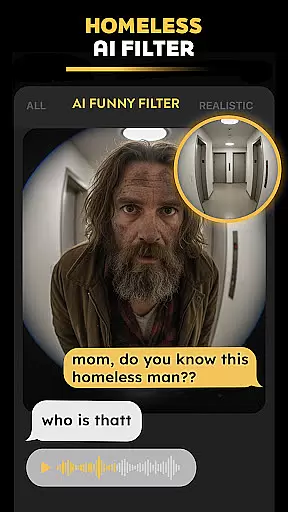
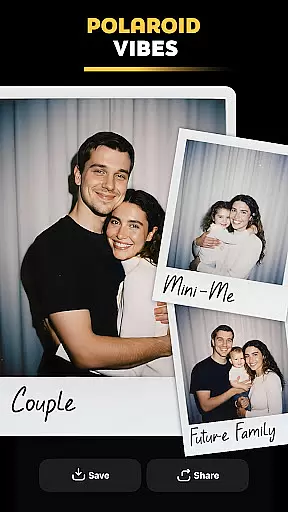
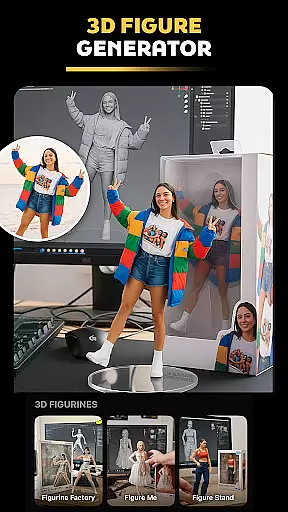
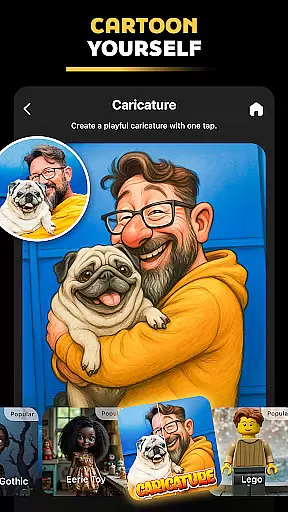
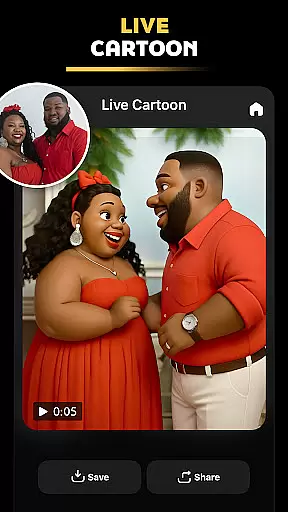
Pose is a photography mobile app designed to enhance photo editing and creativity. This Android app offers tools for applying filters, animations, and effects to images and videos. With Pose, users can transform ordinary photos into visually stunning creations using AI-powered features.
The primary purpose of Pose is to provide an accessible platform for creating professional-quality edits without requiring advanced skills. Its core functions include real-time photo enhancement, video animation tools, and customizable templates. The app experience is tailored for both casual users and content creators seeking polished results.
Pose is ideal for individuals aged 16 to 35 who are active on social media and value creative expression. It appeals to hobbyists, influencers, and small business owners looking for an app-based solution to enhance their visual content. Users with minimal editing experience will find its tools approachable while still offering depth for enthusiasts.
Common use cases include creating engaging Instagram posts, designing promotional graphics for online businesses, and producing animated videos for TikTok. The app experience is optimized for those who need quick yet high-quality edits on the go. Whether crafting personal memories or professional content, Pose delivers versatility and ease.
Pose stands out due to its combination of powerful AI technology and user-friendly design. The app features simplify complex editing tasks, enabling users to achieve professional-grade results in minutes. Its regular updates ensure access to cutting-edge tools, keeping pace with evolving trends in digital content creation.
What sets Pose apart from alternatives is its seamless integration of photo and video editing capabilities within a single platform. By addressing common pain points like steep learning curves and limited offline functionality, it provides a balanced app experience. For anyone seeking an efficient and versatile editing tool, Pose proves to be a reliable choice.
Easy-to-use interface
High-quality filters
Fast rendering speeds
Frequent feature updates
Offline editing support
Limited advanced tools
Occasional ads
Cloud storage costs
Learning curve for pros
Device compatibility issues

How would you look like with a differently shaped nose, chin or lips?
 3.90
3.90
All-in-One Editor & AI Photo Enhancer, Collage, Cartoonify, Funny Stickers & BGS
4.10
Superimpose one photo on top of another using the original Superimpose app!
3.20
Turn your phone into a professional camera - full DSLR manual photography
4.30
The #1 app for B&W film developing featuring an advanced darkroom timer.
4.10
Gallery Slideshow is slideshow maker app for slideshow from your gallery photos.
3.90
Future baby face generator: AI kids generator, kid face! What my baby look like?
4.40
Unlock the full potential of your DJI drone with Litchi
4.50
A unique animation app. Powerful, easy to use, and lots of fun.
4.30
A collection of tools and reference tables for DPs, ACs, DITs and Operators.
4.70
Your personal guide to the sun and moon. Plan ahead, visualize and predict!
4.70
A must-have app for landscape photographers
4.60
Fit multiple photos on one post. Create carousels & scroll layouts for Instagram
4.50
Search, tag and rate your way to an organized image gallery
4.40
Edit like a pro with Hypic. Apply filters, AI effects, & magic touch.
4.40
Create & Edit with AI: AI Remove, Enhance, Retouch, Filter
4.10
Photo editor: face & body editor, beauty cam, filters and quality enhancer.
4.00
Create amazing frames with up to five photos. Rounded corners, effects and more!
3.60
GCamera allows all GCam features on all phone models! Better photos with GCamera
3.30


User Reviews