
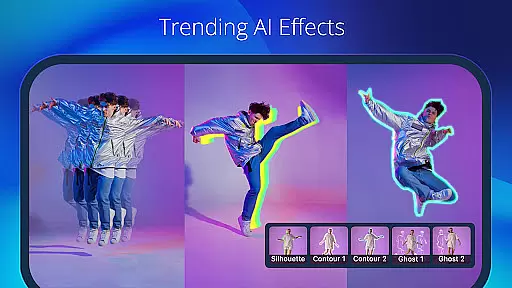
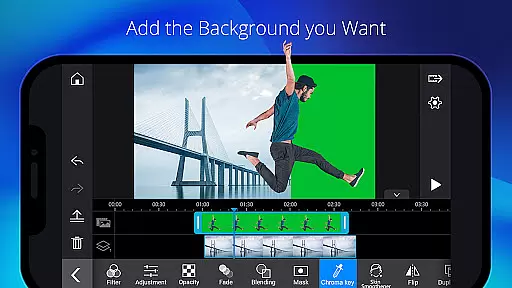
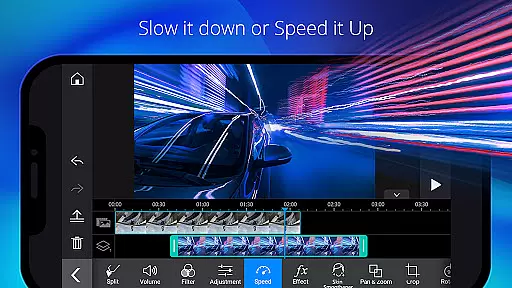
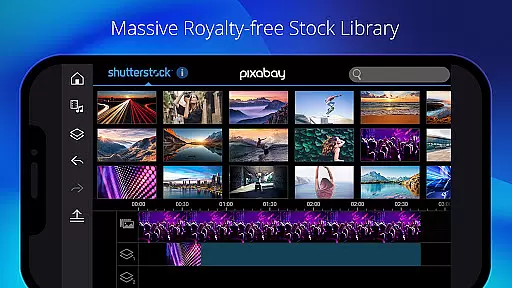
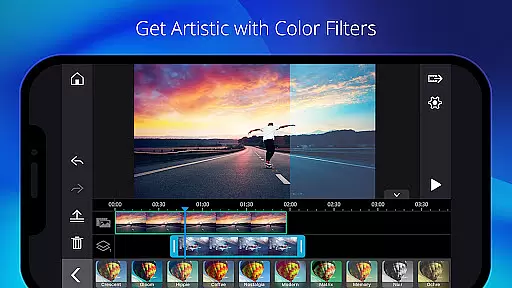
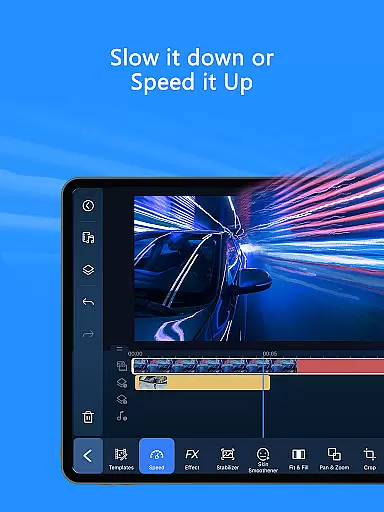
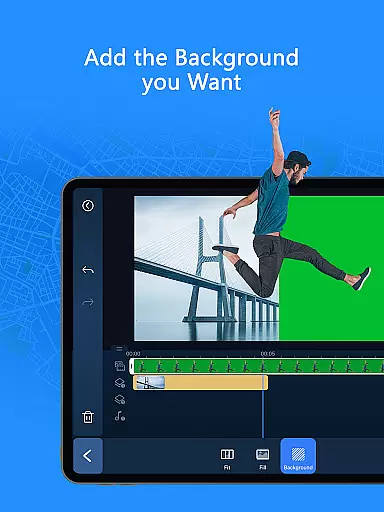
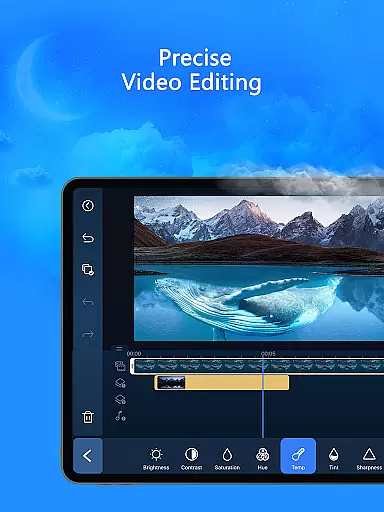
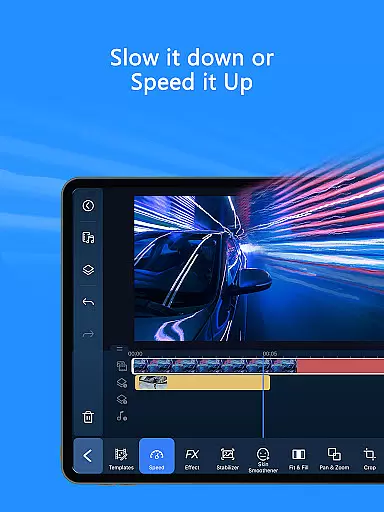
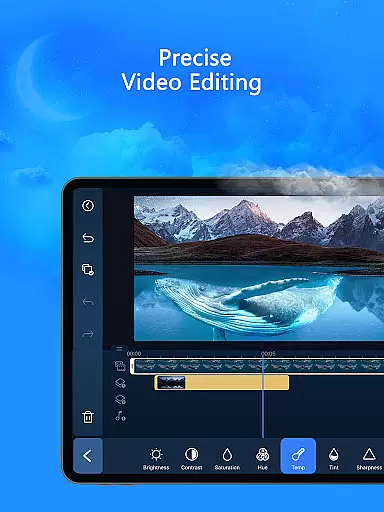
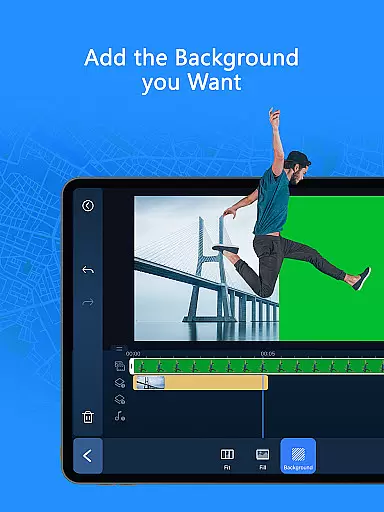
PowerDirector is a feature-rich mobile app designed for video editing on Android devices. This app allows users to create professional-quality videos by offering tools such as trimming, transitions, and visual effects. With its intuitive interface, the app experience is accessible even to beginners while still providing advanced features for experienced editors.
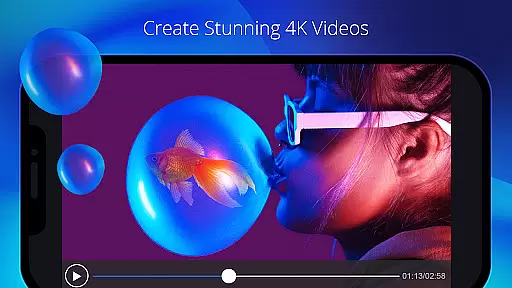
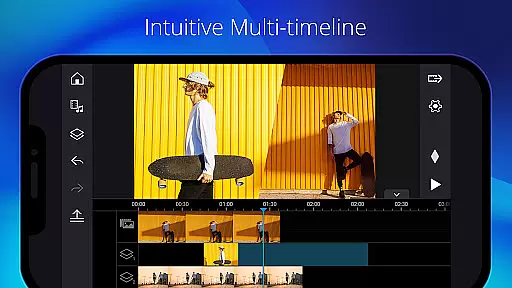
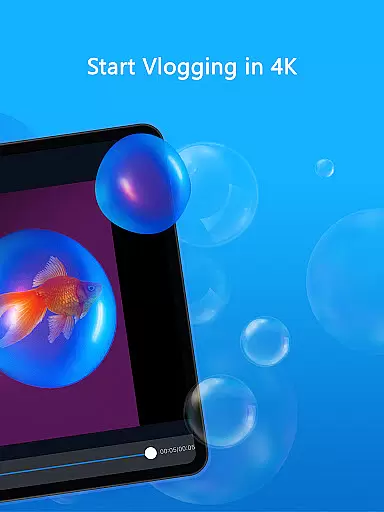
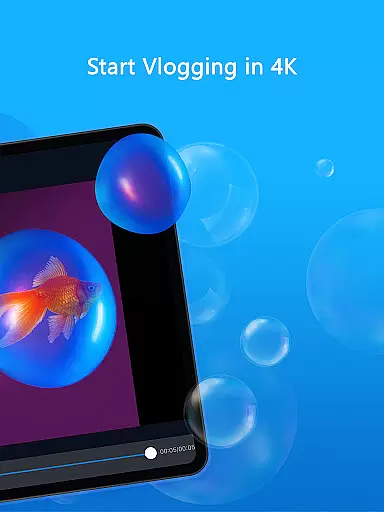
The primary purpose of PowerDirector is to enable users to edit videos directly on their mobile devices without needing a desktop solution. Its core features include multi-track timelines, audio editing, and real-time previews. The app also supports 4K video rendering, making it a powerful app-based solution for content creators who need high-resolution output.
PowerDirector is ideal for a wide range of users, from amateur video enthusiasts to professional content creators. Young adults who frequently share videos on social media will find this app particularly useful due to its ability to produce polished content quickly. Additionally, freelance videographers can rely on this Android app as a portable editing tool.
In practical scenarios, users can edit travel vlogs on the go or create engaging promotional videos for businesses. The app's versatility makes it suitable for educational purposes as well, allowing teachers to develop instructional videos. Overall, anyone seeking an efficient app-based solution for video editing will benefit from using PowerDirector.
PowerDirector stands out due to its balance of professional-grade features and user-friendly design. The app offers a comprehensive suite of tools that cater to both casual users and professionals. With support for 4K video, users can achieve exceptional clarity in their projects. Furthermore, frequent updates ensure that the app remains up-to-date with the latest trends in video editing.
This app solves common pain points such as limited access to desktop editing software by enabling users to edit anywhere. Compared to alternatives, PowerDirector provides more advanced features than most free apps while remaining cost-effective. The combination of performance, flexibility, and regular feature updates makes it a top choice among mobile apps in the video editing category.
Supports 4K video editing
User-friendly interface
Frequent feature updates
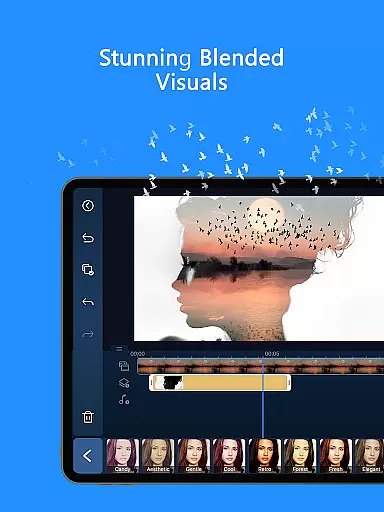
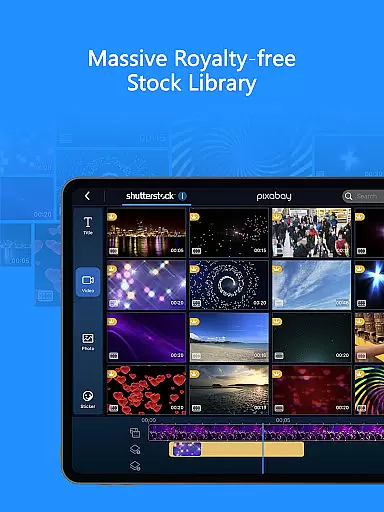
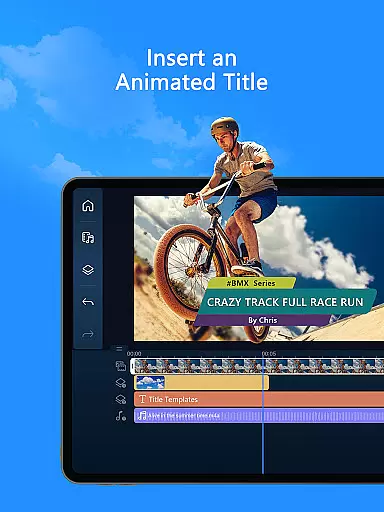
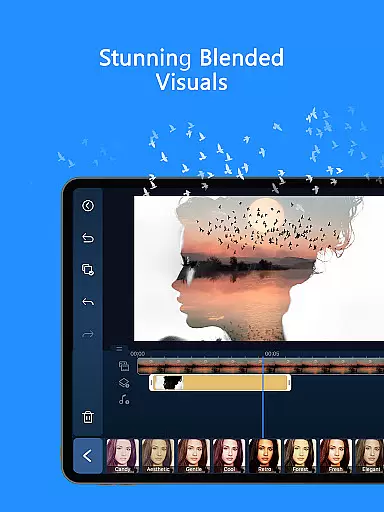
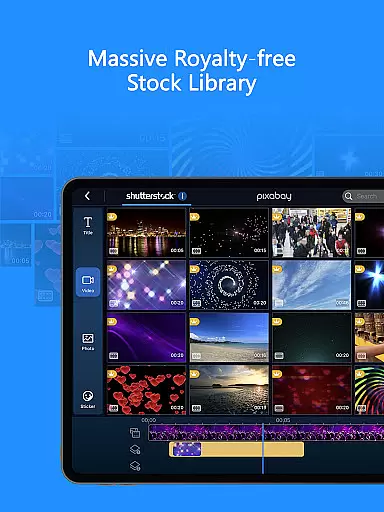
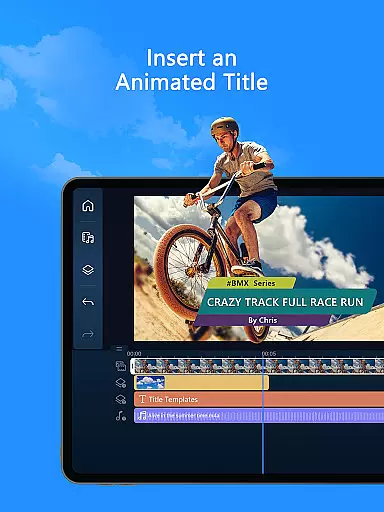
Wide range of effects
Real-time preview functionality
Occasional performance lag
Free version has watermarks
Advanced tools require learning
Limited offline help resources
Subscription needed for full access

Online Videos Player
 3.90
3.90
Search & download videos from net with all video downloader, auto-detect & safe.
4.60
1)AirPlay/DLNA Mirroring/Streaming, up to 4 connections; 2)Samba/NAS/DMS Player.
4.00
Video player with powerful streaming playback and various convenient features.
2.10
Stream Web Videos to Chromecast, Samsung, LG, Sony, Roku, Fire TV, DLNA + more
4.00
Seamlessly connect and control your smart devices, anytime, anywhere with ease.
4.60
Browser for Sony TV to stream web videos, online movies and live tv
3.20
Cast movies, tv shows and live streams to Chromecast, Roku, DLNA, Fire TV & more
4.60
Capture the moment and Cut
3.40
Play ALL formats in 4K & HD. Video downloader, MP3 player, Chromecast & more.
4.80
Video Player - Unlimited features, 30 days money back guarantee.
4.60
Cast Videos from Web Browser, IPTV to Roku, Chromecast, DLNA, Smart TV +more
4.60
Auto video maker with music & exclusive filters. Video editing made simple.
4.50
HD video maker with no watermark, no ads & vlog maker with music, PIP, text
4.50
Your media, on your terms.
4.10
AI Video Editor:AI Music, Text to Video,Text to Speech,Auto Caption,Video Effect
4.00
Livestream, news, & gaming content. Watch, chat, and upload. Join Rumble today!
3.80
Kodi media center, a free and open source cross-platform entertainment hub
3.60
The essential companion to your Blue Iris PC software
2.50


User Reviews