
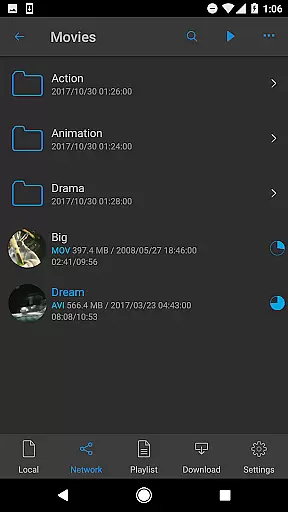
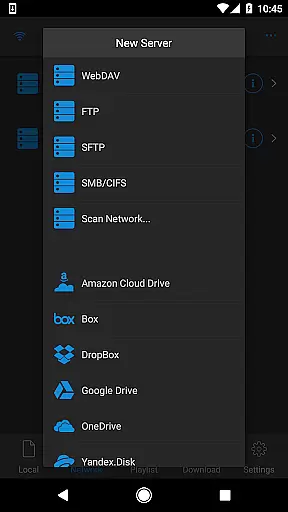

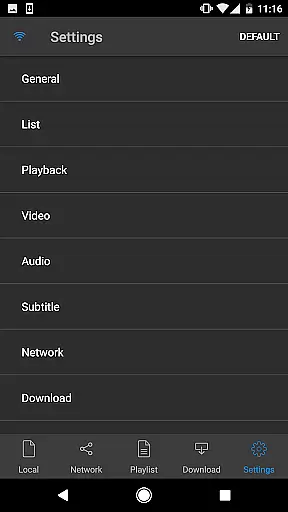
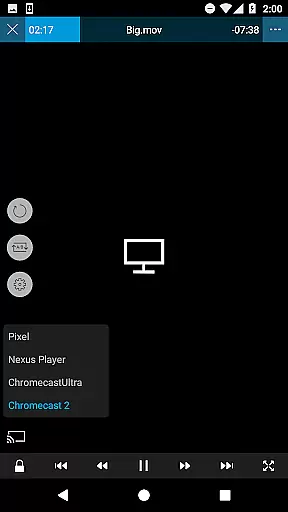
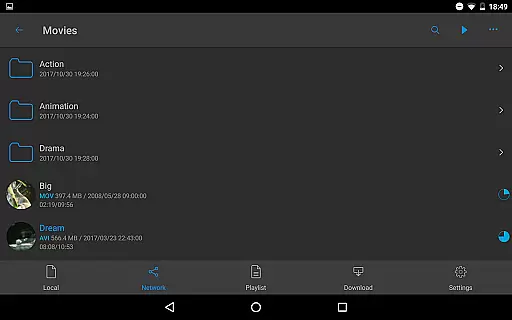
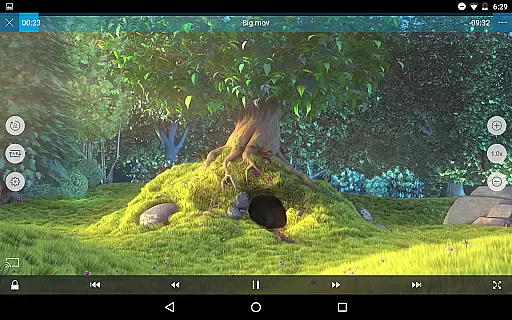
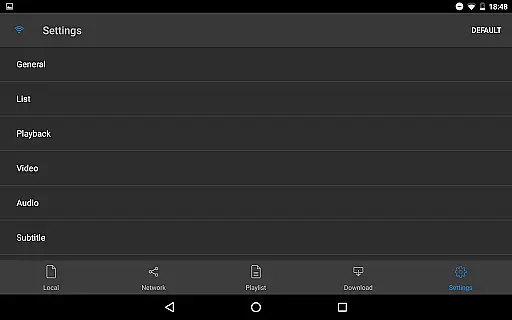
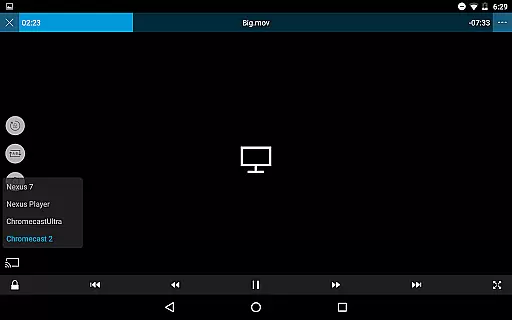
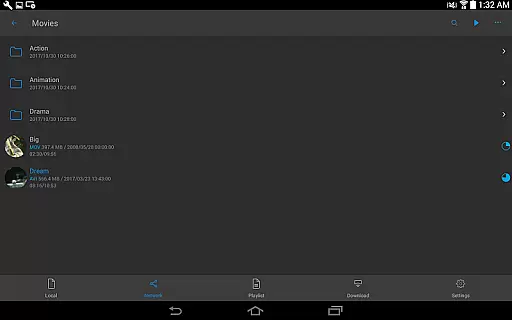
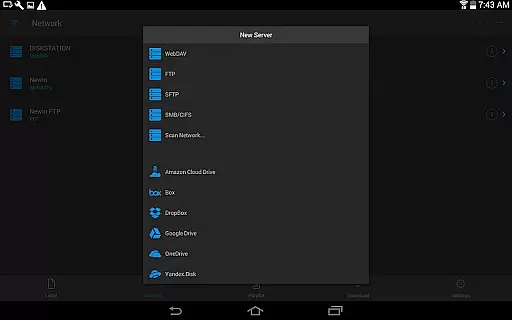
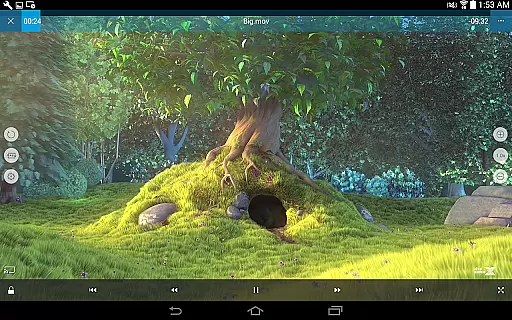
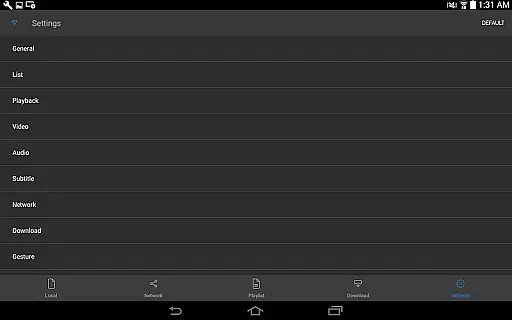
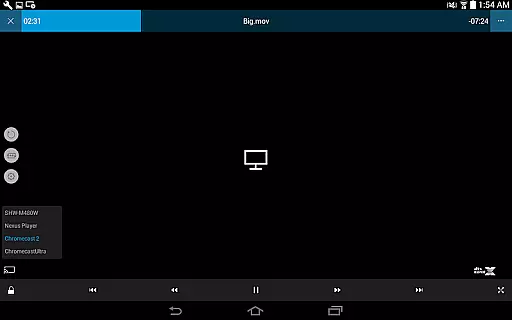
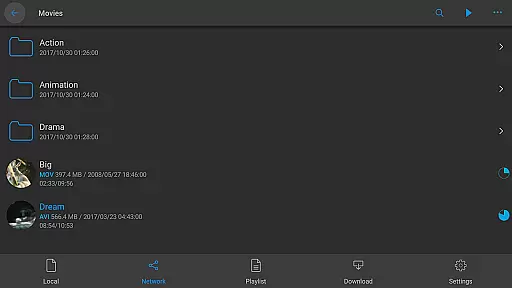
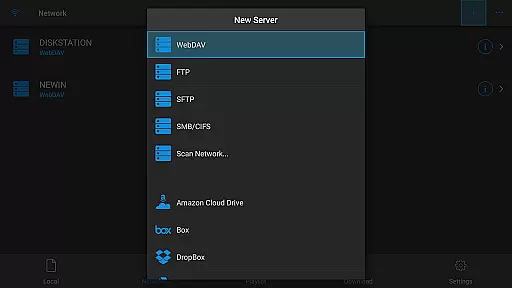
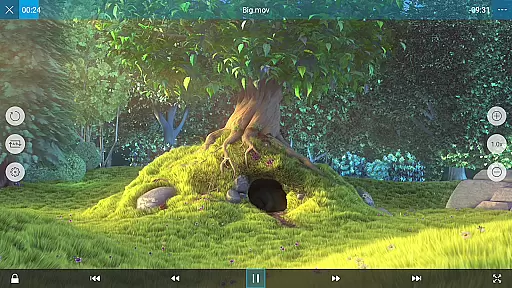
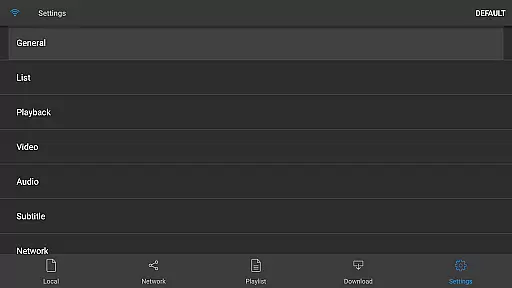
nPlayer is a premium mobile app designed for video playback with advanced features. This Android app supports a wide range of video formats without requiring conversion. The app experience is enhanced by its sleek interface and customizable settings, making it an ideal choice for users who need a reliable video player.
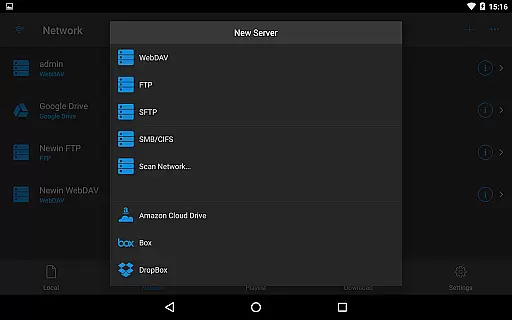
The primary purpose of nPlayer is to provide seamless playback of high-quality videos. Its core functionality includes support for various subtitle formats, network streaming, and cloud integration. Users can expect smooth performance even with large files, thanks to the app's optimized architecture and efficient resource management.
This app is well-suited for tech-savvy individuals who frequently handle multimedia files. It appeals to professionals in creative industries as well as casual users who enjoy watching videos on their mobile devices. The target audience spans across age groups but focuses primarily on those aged 18 to 45 who value quality and functionality.
Ideal use cases include streaming movies during travel, managing media libraries with diverse file types, or presenting work-related content. The app-based solution works effectively for users needing offline access to videos or those who require advanced playback controls for specific projects. Its versatility makes it suitable for both personal entertainment and professional scenarios.
nPlayer stands out due to its comprehensive feature set and reliability. The app provides users with an uninterrupted viewing experience through its ability to handle any video format without prior conversion. Its attention to detail in playback controls and subtitle management ensures that users can customize their experience according to their preferences.
What sets this Android app apart is its robust performance with large files and its compatibility with various streaming protocols. The app solves common issues like format incompatibility and limited subtitle options. By offering cloud integration and external device support, it addresses modern users' needs for flexibility and convenience in media consumption.
Wide format compatibility
Smooth high-res playback
Advanced subtitle options
Cloud service integration
Customizable interface
Premium price point
Steep learning curve
Occasional sync issues
Limited free features
Heavy on resources

Kodi media center, a free and open source cross-platform entertainment hub
 3.60
3.60
Fast, private downloading, video saving, social media
4.50
A Quick and Pro Video Editor
4.70
Snaptubè Video Downloader app allows to download videos and music in Snaptube. .
4.60
High-Quality USB Camera Viewer & HDMI Display
4.70
Movie maker & video editing app with AI effects and green screen
4.30
Make your own Animations, Video and Photo Edits, Visual Effects, and more!
4.00
IPTV Loader, loads your own Playlist. DOES NOT CONTAIN ANY LIST OR CHANNELS
4.60
Livestream, news, & gaming content. Watch, chat, and upload. Join Rumble today!
3.80
A Simple app to download Video & Music from the Internet.
4.70
Fast & easy HD video downloader for all formats, support 4K playback & download.
4.60
Watch IPTV on your Android device
4.60
Video Downloader, Multiple Resolution Options, Video Player
4.50
KMPlayer Plus (Divx Codec) officially support Divx codec.
4.30
Video Downloader is an utility that can save videos and music from web sites
4.20
Video player with 4K & 1080P support, popup play, background play and subtitle.
4.20
Download videos easily & play them all in one smart, powerful video manager.
3.40
A full editing room to accompany your Insta360 cameras and handheld gimbals.
3.30
Stream high quality video from your camera over NDI protocol
4.0


User Reviews