
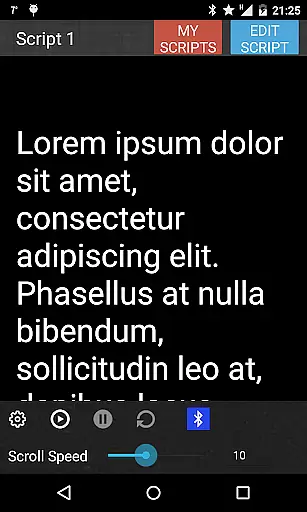
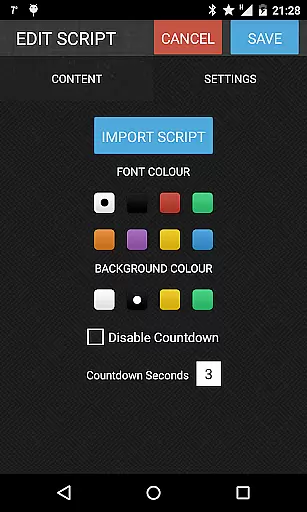
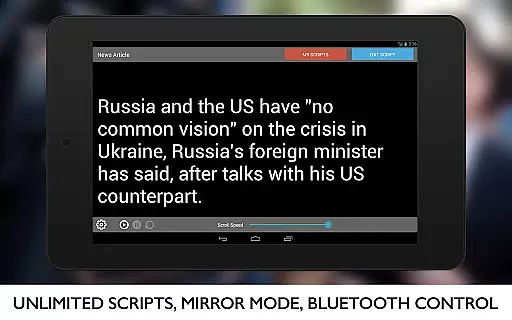
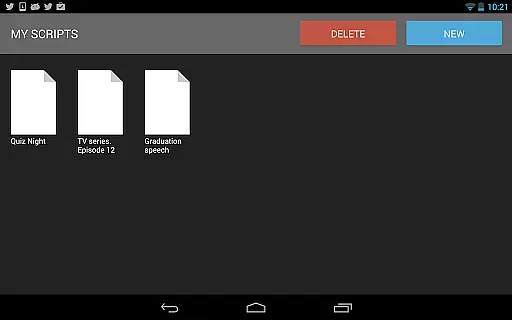
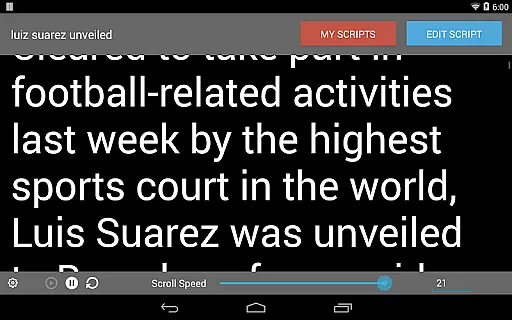
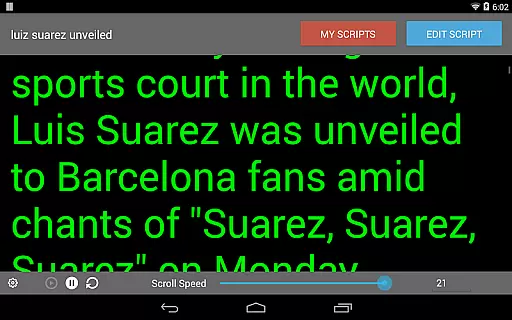

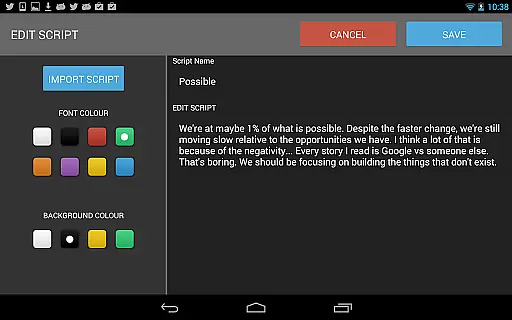
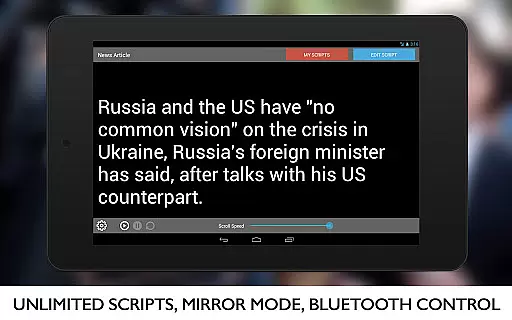
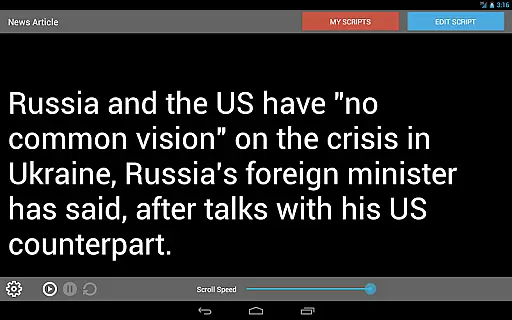
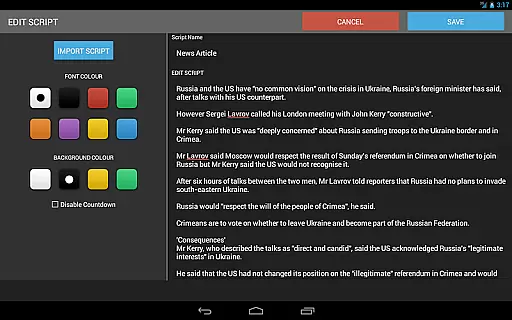
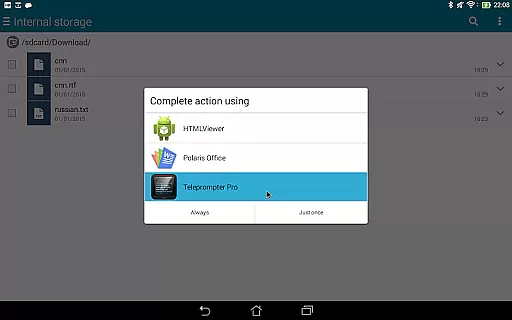
Teleprompter Pro is a mobile app designed to assist users in delivering speeches or presentations with ease. This Android app functions as a digital teleprompter, allowing users to scroll through scripts hands-free. The app experience is enhanced by customizable settings such as adjustable scrolling speed, font size, and background color, ensuring optimal readability and comfort during use.
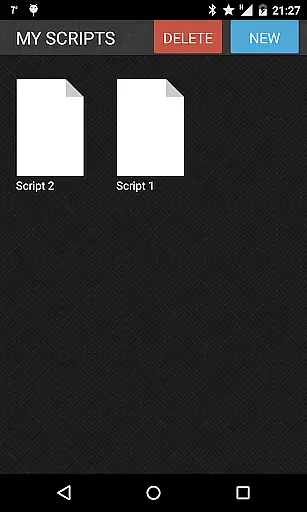
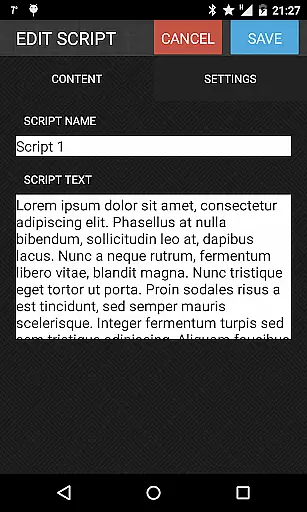
The primary purpose of Teleprompter Pro is to provide a reliable app-based solution for public speakers, content creators, and professionals who need help presenting without forgetting their lines. Its core features include a mirrored display mode for use with external devices, support for multiple file formats, and an intuitive interface that simplifies script management. These functionalities make it a versatile tool for anyone looking to enhance their presentation skills.
Teleprompter Pro is ideal for a wide range of users, including professional speakers, educators, video creators, and business executives. It caters particularly to individuals aged 25 to 50 who frequently engage in public speaking or video production. The app's adaptability makes it suitable for both beginners and experienced users seeking a reliable teleprompting solution.
This mobile app is especially useful in scenarios like recording YouTube videos, hosting live events, or conducting corporate meetings. Users can rely on the app features to maintain a smooth flow during presentations, minimizing errors and enhancing confidence. For example, educators can use it for online lectures while content creators can focus on delivery without worrying about forgetting lines.
Teleprompter Pro stands out due to its combination of simplicity and advanced functionality. The app offers a seamless app experience by addressing common pain points such as awkward pauses or forgotten lines during presentations. Its customizable settings ensure that users can tailor the app to their specific needs, making it a versatile choice for various scenarios. Additionally, the offline functionality provides reliability even without an internet connection.
What sets this Android app apart is its mirrored display mode, which is particularly beneficial for professional video setups. Unlike many alternatives, Teleprompter Pro supports multiple file formats and integrates with Bluetooth devices for hands-free operation. These features collectively solve problems related to script management and presentation flow, offering a comprehensive app-based solution for modern communicators.
Highly customizable settings
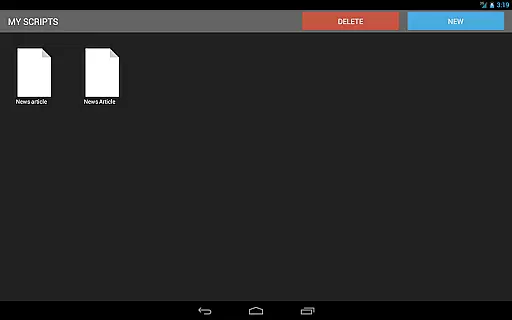
User-friendly interface design
Reliable offline functionality
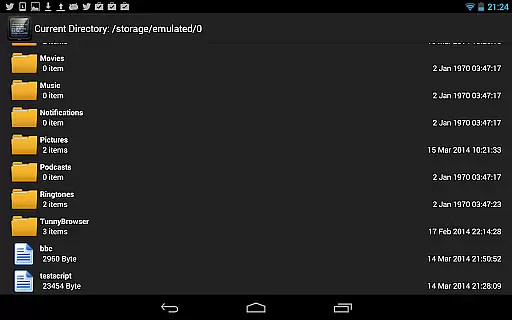
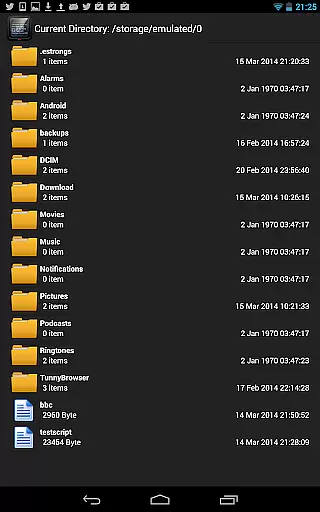
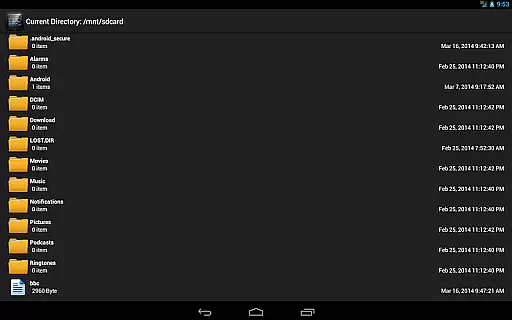
Supports multiple file formats
Smooth scrolling performance
Limited free version features
Occasional lag in older devices
No cloud sync option
Ads in basic version
Learning curve for beginners

Online Videos Player
 3.90
3.90
Auto video maker with music & exclusive filters. Video editing made simple.
4.50
Connect 2 UVC devices for recording and broadcast video/audio stream
3.90
Video Trimmer, Video to MP3 Converter. Extract music from video, Easy & Fast.
4.80
AirMirror is Receiver for Screen Mirroring and Casting from Apple Devices.
3.60
IPTV Player - Watch live TV from m3m & m3u8 playlist, stream IPTV on mobile
3.30
Manage your IPTV live channels and VOD playlists (no playlist included)
3.80
LumaFusion: The Ultimate Storytelling Experience for Video Editing
4.10
Enjoy your favorite videos and channels with the official YouTube app.
3.90
Download Hub, easy and private way to download and enjoy your videos offline
4.80
High-Quality USB Camera Viewer & HDMI Display
4.70
VLC Remote lets you control your VLC Media Player on Mac, PC or Linux.
4.60
Browser + Remote for Roku to stream webvideos, online movies and livestreams
4.60
Web Browser for LG TV to stream webvideos, online movies and livestreams in HD
4.20
Powerful video player with advanced hardware acceleration and subtitle supports
4.20
Video player with 4K & 1080P support, popup play, background play and subtitle.
4.20
Make your own Animations, Video and Photo Edits, Visual Effects, and more!
4.00
Browser for Sony TV to stream web videos, online movies and live tv
3.20
The smartest M3U IPTV Player your playlists have ever seen.
4.5


User Reviews