
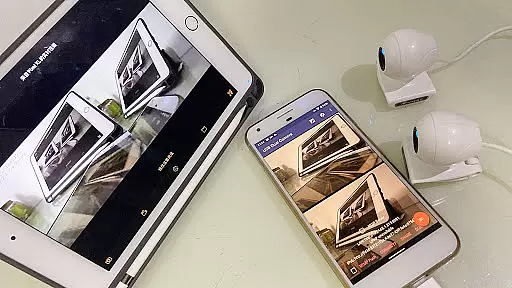
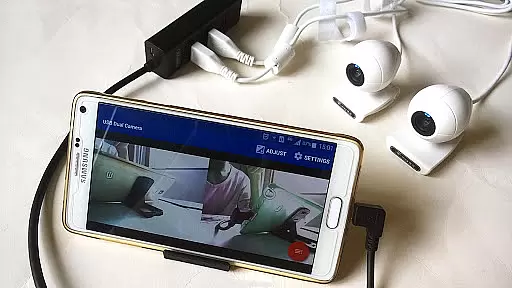
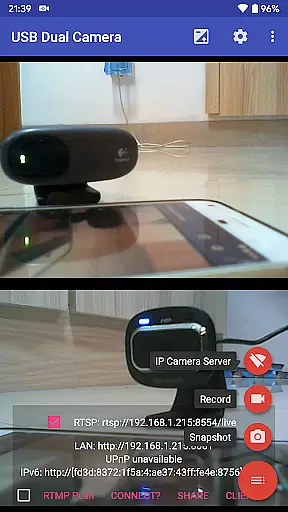
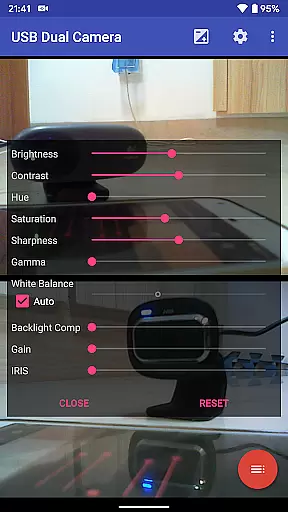
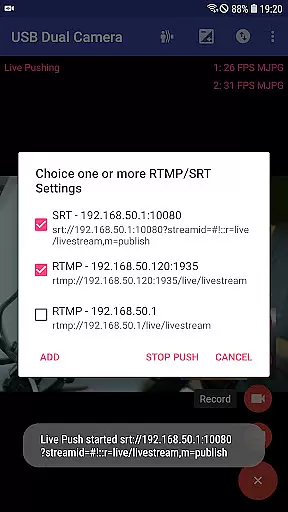
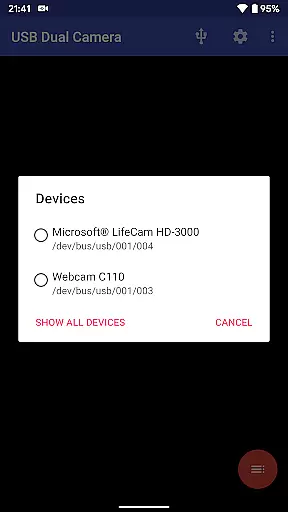
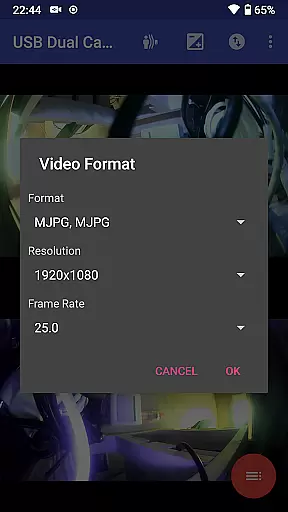
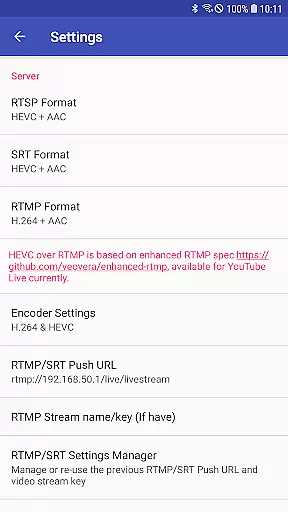

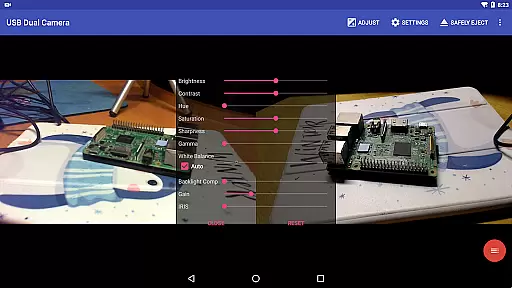
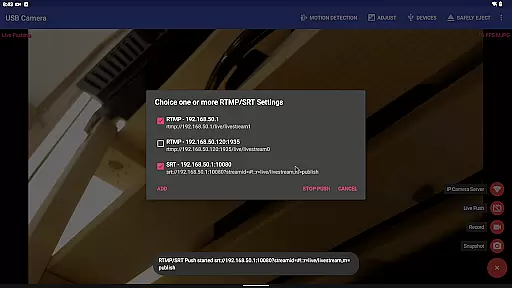
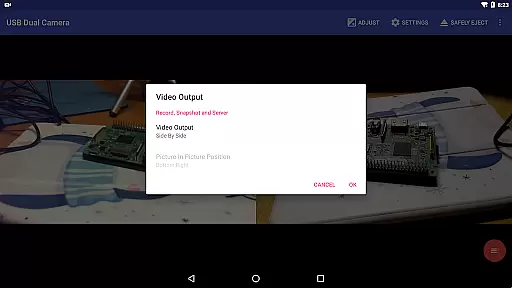
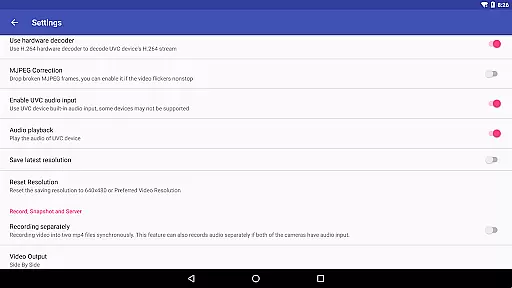
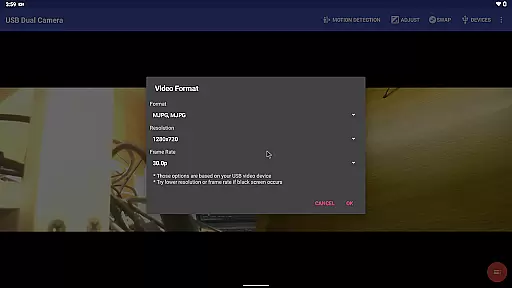
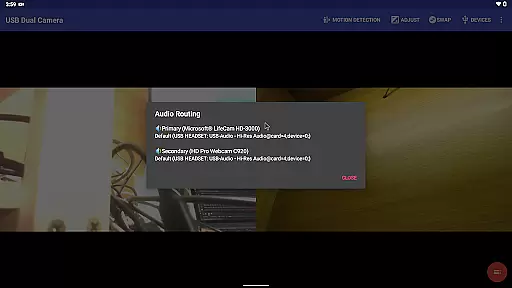
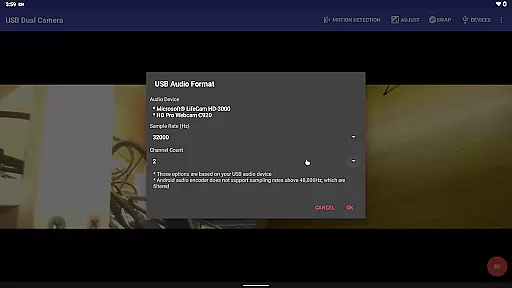
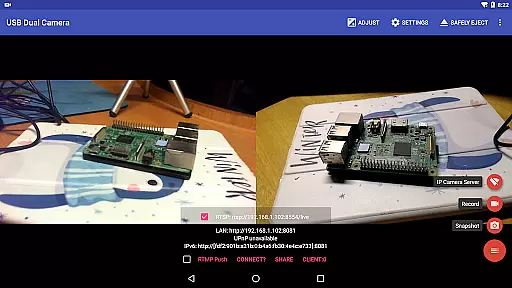
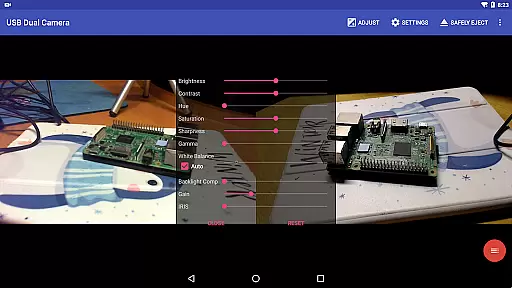
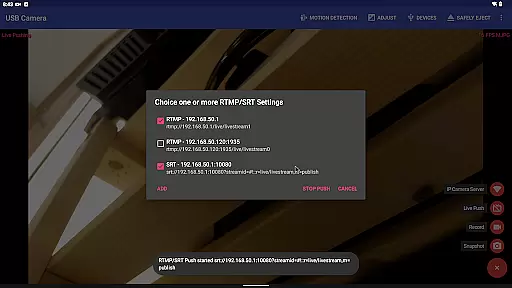
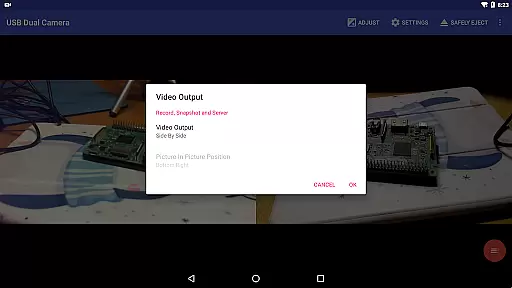
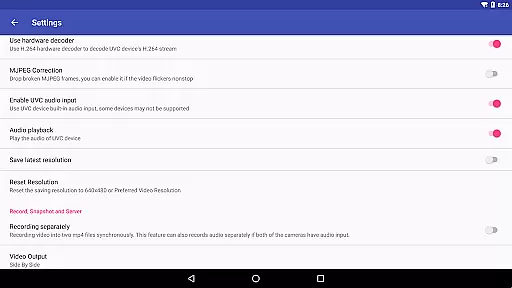
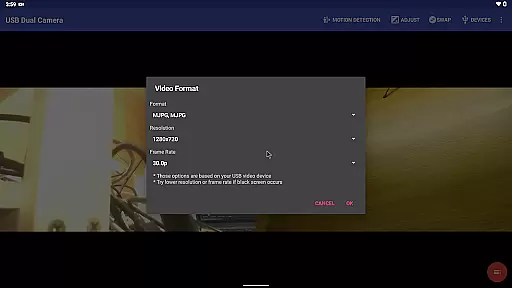
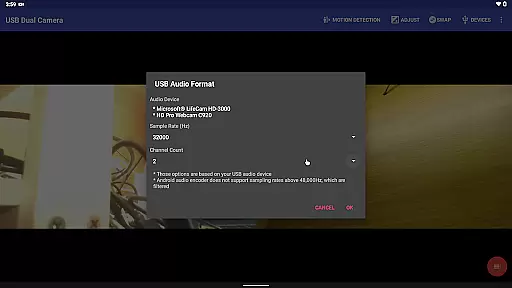
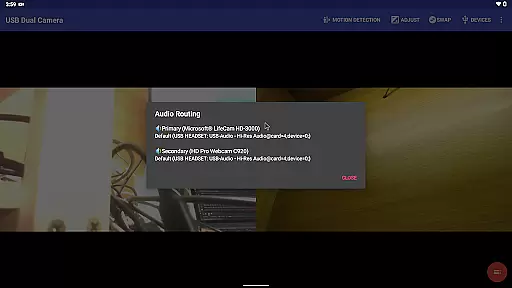
USB Dual Camera Pro is a mobile app designed for users who need to operate two USB cameras simultaneously on an Android device. This app provides a reliable solution for capturing synchronized video feeds from dual cameras, making it ideal for professional photography, videography, and other specialized tasks. The app's compatibility with various USB camera models ensures flexibility in setup.
The primary purpose of this app is to enhance productivity by allowing seamless dual-camera operation. Key features include real-time video preview, customizable resolution settings, and easy file management. Users can record high-quality videos or capture images while maintaining full control over both cameras. With its user-friendly interface, the app experience remains accessible even for beginners.
This app is particularly suited for professionals in photography, videography, and surveillance industries. It appeals to users aged 25-50 who rely on precise imaging tools for their work. Content creators, educators, and hobbyists seeking an app-based solution for dual-camera setups will find this tool highly beneficial.
Common use cases include recording tutorials where two angles are required, live-streaming events with multiple viewpoints, and conducting detailed inspections using synchronized cameras. For instance, an educator might use this app to record hands-on demonstrations from different perspectives. Similarly, a photographer could test lighting setups by viewing them through two camera feeds simultaneously.
USB Dual Camera Pro stands out due to its ability to streamline dual-camera operations on Android devices. The app offers significant advantages such as time savings during multi-angle shoots and improved precision in capturing synchronized footage. Its offline functionality ensures that users can rely on it in environments without stable internet access.
Compared to similar apps, this Android app provides superior stability and broader device compatibility. The attention to detail in its app features, such as customizable resolutions and intuitive controls, addresses common pain points faced by users. Additionally, regular updates ensure that the app remains up-to-date with the latest technological advancements, further solidifying its position as a top choice for dual-camera solutions.
Reliable dual-camera support
High-quality video output
Easy-to-use interface
Wide device compatibility
Regular feature updates
Limited free version features
Occasional performance lag
Requires compatible hardware
No cloud backup option
Steep learning curve

Powerful, professional, versatile teleprompter. Developed by an active film crew
 4.00
4.00
?100% FREE! Download & save videos? safely in this app. All formats supported.
4.60
Video Downloader is an utility that can save videos and music from web sites
4.20
Powerful HD video player with support for all formats & subtitles.
4.2
Video player with powerful streaming playback and various convenient features.
2.10
Stream Web Videos to Chromecast, Samsung, LG, Sony, Roku, Fire TV, DLNA + more
4.00
All in one HD video downloader & player for multiple formats with full privacy
4.70
AI Video Editor:AI Music, Text to Video,Text to Speech,Auto Caption,Video Effect
4.00
convenient, safe and fast at Video Downloader & Player
4.60
GENRAL PRO - General Pro is the best video player that fully supports all formats.
4.70
Cast Videos from Web Browser, IPTV to Roku, Chromecast, DLNA, Smart TV +more
4.60
Fast & Private HD Video Downloader with Built-in Proxy Browser and Video Player.
4.50
Web Browser for LG TV to stream webvideos, online movies and livestreams in HD
4.20
Manage your IPTV live channels and VOD playlists (no playlist included)
3.80
All in one multi protocols stream receiver for AirPlay, Cast and DLNA.
3.60
Download videos easily & play them all in one smart, powerful video manager.
3.40
IPTV Player - Watch live TV from m3m & m3u8 playlist, stream IPTV on mobile
3.30
You can play SWF format file!
2.50
The smartest M3U IPTV Player your playlists have ever seen.
4.3


User Reviews