
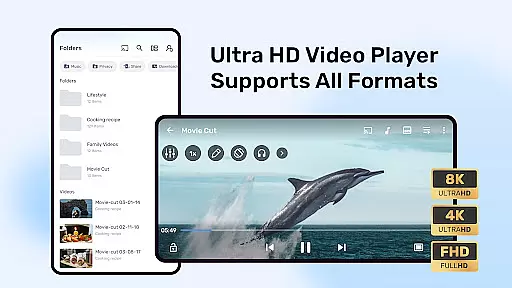
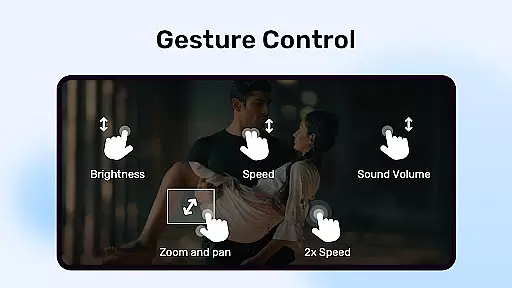
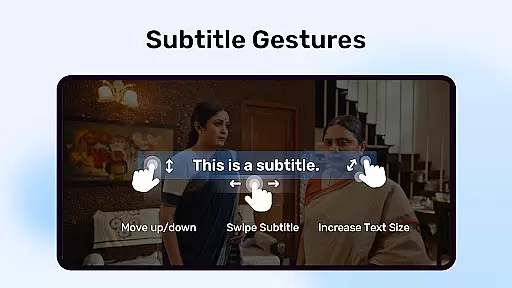
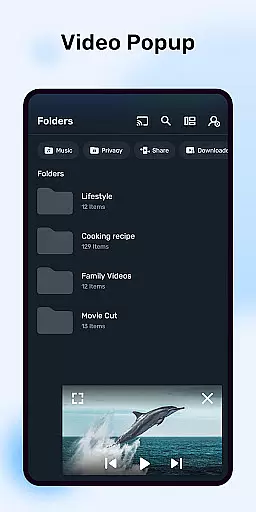
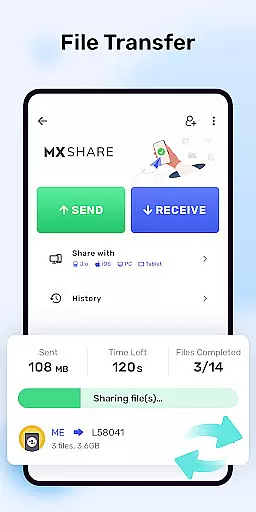
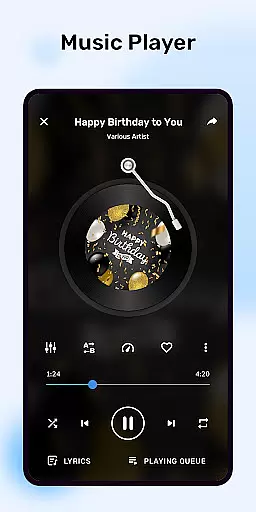
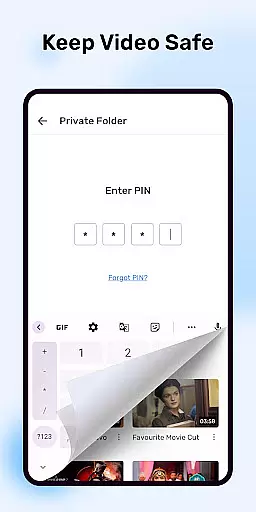
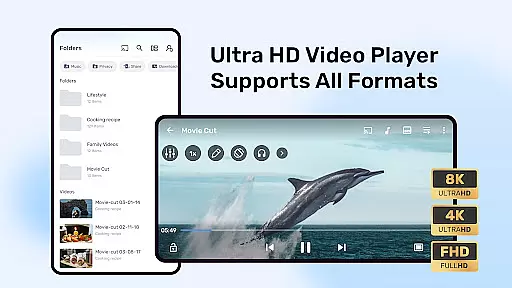
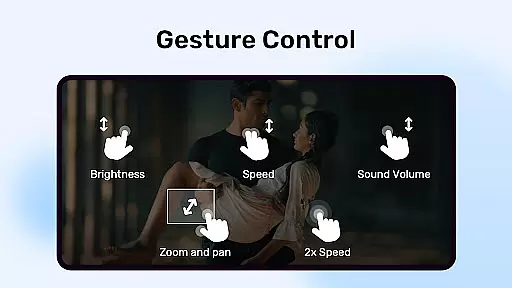
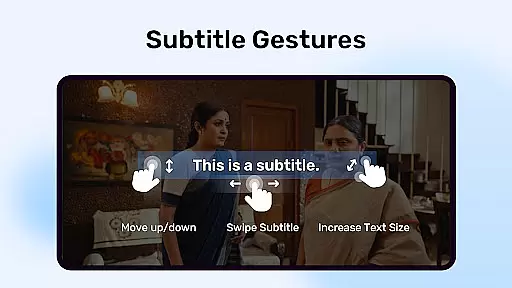
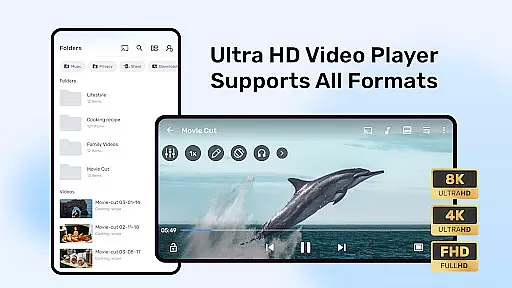
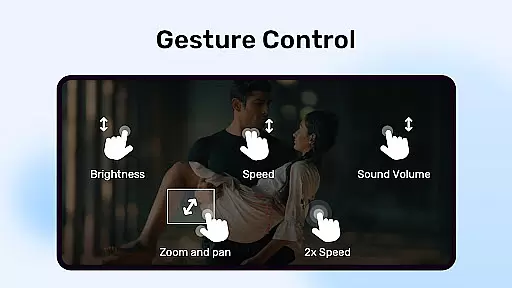
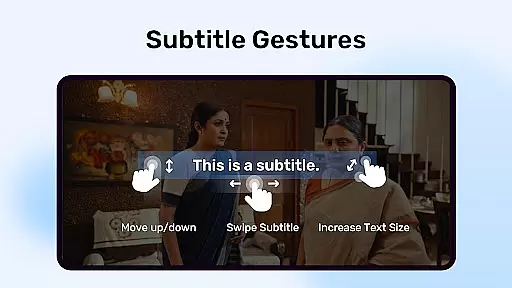
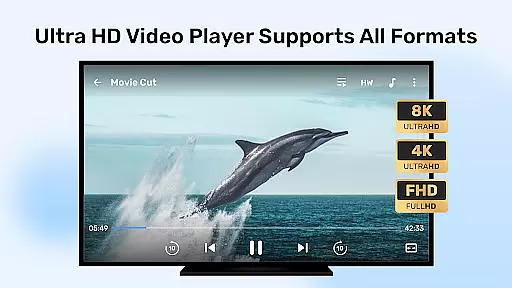
MX Player is a popular mobile app designed for video playback with advanced features. As an Android app, it supports a wide range of video formats without requiring conversion. The app experience is enhanced by hardware acceleration and subtitle gesture controls, making it a top choice for users who watch videos on their devices.
The primary purpose of MX Player is to provide smooth and high-quality video playback. It includes core functionalities such as multi-core decoding for better performance, pinch-to-zoom for screen adjustments, and kids' lock to prevent unintended exits. These features ensure that the app meets the needs of both casual viewers and tech-savvy users.
This app is ideal for users who frequently watch videos on their Android devices. It caters to a broad audience, from teenagers to adults, who value seamless video playback. Those who prefer offline content or need advanced subtitle settings will find this app particularly useful.
Specific scenarios include watching downloaded movies during travel, streaming educational videos with subtitles, or using the kids lock feature to keep children entertained. The app-based solution works well for anyone seeking a reliable video player with extensive format support and customization options.
MX Player stands out due to its ability to handle various video formats without additional plugins. The app features like multi-core decoding and hardware acceleration make it faster and more efficient than many alternatives. Users benefit from a smooth app experience with minimal buffering or crashes.
It solves common issues such as format incompatibility and lack of subtitle support. What makes it unique is the combination of advanced tools like gesture controls and kids lock, which are not commonly found in other video players. This Android app provides a comprehensive solution for all video playback needs.
Wide format compatibility
Smooth playback performance
Advanced subtitle options
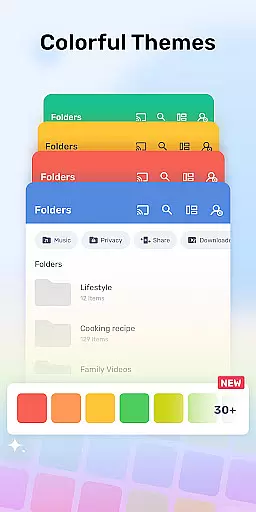
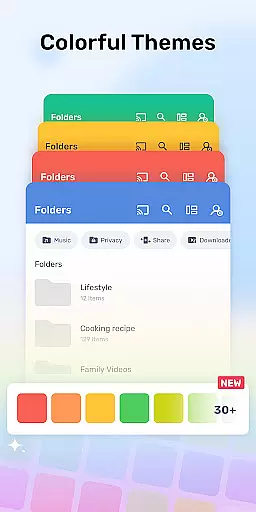
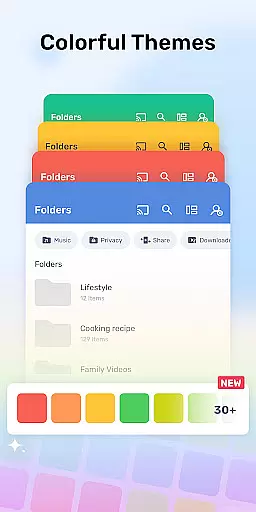
User-friendly interface
Regular updates and improvements
Ads in free version
Occasional app lag
Limited premium features
Large app size
Requires storage space

A full editing room to accompany your Insta360 cameras and handheld gimbals.
 3.30
3.30
Fast, private downloading, video saving, social media
4.50
Save photos and videos from social apps in one tap.
3.60
Create photo video with music & template. AI video maker for stunning slideshow.
4.60
Pro video editor app for Instagram, edit video with song, AI, effect & slowmo.
4.80
An easy-to-use and all-round screen recorder with audio
4.80
All in one multi protocols stream receiver for AirPlay, Cast and DLNA.
3.60
Browser + Remote for Roku to stream webvideos, online movies and livestreams
4.60
Manage your YouTube channel on the go
4.40
Fast & easy HD video downloader for all formats, support 4K playback & download.
4.60
Search & download videos from net with all video downloader, auto-detect & safe.
4.60
This app was created to edit the metadata of music files.
4.20
Your media, on your terms.
4.10
LumaFusion: The Ultimate Storytelling Experience for Video Editing
4.10
VLC for Android is the best open source video and music player, fast and easy!
4.10
1)AirPlay/DLNA Mirroring/Streaming, up to 4 connections; 2)Samba/NAS/DMS Player.
4.00
Make your own Animations, Video and Photo Edits, Visual Effects, and more!
4.00
Online Videos Player
3.90
Download videos easily & play them all in one smart, powerful video manager.
3.40


User Reviews