
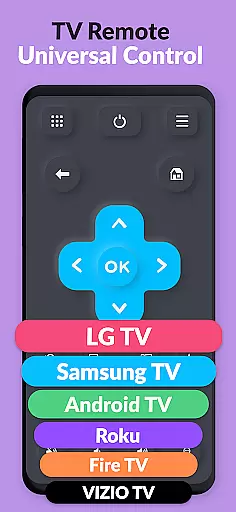
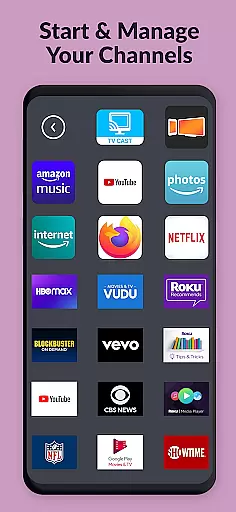
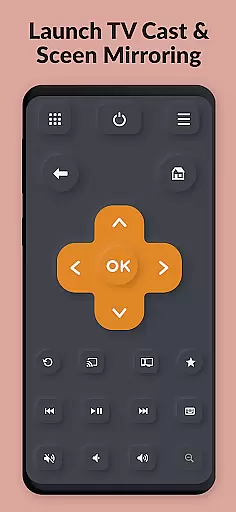
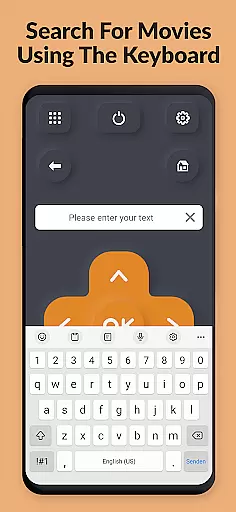
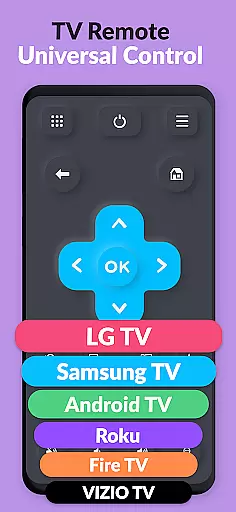
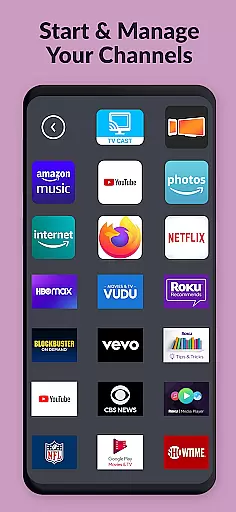
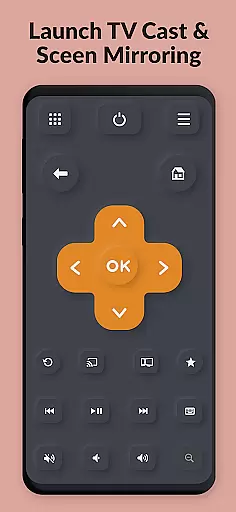
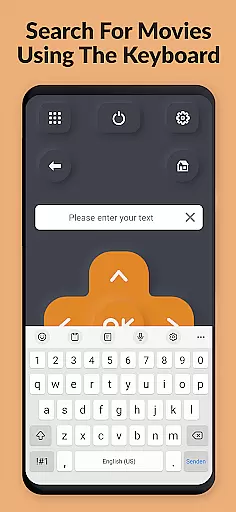
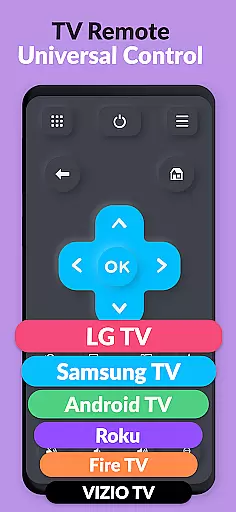
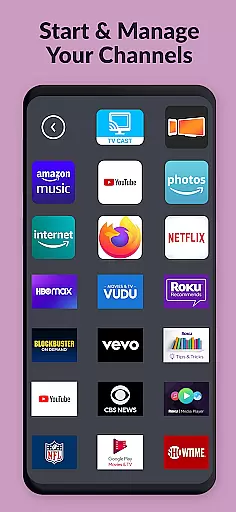
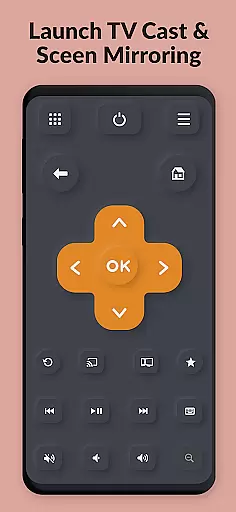
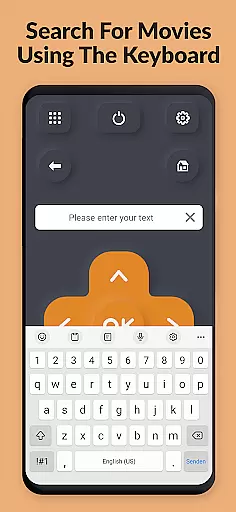
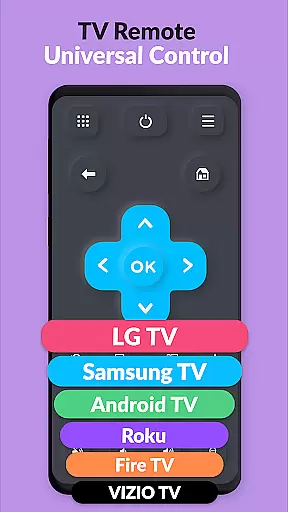
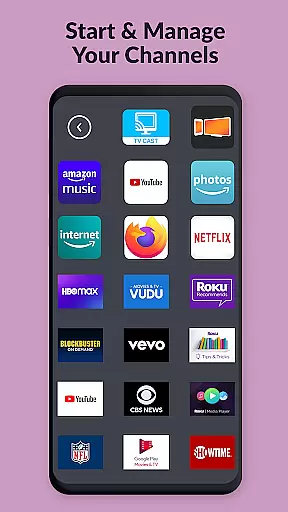
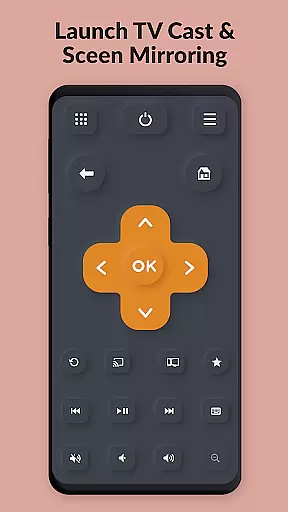
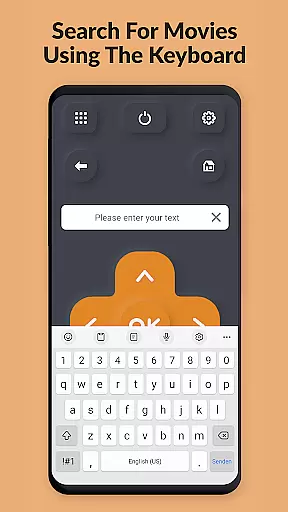
TV Remote Pro is a mobile app designed to transform Android devices into universal remotes for smart TVs and streaming devices. This app-based solution supports Roku, Apple TV, Fire TV, and other popular platforms. With its intuitive interface, users can easily navigate through channels, adjust volume, and control playback without needing physical remotes.
The primary purpose of TV Remote Pro is to simplify the entertainment experience by consolidating all remote functions into one accessible tool. Its core features include customizable buttons, voice command support, and quick access to favorite apps. The app ensures seamless connectivity via Wi-Fi or Bluetooth, making it a reliable choice for managing home entertainment systems.
TV Remote Pro is ideal for tech-savvy individuals who own multiple smart TVs or streaming devices. It caters to users aged 18 to 60 who seek a streamlined way to manage their entertainment systems. People who frequently misplace physical remotes or desire advanced customization will find this app particularly useful.
This mobile app is also suited for scenarios where traditional remotes are unavailable or malfunctioning. For instance, during family gatherings, users can hand over their smartphone to control the TV. Additionally, those who prefer voice commands over manual inputs will appreciate the app's modern features. Its versatility makes it an app-based solution for various household setups.
TV Remote Pro stands out due to its ability to replace multiple remotes with a single app-based solution. Users benefit from its compatibility with numerous devices, ensuring broad usability. The app's customizable interface allows users to tailor controls to their preferences, enhancing the overall app experience. Furthermore, its voice command feature adds a layer of convenience that traditional remotes cannot match.
What sets TV Remote Pro apart is its focus on solving common pain points. Lost or broken remotes no longer disrupt viewing sessions, thanks to this Android app. Regular updates ensure that new devices and features are supported, keeping the app relevant. By combining functionality with ease of use, TV Remote Pro delivers a superior entertainment management tool that meets diverse user needs.
Wide device compatibility
Customizable button layouts
Voice command support
User-friendly interface
Regular feature updates
Requires stable Wi-Fi
Premium version needed
Limited offline use
Occasional connection lag
Device-specific issues

pdf merge, word to pdf, jpg to pdf, edit pdf, convert to pdf and much more!
 4.20
4.20
Fluid navigation gestures for all of us!
4.30
App to pay for FUTO Keyboard
4.60
Unleash gamepad precision for ultimate mobile gaming dominance.
3.90
With videos, electrical calculators, and built-in ebook, Ugly’s has your answer.
4.50
Planner and Tracker for Stardew Valley
4.60
Quickly check the frequency of the Earth
4.30
Powerful collection of electronics tools and reference.A must for any enthusiast
4.90
Automate everything from settings to photos, SMS to speech. ADC2 prize winner.
4.10
Support Fossify apps with a warm thank you!
5.00
Excellent scientific calculator with symbolic algebra, integrals, derivatives
4.80
Optimize your WiFi network, turn your phone into Wifi Analyzer
4.70
The one-and-only remote control for PC, Mac, and Linux
4.70
NFC Tools can read and write NFC tags.
4.70
FV File Manager Pro, Fast and powerful file manager for Android
4.60
Game Booster, GFX Tool is now compatible with newer game update
4.50
Family Locator, Share location, StayConnect with your family in real time
3.90
Smart and comfortable browsing experience.
3.80
card-reader app
2.20


User Reviews