
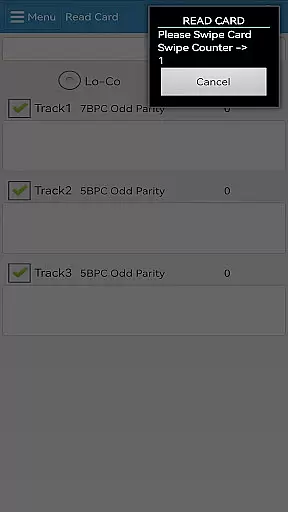
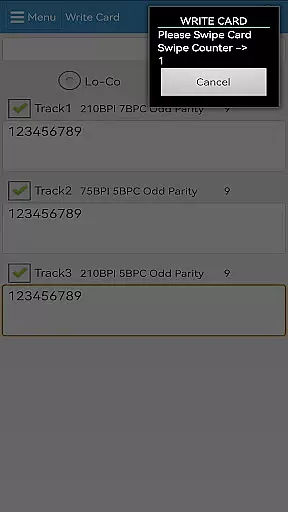
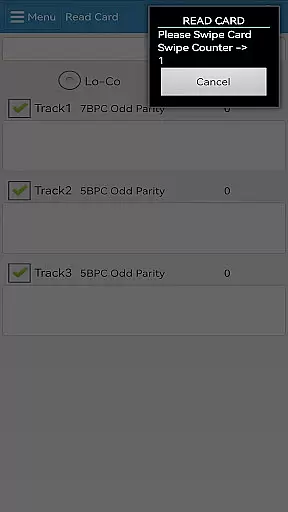
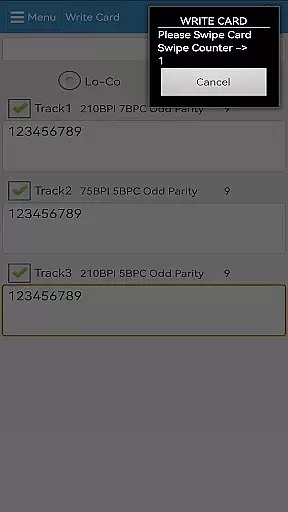
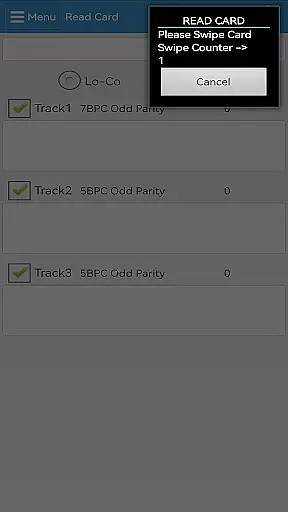

EasyMSR is a mobile app designed to simplify the process of capturing and managing magnetic stripe card data. This Android app provides users with a reliable tool for reading information from cards through compatible devices. Its primary purpose is to streamline workflows in industries like retail, finance, and logistics where card-based data collection is essential.
The app experience centers around efficiency and accuracy. Users can quickly scan card details and store them securely within the app. With features tailored for businesses that rely on card transactions or identification, EasyMSR ensures an organized and error-free approach to data management. The app's compatibility with various hardware readers enhances its versatility as an app-based solution.
EasyMSR is ideal for businesses and professionals who regularly handle magnetic stripe cards. It caters primarily to industries such as retail, banking, and event management where card data plays a critical role. The target audience includes small business owners, inventory managers, and field operators who need a reliable mobile app for their daily operations.
In practical scenarios, this app-based solution proves valuable during inventory checks, point-of-sale transactions, or membership verification processes. For example, retailers can use it to manage customer loyalty cards while event organizers can validate tickets encoded on magnetic cards. Its offline capabilities make it suitable for environments with unreliable internet access, ensuring uninterrupted service.
Choosing EasyMSR means opting for a tool that prioritizes both functionality and ease of use. The app features are crafted to address common pain points in card data management, such as manual entry errors and time-consuming processes. By offering support for various hardware readers and customizable export options, it positions itself as a versatile choice among similar tools.
This Android app solves issues related to data accuracy and accessibility. Users benefit from real-time validation which reduces costly mistakes. Additionally, its offline mode ensures consistent performance regardless of connectivity issues. Compared to alternatives, EasyMSR stands out due to its comprehensive feature set and focus on delivering a smooth app experience tailored to industry-specific requirements.
Fast data capture
Secure storage
Customizable fields
Offline functionality
Wide device compatibility
Limited free exports
Requires compatible hardware
Occasional sync delays
No cloud backup option
Learning curve for setup

Head tracking for PC sim games such as MSFS 2024 or Elite:Dangerous. No headset!
 4.50
4.50
Fluid navigation gestures for all of us!
4.30
Save any video in HD - paste the link, download fast and watch offline.
4.1
Safely recover deleted photos, videos, and files with a single easy tap.
3.70
Universal TV remote control all TVs, Roku, LG, Samsung, Fire, Vizio, Sony, TCL.
4.40
Enjoy smooth gameplay with Game Booster
4.90
Best leveling tool for your Android device. Hang paintings like a pro.
4.90
Screen Mirroring for Roku Sticks, Roku TCL TV and Roku Hisense TV
4.50
Clean up large files and similar photos, fast and easy to use
4.40
Change your GPS location instantly. Simulate routes anywhere in the world.
4.90
Powerful collection of electronics tools and reference.A must for any enthusiast
4.90
Extremely fast, secure, and protects your privacy
4.80
Excellent scientific calculator with symbolic algebra, integrals, derivatives
4.80
Carry a FTP server in your pocket and avoid USB cables for file transfer
4.20
Effortlessly run ADB commands directly on your device without a PC.
4.20
Screen Mirroring with sound for Samsung TV, LG TV, Sony TV, Smart TV and Browser
4.20
Automate everything from settings to photos, SMS to speech. ADC2 prize winner.
4.10
Unleash gamepad precision for ultimate mobile gaming dominance.
3.90
A recovery soft,it features photo recovery, video recovery, file recovery.
3.40


User Reviews