
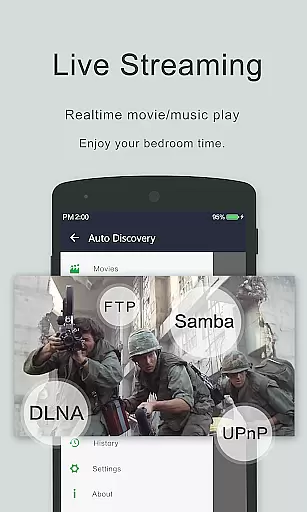

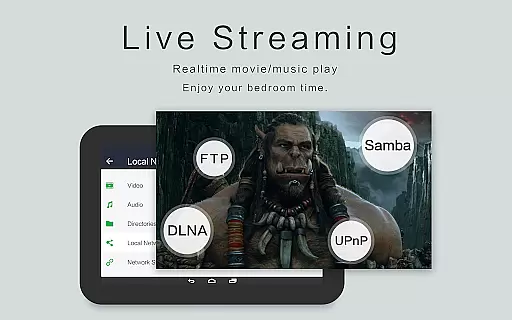


Video Player - OPlayer is a versatile mobile app designed for Android users who need a reliable solution to play various video formats. This app supports an extensive range of file types, ensuring that users can enjoy their media without compatibility issues. With its sleek interface and customizable settings, the app provides a seamless app experience for both casual viewers and tech-savvy individuals.
The primary purpose of Video Player - OPlayer is to offer a high-quality playback solution with advanced features. It includes options like subtitle support, audio equalizers, and playback speed controls. These tools make it more than just a basic video player, positioning it as an app-based solution for those seeking flexibility and control over their viewing experience.
Video Player - OPlayer is ideal for users who frequently handle diverse video files and require a reliable Android app for playback. It caters to a broad audience, from students and professionals who need to view educational content to hobbyists who enjoy multimedia entertainment. The app's versatility makes it suitable for individuals aged 18 to 50 who value functionality and ease of use.
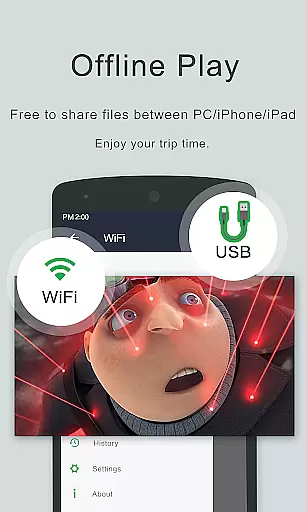
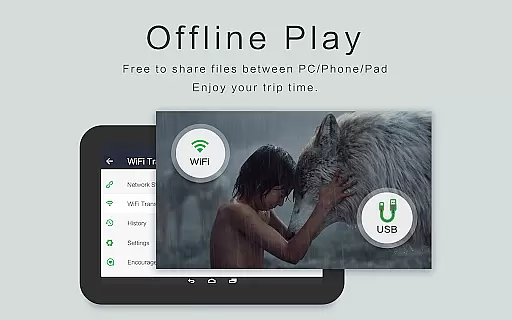
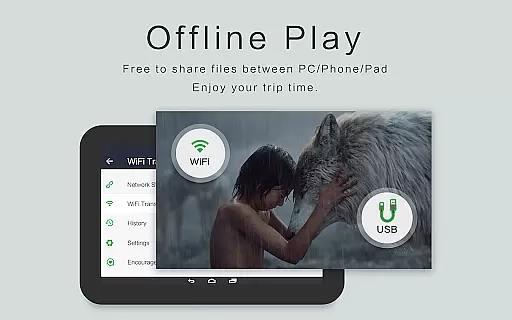
This app is particularly useful in scenarios where users deal with uncommon video formats or need advanced playback controls. For example, someone watching lectures may benefit from adjustable playback speeds. Similarly, movie enthusiasts can take advantage of subtitle customization and audio enhancements. Its offline capabilities also make it a practical choice for travelers or commuters who lack consistent internet access.
Choosing Video Player - OPlayer means gaining access to a feature-rich mobile app that prioritizes user convenience and performance. Its ability to handle various video formats ensures that users won't encounter playback issues, while advanced tools like subtitle support and audio equalizers enhance the overall app experience. These aspects make it a standout option among similar apps in the Video Players & Editors category.
The app solves common problems such as format incompatibility and limited playback customization by offering a comprehensive suite of app features. Unlike many alternatives, it combines powerful functionality with an intuitive interface, making it accessible even to less experienced users. Regular updates and active developer support further reinforce its position as a dependable app-based solution for video playback needs.
Wide format compatibility
Customizable subtitles
User-friendly interface
Regular feature updates
Offline playback support
Occasional ads in free version
Limited advanced editing tools
Subscription required for premium
Interface may feel outdated
Large file loading delays

Connect 2 UVC devices for recording and broadcast video/audio stream
 3.90
3.90
Video Trimmer, Video to MP3 Converter. Extract music from video, Easy & Fast.
4.80
Search & download videos from net with all video downloader, auto-detect & safe.
4.60
Fast video downloader & private browser. Save HD clips to watch offline.
4.40
KMPlayer Plus (Divx Codec) officially support Divx codec.
4.30
Explore the largest library of free GIFs, Stickers & Memes - or create your own!
3.90
Fast & Private Video Downloader App. Save all videos easily from the Internet.
4.40
Add date and time watermark to photos and videos
4.50
Video&Drama Player All Format is a HD video player, music player
3.00
High-Quality USB Camera Viewer & HDMI Display
4.70
GENRAL PRO - General Pro is the best video player that fully supports all formats.
4.70
Screen recorder with audio to take live videos & Screenshot in high quality!
4.70
Snaptubè Video Downloader app allows to download videos and music in Snaptube. .
4.60
Fast, private downloading, video saving, social media
4.50
Browser for Fire TV to stream webvideos, online movies, livestreams in HD
4.40
Powerful Video Editor & Photo Editing App —— Quick Edits & Stunning Effects!
4.30
Web Browser for LG TV to stream webvideos, online movies and livestreams in HD
4.20
Mix with Virtual DJ directly from your phone or tablet !
3.10
The essential companion to your Blue Iris PC software
2.50


User Reviews