
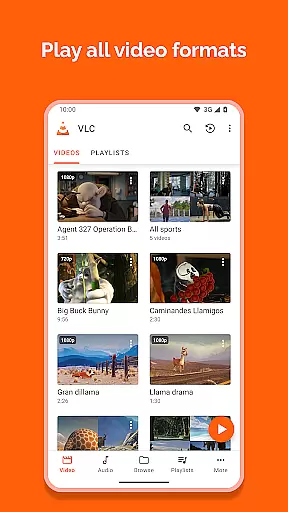
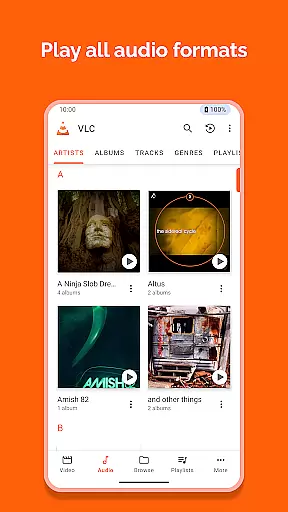
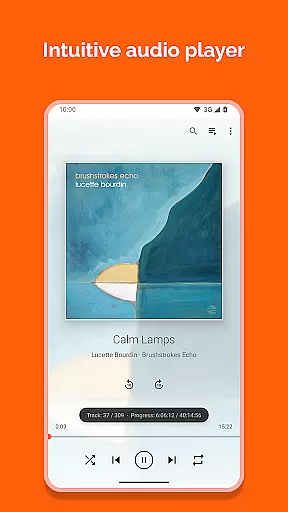
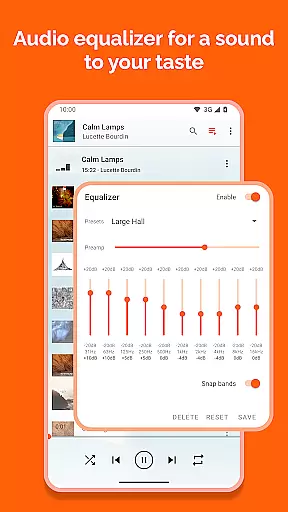
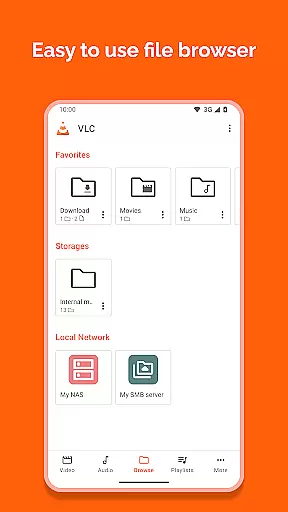
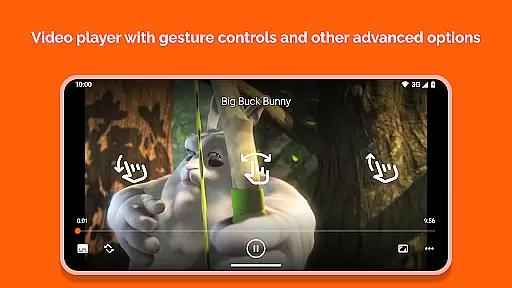
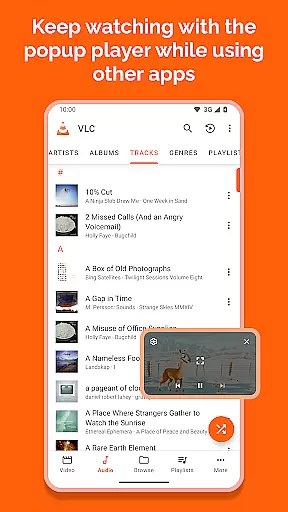
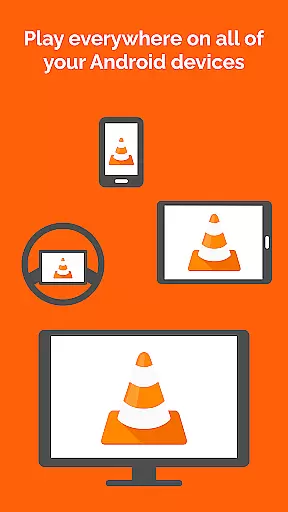
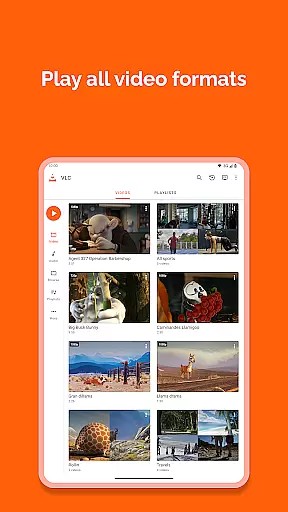
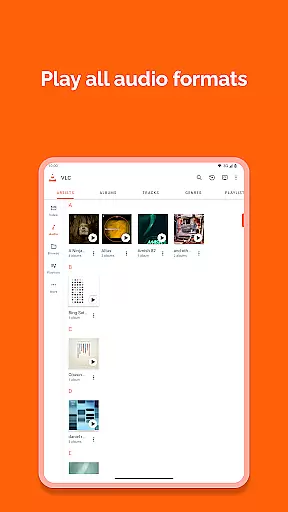
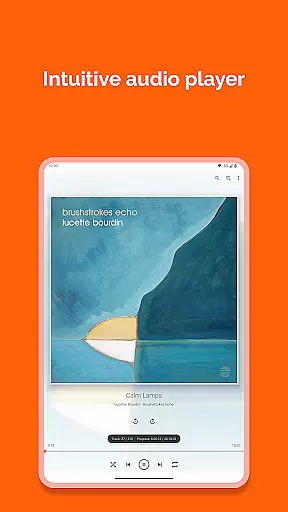
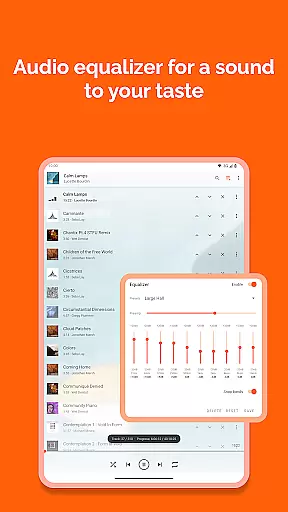
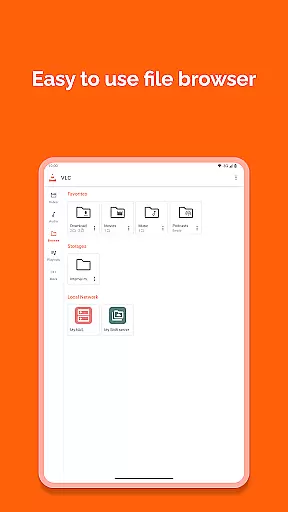
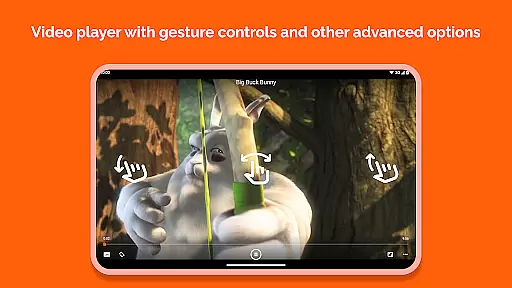
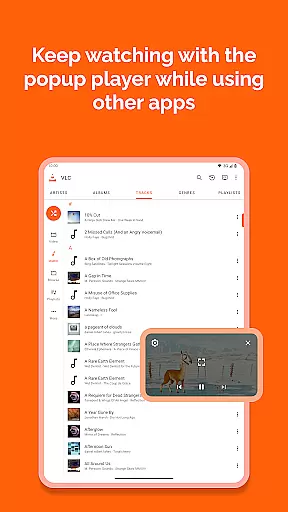
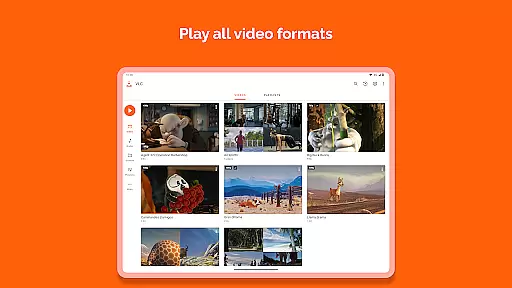
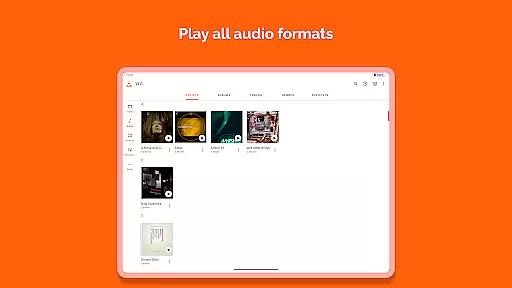
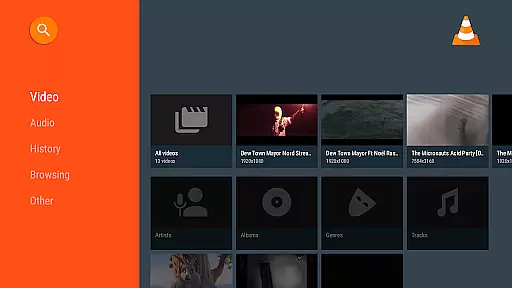
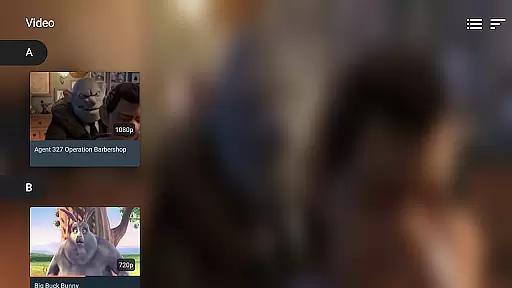

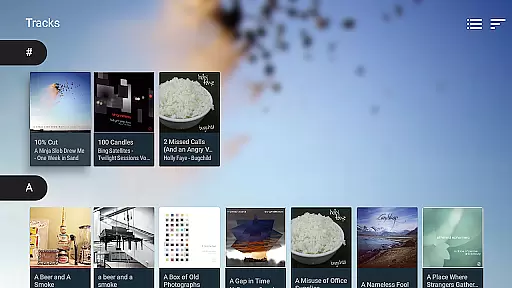
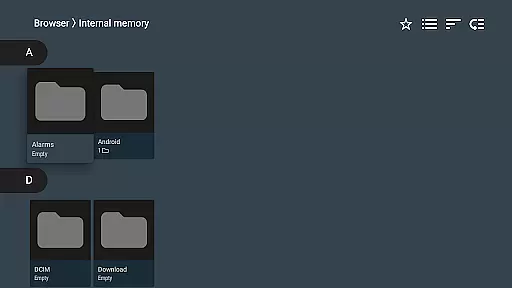
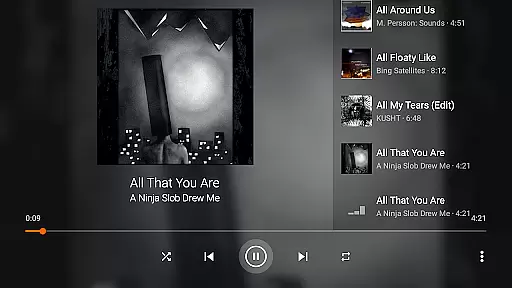
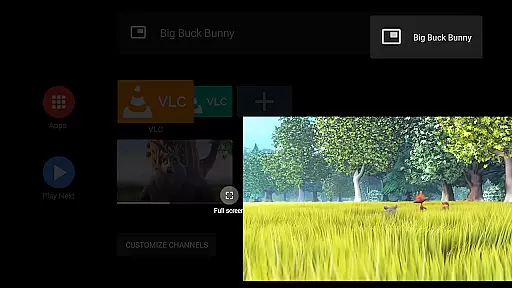
VLC for Android stands as one of the most versatile mobile apps available in the video players category. This Android app is designed to provide users with a seamless experience when playing various multimedia formats. It supports an extensive range of file types including MP4, AVI, and MKV, making it a reliable choice for media playback needs.
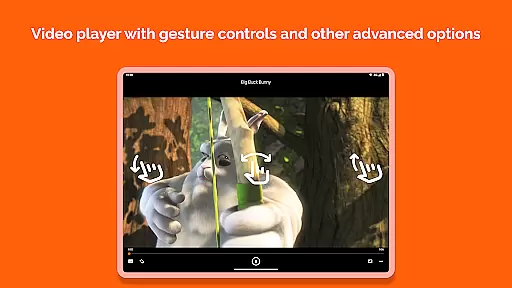
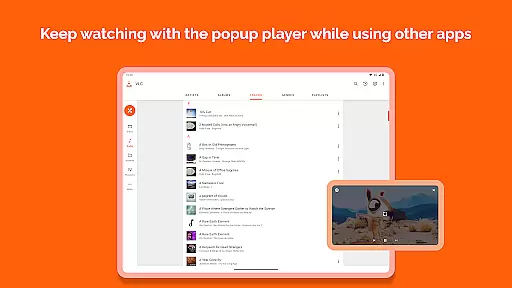
The app's primary purpose revolves around simplifying media consumption on mobile devices. With features like hardware acceleration, multi-track audio, and support for network streams, VLC ensures smooth performance while delivering high-quality visuals. Its user-friendly interface enhances the overall app experience by allowing quick navigation and easy access to advanced settings.
VLC for Android is ideal for users who frequently consume multimedia content on their devices. The app appeals to a broad audience, ranging from students to professionals, due to its versatility and ease of use. Those who value an ad-free experience will find this app particularly beneficial.
This mobile app is especially useful in scenarios where users need to play files obtained from different sources. For instance, someone downloading videos from the internet can rely on VLC to handle any format. Additionally, its ability to stream content from network locations makes it a valuable app-based solution for businesses needing to share presentations or training materials.
VLC for Android distinguishes itself through its comprehensive feature set and commitment to open-source development. Users benefit from regular updates that enhance existing capabilities while introducing new functionalities. The app's dedication to remaining free of advertisements enhances the viewing experience significantly.
What sets VLC apart from alternative video players is its unwavering focus on compatibility and performance. By supporting virtually all file formats out of the box, it eliminates the frustration often associated with codec issues. Furthermore, its active community contributes to continuous improvements, ensuring that users always have access to cutting-edge technology within the realm of media playback.
Wide format compatibility
Regular feature updates
No in-app advertisements
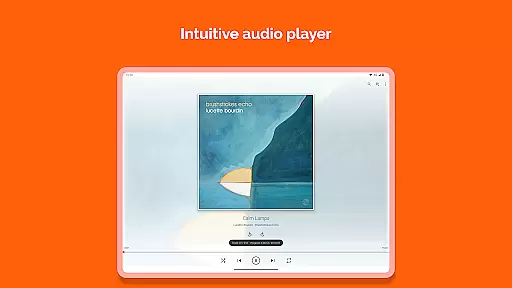
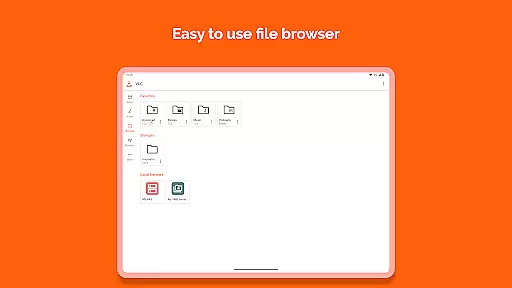
Intuitive user interface
Active community support
Occasional interface lag
Limited advanced editing tools
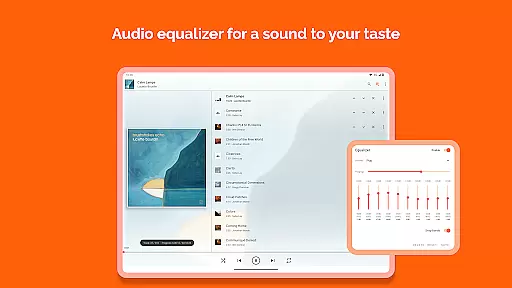
Basic audio effects only
Not optimized for tablets
Some features require technical knowledge

Client application for NextPVR software
 3.00
3.00
Your media, on your terms.
4.10
Search & download videos from net with all video downloader, auto-detect & safe.
4.60
High-Quality USB Camera Viewer & HDMI Display
4.70
Fast & easy HD video downloader for all formats, support 4K playback & download.
4.60
Connect EasyCap or UVC devices for recording and broadcast video/audio stream
3.60
Browser for Samsung TV to stream webvideos, online movies and livestreams in HD
4.10
Manage your YouTube channel on the go
4.40
Make videos you’re proud to share with Edits, a video editor for creators.
4.70
Watch a large amount of high-definition short drama content
4.60
HD video maker with no watermark, no ads & vlog maker with music, PIP, text
4.50
KMPlayer Plus (Divx Codec) officially support Divx codec.
4.30
All format media Player, no need video converter any more!
4.00
Online Videos Player
3.90
Explore the largest library of free GIFs, Stickers & Memes - or create your own!
3.90
Cast to Smart TV, Fire TV. Cast video, photo - Fast & Stable!
3.90
Video player with powerful streaming playback and various convenient features.
2.10
The smartest M3U IPTV Player your playlists have ever seen.
4.2
Stream high quality video from your camera over NDI protocol
4.1


User Reviews