
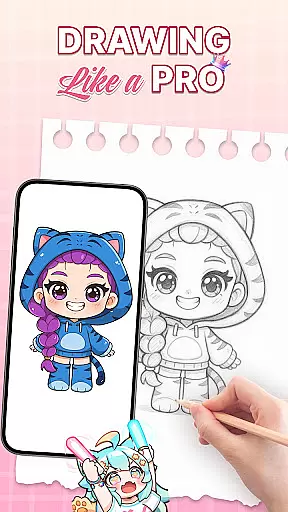
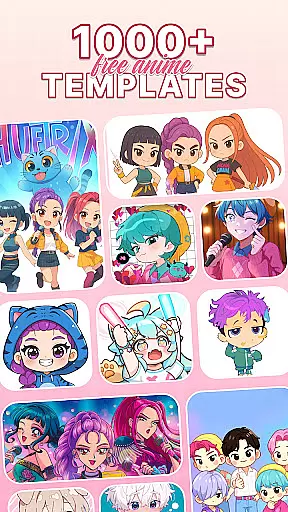
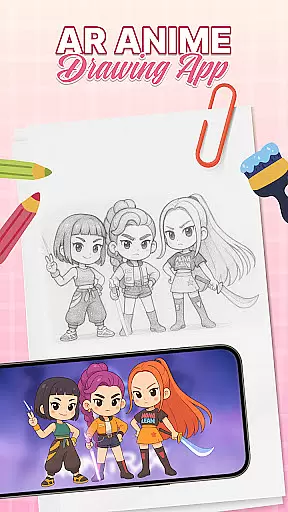
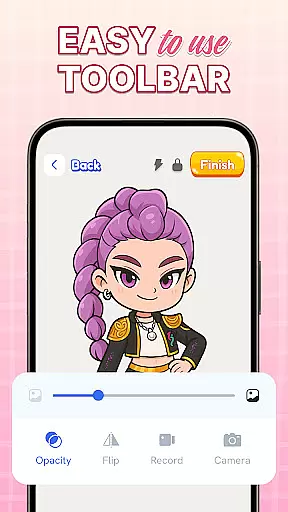
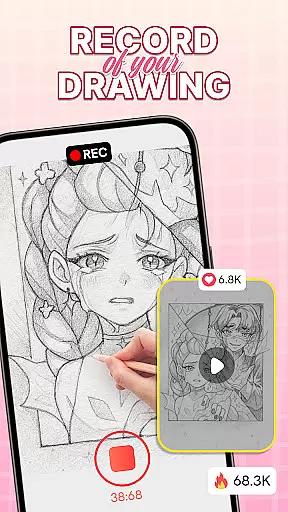
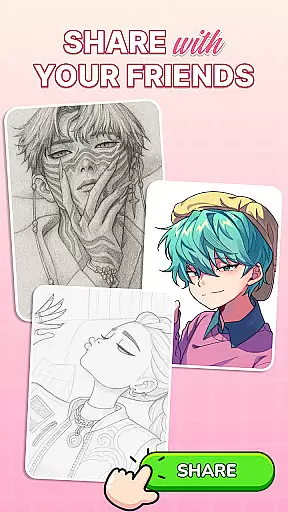
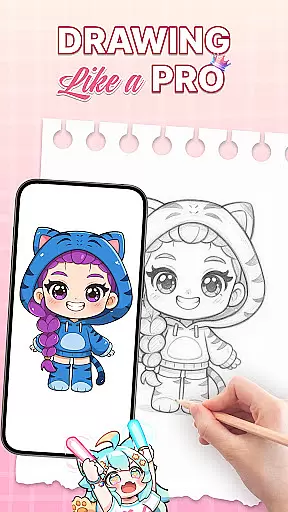
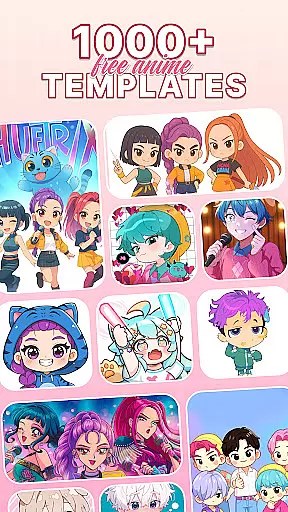
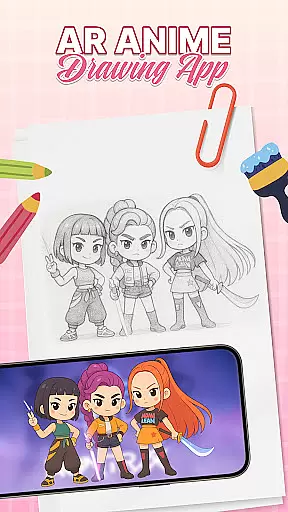
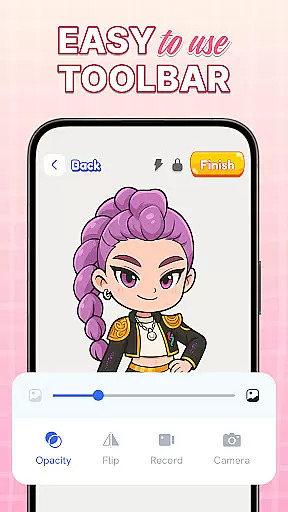
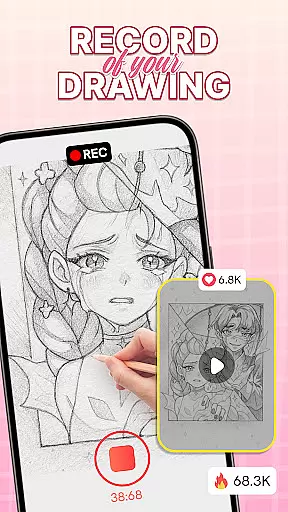
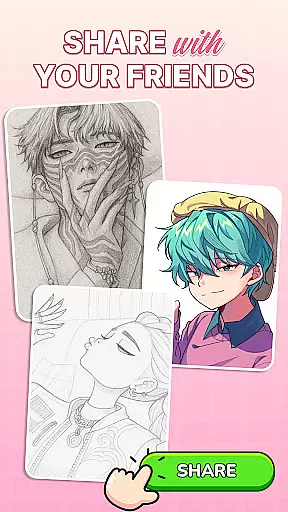
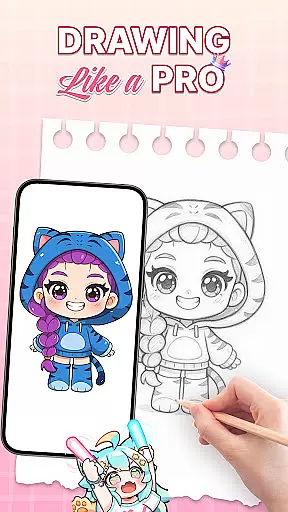
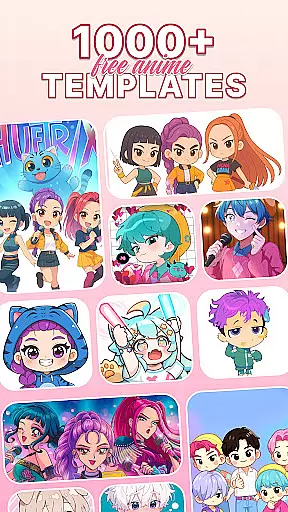
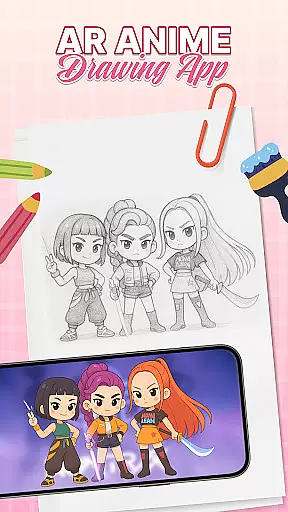
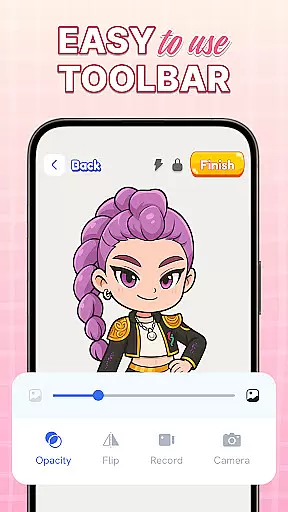
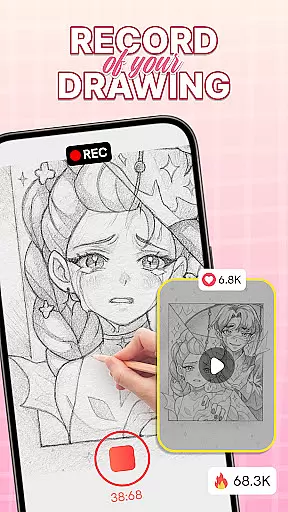
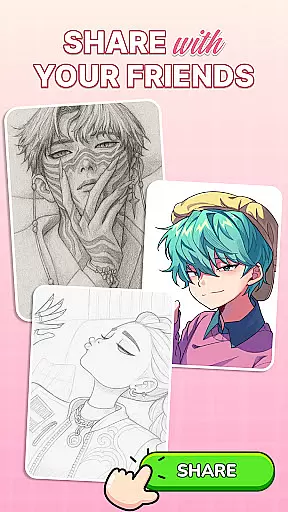
AR Drawing: Sketch & Trace is an innovative mobile app designed for creative individuals who enjoy expressing themselves through art. This Android app combines augmented reality technology with traditional drawing techniques, allowing users to create sketches and trace real-world objects in a unique way. The app's interface is intuitive and user-friendly, making it accessible even for beginners while offering advanced features for experienced artists.
The primary purpose of AR Drawing: Sketch & Trace is to provide an immersive drawing experience by leveraging the capabilities of modern smartphones. With its core features such as AR object tracing, customizable brushes, and layer management, the app offers a versatile platform for creating digital artwork. Whether users are looking to sketch from scratch or trace images with precision, this app-based solution caters to various artistic needs.
AR Drawing: Sketch & Trace is particularly well-suited for young adults and professionals in the creative industry aged 16 to 35. This demographic typically includes art students, graphic designers, and hobbyists who seek innovative tools to enhance their artistic capabilities. The app appeals to those familiar with digital art platforms but also welcomes newcomers interested in exploring augmented reality drawing.
Users can benefit from this app in various scenarios. For instance, art students can utilize the AR tracing feature to practice figure drawing using real-world objects as references. Professional designers might employ the app's layer management system to create preliminary sketches for client projects. Additionally, casual users can enjoy creating social media content by tracing and enhancing images captured on their smartphones.
AR Drawing: Sketch & Trace stands out among other drawing applications due to its unique combination of augmented reality technology and traditional sketching tools. The app provides users with enhanced precision and creative freedom, addressing common challenges faced in digital art creation. Its value proposition lies in bridging the gap between physical and digital drawing experiences, offering solutions that conventional drawing apps cannot match.
This app solves several pain points for digital artists. The AR tracing feature eliminates the need for physical lightboxes, while the customizable brush settings cater to individual artistic styles. Compared to alternative solutions, AR Drawing: Sketch & Trace maintains a balance between professional-grade features and user-friendly interface design. Regular updates and responsive customer support further enhance its position as a reliable choice in the competitive market of Android drawing apps.
Intuitive user interface
Advanced AR features
Regular software updates
Responsive customer support
Versatile drawing tools
Occasional performance lag
Limited free features
High storage requirements
Subscription fees apply
Device compatibility issues

AI generated images & photos, turn your words into drawing, painting & pictures.
 4.30
4.30
Transform photos into amazing monochrome dither art with professional algorithms
4.3
Image/ Text to Video Generator
4.40
AI Assistant, powered by ChatGPT GPT-4 & GPT-4o. Your intelligent companion.
3.50
Text to Image, Image to Video & AI Chat
4.20
Remove Background, Magic Eraser, Photo Enhancer, Story Templates, Collage Maker
4.30
Photo editor for art, avatars, filters & fun transformations.
4.60
2D animation studio for Android tablets - unlimited layers, infinite timeline
4.70
Kling AI is an image and video generation and editing studio powered by AI.
4.50
Mobile pixel art editor. Simple. Fast. Portable.
4.80
Make your phone cooler and have a fantastic experience
4.80
Convert image to JPG PNG HEIC PDF, support almost all kinds of image formats
4.70
Draw beautiful mandala's very easily
4.60
Castle is social media for creating and playing games!
4.60
Turn your drawings into flipbook-style animations with simple creative tools
4.60
Powerful home decoration & house design that allows you to design dream home.
3.80
Meet the magic aı 3d photo generator and smart AI video generator app.
3.20
Art of Combination Wear OS Watch faces (for Wear OS 5+ devices)
3.00
Android 14 style widgets and wallpapers app.
4.3


User Reviews