
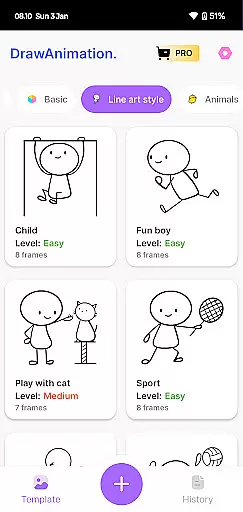
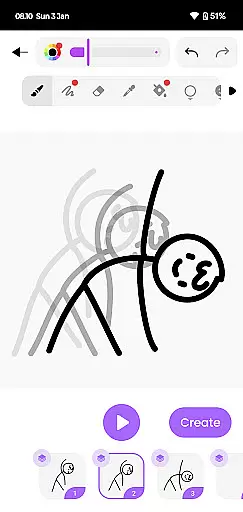
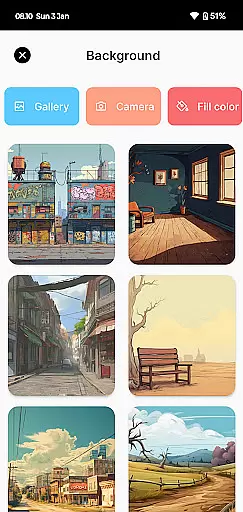
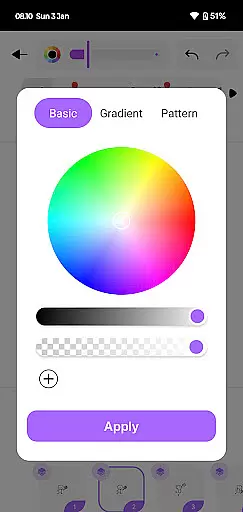
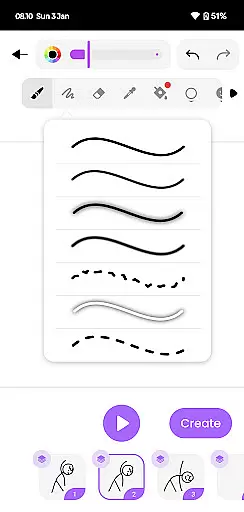
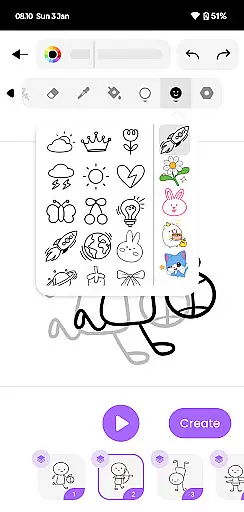
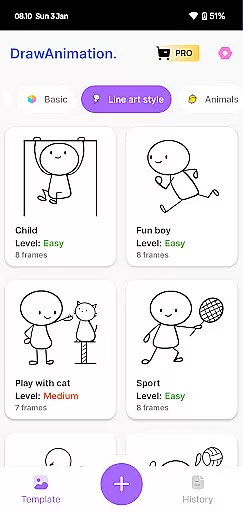
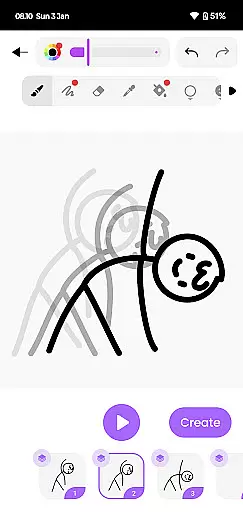
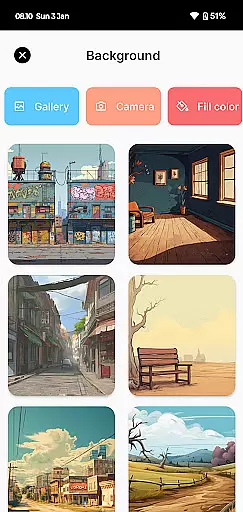
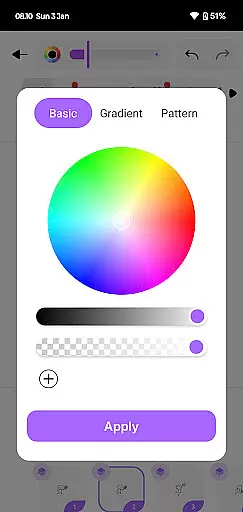
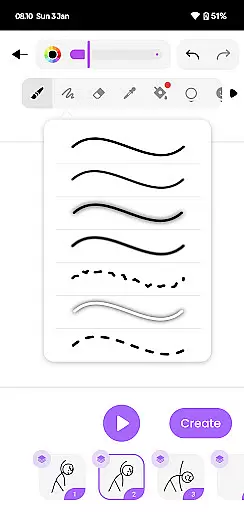
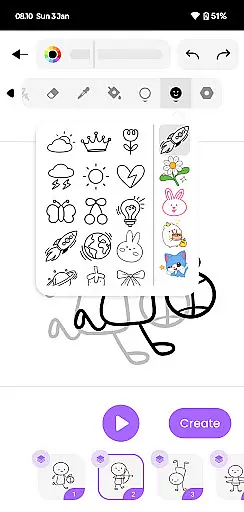
Draw Animation is an innovative mobile app designed for artists and animators who want to create animations directly on their Android devices. This app provides a seamless platform where users can draw frame by frame, allowing them to produce high-quality animations with precision and ease. The app experience is enhanced by its intuitive interface which caters to both beginners and professionals.
The primary purpose of Draw Animation is to offer a portable and accessible solution for creating animations without the need for expensive equipment or software. Its core features include customizable brushes, onion skinning, and timeline editing. These tools empower users to bring their ideas to life while maintaining full control over every detail of their work. With this app-based solution, anyone can explore the art of animation from anywhere.
Draw Animation is ideal for aspiring animators, professional artists, and educators looking to integrate digital tools into their creative process. The target audience spans various age groups, from teenagers exploring animation as a hobby to adults seeking a reliable app-based solution for professional projects. Users who value flexibility and portability in their creative workflow will find this app particularly beneficial.
This app is commonly used in educational settings where teachers introduce students to the basics of animation. It also serves freelance animators who need a cost-effective alternative to traditional animation software. Whether creating short clips for social media or developing detailed animations for client projects, Draw Animation supports diverse use cases. Its offline functionality ensures that creativity is not limited by internet access.
Choosing Draw Animation means gaining access to a comprehensive suite of tools specifically designed to streamline the animation process. The app offers a unique combination of powerful features such as onion skinning and layer support, which are typically found only in desktop applications. This makes it a standout choice among similar Android apps available today. Additionally, its regular updates demonstrate a commitment to improving the app experience based on user feedback.
One of the key problems Draw Animation solves is providing an affordable yet high-quality alternative to expensive animation software. By offering advanced features like customizable brushes and timeline editing, it empowers users to achieve professional results without investing in costly equipment. Furthermore, its intuitive design ensures that even those new to animation can quickly learn how to use the app effectively. This balance of accessibility and power is what sets Draw Animation apart from other options in the market.
Intuitive user interface
Customizable brush options
Regular feature updates
Offline mode available
Export in multiple formats
Occasional performance lag
Limited tutorial content
Advanced tools require learning
Some features locked behind paywall
Interface may feel cluttered

Sketch, trace and master AR drawing with awesome anime art!
 3.30
3.30
Sketch, plan, take notes and illustrate on an infinite canvas.
4.20
Apply cartoon, caricature, and portrait effects to make your photos stand out!
3.60
Make your phone cooler and have a fantastic experience
4.80
Castle is social media for creating and playing games!
4.60
Draw glowing spinners, relax, and spin your creative art
4.60
Art of Combination Wear OS Watch Faces
3.30
A luxurious gold watch face for an elegant and refined look.
4.1
Retouch photos. Create or edit images. Endless capabilities.
2.70
Passport size photo maker, create ID photo and visa photo in seconds
4.80
Minecraft & Roblox Clothes
4.70
Turn your drawings into flipbook-style animations with simple creative tools
4.60
Get an overview over all your embroidery threads, projects and more.
4.60
Create stylish invitation cards using templates for weddings, birthdays & RSVP.
4.20
Digital Drawing: Draw & Paint
4.10
Design your dream room with AI. Get decor ideas & plan home interiors
3.90
Your homescreen as an elegant glass with customized blur, lighting, and visuals.
3.70
Download now for a stylish and functional timepiece
4.4
Android 14 style widgets and wallpapers app.
4.4


User Reviews