
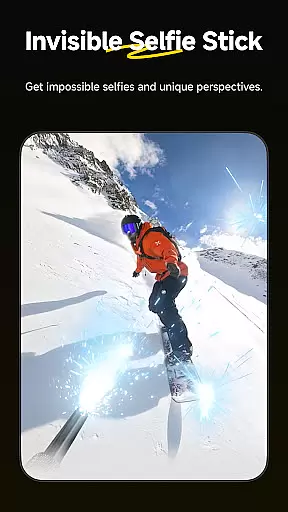
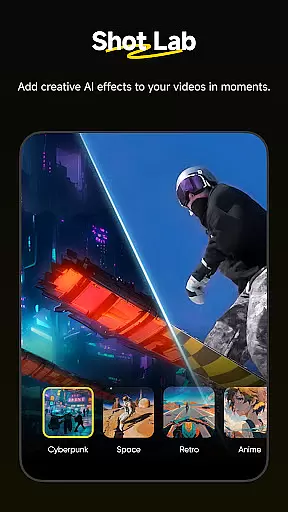
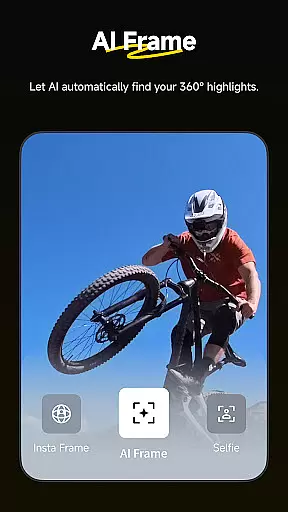
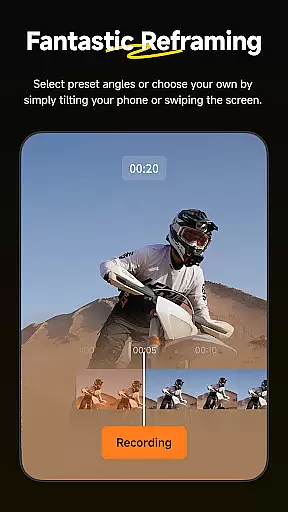
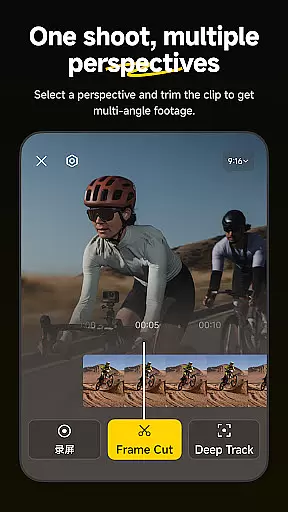
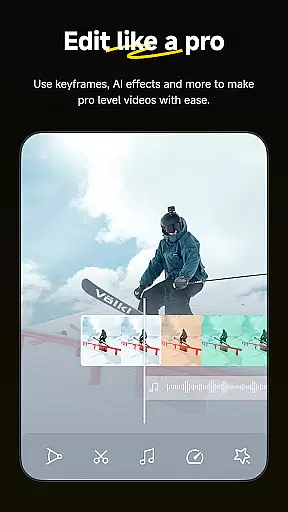
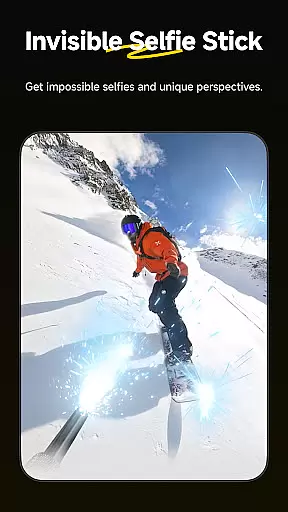
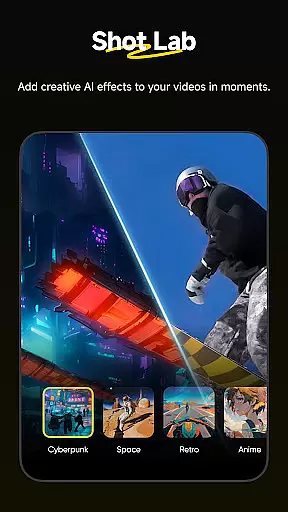
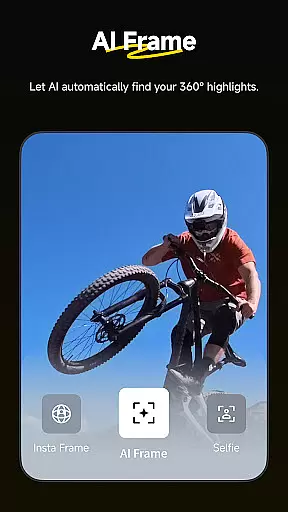
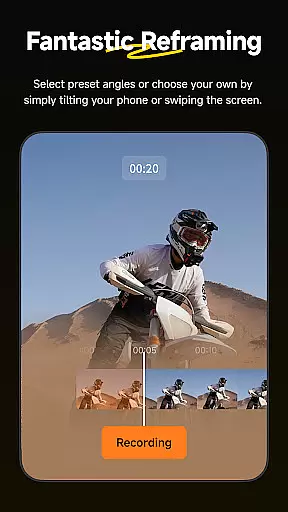
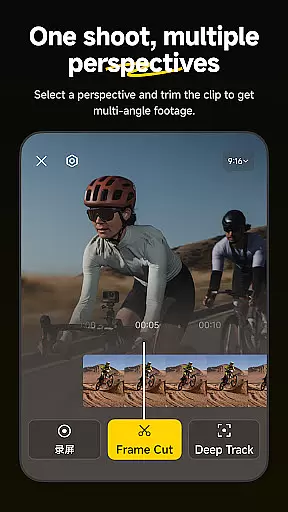
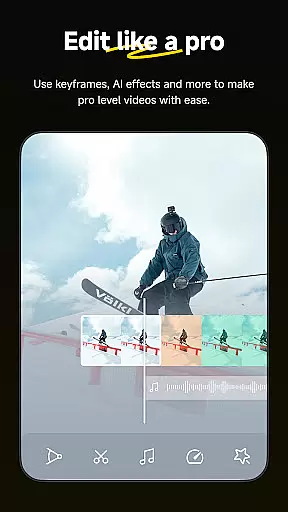
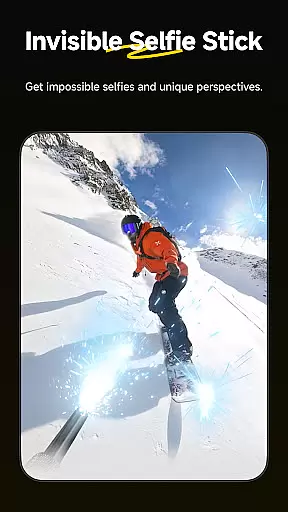
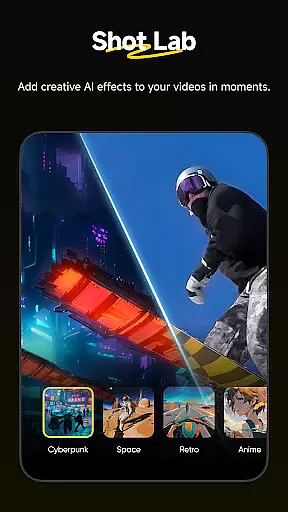
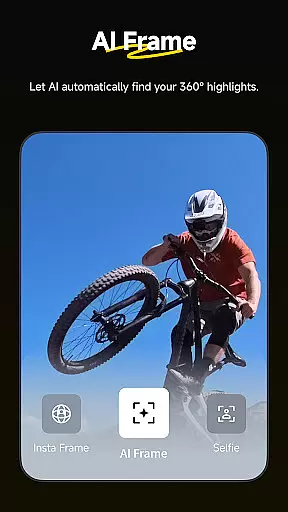
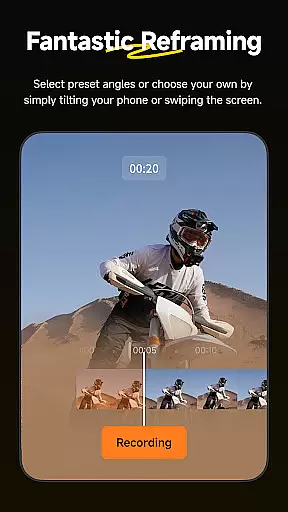
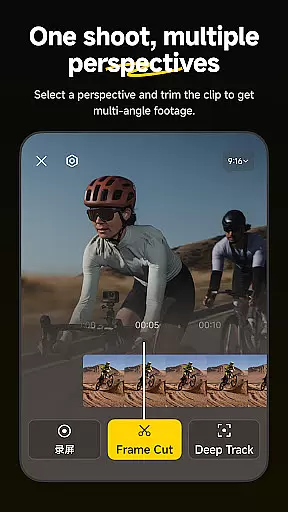
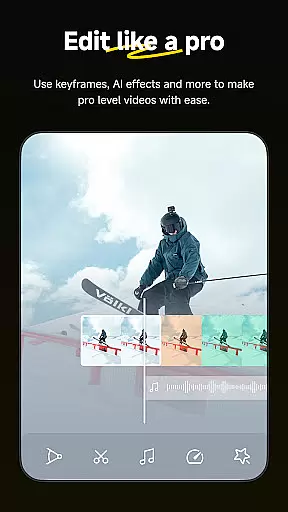
Insta360 is a mobile app designed for users who want to capture and edit immersive 360-degree videos. This Android app offers seamless integration with Insta360 cameras, allowing users to control recording settings, preview footage, and transfer files directly to their devices. The app experience centers around accessibility and creative freedom.
The primary purpose of this app is to empower creators to produce high-quality 360-degree content with minimal effort. Core features include real-time video stitching, advanced editing tools, and customizable filters. These capabilities make it an ideal app-based solution for both amateur enthusiasts and professional videographers looking to push creative boundaries.
This app appeals primarily to tech-savvy individuals aged 18-45 interested in immersive storytelling. Content creators, vloggers, and travel enthusiasts benefit most from its robust functionality. Additionally, professionals in media production find value in using this app as part of their workflow.
Common use cases include capturing action sports, documenting travel experiences, and creating promotional videos. For example, a surfer might record waves from all angles while a marketer could showcase products interactively. The app's versatility makes it suitable for diverse scenarios where creativity meets technology.
Insta360 stands out due to its ability to simplify complex tasks involved in 360-degree video production. Users gain access to cutting-edge tools that streamline workflows without compromising quality. Its compatibility with various Insta360 devices ensures consistent performance across different hardware models.
What sets this app apart is its focus on innovation and user-centric design. By addressing challenges such as cumbersome post-processing and limited creative options, it delivers an enhanced app experience. Compared to alternatives, Insta360 provides more intuitive controls and richer customization possibilities, making it a top choice among videography apps.
Seamless device integration
High-resolution video support
Intuitive editing tools
Fast file transfers
Regular feature updates
Occasional connectivity issues
Limited free filter options
Steep learning curve
Large file sizes
Premium subscription required

Fast, private downloading, video saving, social media
 4.50
4.50
Cast Videos from Web Browser, IPTV to Roku, Chromecast, DLNA, Smart TV +more
4.60
A Quick and Pro Video Editor
4.70
Tik & Story Saver-Download ALL social media videos, photos & reels no watermark.
4.80
Powerful HD video player with support for all formats & subtitles.
4.3
1)AirPlay/DLNA Mirroring/Streaming, up to 4 connections; 2)Samba/NAS/DMS Player.
4.00
Stream Web Videos to Chromecast, Samsung, LG, Sony, Roku, Fire TV, DLNA + more
4.00
Fast & easy HD video downloader for all formats, support 4K playback & download.
4.60
All in one HD video downloader & player for multiple formats with full privacy
4.70
High-Quality USB Camera Viewer & HDMI Display
4.70
Find, download, and play torrents with the official BitTorrent® Pro app
4.70
Snaptubè Video Downloader app allows to download videos and music in Snaptube. .
4.60
Cast movies, tv shows and live streams to Chromecast, Roku, DLNA, Fire TV & more
4.60
This app was created to edit the metadata of music files.
4.20
Turn your phone into a wireless camera!
4.20
Powerful, professional, versatile teleprompter. Developed by an active film crew
4.00
Connect 2 UVC devices for recording and broadcast video/audio stream
3.90
This app is an emulator of some specific IPTV boxes
3.50
You can play SWF format file!
2.50


User Reviews