
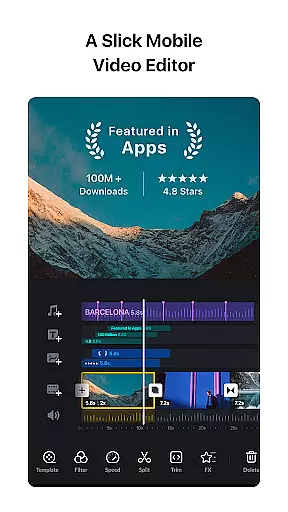
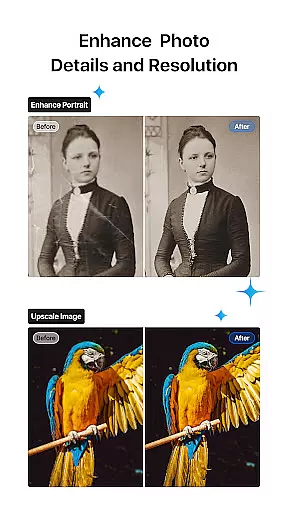
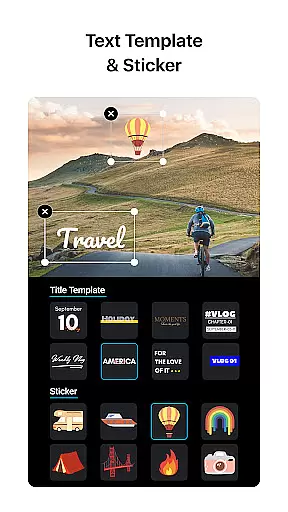
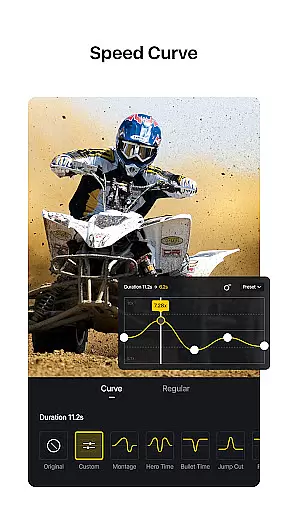
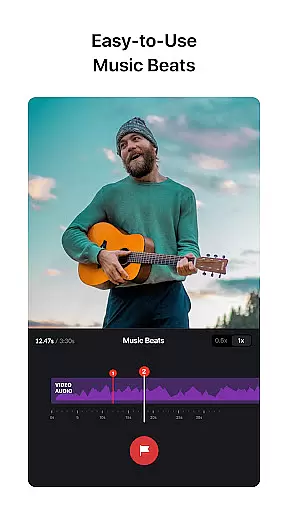
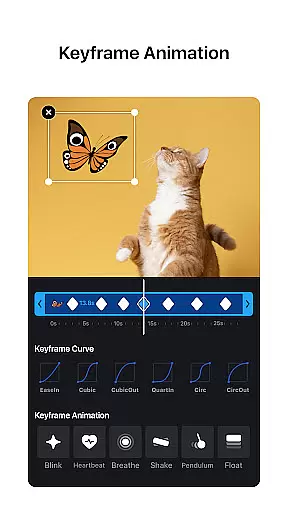
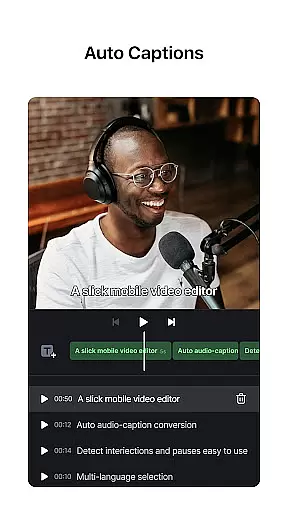
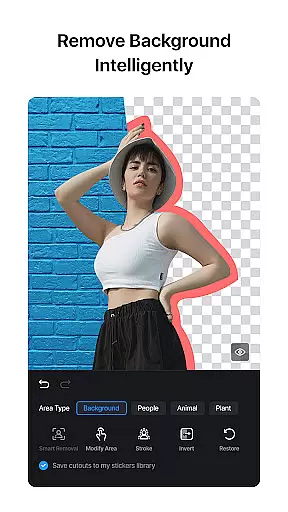
VN is a mobile app designed for video editing on Android devices. It provides users with professional-grade tools to create and edit videos directly on their smartphones. The app's interface is intuitive, making it accessible even for beginners while offering advanced features for experienced editors.
The primary purpose of VN is to enable users to produce high-quality video content without needing desktop software. With its robust set of app features, VN supports multi-track editing, offers a variety of filters, and includes precise cutting tools. This app experience is enhanced by real-time previews and smooth performance, ensuring that users can efficiently complete their projects.
VN is ideal for individuals who are passionate about video creation, including vloggers, social media influencers, and amateur filmmakers. The target audience spans various age groups, from teenagers exploring video editing to professionals seeking an efficient app-based solution. Users who value portability and flexibility in their creative process will find this app particularly beneficial.
This mobile app suits scenarios where quick yet professional edits are required. For instance, content creators can use VN to edit videos on the go, ensuring timely uploads to platforms like YouTube or Instagram. Additionally, educators and marketers can leverage the app to produce engaging video materials without needing expensive equipment or software.
VN stands out due to its combination of powerful features and user-friendly design. The app provides tools that cater to both novice and advanced users, ensuring accessibility without compromising functionality. Its ability to handle complex tasks such as multi-track editing and audio mixing makes it a versatile choice for diverse projects.
What sets VN apart from other video editing apps is its focus on efficiency and quality. The app solves common pain points like slow rendering times and limited export resolutions by offering fast processing and 4K support. Furthermore, regular updates introduce new app features, keeping the app experience fresh and aligned with industry standards.
Professional-grade tools
Intuitive user interface
Fast rendering speeds
Regular feature updates
Free to download and use
Occasional bugs reported
Limited tutorial resources
Advanced tools may overwhelm beginners
Export options require premium access
Ads appear in free version

Video player, file manager for all formats, 4K/HD media player supports subtitle
 4.30
4.30
Cast to Chromecast, Xbox, Fire Stick, Roku, DLNA, Smart TV & No Feature Limited!
4.50
HD video maker with no watermark, no ads & vlog maker with music, PIP, text
4.50
AirMirror is Receiver for Screen Mirroring and Casting from Apple Devices.
3.60
Download website videos fast&privacy
4.40
Flud is a simple and beautiful BitTorrent client for Android.
4.80
Powerful video player with advanced hardware acceleration and subtitle supports
4.20
AI Video Editor with Music, Filter, Slideshow, Effect, Merge & Trim Video.
4.80
Download Hub, easy and private way to download and enjoy your videos offline
4.80
Tik & Story Saver-Download ALL social media videos, photos & reels no watermark.
4.80
Download videos and play them offline
4.70
A Simple app to download Video & Music from the Internet.
4.70
VLC Remote lets you control your VLC Media Player on Mac, PC or Linux.
4.60
IPTV Loader, loads your own Playlist. DOES NOT CONTAIN ANY LIST OR CHANNELS
4.60
Browser + Remote for Roku to stream webvideos, online movies and livestreams
4.60
Photo and Music Video Creator into Stunning Videos—Effortlessly
4.40
Full HD Video mp3 Player, MP4 player play 1080p, File manager, Video Downloader
4.40
Fast & Private Video Downloader App. Save all videos easily from the Internet.
4.40
Explore the largest library of free GIFs, Stickers & Memes - or create your own!
3.90


User Reviews