
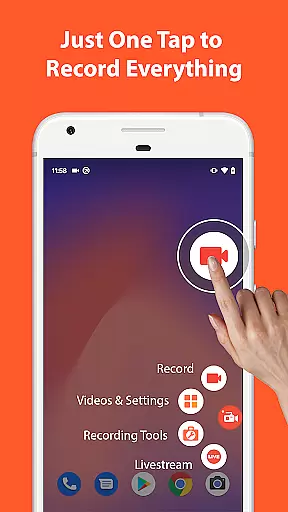

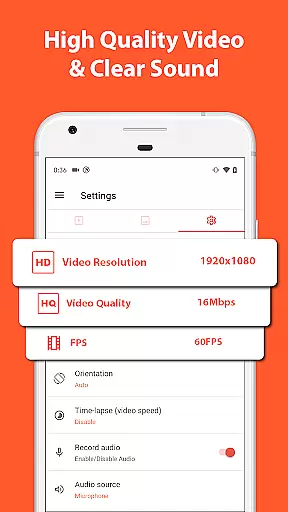
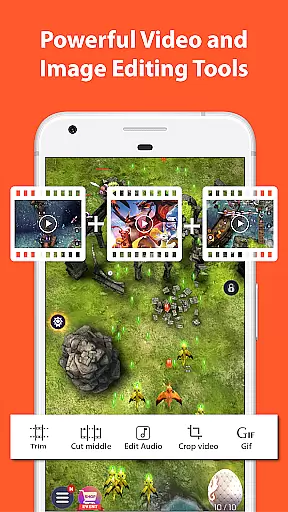
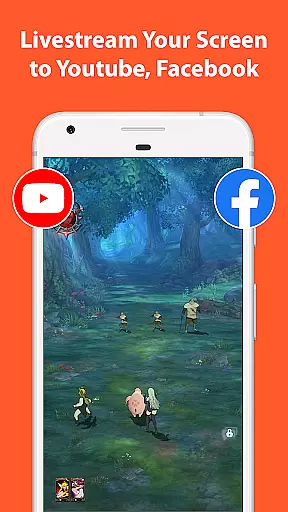
Screen Recorder - AZ Recorder is a mobile app designed to help users capture their device's screen activity with ease. As an Android app tailored for video creation, it offers high-quality recording capabilities suitable for tutorials, gameplay, and more. The app experience is enhanced by its user-friendly interface, making it accessible even for beginners.
The primary purpose of this app is to provide a reliable app-based solution for screen recording needs. It supports features like audio recording, facecam integration, and customizable settings. Users can create professional-looking videos while enjoying the flexibility of editing tools included within the app.
This app is ideal for content creators, gamers, and educators who need a reliable way to record their screens. It appeals to younger audiences, particularly those aged 18-35, who are active on platforms like YouTube or TikTok. Professionals seeking an app-based solution for presentations or tutorials will also find it useful.
Usage scenarios include creating engaging video tutorials, capturing exciting gameplay moments, or recording online meetings. Students might use it to document virtual lectures while businesses could leverage it for training purposes. Its versatility makes it a go-to choice for anyone needing efficient screen recording tools.
Choosing Screen Recorder - AZ Recorder means gaining access to advanced features that prioritize both quality and convenience. The app stands out due to its ability to deliver high-definition recordings without compromising performance. Additionally, its intuitive design ensures users can navigate effortlessly through various options.
What sets this app apart from alternatives is its comprehensive feature set combined with an ad-free experience. Unlike many competitors, it provides tools such as facecam integration and direct social media sharing. These aspects make it not only functional but also enjoyable to use, addressing common pain points associated with other screen recording apps.
High-quality recording
User-friendly interface
Facecam support included
Customizable settings
Quick sharing options
Occasional performance lag
Limited free features
No cloud backup option
Requires storage space
Ads in free version

Video player, file manager for all formats, 4K/HD media player supports subtitle
 4.30
4.30
HD video & music player - All format support with floating & PIP mode!
3.80
Stream high quality video from your camera over NDI protocol
4.2
Download videos easily & play them all in one smart, powerful video manager.
3.40
Play and download HD videos from all sources — fast, simple, and all-in-one.
4.4
This app is an emulator of some specific IPTV boxes
3.50
Fast & Private HD Video Downloader with Built-in Proxy Browser and Video Player.
4.50
Download Hub, easy and private way to download and enjoy your videos offline
4.80
Screen recorder with audio to take live videos & Screenshot in high quality!
4.70
High-Quality USB Camera Viewer & HDMI Display
4.70
?100% FREE! Download & save videos? safely in this app. All formats supported.
4.60
Watch a large amount of high-definition short drama content
4.60
AirMirror Receiver - Screen mirroring/cast web videos to Android TV by AirPlay.
4.40
Fast & Private Video Downloader App. Save all videos easily from the Internet.
4.40
This app was created to edit the metadata of music files.
4.20
Your media, on your terms.
4.10
LumaFusion: The Ultimate Storytelling Experience for Video Editing
4.10
Manage your IPTV live channels and VOD playlists (no playlist included)
3.80
Save photos and videos from social apps in one tap.
3.60


User Reviews