
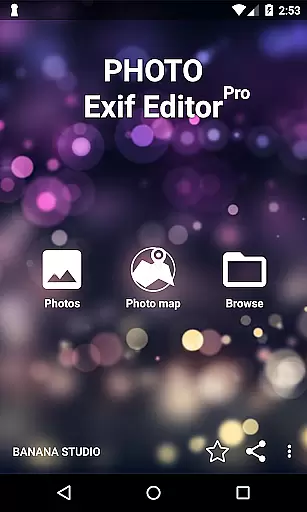
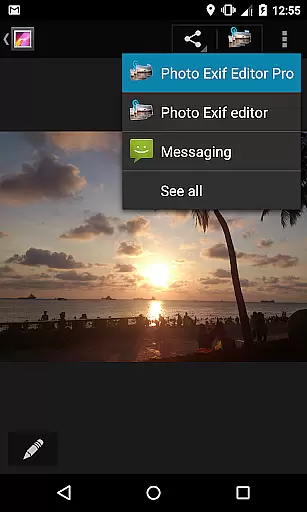
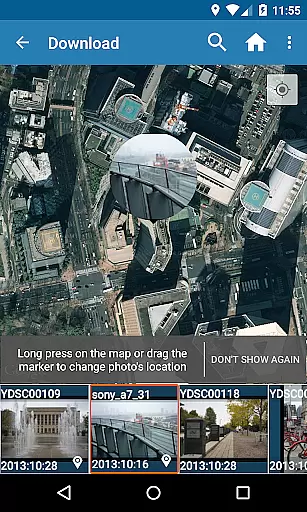
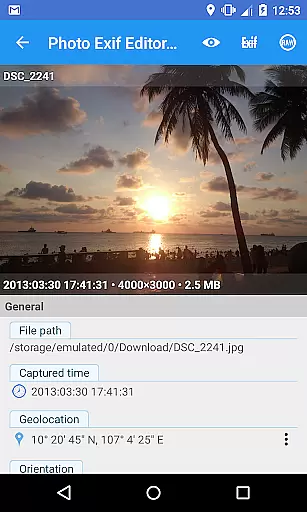
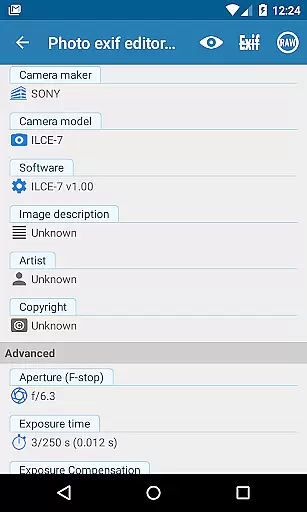
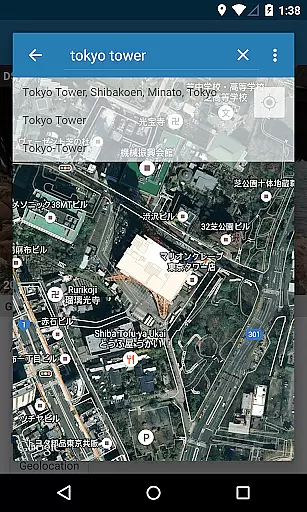
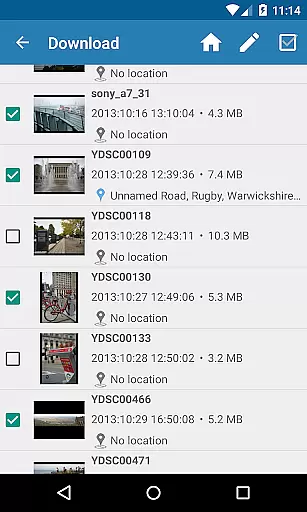
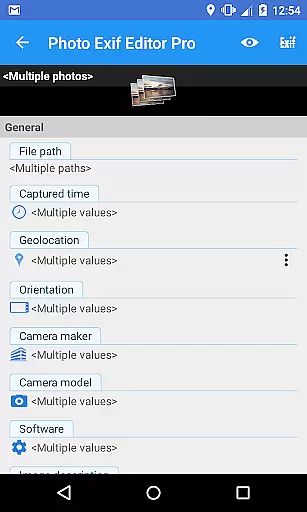
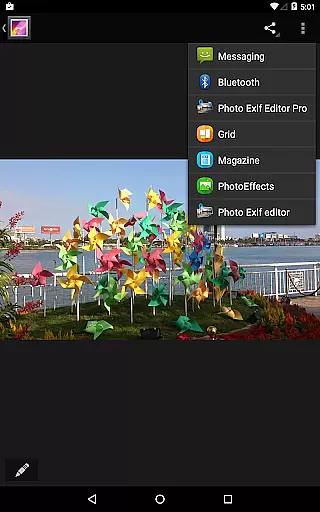
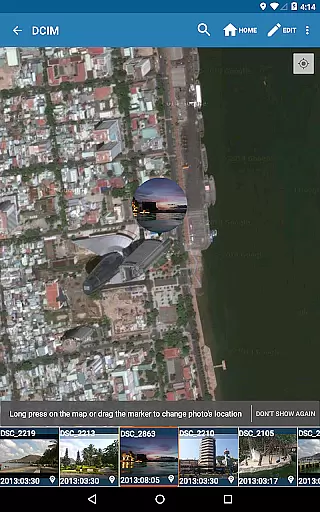
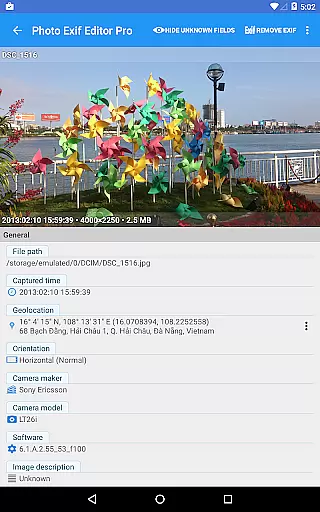
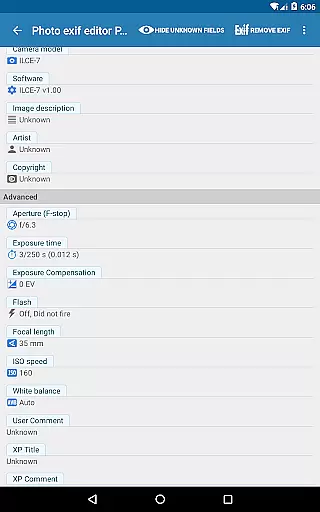
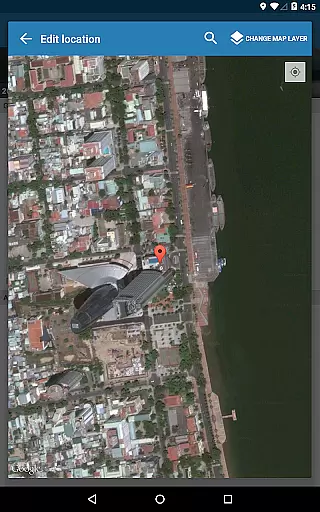
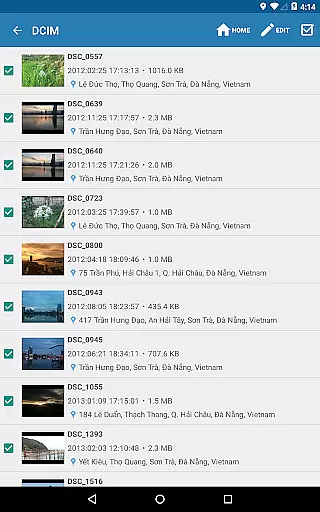
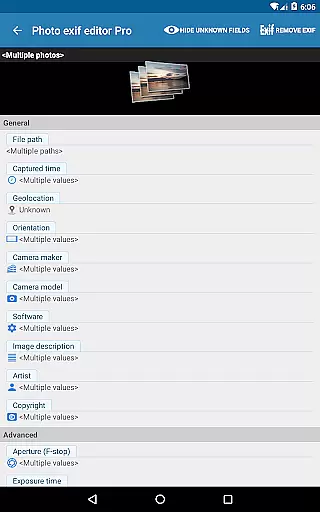
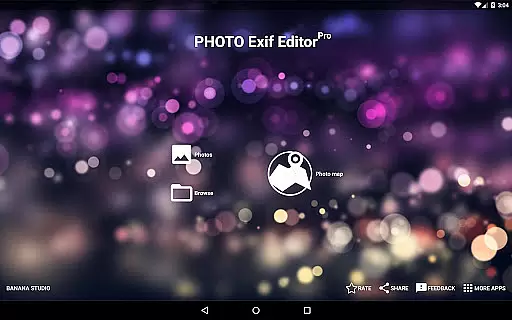
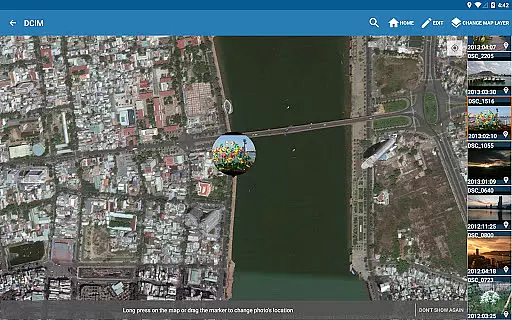
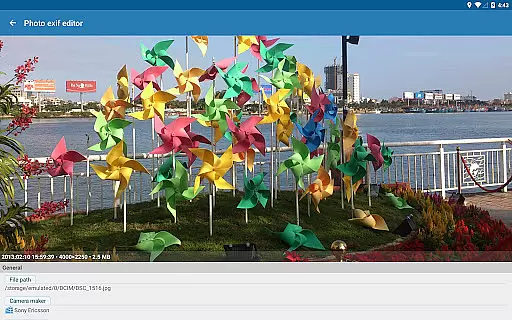
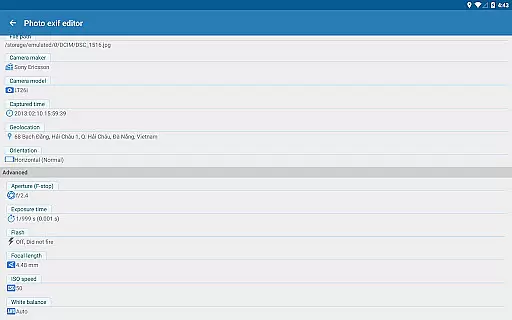
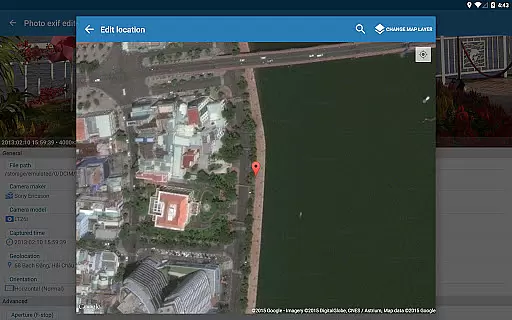
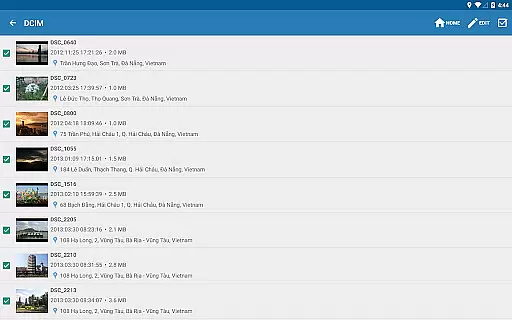
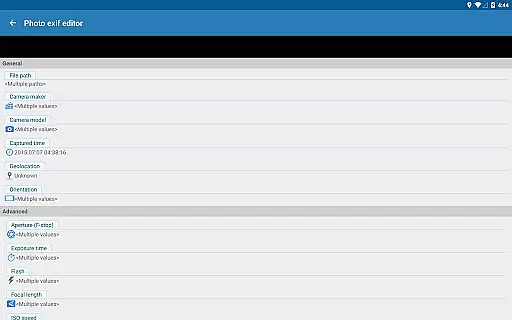
Photo Exif Editor Pro is a mobile app designed for photographers and enthusiasts who need precise control over their image metadata. This Android app allows users to view, edit, and manage EXIF data embedded in photos, ensuring accurate documentation of details like camera settings, location, and timestamps. The app's interface is straightforward, making it easy to navigate while offering advanced tools for editing.
The primary purpose of Photo Exif Editor Pro is to provide an app-based solution for managing photo metadata efficiently. Core functions include the ability to modify EXIF, IPTC, and XMP tags, remove sensitive information before sharing, and batch-edit multiple files. With its focus on privacy and organization, this app experience ensures that users retain full control over their digital assets while optimizing workflow.
This app is ideal for photographers, bloggers, and digital content creators who rely on accurate photo metadata. It caters to professionals needing detailed control over image attributes as well as casual users concerned about privacy. The target audience includes individuals aged 18-50 familiar with photography basics or those managing large photo libraries.
Usage scenarios include preparing images for publication by removing sensitive EXIF data, organizing photo archives through metadata tagging, or enhancing workflow efficiency with batch edits. For example, real estate agents can anonymize property photos before posting online. Similarly, travelers may delete GPS coordinates from vacation pictures to protect their privacy while maintaining high-quality visuals.
Photo Exif Editor Pro stands out due to its combination of powerful functionality and ease of use. Users benefit from advanced metadata editing capabilities without requiring technical expertise. Unlike many alternatives, this app provides a seamless app experience with reliable performance and frequent updates. Its offline functionality ensures accessibility even without an internet connection.
The app solves common pain points such as accidental sharing of private information via photo metadata. By offering batch processing and supporting various file types, it saves time and effort compared to manual editing methods. Additionally, regular feature updates demonstrate the developer's commitment to improving the app experience based on user feedback, making it a dependable choice among similar Android apps.
Easy-to-use interface
Comprehensive metadata support
Fast batch processing
Offline functionality included
Frequent updates provided
Premium version required
Occasional slow load times
Limited free features
No cloud backup option
Advanced tools need learning

Shooting photos and records video easily and efficient with professional Camera
 4.30
4.30
Application for remote controlling DSLR
3.00
Virtual makeup, hair filters & body tuner—edit from face to full body!
4.20
Create AI Photos, Improve and restore quality of blurry, old or damaged pics.
4.20
Movie camera, supports pro recording settings for filming. Try it and be amazed!
4.50
Raw Image Viewer. Gallery with support of raw images (.cr3, .cr2, .nef, .raf).
2.00
Hair color changer, AI haircut app, fun hair editor and buzz cut filter for all!
3.80
Pro version: AR sun/moon tracker for any date. Tool for photographers & planners
4.90
Welcome to ProShot, the most powerful camera app on Android.
4.20
See your baby AI baby face generator AI baby maker Face generator babymaker fun!
4.70
A collection of tools and reference tables for DPs, ACs, DITs and Operators.
4.70
Light-weight Media Gallery app for Android made with Jetpack Compose
4.60
Cut and paste photo editor & eraser to customize photos easy and swap faces fun
4.50
Create collages easily! Nice pic collage maker & background eraser for Instagram
4.50
AI photo enhancer with Sora 2! Enhance, descratch, and colorize your old photos.
4.50
Fit multiple photos on one post. Create carousels & scroll layouts for Instagram
4.50
Be your best in every shot! Fix, edit and retouch your face in selfies & photos.
3.70
An interval timer to automate photo taking process for timelapse
2.90
Remote control the phone camera shutter from your smartwatch and take a picture
1.60


User Reviews