
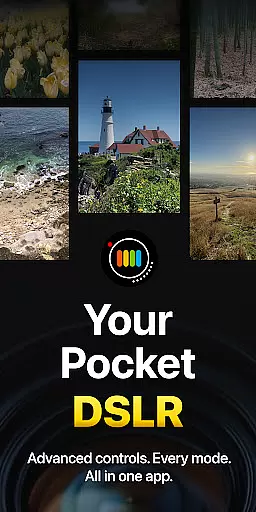
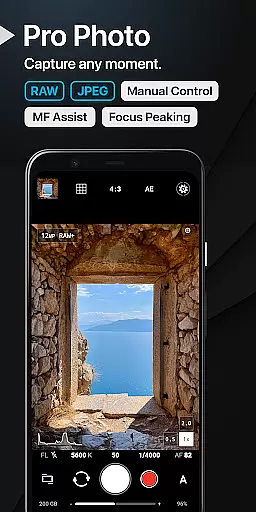
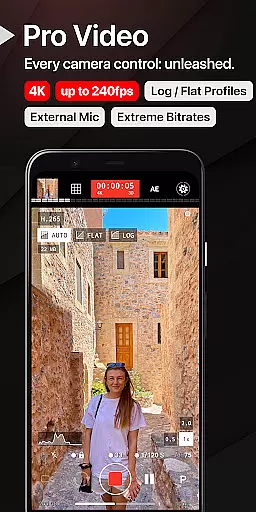
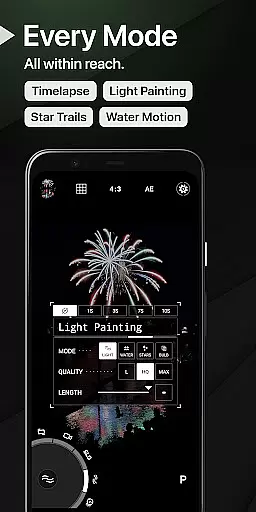
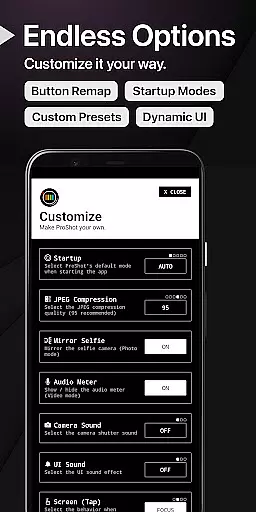
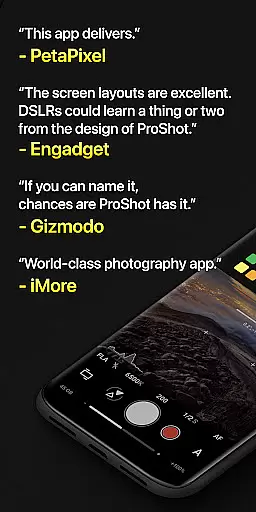
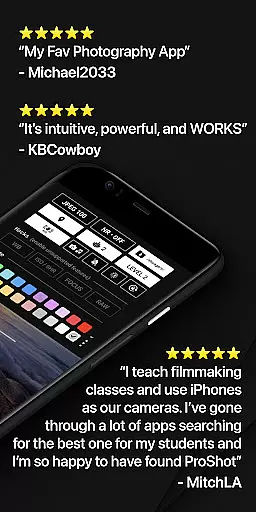
ProShot is a feature-rich mobile app designed for photography enthusiasts who want DSLR-level control on their Android devices. This app provides manual controls over settings like ISO, shutter speed, and focus, making it ideal for users who demand precision in their photography. The app experience is enhanced by its intuitive interface, which allows both beginners and professionals to capture high-quality images with ease.
The primary purpose of ProShot is to offer a professional-grade camera experience on a mobile device. With its advanced app features, users can shoot in RAW format, adjust white balance manually, and utilize exposure compensation. Additionally, the app includes various shooting modes such as HDR and burst mode, ensuring that users can adapt to different lighting conditions and scenarios. These capabilities make ProShot a versatile app-based solution for mobile photography.
ProShot caters primarily to photography enthusiasts and semi-professionals seeking DSLR-like control on their Android devices. It appeals to users aged 18 to 45 who are passionate about mobile photography and value creative freedom. Individuals familiar with photography concepts such as ISO and shutter speed will find this app particularly beneficial. Additionally, content creators and social media influencers aiming for high-quality visuals can leverage ProShot's advanced tools.
This app is especially useful in scenarios where users need full control over their camera settings. For instance, capturing landscapes during golden hour requires precise exposure adjustments, while low-light indoor photography benefits from manual ISO and white balance tweaks. Furthermore, ProShot's RAW support makes it an excellent app-based solution for editing workflows, allowing photographers to produce professional-grade images directly from their mobile devices.
Choosing ProShot means gaining access to a comprehensive suite of professional-grade tools within a single mobile app. Its standout feature is the ability to shoot in RAW format, which provides unparalleled flexibility during post-processing. Users benefit from complete manual control over camera settings, enabling them to capture images exactly as envisioned. This level of customization sets ProShot apart from other Android apps in the photography category.
ProShot solves common pain points faced by mobile photographers, such as limited creative control and subpar image quality. By offering advanced features like focus peaking and grid overlays, the app empowers users to compose shots with precision. Moreover, its consistent updates and active developer support ensure a reliable app experience. Compared to alternatives, ProShot strikes a balance between functionality and usability, making it a top choice for those serious about mobile photography.
Full manual controls
RAW image support
Intuitive user interface
Regular feature updates
Active developer support
Steep learning curve
Premium price point
Occasional performance lag
Limited beginner guidance
No free trial option

Photobooth mini FULL app will allow you to add more fun to your parties
 4.00
4.00
Photo editor: AI filters, photo enhancer, pic collage maker, AI art generator.
4.80
Movie camera, supports pro recording settings for filming. Try it and be amazed!
4.50
Professional photography on your mobile phone
4.20
AI photo enhancer with Sora 2! Enhance, descratch, and colorize your old photos.
4.50
Professional quality photo edits with the new Snapseed.
4.00
Fit multiple photos on one post. Create carousels & scroll layouts for Instagram
4.50
Unblur, enhance & restore photos with powerful AI photo enhancer tools.
4.60
Turn photos into cartoons & avatars! - Photo Editor, Cartoon Face!
3.90
Pro version: AR sun/moon tracker for any date. Tool for photographers & planners
4.90
Easily create custom gifts, cards, photo books & more on the Shutterfly app!
4.60
Take videos and pictures with the popular TikTok TIME WARP SCAN filter.
4.60
Easily stitch panoramas from multiple photos or video.
4.40
Shooting photos and records video easily and efficient with professional Camera
4.30
The #1 app for B&W film developing featuring an advanced darkroom timer.
4.10
live datamoshing
4.00
Create amazing frames with up to five photos. Rounded corners, effects and more!
3.60
Long exposure camera with computational photography
2.60
Snap photos remotely using your Garmin watch as the camera trigger
4.3


User Reviews