
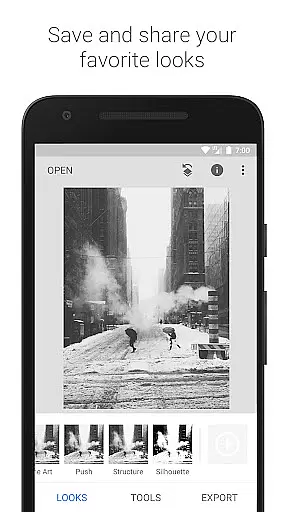
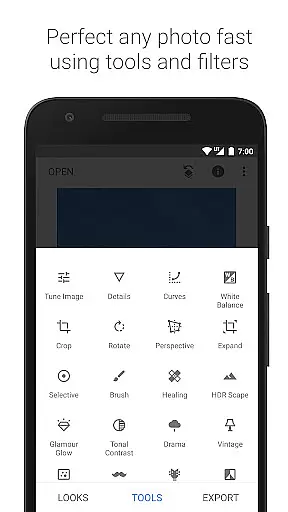
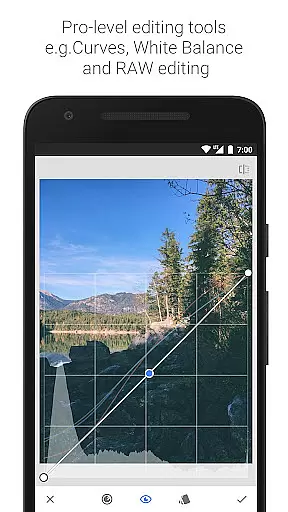
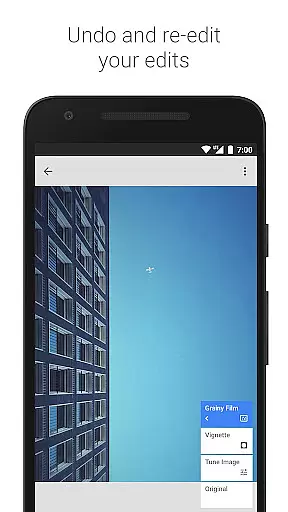
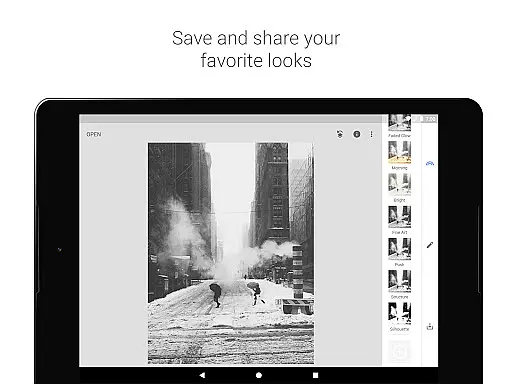
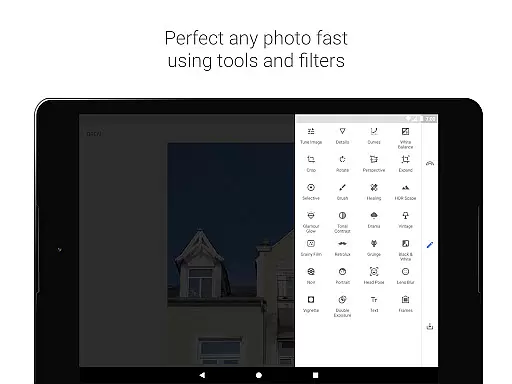
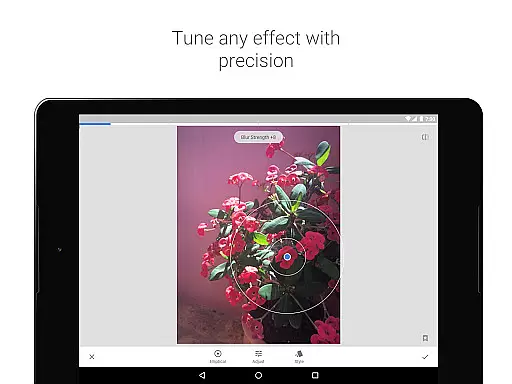
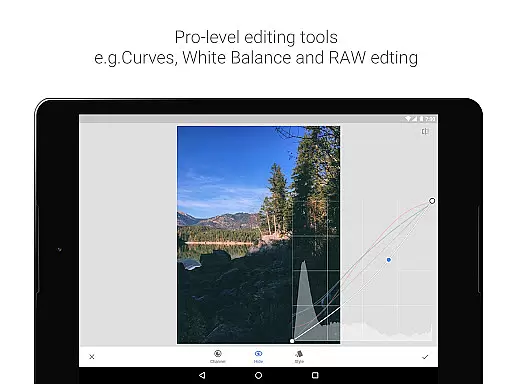
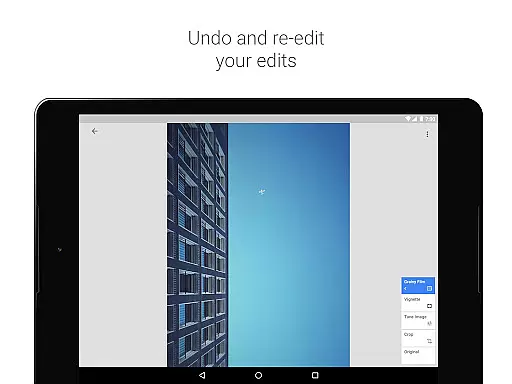
Snapseed is a powerful mobile app designed for photo editing enthusiasts and professionals alike. This Android app offers a comprehensive suite of tools to enhance images with precision and creativity. With its intuitive interface, users can easily adjust various parameters such as brightness, contrast, and saturation. The app experience is elevated by its ability to provide both automatic corrections and advanced manual controls.
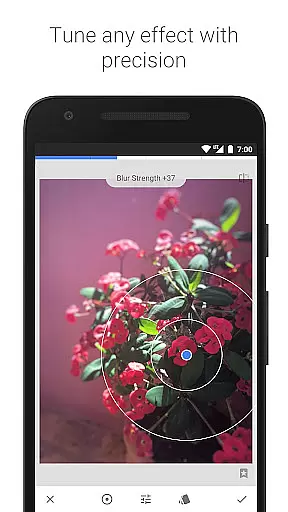
The primary purpose of Snapseed is to deliver professional-grade photo editing capabilities directly to users' fingertips. Core features include selective adjustments, healing brushes, and a variety of filters that mimic classic photography styles. Users can also apply lens blur and other effects to create depth and focus in their images. The app-based solution ensures that high-quality editing is accessible anytime, anywhere.
Snapseed caters primarily to photography enthusiasts and professionals seeking advanced editing capabilities on their mobile devices. The ideal user ranges from amateur photographers looking to enhance their social media posts to seasoned professionals requiring quick edits on the go. Individuals who value creative control over their photo editing process will find this app particularly beneficial.
Common usage scenarios include refining travel photographs before sharing them online, making quick adjustments during photoshoots, and experimenting with artistic effects for personal projects. Bloggers and content creators often rely on Snapseed's app features to maintain consistent visual quality across their platforms. The app experience proves especially valuable for those working in environments where desktop editing isn't immediately accessible.
Snapseed stands out among photo editing applications due to its combination of professional-grade tools and user-friendly interface. The app provides unmatched control over every aspect of photo editing while maintaining an accessible learning curve for beginners. Its regular updates ensure that users always have access to the latest features and improvements in mobile photo editing technology.
The app solves common pain points in mobile photo editing by offering both automatic and manual controls. Users can achieve professional results without needing extensive technical knowledge. Compared to alternative solutions, Snapseed's comprehensive feature set and consistent performance make it a preferred choice for those seeking a reliable app-based solution for their photo editing needs. The app's ability to handle complex tasks while maintaining stability sets it apart from competitors.
Professional-grade editing tools
Intuitive user interface
Regular feature updates
Extensive format compatibility
Precise control options
Steep learning curve
Occasional processing delays
Limited social sharing options
No built-in cloud storage
Advanced features require practice

Application for remote controlling DSLR
 3.00
3.00
Cut and paste photo editor & eraser to customize photos easy and swap faces fun
4.50
Edit like a pro with Hypic. Apply filters, AI effects, & magic touch.
4.40
Create Business Headshots, Polaroid Filter, Retake Photos,Profile Pics,AI Photos
4.50
Transform photos into videos! Create realistic or anime-style images easily!
4.50
Add a dreamy vibe to your selfies and videos with soft style filters
4.5
AI Photo Editor with 100+ Filters, Effects! Remove BG, Retouch & Photo Enhancer.
4.80
Professional camera app that brings DSLR manual photography controls to Android.
4.20
The original Rarevision VHS look seen everywhere!
4.70
Create funny photos and videos with the popular Time Warp Scan filter.
4.90
Gallery show photo, video, slideshow, is perfect 3D effect private photo albums.
4.80
Movie camera, supports pro recording settings for filming. Try it and be amazed!
4.50
Turn your phone into a professional camera - full DSLR manual photography
4.30
Luminar: Photo Editor - easy picture editing with AI
4.20
AI-powered video creator by MiniMax - Where ideas meet cinema
4.20
What celebrity do you look like? Celebs will find your celebrity match!
4.10
Transform Photos: Edit, Beautify and Craft Memories & Make Collages!
4.10
How would you look like with a differently shaped nose, chin or lips?
3.90
Over 800 film simulation recipes for Fujifilm. Black Friday Offer!
4.2


User Reviews