
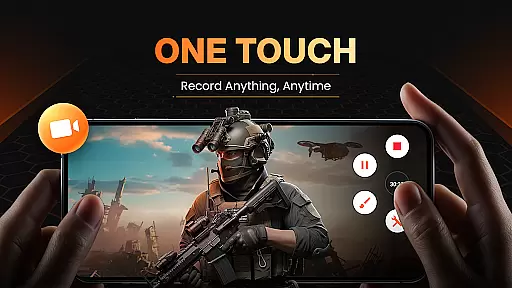
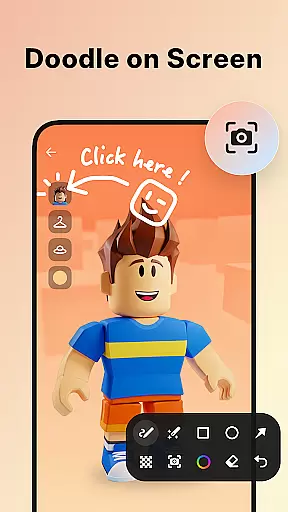
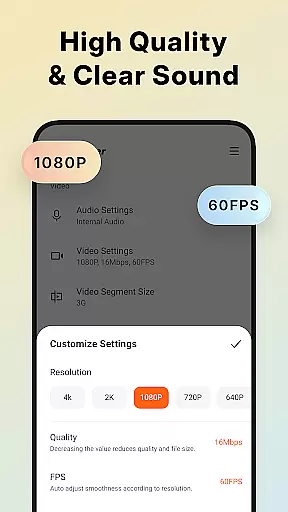
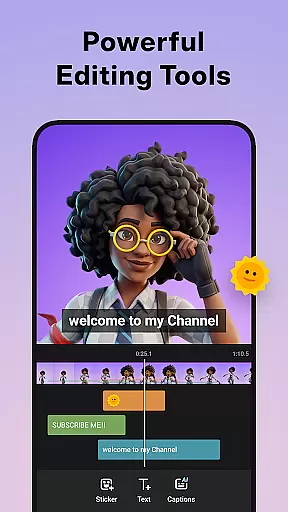
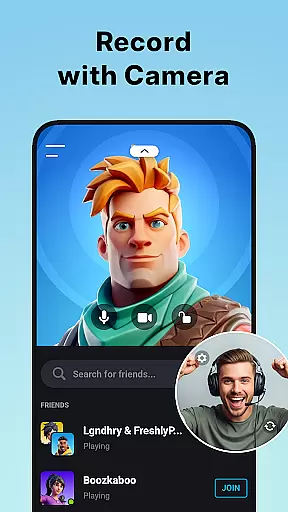
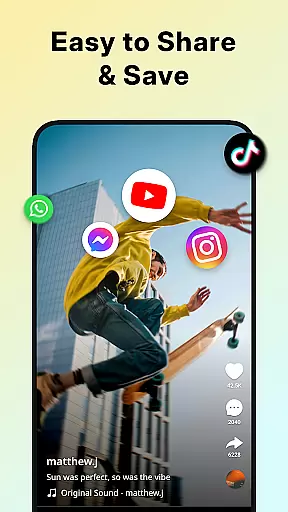
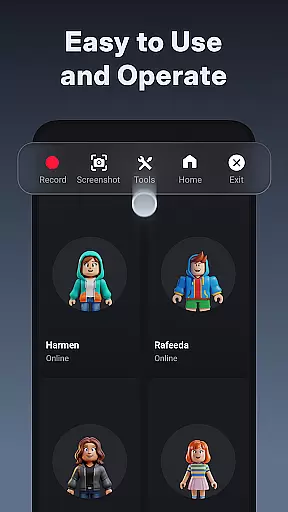
Screen Recorder - XRecorder is a versatile mobile app designed to capture high-quality screen recordings on Android devices. This app provides users with an easy-to-use interface and powerful features that make it suitable for both casual and professional use. With its ability to record smooth gameplay, tutorials, and live streams, Screen Recorder - XRecorder has become a popular choice in the Video Players & Editors category.
The primary purpose of this app is to allow users to create clear and detailed video content directly from their device screens. It supports multiple recording resolutions and frame rates, ensuring flexibility for different needs. Additionally, the app experience is enhanced by features such as facecam support, audio customization, and built-in editing tools, making it a comprehensive app-based solution for screen recording enthusiasts.
Screen Recorder - XRecorder is ideal for individuals who frequently need to create video content for work or personal projects. Gamers, educators, and content creators are among the primary users who benefit most from this app. The target audience includes tech-savvy individuals aged 18 to 45 who require reliable tools to document their activities on Android devices.
This app is particularly useful in scenarios where step-by-step instructions are needed, such as creating software tutorials or recording gameplay highlights. Users can also leverage its features to produce engaging vlogs or share live reactions through the facecam option. Its intuitive design ensures that even beginners can achieve professional results without extensive technical knowledge.
Choosing Screen Recorder - XRecorder means gaining access to a robust set of app features that cater to diverse recording needs. The app stands out due to its ability to deliver high-quality recordings while maintaining ease of use. Users appreciate the seamless integration of advanced tools like facecam and audio customization, which enhance the overall app experience.
What sets this app apart is its focus on providing practical solutions for everyday challenges faced by content creators. Whether capturing fast-paced gaming sessions or detailed instructional videos, the app ensures smooth performance and excellent output quality. Compared to alternatives, Screen Recorder - XRecorder offers a more streamlined and reliable app-based solution, making it a top choice for those seeking efficiency and versatility.
High-quality screen recording
Easy-to-use interface
Customizable resolution options
Built-in editing tools
Ad-free experience
Occasional performance lag
Limited free features
Requires storage space
No cloud backup
Advanced tools need learning

Kodi media center, a free and open source cross-platform entertainment hub
 3.60
3.60
A Quick and Pro Video Editor
4.70
Watch a large amount of high-definition short drama content
4.60
Live TV, anywhere in your home
3.80
KMPlayer Plus (Divx Codec) officially support Divx codec.
4.30
Turn your phone into a wireless camera!
4.20
Powerful Video Editor & Photo Editing App —— Quick Edits & Stunning Effects!
4.30
Mix with Virtual DJ directly from your phone or tablet !
3.10
Manage your IPTV live channels and VOD playlists (no playlist included)
3.80
Tik & Story Saver-Download ALL social media videos, photos & reels no watermark.
4.80
Play ALL formats in 4K & HD. Video downloader, MP3 player, Chromecast & more.
4.80
A Simple app to download Video & Music from the Internet.
4.70
Auto video maker with music & exclusive filters. Video editing made simple.
4.50
Cast to Chromecast, Xbox, Fire Stick, Roku, DLNA, Smart TV & No Feature Limited!
4.50
AirMirror Receiver - Screen mirroring/cast web videos to Android TV by AirPlay.
4.40
Fast & Private Video Downloader App. Save all videos easily from the Internet.
4.40
Video player with 4K & 1080P support, popup play, background play and subtitle.
4.20
Your media, on your terms.
4.10
Make your own Animations, Video and Photo Edits, Visual Effects, and more!
4.00


User Reviews