
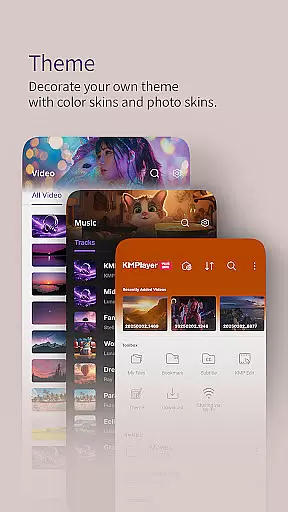
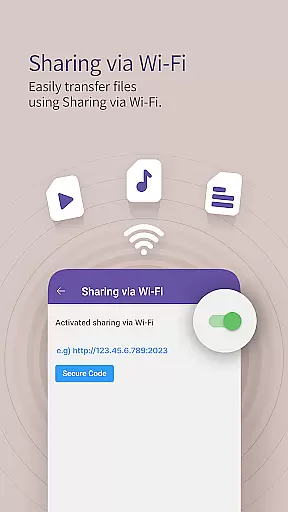
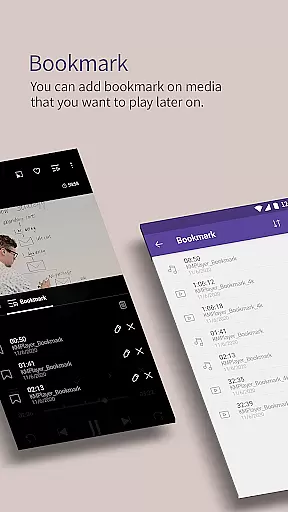
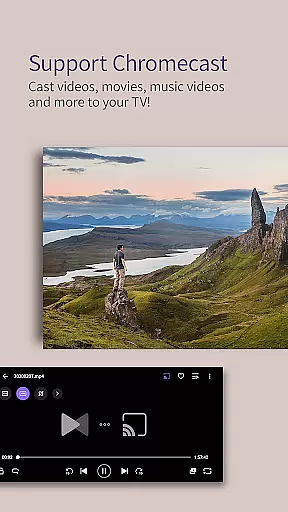
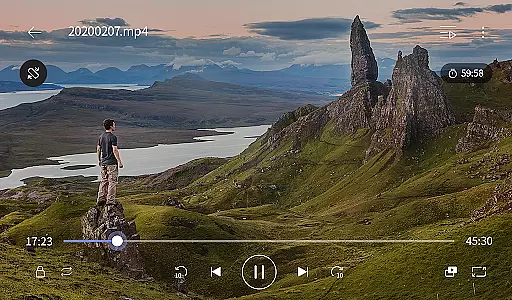
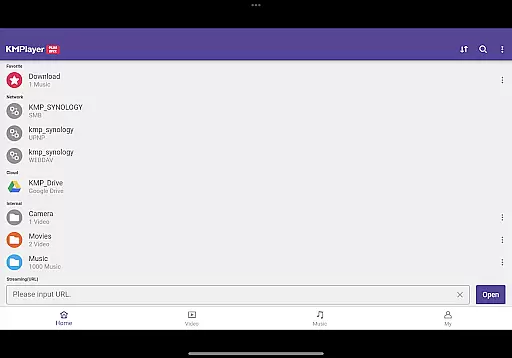
KMPlayer Plus (Divx Codec) is a versatile mobile app designed for video playback with advanced codec support. This Android app caters to users who require high-quality video performance and compatibility with various formats. The app's ability to handle Divx codecs ensures smooth streaming and minimal buffering, making it an ideal choice for media enthusiasts.
The primary purpose of KMPlayer Plus is to provide an enhanced app experience by supporting multiple video formats without the need for additional plugins. Its core features include hardware acceleration, subtitle support, and gesture controls. These functionalities ensure that users can enjoy a seamless video playback experience while maintaining full control over their viewing preferences.
This app is particularly suited for tech-savvy individuals who frequently engage with multimedia content on their mobile devices. It appeals to users aged 18-45 who value high-quality video playback and require support for less common codecs. Media professionals and enthusiasts who work with various video formats will find this app especially beneficial.
Specific use cases include watching downloaded movies during travel, reviewing work-related video files on the go, and enjoying personal media collections with customized subtitles. The app-based solution provides flexibility for users to manage their video content efficiently while maintaining professional-grade playback standards.
KMPlayer Plus stands out due to its comprehensive codec support and user-friendly interface. The app offers a premium app experience by eliminating format compatibility issues, which are common in other video players. Users benefit from advanced features such as multi-track audio support and precise playback speed control, enhancing their overall media consumption.
The app solves common problems like codec errors and limited format support by providing a universal solution for video playback needs. What makes it different from alternatives is its consistent performance across devices and regular feature updates that keep pace with emerging video technologies. These aspects make it a reliable choice for both casual viewers and professionals.
Wide codec support
Smooth playback performance
Intuitive user interface
Regular feature updates
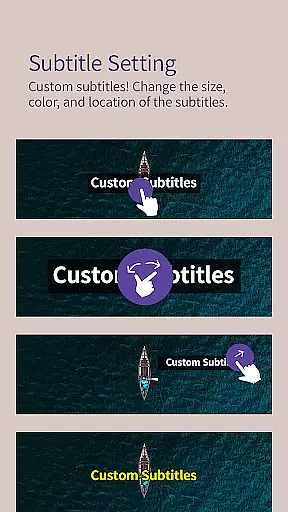
Customizable subtitle options
Occasional ads in free version
Large file size
Advanced settings may confuse beginners
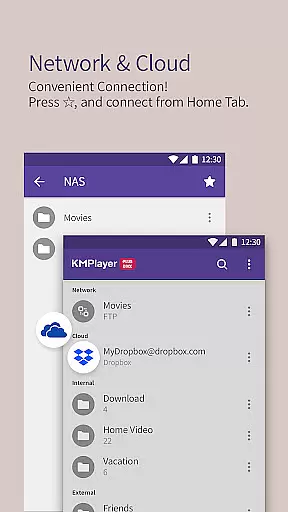
Limited cloud integration
Some features locked behind premium

Video Downloader is an utility that can save videos and music from web sites
 4.20
4.20
Video Trimmer, Video to MP3 Converter. Extract music from video, Easy & Fast.
4.80
Full HD Video mp3 Player, MP4 player play 1080p, File manager, Video Downloader
4.40
Stream high quality video from your camera over NDI protocol
4.1
Support 1000+ Video Format, Subtitle Download, mp3 & Background Play, Cast On TV
4.60
AirMirror Receiver - Screen mirroring/cast web videos to Android TV by AirPlay.
4.40
All in one HD video downloader & player for multiple formats with full privacy
4.70
Browser for Samsung TV to stream webvideos, online movies and livestreams in HD
4.10
Fast & Private HD Video Downloader with Built-in Proxy Browser and Video Player.
4.50
Flud is a simple and beautiful BitTorrent client for Android.
4.80
Pro video editor app for Instagram, edit video with song, AI, effect & slowmo.
4.80
Find, download, and play torrents with the official BitTorrent® Pro app
4.70
Screen recorder with audio to take live videos & Screenshot in high quality!
4.70
Browser + Remote for Roku to stream webvideos, online movies and livestreams
4.60
Cast movies, tv shows and live streams to Chromecast, Roku, DLNA, Fire TV & more
4.60
Add date and time watermark to photos and videos
4.50
Video player, file manager for all formats, 4K/HD media player supports subtitle
4.30
Capture images & record videos for USB Camera, Webcam, Microscopes, Endoscopes
3.80
Kodi media center, a free and open source cross-platform entertainment hub
3.60


User Reviews