
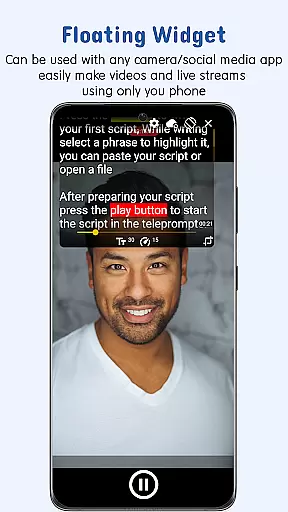
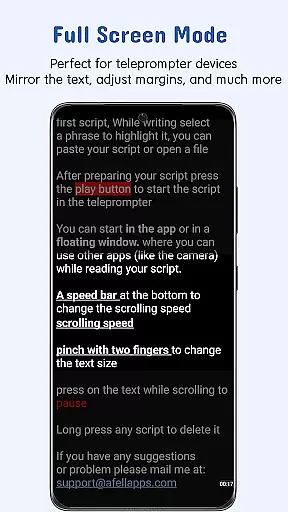
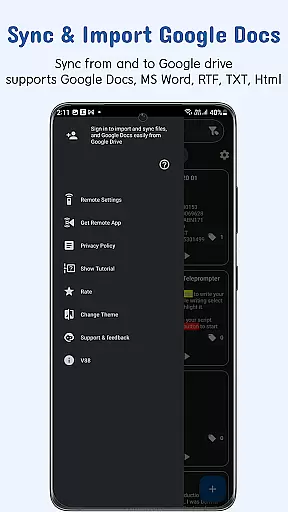
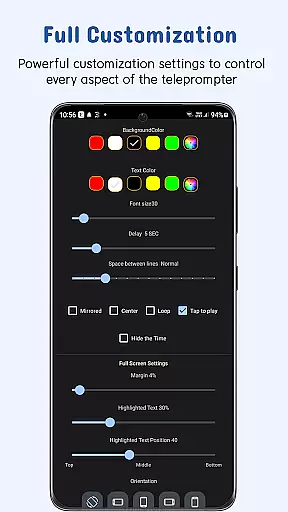
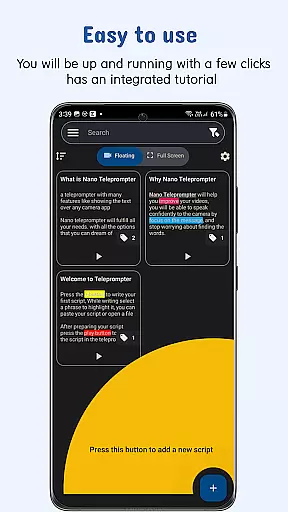
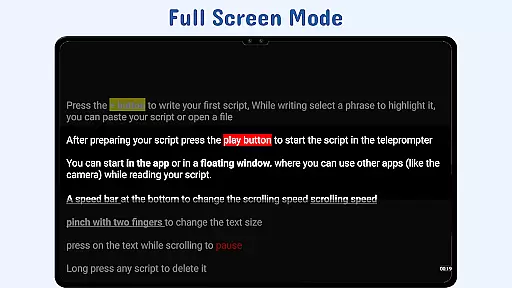
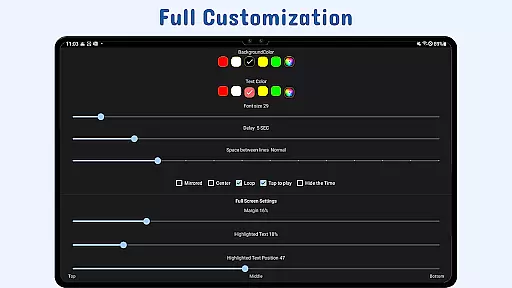
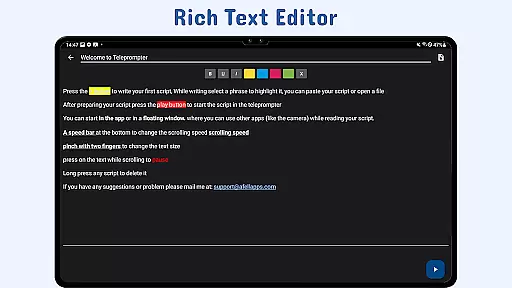
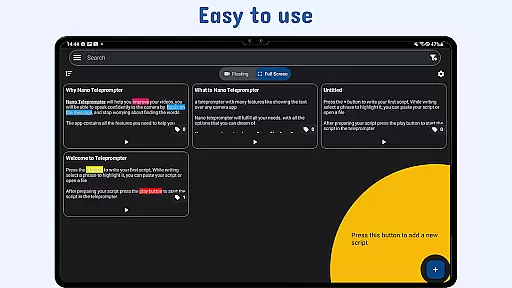
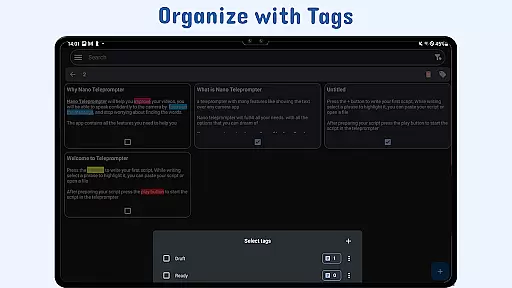
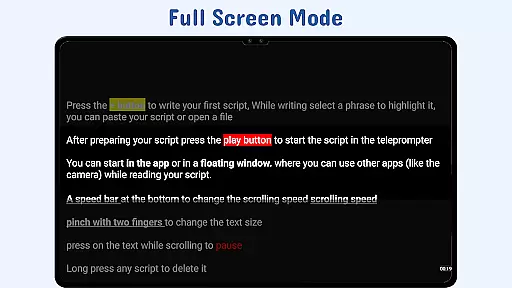
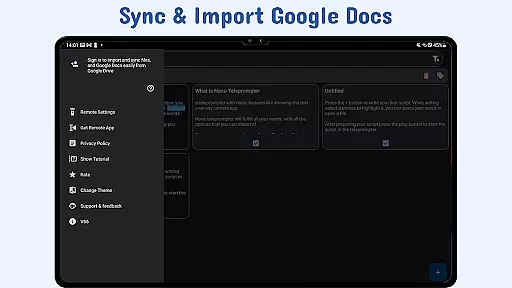
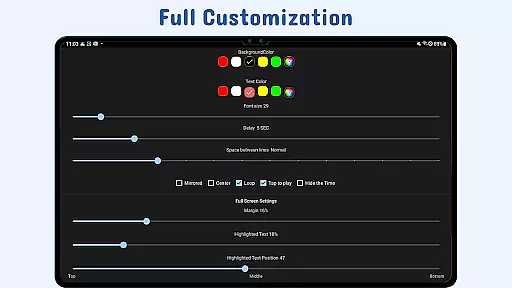
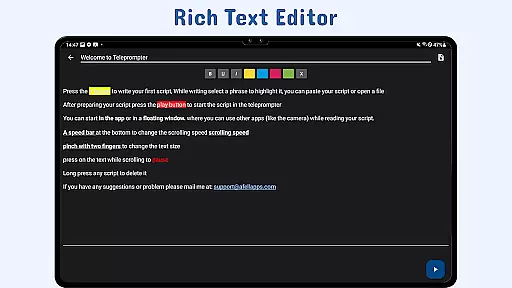
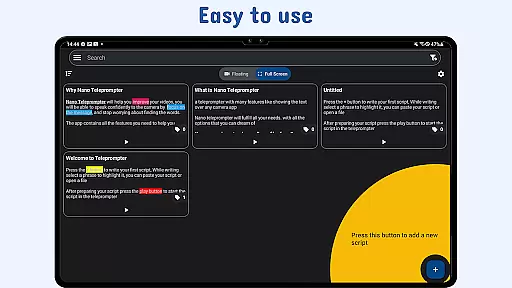
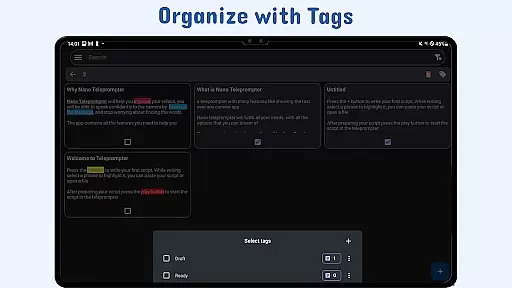
Nano Teleprompter is a productivity-focused mobile app designed to assist users in delivering speeches or presentations with ease. This Android app functions as a digital teleprompter, allowing users to scroll through scripts hands-free. The app's interface is clean and minimalistic, ensuring that distractions are minimized while using the teleprompter functionality. With adjustable text size, speed, and color options, it caters to various presentation styles and environments.
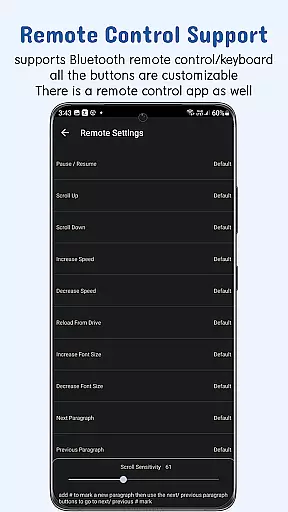
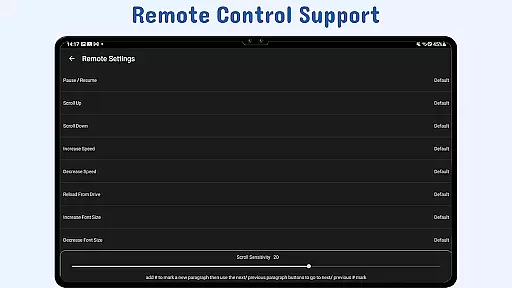
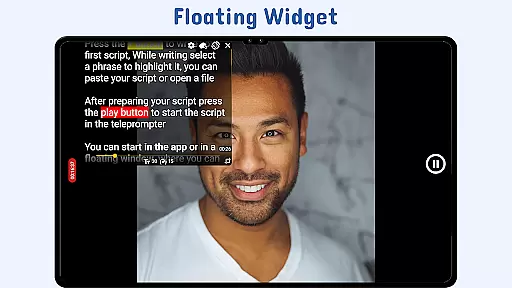
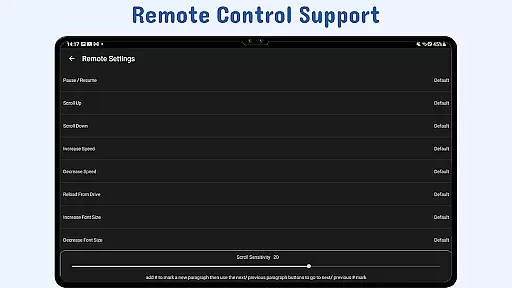
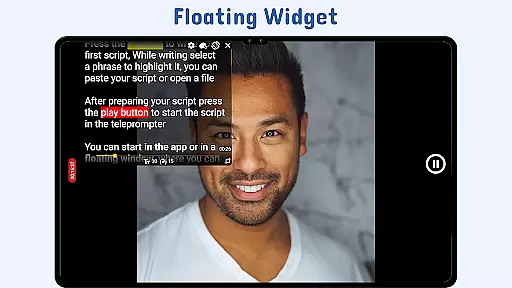
The primary purpose of Nano Teleprompter is to provide an app-based solution for individuals who frequently engage in public speaking. Its core features include a mirrored display mode for use with reflective teleprompter hardware, remote control compatibility, and a floating window mode for multitasking. These functionalities make it a versatile tool for content creators, educators, and business professionals seeking a reliable teleprompting experience on their mobile devices.
This app is ideal for public speakers, educators, content creators, and business professionals who rely on scripts during presentations. It particularly appeals to those aged 25 to 50 who are tech-savvy and frequently engage in video production or live speaking events. Users who value efficiency and flexibility in their workflow will find this app highly beneficial.
Specific scenarios include recording YouTube videos, conducting corporate meetings, teaching online classes, or hosting live events. For instance, a content creator can use the mirrored display mode with a teleprompter rig to record seamless videos. Similarly, a lecturer can utilize the floating window mode to reference notes while sharing their screen during virtual classes. These practical applications highlight the versatility of this mobile app.
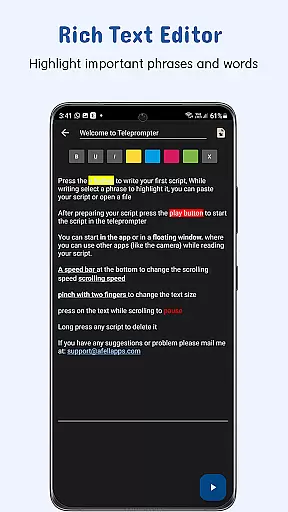
Nano Teleprompter stands out due to its combination of simplicity and advanced functionality. The app offers a comprehensive set of tools tailored to meet the needs of both amateur and professional users. Key benefits include its adaptability to various presentation formats, from casual video recordings to formal business pitches. Additionally, the ability to customize text appearance and scrolling behavior ensures a comfortable app experience regardless of the setting.
What sets this Android app apart is its focus on solving real-world challenges faced by presenters. For example, the mirrored display mode addresses the specific needs of users employing physical teleprompter setups. Furthermore, the offline functionality provides reliability in situations where internet access is unavailable. Compared to alternatives, Nano Teleprompter delivers a polished app-based solution that balances ease of use with powerful features, making it a top choice for anyone in need of a dependable teleprompter tool.
Smooth scrolling performance
Customizable text options
Supports mirrored display
Offline functionality included
User-friendly interface design
Limited free features
Occasional lag in scrolling
No cloud sync option
Ads in free version
Learning curve for beginners

Create study competitions, track your hours, and stay consistent with friends
 4.3
4.3
CalenGoo is a very flexible and feature-rich calendar app
4.40
Make apps & sites with natural language prompts
4.10
Simple and reliable communication between inmates, friends and family
3.20
Calendar 2023 widget for Android. Appointment scheduler, planner, and reminder
4.60
A beautiful digital clock with autostart and many other functions
4.70
Quickly and easily keep track of your work shifts
4.70
Ultimate Virtual AI Character for immersive Roleplay Chat. Perfect Companion
3.90
AI Chatbot and AI writing assistant powered by ChatGPT.
4.60
Scan paperwork into PDF/JPG, generate your own e-signature and send fax or email
4.70
Absolutely the best CNC machinist speed and feed calculator around. fswizard.com
4.60
Secure, fast, open-source, Remote Desktop Client for Windows and Linux with SSH
4.60
App Lock with fingerprint, password: Lock apps & hide photos with lock screens
4.60
This small app MUST BE INSTALLED after purchase, else license won't work
4.40
A customizable calendar for your Wear OS watch
4.20
* block pre-roll ads, pop-up and forced redirect ads * Samsung certification app
4.00
Access your phone's notifications, calls, apps, photos & texts on your PC
3.90
A Revolutionary All-in-One Artificial Intelligence Tools
3.80
Experience and share your SolidWorks designs on your Android® phone and tablet.
2.50


User Reviews